Table of Contents............................ 2
Usage Notice ................................... 3
Safety Information................................. 3
Precautions............................................. 4
Introduction..................................... 6
Package Overview .................................. 6
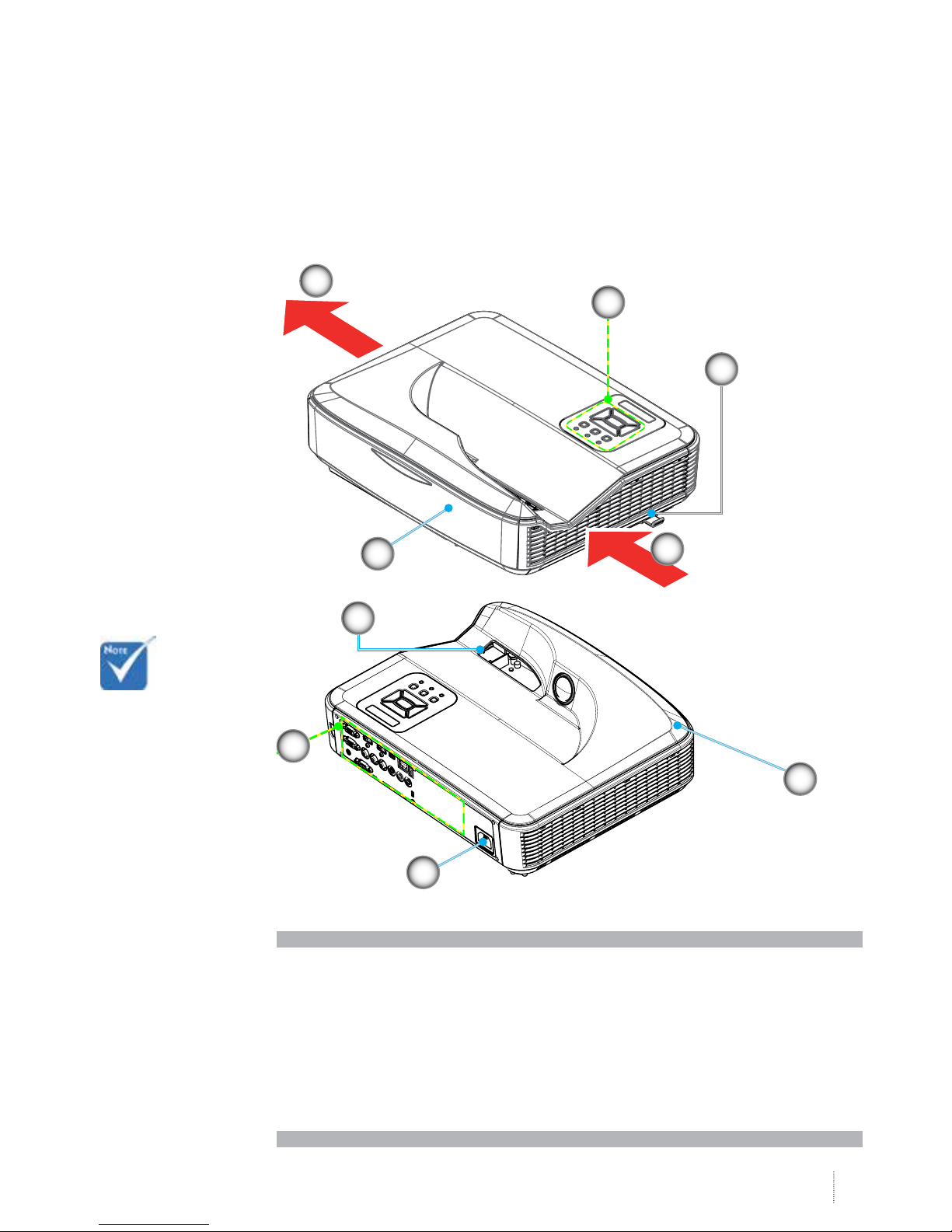
Product Overview................................... 7
Main Unit ................................................. 7
Control Panel........................................... 8
Input/Output Connections ..................... 9
Remote Control...................................... 10
Installation..................................... 11
Connecting the Projector.....................11
Connect to Computer/Notebook ......... 11
Connect to Video Sources..................... 12
Powering the Projector On / O.........13
Powering On the Projector................... 13
Powering O the Projector................... 14
Warning Indicator ................................. 14
Adjusting the Projected Image............15
Adjusting the Projector�s Height .......... 15
Adjusting the Projector�s Focus............ 16
Adjusting Projection Image Size
(Diagonal)............................................... 17
User Controls ................................ 19
Control Panel & Remote Control........19
Control Panel......................................... 19
Remote Control...................................... 20
On-screen Display Menus ...................22
How to operate ..................................... 22
Picture .................................................... 23
Screen..................................................... 25
Setting..................................................... 27
Volume ................................................... 29
Options................................................... 30
Options | Laser Settings....................... 32
3D............................................................ 33
LAN.......................................................... 34
Multimedia..................................... 40
Accessing Multimedia Files..................40
How to access Multimedia mode ........ 40
Appendices .................................... 47
Installing and Cleaning the Optional
Dust Filter..............................................47
Compatibility Modes............................48
VGA Analog............................................. 48
HDMI Digital........................................... 50
RS232 Commands and Protocol
Function List .........................................52
RS232 Port Setting................................. 52
RS232 Signals Connection.................... 52
Commands Set List ............................... 53
Regulation & Safety Notices................56
Ceiling Mount Installation...................59
2