manuals.online logo
Brands
  1. Home
  2. •
  3. Brands
  4. •
  5. Omega
  6. •
  7. Oven
  8. •
  9. Omega OBO888B User manual

Omega OBO888B User manual

Other Omega Oven manuals

Omega OO885XR User manual

Omega

Omega OO885XR User manual

Omega 60 Series User manual

Omega

Omega 60 Series User manual

Omega OBO699W User manual

Omega

Omega OBO699W User manual

Omega OBO676X User manual

Omega

Omega OBO676X User manual

Omega OO640X User manual

Omega

Omega OO640X User manual

Omega OBO960X1 User manual

Omega

Omega OBO960X1 User manual

Omega OBO691GG User manual

Omega

Omega OBO691GG User manual

Omega OBO654GG User manual

Omega

Omega OBO654GG User manual

Omega OO651XR User manual

Omega

Omega OO651XR User manual

Omega OBO696XB User manual

Omega

Omega OBO696XB User manual

Omega OBES6781 Guide

Omega

Omega OBES6781 Guide

Omega OBO61PX User manual

Omega

Omega OBO61PX User manual

Omega OO65SXA User manual

Omega

Omega OO65SXA User manual

Omega OF910FXCOM User manual

Omega

Omega OF910FXCOM User manual

Omega OO651XR User manual

Omega

Omega OO651XR User manual

Omega OO671XA User manual

Omega

Omega OO671XA User manual

Omega OO655X User manual

Omega

Omega OO655X User manual

Omega OBO960XTGG User manual

Omega

Omega OBO960XTGG User manual

Omega OBO650X1 User manual

Omega

Omega OBO650X1 User manual

Omega OS450X Installation guide

Omega

Omega OS450X Installation guide

Omega OBO690GG User manual

Omega

Omega OBO690GG User manual

Omega OO845XR Installation guide

Omega

Omega OO845XR Installation guide

Omega OO65SXR User manual

Omega

Omega OO65SXR User manual

Omega OBO650X2 User manual

Omega

Omega OBO650X2 User manual

Popular Oven manuals by other brands

Brandt FC 222 user manual

Brandt

Brandt FC 222 user manual

aumate TOA20M04N-1E instruction manual

aumate

aumate TOA20M04N-1E instruction manual

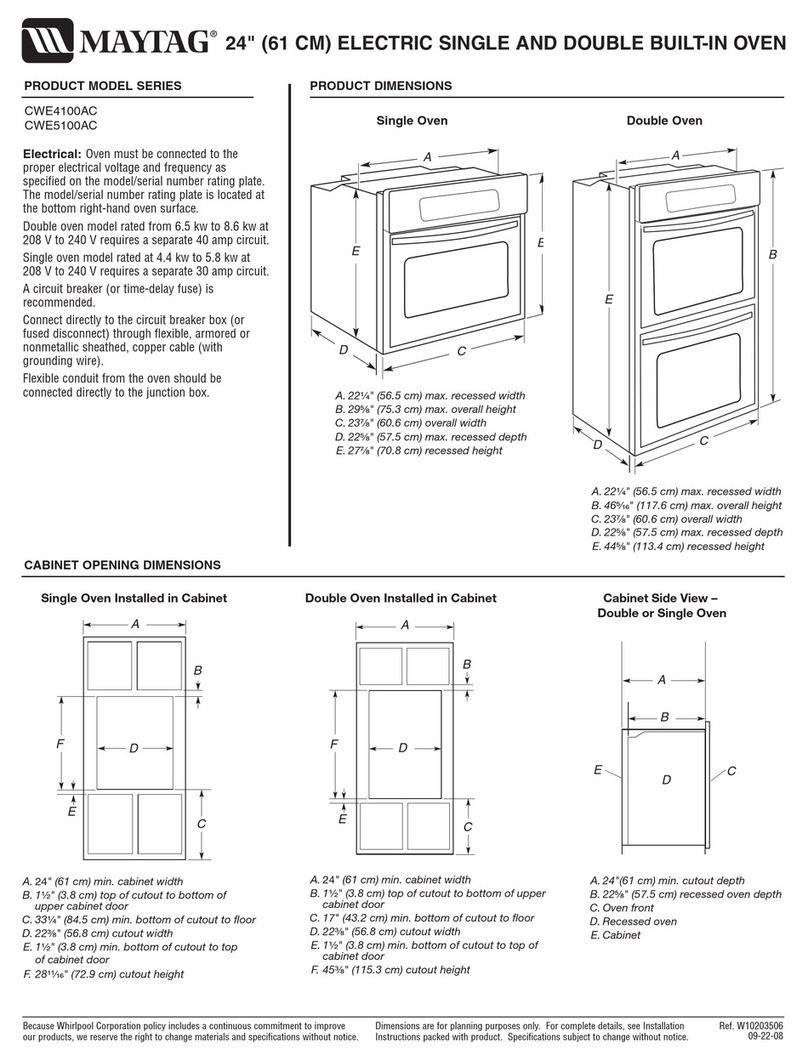
Maytag CWE4100AC - 24" Single Electric Wall Oven Dimension Guide

Maytag

Maytag CWE4100AC - 24" Single Electric Wall Oven Dimension Guide

Kernau KBO 1076 S PT B instruction manual

Kernau

Kernau KBO 1076 S PT B instruction manual

Bosch HB 37 N Series User manual and installation instructions

Bosch

Bosch HB 37 N Series User manual and installation instructions

Electrolux EOD5420AA user manual

Electrolux

Electrolux EOD5420AA user manual

Mx Onda MX-HC2183 instruction manual

Mx Onda

Mx Onda MX-HC2183 instruction manual

Daewoo F6EV19SM2 Service manual

Daewoo

Daewoo F6EV19SM2 Service manual

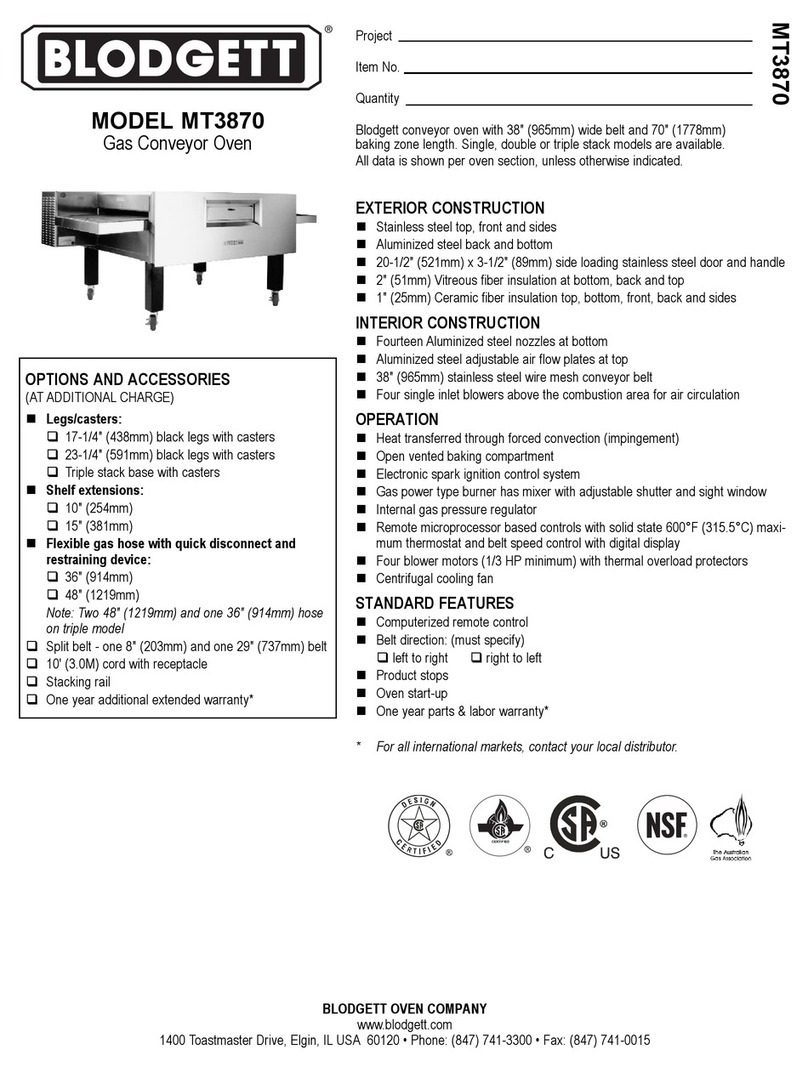
Blodgett MT3870 Specifications

Blodgett

Blodgett MT3870 Specifications

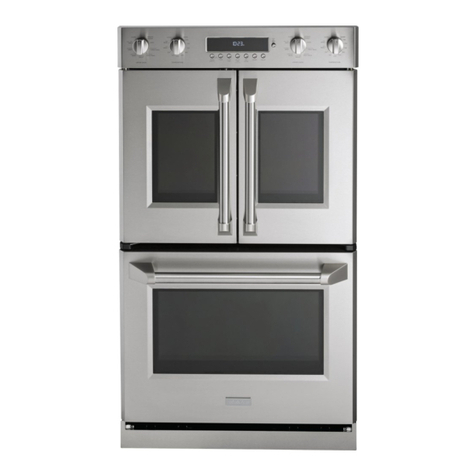
GE ZET2F owner's manual

GE

GE ZET2F owner's manual

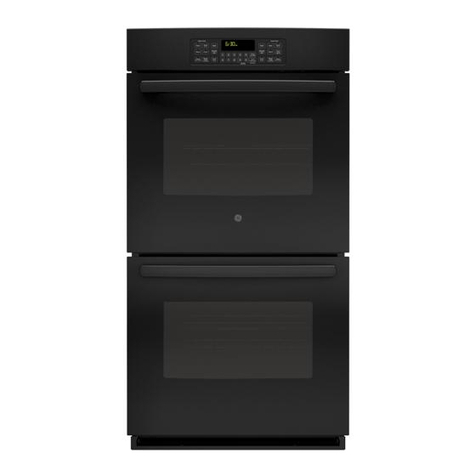
GE JK3000DF3WW owner's manual

GE

GE JK3000DF3WW owner's manual

eka EKF 523 NT Operating and instruction manual

eka

eka EKF 523 NT Operating and instruction manual

AEG Electrolux E3191-5 user manual

AEG Electrolux

AEG Electrolux E3191-5 user manual

Pratica Rocket Express quick start guide

Pratica

Pratica Rocket Express quick start guide

Viking Professional VGSO260T user guide

Viking

Viking Professional VGSO260T user guide

FM RX203 instruction manual

FM

FM RX203 instruction manual

Bosch HBN331 9B Series instruction manual

Bosch

Bosch HBN331 9B Series instruction manual

NEFF B95M42N0MK Instructions for use

NEFF

NEFF B95M42N0MK Instructions for use

manuals.online logo
manuals.online logoBrands
  • About & Mission
  • Contact us
  • Privacy Policy
  • Terms and Conditions

Copyright 2025 Manuals.Online. All Rights Reserved.

1
Instruction Manual
OMEGA OVEN
OBO888B
READ THE INSTRUCTION BOOKLET BEFORE INSTALLING AND USING THE
AP
P
LIAN
CE.
It is important that you retain these instructions, proof of purchase as well as other important
documents about this product for future reference.
The manufacturer will not be responsible for any damage to property or to persons caused by
incorrect installation or improper use of the appliance.
Due to continual product development, Omega reserves the right to alter specifications and appearances
without notice.
Contents
Important Safety Warnings ............................................................................................................................................... 1
Appliance Details............................................................................................................................................................... 2
Electrical Connections ....................................................................................................................................................... 2
Installation Instructions.................................................................................................................................................. 3-4
Operating Instructions ................................................................................................................................................. 5-12
Accessories.................................................................................................................................................................13-14
Replacing the Oven Lamp................................................................................................................................................ 14
Cleaning........................................................................................................................................................................... 15
Troubleshooting .............................................................................................................................................................. 15
Australian & New Zealand Product Warranty Statements of Standard Warranty Conditions ....................................... 16
Disposal Information
•Most of the packaging materials are recyclable. Please dispose of these materials through your local recycling
depot or by placing them into appropriate collection containers.
•If you wish to discard this product, please contact your local authorities and ask for the correct method of
disposal.
Thank you for purchasing an Omega appliance
Tailored for the modern aesthetic and lifestyle of busy people, your new Omega Appliance will make a
welcome addition to the family.
Omega caters to style-savvy customers who look for balance between stunning form and clever function.
This means a combination of sleek, chic, sophisticated design yet effortless functionality.
And we source from the best. The best craftsmanship. The best innovation. From the best international
design-houses.
All brought together under an appliance that stands for design-led balance.
Please take the time to read through the following instruction manual to familiarise yourself with the
installation, operation requirements and maintenance to ensure optimum performance.
Further Information
For important information about your Omega Appliance such as warranty registration, manuals, features,
and specifications please visit omegaappliances.com.au (if you are in Australia) and
omegaappliances.co.nz (if you are in New Zealand) or contact our Customer Care team on the below email
or phone numbers.
Registering Your Warranty
For peace of mind you can register your warranty at omegaappliances.com.au.Further information on the
Warranty can be found at the end of this manual.
Contact Us
Our customer service team is here tohelp you with any question or concern.
Both teams are on call Monday toFriday 9.00am to 5.00pm and of course you can always send an email at
your convenience.
Australia Contact Details
Monday to Friday 9.00am – 5.00pm
Email: [email protected]
Phone: 1300 11 4357
New Zealand Contact Details
Monday to Friday 9.00am – 5.00pm
Email: [email protected]
Phone: 09 415 6000
To stay up to date and find simple and easy recipes, follow us on our socials:
facebook.com/omegaappliances
instagram.com/omegaappliances_aus
READ THE INSTRUCTION BOOKLET BEFORE INSTALLING AND USING THE
AP
P
LIAN
CE.
It is important that you retain these instructions, proof of purchase as well as other important
documents about this product for future reference.
The manufacturer will not be responsible for any damage to property or to persons caused by
incorrect installation or improper use of the appliance.
Due to continual product development, Omega reserves the right to alter specifications and appearances
without notice.
Contents
Important Safety Warnings ............................................................................................................................................ 1-2
Installation Instructions.................................................................................................................................................. 3-6
Product Details............................................................................................................................................................... 7-8
Operating Instructions ................................................................................................................................................. 9-13
Cooking Guidelines..................................................................................................................................................... 14-15
Cleaning and Maintenance ........................................................................................................................................16-18
Failure Codes................................................................................................................................................................... 19
Australian & New Zealand Product Warranty Statements of Standard Warranty Conditions ....................................... 21
Disposal Information
•Most of the packaging materials are recyclable. Please dispose of these materials through your local recycling
depot or by placing them into appropriate collection containers.
•If you wish to discard this product, please contact your local authorities and ask for the correct method of
disposal.
16
Troubleshooting
If you still have a problem with your appliance after checking these basic troubleshooting steps,
please contact an authorised service person or qualified technician.
Problem
Possible Cause
Solution
Oven does not switch on. Power is switched off.
Check whether there is power supplied.
Also check that other kitchen appliances
are working.
No heat or oven does not warm
up.
Oven temperature control is
incorrectly set.
Oven door has been left open.
Check that the oven temperature control
knob is set correctly.
Oven light (if available) does not
operate.
Lamp has failed.
Electrical supply is disconnected
or switched off.
Replace lamp according to the
instructions.
Make sure the electrical supply is
switched on at wall socket outlet.
Cooking is uneven within the
oven.
Oven shelves are incorrectly
positioned.
Check that the recommended
temperatures and shelf positions are
being used.
Do not frequently open the door unless
you are cooking things that need to be
turned. If you open the door often, the
interior temperature will be lower and this
may affect the results of your cooking.
The timer buttons cannot be
pressed properly.
There is foreign matter caught
between the timer buttons.
Touch model: there is moisture
on the control panel.
The key lock function is set.
Remove the foreign matter and try again.
Remove the moisture and try again.
Check whether the key lock function is
set.
The oven fan (if available) is
noisy. Oven shelves are vibrating.
Check that the oven is level.
Check that the shelves and any bake ware
are not vibrating or in contact with the
oven back panel.
The cooling fan continues to
operate after the oven is
switched off.
Electronically-controlled oven fan
automatically runs for a certain
amount of time to cool the oven.
The fan switches off automatically when
the electronic components have cooled
sufficiently.
The oven has switched itself off.
Electronically-controlled ovens
switch off automatically if no
function is in operation.
The oven will switch itself off automatically
to save energy if no other action is taken
within a certain time frame after switching
it on or after the end of a cooking
programme.
If the door is opened during a
fan-assisted function, the internal
fan will stop.
Electronically-controlled ovens
with a door switch will stop
cooking if the oven door is
opened.
It is a normal operation of the appliance,
useful when cooking foods in order to
avoid excessive heat escaping. When the
door is closed, the oven will restart to

normal operation.
16
Troubleshooting
If you still have a problem with your appliance after checking these basic troubleshooting steps,
please contact an authorised service person or qualified technician.
Problem
Possible Cause
Solution
Oven does not switch on. Power is switched off.
Check whether there is power supplied.
Also check that other kitchen appliances
are working.
No heat or oven does not warm
up.
Oven temperature control is
incorrectly set.
Oven door has been left open.
Check that the oven temperature control
knob is set correctly.
Oven light (if available) does not
operate.
Lamp has failed.
Electrical supply is disconnected
or switched off.
Replace lamp according to the
instructions.
Make sure the electrical supply is
switched on at wall socket outlet.
Cooking is uneven within the
oven.
Oven shelves are incorrectly
positioned.
Check that the recommended
temperatures and shelf positions are
being used.
Do not frequently open the door unless
you are cooking things that need to be
turned. If you open the door often, the
interior temperature will be lower and this
may affect the results of your cooking.
The timer buttons cannot be
pressed properly.
There is foreign matter caught
between the timer buttons.
Touch model: there is moisture
on the control panel.
The key lock function is set.
Remove the foreign matter and try again.
Remove the moisture and try again.
Check whether the key lock function is
set.
The oven fan (if available) is
noisy. Oven shelves are vibrating.
Check that the oven is level.
Check that the shelves and any bake ware
are not vibrating or in contact with the
oven back panel.
The cooling fan continues to
operate after the oven is
switched off.
Electronically-controlled oven fan
automatically runs for a certain
amount of time to cool the oven.
The fan switches off automatically when
the electronic components have cooled
sufficiently.
The oven has switched itself off.
Electronically-controlled ovens
switch off automatically if no
function is in operation.
The oven will switch itself off automatically
to save energy if no other action is taken
within a certain time frame after switching
it on or after the end of a cooking
programme.
If the door is opened during a
fan-assisted function, the internal
fan will stop.
Electronically-controlled ovens
with a door switch will stop
cooking if the oven door is
opened.
It is a normal operation of the appliance,
useful when cooking foods in order to
avoid excessive heat escaping. When the
door is closed, the oven will restart to
normal operation.
16
Troubleshooting
If you still have a problem with your appliance after checking these basic troubleshooting steps,
please contact an authorised service person or qualified technician.
Problem
Possible Cause
Solution
Oven does not switch on. Power is switched off.
Check whether there is power supplied.
Also check that other kitchen appliances
are working.
No heat or oven does not warm
up.
Oven temperature control is
incorrectly set.
Oven door has been left open.
Check that the oven temperature control
knob is set correctly.
Oven light (if available) does not
operate.
Lamp has failed.
Electrical supply is disconnected
or switched off.
Replace lamp according to the
instructions.
Make sure the electrical supply is
switched on at wall socket outlet.
Cooking is uneven within the
oven.
Oven shelves are incorrectly
positioned.
Check that the recommended
temperatures and shelf positions are
being used.
Do not frequently open the door unless
you are cooking things that need to be
turned. If you open the door often, the
interior temperature will be lower and this
may affect the results of your cooking.
The timer buttons cannot be
pressed properly.
There is foreign matter caught
between the timer buttons.
Touch model: there is moisture
on the control panel.
The key lock function is set.
Remove the foreign matter and try again.
Remove the moisture and try again.
Check whether the key lock function is
set.
The oven fan (if available) is
noisy. Oven shelves are vibrating.
Check that the oven is level.
Check that the shelves and any bake ware
are not vibrating or in contact with the
oven back panel.
The cooling fan continues to
operate after the oven is
switched off.
Electronically-controlled oven fan
automatically runs for a certain
amount of time to cool the oven.
The fan switches off automatically when
the electronic components have cooled
sufficiently.
The oven has switched itself off.
Electronically-controlled ovens
switch off automatically if no
function is in operation.
The oven will switch itself off automatically
to save energy if no other action is taken
within a certain time frame after switching
it on or after the end of a cooking
programme.
If the door is opened during a
fan-assisted function, the internal
fan will stop.
Electronically-controlled ovens
with a door switch will stop
cooking if the oven door is
opened.
It is a normal operation of the appliance,
useful when cooking foods in order to
avoid excessive heat escaping. When the
door is closed, the oven will restart to

normal operation.
READ THE INSTRUCTION BOOKLET BEFORE INSTALLING AND USING THE
AP
P
LIAN
CE.
It is important that you retain these instructions, proof of purchase as well as other important
documents about this product for future reference.
The manufacturer will not be responsible for any damage to property or to persons caused by
incorrect installation or improper use of the appliance.
Due to continual product development, Omega reserves the right to alter specifications and appearances
without notice.
Contents
Important Safety Warnings ............................................................................................................................................... 1
Appliance Details............................................................................................................................................................... 2
Electrical Connections ....................................................................................................................................................... 2
Installation Instructions.................................................................................................................................................. 3-4
Operating Instructions ................................................................................................................................................. 5-12
Accessories.................................................................................................................................................................13-14
Replacing the Oven Lamp................................................................................................................................................ 14
Cleaning........................................................................................................................................................................... 15
Troubleshooting .............................................................................................................................................................. 15
Australian & New Zealand Product Warranty Statements of Standard Warranty Conditions ....................................... 16
Disposal Information
•Most of the packaging materials are recyclable. Please dispose of these materials through your local recycling
depot or by placing them into appropriate collection containers.
•If you wish to discard this product, please contact your local authorities and ask for the correct method of
disposal.
READ THE INSTRUCTION BOOKLET BEFORE INSTALLING AND USING THE
AP
P
LIAN
CE.
It is important that you retain these instructions, proof of purchase as well as other important
documents about this product for future reference.
The manufacturer will not be responsible for any damage to property or to persons caused by
incorrect installation or improper use of the appliance.
Due to continual product development, Omega reserves the right to alter specifications and appearances
without notice.
Contents
Important Safety Warnings ............................................................................................................................................ 1-3
Product Information.......................................................................................................................................................... 4
Technical Data................................................................................................................................................................... 5
Accessories ........................................................................................................................................................................ 6
Installation Instructions................................................................................................................................................ 7-11
Operating Instructions ............................................................................................................................................... 12-18
Maintenance and Cleaning ........................................................................................................................................ 19-20
Troubleshooting .............................................................................................................................................................. 21
Australian & New Zealand Product Warranty Statements of Standard Warranty Conditions ....................................... 22
Disposal Information
•Most of the packaging materials are recyclable. Please dispose of these materials through your local
recycling depot or by placing them into appropriate collection containers.
•If you wish to discard this product, please contact your local authorities and ask for the correct
method of disposal.
READ THE INSTRUCTION BOOKLET BEFORE INSTALLING AND USING THE
AP
P
LIAN
CE.
It is important that you retain these instructions, proof of purchase as well as other important
documents about this product for future reference.
The manufacturer will not be responsible for any damage to property or to persons caused by
incorrect installation or improper use of the appliance.
Due to continual product development, Omega reserves the right to alter specifications and appearances
without notice.
Contents
Important Safety Warnings ............................................................................................................................................ 1-3
Product Information.......................................................................................................................................................... 4
Technical Data................................................................................................................................................................... 5
Accessories ........................................................................................................................................................................ 6
Installation Instructions................................................................................................................................................ 7-11
Operating Instructions ............................................................................................................................................... 12-18
Maintenance and Cleaning ........................................................................................................................................ 19-20
Troubleshooting .............................................................................................................................................................. 21
Australian & New Zealand Product Warranty Statements of Standard Warranty Conditions ....................................... 22
Disposal Information
•Most of the packaging materials are recyclable. Please dispose of these materials through your local
recycling depot or by placing them into appropriate collection containers.
•If you wish to discard this product, please contact your local authorities and ask for the correct
method of disposal.
Thank you for purchasing an Omega appliance
Tailored for the modern aesthetic and lifestyle of busy people, your new Omega Appliance will make a
welcome addition to the family.
Omega caters to style-savvy customers who look for balance between stunning form and clever function.
This means a combination of sleek, chic, sophisticated design yet effortless functionality.
And we source from the best. The best craftsmanship. The best innovation. From the best international
design-houses.
All brought together under an appliance that stands for design-led balance.
Please take the time to read through the following instruction manual to familiarise yourself with the
installation, operation requirements and maintenance to ensure optimum performance.
Further Information
For important information about your Omega Appliance such as warranty registration, manuals, features,
and specifications please visit omegaappliances.com.au (if you are in Australia) and
omegaappliances.co.nz (if you are in New Zealand) or contact our Customer Care team on the below email
or phone numbers.
Registering Your Warranty
For peace of mind you can register your warranty at omegaappliances.com.au.Further information on the
Warranty can be found at the end of this manual.
Contact Us
Our customer service team is here tohelp you with any question or concern.
Both teams are on call Monday toFriday 9.00am to 5.00pm and of course you can always send an email at
your convenience.
Australia Contact Details
Monday to Friday 9.00am – 5.00pm
Email: [email protected]
Phone: 1300 11 4357
New Zealand Contact Details
Monday to Friday 9.00am – 5.00pm
Email: [email protected]
Phone: 09 415 6000
To stay up to date and find simple and easy recipes, follow us on our socials:
facebook.com/omegaappliances
instagram.com/omegaappliances_aus
READ THE INSTRUCTION BOOKLET BEFORE INSTALLING AND USING THE
AP
P
LIAN
CE.
It is important that you retain these instructions, proof of purchase as well as other important
documents about this product for future reference.
The manufacturer will not be responsible for any damage to property or to persons caused by
incorrect installation or improper use of the appliance.
Due to continual product development, Omega reserves the right to alter specifications and appearances
without notice.
Contents
Important Safety Warnings ............................................................................................................................................ 1-2
Installation Instructions.................................................................................................................................................. 3-6
Product Details............................................................................................................................................................... 7-8
Operating Instructions ................................................................................................................................................. 9-13
Cooking Guidelines..................................................................................................................................................... 14-15
Cleaning and Maintenance ........................................................................................................................................16-18
Failure Codes................................................................................................................................................................... 19
Australian & New Zealand Product Warranty Statements of Standard Warranty Conditions ....................................... 21
Disposal Information
•Most of the packaging materials are recyclable. Please dispose of these materials through your local recycling
depot or by placing them into appropriate collection containers.
•If you wish to discard this product, please contact your local authorities and ask for the correct method of
disposal.
16
Troubleshooting
If you still have a problem with your appliance after checking these basic troubleshooting steps,
please contact an authorised service person or qualified technician.
Problem
Possible Cause
Solution
Oven does not switch on. Power is switched off.
Check whether there is power supplied.
Also check that other kitchen appliances
are working.
No heat or oven does not warm
up.
Oven temperature control is
incorrectly set.
Oven door has been left open.
Check that the oven temperature control
knob is set correctly.
Oven light (if available) does not
operate.
Lamp has failed.
Electrical supply is disconnected
or switched off.
Replace lamp according to the
instructions.
Make sure the electrical supply is
switched on at wall socket outlet.
Cooking is uneven within the
oven.
Oven shelves are incorrectly
positioned.
Check that the recommended
temperatures and shelf positions are
being used.
Do not frequently open the door unless
you are cooking things that need to be
turned. If you open the door often, the
interior temperature will be lower and this
may affect the results of your cooking.
The timer buttons cannot be
pressed properly.
There is foreign matter caught
between the timer buttons.
Touch model: there is moisture
on the control panel.
The key lock function is set.
Remove the foreign matter and try again.
Remove the moisture and try again.
Check whether the key lock function is
set.
The oven fan (if available) is
noisy. Oven shelves are vibrating.
Check that the oven is level.
Check that the shelves and any bake ware
are not vibrating or in contact with the
oven back panel.
The cooling fan continues to
operate after the oven is
switched off.
Electronically-controlled oven fan
automatically runs for a certain
amount of time to cool the oven.
The fan switches off automatically when
the electronic components have cooled
sufficiently.
The oven has switched itself off.
Electronically-controlled ovens
switch off automatically if no
function is in operation.
The oven will switch itself off automatically
to save energy if no other action is taken
within a certain time frame after switching
it on or after the end of a cooking
programme.
If the door is opened during a
fan-assisted function, the internal
fan will stop.
Electronically-controlled ovens
with a door switch will stop
cooking if the oven door is
opened.
It is a normal operation of the appliance,
useful when cooking foods in order to
avoid excessive heat escaping. When the
door is closed, the oven will restart to
normal operation.
16
Troubleshooting
If you still have a problem with your appliance after checking these basic troubleshooting steps,
please contact an authorised service person or qualified technician.
Problem
Possible Cause
Solution
Oven does not switch on. Power is switched off.
Check whether there is power supplied.
Also check that other kitchen appliances
are working.
No heat or oven does not warm
up.
Oven temperature control is
incorrectly set.
Oven door has been left open.
Check that the oven temperature control
knob is set correctly.
Oven light (if available) does not
operate.
Lamp has failed.
Electrical supply is disconnected
or switched off.
Replace lamp according to the
instructions.
Make sure the electrical supply is
switched on at wall socket outlet.
Cooking is uneven within the
oven.
Oven shelves are incorrectly
positioned.
Check that the recommended
temperatures and shelf positions are
being used.
Do not frequently open the door unless
you are cooking things that need to be
turned. If you open the door often, the
interior temperature will be lower and this
may affect the results of your cooking.
The timer buttons cannot be
pressed properly.
There is foreign matter caught
between the timer buttons.
Touch model: there is moisture
on the control panel.
The key lock function is set.
Remove the foreign matter and try again.
Remove the moisture and try again.
Check whether the key lock function is
set.
The oven fan (if available) is
noisy. Oven shelves are vibrating.
Check that the oven is level.
Check that the shelves and any bake ware
are not vibrating or in contact with the
oven back panel.
The cooling fan continues to
operate after the oven is
switched off.
Electronically-controlled oven fan
automatically runs for a certain
amount of time to cool the oven.
The fan switches off automatically when
the electronic components have cooled
sufficiently.
The oven has switched itself off.
Electronically-controlled ovens
switch off automatically if no
function is in operation.
The oven will switch itself off automatically
to save energy if no other action is taken
within a certain time frame after switching
it on or after the end of a cooking
programme.
If the door is opened during a
fan-assisted function, the internal
fan will stop.
Electronically-controlled ovens
with a door switch will stop
cooking if the oven door is
opened.
It is a normal operation of the appliance,
useful when cooking foods in order to
avoid excessive heat escaping. When the
door is closed, the oven will restart to
normal operation.
16
Troubleshooting
If you still have a problem with your appliance after checking these basic troubleshooting steps,
please contact an authorised service person or qualified technician.
Problem
Possible Cause
Solution
Oven does not switch on. Power is switched off.
Check whether there is power supplied.
Also check that other kitchen appliances
are working.
No heat or oven does not warm
up.
Oven temperature control is
incorrectly set.
Oven door has been left open.
Check that the oven temperature control
knob is set correctly.
Oven light (if available) does not
operate.
Lamp has failed.
Electrical supply is disconnected
or switched off.
Replace lamp according to the
instructions.
Make sure the electrical supply is
switched on at wall socket outlet.
Cooking is uneven within the
oven.
Oven shelves are incorrectly
positioned.
Check that the recommended
temperatures and shelf positions are
being used.
Do not frequently open the door unless
you are cooking things that need to be
turned. If you open the door often, the
interior temperature will be lower and this
may affect the results of your cooking.
The timer buttons cannot be
pressed properly.
There is foreign matter caught
between the timer buttons.
Touch model: there is moisture
on the control panel.
The key lock function is set.
Remove the foreign matter and try again.
Remove the moisture and try again.
Check whether the key lock function is
set.
The oven fan (if available) is
noisy. Oven shelves are vibrating.
Check that the oven is level.
Check that the shelves and any bake ware
are not vibrating or in contact with the
oven back panel.
The cooling fan continues to
operate after the oven is
switched off.
Electronically-controlled oven fan
automatically runs for a certain
amount of time to cool the oven.
The fan switches off automatically when
the electronic components have cooled
sufficiently.
The oven has switched itself off.
Electronically-controlled ovens
switch off automatically if no
function is in operation.
The oven will switch itself off automatically
to save energy if no other action is taken
within a certain time frame after switching
it on or after the end of a cooking
programme.
If the door is opened during a
fan-assisted function, the internal
fan will stop.
Electronically-controlled ovens
with a door switch will stop
cooking if the oven door is
opened.
It is a normal operation of the appliance,
useful when cooking foods in order to
avoid excessive heat escaping. When the
door is closed, the oven will restart to
normal operation.
1
Important Safety Warnings
IMPORTANT: Read the assembly instruction section and safety precautions of this booklet carefully before removing the
contents of this carton.
1. This appliance is not intended for use by persons (including children) with reduced physical, sensory or mental
capabilities, or lack of experience or knowledge, unless they have been given supervision or instruction
concerning the use of the appliance by a person responsible for their safety. Children should be supervised to
ensure that they do not play with the appliance.
2. In certain circumstances electrical appliances may be a danger hazard.
3. Do not place heavy objects in or on these appliances, or use for storage, or let children play or swing from the
door. These appliances are designed for cooking food only.
4. This appliance is designed for domestic household use only and for the cooking of domestic food products. Use
as a commercial appliance will void the warranty. It should not to be used in a marine environment or outdoors.
5. The ovens are supplied with a set of cables for single phase connection. This is a high powered appliance and
is required to be installed by an authorised person.
6. If the electrical supply cord is damaged, either when being installed or after installation, it must be replaced by
the manufacturer, its service centre or similarly qualified persons in order to prevent a hazard.
7. The electrical connection must be accessible after installation. The appliance must be electrically isolated
before any maintenance can be performed, which includes changing a lamp.
8. Electrical connection must be made as per local wiring rules and regulations. Do not disconnect the appliance
with wet hands or bare feet, and do not disconnect the power cord with extreme force.
9. Always grasp the oven door in the centre of the handle as the areas around the door edges may be hot due to
the escape of hot air.
10. Ensure that the kitchen is well ventilated or mechanical ventilation is in use while cooking in this appliance.
11. Do not store or use flammable materials or aerosols near the oven. Items made from aluminium, plastic or
plastic film should also be kept away from the appliance, as they may fuse to the surface.
12. Never line the oven bottom with aluminium foil, as the consequent accumulation of heat could compromise the
cooking and even damage the enamel.
13. WARNING - The oven will become hot during and directly after use. Do not touch any components during this
time, as they may be hot and can cause burns. Do not touch the heating elements inside the oven to avoid
burns. Children should be kept away. Use heat resistant cooking gloves where-ever possible when moving food
and cooking utensils in and out of the oven.
14. Cleaning may only be commenced on the appliance once it has cooled down (best slightly warm). The
appliance should be disconnected from the power outlet or turned off at your isolation switch before
commencing any cleaning process. Do not use a steam jet or any other high pressure cleaning equipment to
clean the appliance. Follow oven cleaner directions if these are being used.
15. Wash all accessories in hot soapy water or in a dishwasher, wipe dry with a paper or cloth towel. If you use your
oven for an extended period of time, condensation may form. Dry it using a soft dry cloth.
16. When the appliance is not being used, the knobs must be kept in the ‘OFF’ position.
17. Where this appliance is installed in a caravan, it shall NOT be used as a space heater.
18. Do not modify this appliance.
19. Do not use harsh abrasive cleaners or sharp metal scrapers to clean the oven door glass as it can scratch the
surface, which may result in the glass shattering. Clean the glass door using warm damp cloth and dry it with a
soft cloth.
20. All cabinetry and materials used in the installation must be able to withstand a minimum temperature of 50°C
above the ambient temperature of the room it is located in, whilst in use. Certain types of vinyl or laminate
kitchen furniture are particularly prone to heat damage or discolouration at temperatures outside the guidelines
given above. Any damage caused by the appliance being installed without adhering to the temperature limits
set out above will be the liability of the owner.
21. This appliance must be correctly installed by a suitably qualified person, strictly in accordance with the
manufacturer’s instructions. Please see the specific section of this booklet that refers to installation.
22. The appliance must be installed and put in operation by an authorised technician under the conditions provided
by the manufacturer in this manual. The manufacturer cannot be held responsible for any damage that might
occur due to faulty installation.
23. The values indicated on the printed documents found on the product are values obtained in laboratory
environment according to relevant standards. These values may vary according to the usage and environment
conditions of product.
2
Appliance Details
Electrical Details
Model
OBO888B
Voltage Rating
220-240V ~50Hz
Power Rating
2400-2800W
Dimensions
LENGTH (mm)
WIDTH (mm)
HEIGHT (mm)
595
575
595
Electrical Connections
LOCAL AUTHORITY REQUIREMENTS
Installation is only permitted by a licensed electrician, and carried out according to instructions
provided by the manufacturer. Incorrect installation might cause harm and damage which the
manufacturer accepts no responsibility.
ELECTRICAL INSTALLATION FOR THE LICENSED ELECTRICIAN
This oven must be connected to a 220-240V 50Hz power supply. It is earthed via the cord.
Before carrying out the connection to the power supply, the voltage rating of the appliance (stamped on the
appliance identification plate) must be checked for correspondence to the available mains supply voltage,
and the mains electric wiring should be suitable for the oven’s power rating (also indicated on the appliance
identification plate). A circuit breaker with a contact opening of at least 3 mm must be installed inside the
supply circuit.
The switched outlet must be connected to a suitable earth wiring, in conformity to current safety regulations.
It should not be located above the appliance and no more than 1.25m away from it. The power supply cord
must not touch against any hot surfaces and must be placed so that its temperature does not exceed 75°C
at any point along its length.
After having installed the appliance, the switched outlet must always be in an accessible position.
NOTE: For connections to the mains power supply, never use adapters, reductions or multiple power points
as these may overheat and catch fire.
The mains terminal block is located on the back of the oven and the terminals are accessible by opening
the terminal block cover. Note: The terminal cover should not be opened when the mains power is still
connected to the appliance and never by an unauthorized person.
The electrical safety of this appliance can only be guaranteed if the oven is correctly and efficiently earthed.
The manufacturer declines all responsibility for damage resulting from an installation which has not been
earthed correctly.
The use of adapters, multiple sockets and/or extensions, is not allowed.
1
16
Troubleshooting
If you still have a problem with your appliance after checking these basic troubleshooting steps,
please contact an authorised service person or qualified technician.
Problem
Possible Cause
Solution
Oven does not switch on. Power is switched off.
Check whether there is power supplied.
Also check that other kitchen appliances
are working.
No heat or oven does not warm
up.
Oven temperature control is
incorrectly set.
Oven door has been left open.
Check that the oven temperature control
knob is set correctly.
Oven light (if available) does not
operate.
Lamp has failed.
Electrical supply is disconnected
or switched off.
Replace lamp according to the
instructions.
Make sure the electrical supply is
switched on at wall socket outlet.
Cooking is uneven within the
oven.
Oven shelves are incorrectly
positioned.
Check that the recommended
temperatures and shelf positions are
being used.
Do not frequently open the door unless
you are cooking things that need to be
turned. If you open the door often, the
interior temperature will be lower and this
may affect the results of your cooking.
The timer buttons cannot be
pressed properly.
There is foreign matter caught
between the timer buttons.
Touch model: there is moisture
on the control panel.
The key lock function is set.
Remove the foreign matter and try again.
Remove the moisture and try again.
Check whether the key lock function is
set.
The oven fan (if available) is
noisy. Oven shelves are vibrating.
Check that the oven is level.
Check that the shelves and any bake ware
are not vibrating or in contact with the
oven back panel.
The cooling fan continues to
operate after the oven is
switched off.
Electronically-controlled oven fan
automatically runs for a certain
amount of time to cool the oven.
The fan switches off automatically when
the electronic components have cooled
sufficiently.
The oven has switched itself off.
Electronically-controlled ovens
switch off automatically if no
function is in operation.
The oven will switch itself off automatically
to save energy if no other action is taken
within a certain time frame after switching
it on or after the end of a cooking
programme.
If the door is opened during a
fan-assisted function, the internal
fan will stop.
Electronically-controlled ovens
with a door switch will stop
cooking if the oven door is
opened.
It is a normal operation of the appliance,
useful when cooking foods in order to
avoid excessive heat escaping. When the
door is closed, the oven will restart to
normal operation.
16
Troubleshooting
If you still have a problem with your appliance after checking these basic troubleshooting steps,
please contact an authorised service person or qualified technician.
Problem
Possible Cause
Solution
Oven does not switch on. Power is switched off.
Check whether there is power supplied.
Also check that other kitchen appliances
are working.
No heat or oven does not warm
up.
Oven temperature control is
incorrectly set.
Oven door has been left open.
Check that the oven temperature control
knob is set correctly.
Oven light (if available) does not
operate.
Lamp has failed.
Electrical supply is disconnected
or switched off.
Replace lamp according to the
instructions.
Make sure the electrical supply is
switched on at wall socket outlet.
Cooking is uneven within the
oven.
Oven shelves are incorrectly
positioned.
Check that the recommended
temperatures and shelf positions are
being used.
Do not frequently open the door unless
you are cooking things that need to be
turned. If you open the door often, the
interior temperature will be lower and this
may affect the results of your cooking.
The timer buttons cannot be
pressed properly.
There is foreign matter caught
between the timer buttons.
Touch model: there is moisture
on the control panel.
The key lock function is set.
Remove the foreign matter and try again.
Remove the moisture and try again.
Check whether the key lock function is
set.
The oven fan (if available) is
noisy. Oven shelves are vibrating.
Check that the oven is level.
Check that the shelves and any bake ware
are not vibrating or in contact with the
oven back panel.
The cooling fan continues to
operate after the oven is
switched off.
Electronically-controlled oven fan
automatically runs for a certain
amount of time to cool the oven.
The fan switches off automatically when
the electronic components have cooled
sufficiently.
The oven has switched itself off.
Electronically-controlled ovens
switch off automatically if no
function is in operation.
The oven will switch itself off automatically
to save energy if no other action is taken
within a certain time frame after switching
it on or after the end of a cooking
programme.
If the door is opened during a
fan-assisted function, the internal
fan will stop.
Electronically-controlled ovens
with a door switch will stop
cooking if the oven door is
opened.
It is a normal operation of the appliance,
useful when cooking foods in order to
avoid excessive heat escaping. When the
door is closed, the oven will restart to
normal operation.
16
Troubleshooting
If you still have a problem with your appliance after checking these basic troubleshooting steps,
please contact an authorised service person or qualified technician.
Problem
Possible Cause
Solution
Oven does not switch on. Power is switched off.
Check whether there is power supplied.
Also check that other kitchen appliances
are working.
No heat or oven does not warm
up.
Oven temperature control is
incorrectly set.
Oven door has been left open.
Check that the oven temperature control
knob is set correctly.
Oven light (if available) does not
operate.
Lamp has failed.
Electrical supply is disconnected
or switched off.
Replace lamp according to the
instructions.
Make sure the electrical supply is
switched on at wall socket outlet.
Cooking is uneven within the
oven.
Oven shelves are incorrectly
positioned.
Check that the recommended
temperatures and shelf positions are
being used.
Do not frequently open the door unless
you are cooking things that need to be
turned. If you open the door often, the
interior temperature will be lower and this
may affect the results of your cooking.
The timer buttons cannot be
pressed properly.
There is foreign matter caught
between the timer buttons.
Touch model: there is moisture
on the control panel.
The key lock function is set.
Remove the foreign matter and try again.
Remove the moisture and try again.
Check whether the key lock function is
set.
The oven fan (if available) is
noisy. Oven shelves are vibrating.
Check that the oven is level.
Check that the shelves and any bake ware
are not vibrating or in contact with the
oven back panel.
The cooling fan continues to
operate after the oven is
switched off.
Electronically-controlled oven fan
automatically runs for a certain
amount of time to cool the oven.
The fan switches off automatically when
the electronic components have cooled
sufficiently.
The oven has switched itself off.
Electronically-controlled ovens
switch off automatically if no
function is in operation.
The oven will switch itself off automatically
to save energy if no other action is taken
within a certain time frame after switching
it on or after the end of a cooking
programme.
If the door is opened during a
fan-assisted function, the internal
fan will stop.
Electronically-controlled ovens
with a door switch will stop
cooking if the oven door is
opened.
It is a normal operation of the appliance,
useful when cooking foods in order to
avoid excessive heat escaping. When the
door is closed, the oven will restart to
normal operation.
1
Important Safety Warnings
IMPORTANT: Read the assembly instruction section and safety precautions of this booklet carefully before removing the
contents of this carton.
1. This appliance is not intended for use by persons (including children) with reduced physical, sensory or mental
capabilities, or lack of experience or knowledge, unless they have been given supervision or instruction
concerning the use of the appliance by a person responsible for their safety. Children should be supervised to
ensure that they do not play with the appliance.
2. In certain circumstances electrical appliances may be a danger hazard.
3. Do not place heavy objects in or on these appliances, or use for storage, or let children play or swing from the
door. These appliances are designed for cooking food only.
4. This appliance is designed for domestic household use only and for the cooking of domestic food products. Use
as a commercial appliance will void the warranty. It should not to be used in a marine environment or outdoors.
5. The ovens are supplied with a set of cables for single phase connection. This is a high powered appliance and
is required to be installed by an authorised person.
6. If the electrical supply cord is damaged, either when being installed or after installation, it must be replaced by
the manufacturer, its service centre or similarly qualified persons in order to prevent a hazard.
7. The electrical connection must be accessible after installation. The appliance must be electrically isolated
before any maintenance can be performed, which includes changing a lamp.
8. Electrical connection must be made as per local wiring rules and regulations. Do not disconnect the appliance
with wet hands or bare feet, and do not disconnect the power cord with extreme force.
9. Always grasp the oven door in the centre of the handle as the areas around the door edges may be hot due to
the escape of hot air.
10. Ensure that the kitchen is well ventilated or mechanical ventilation is in use while cooking in this appliance.
11. Do not store or use flammable materials or aerosols near the oven. Items made from aluminium, plastic or
plastic film should also be kept away from the appliance, as they may fuse to the surface.
12. Never line the oven bottom with aluminium foil, as the consequent accumulation of heat could compromise the
cooking and even damage the enamel.
13. WARNING - The oven will become hot during and directly after use. Do not touch any components during this
time, as they may be hot and can cause burns. Do not touch the heating elements inside the oven to avoid
burns. Children should be kept away. Use heat resistant cooking gloves where-ever possible when moving food
and cooking utensils in and out of the oven.
14. Cleaning may only be commenced on the appliance once it has cooled down (best slightly warm). The
appliance should be disconnected from the power outlet or turned off at your isolation switch before
commencing any cleaning process. Do not use a steam jet or any other high pressure cleaning equipment to
clean the appliance. Follow oven cleaner directions if these are being used.
15. Wash all accessories in hot soapy water or in a dishwasher, wipe dry with a paper or cloth towel. If you use your
oven for an extended period of time, condensation may form. Dry it using a soft dry cloth.
16. When the appliance is not being used, the knobs must be kept in the ‘OFF’ position.
17. Where this appliance is installed in a caravan, it shall NOT be used as a space heater.
18. Do not modify this appliance.
19. Do not use harsh abrasive cleaners or sharp metal scrapers to clean the oven door glass as it can scratch the
surface, which may result in the glass shattering. Clean the glass door using warm damp cloth and dry it with a
soft cloth.
20. All cabinetry and materials used in the installation must be able to withstand a minimum temperature of 50°C
above the ambient temperature of the room it is located in, whilst in use. Certain types of vinyl or laminate
kitchen furniture are particularly prone to heat damage or discolouration at temperatures outside the guidelines
given above. Any damage caused by the appliance being installed without adhering to the temperature limits
set out above will be the liability of the owner.
21. This appliance must be correctly installed by a suitably qualified person, strictly in accordance with the
manufacturer’s instructions. Please see the specific section of this booklet that refers to installation.
22. The appliance must be installed and put in operation by an authorised technician under the conditions provided
by the manufacturer in this manual. The manufacturer cannot be held responsible for any damage that might
occur due to faulty installation.
23. The values indicated on the printed documents found on the product are values obtained in laboratory
environment according to relevant standards. These values may vary according to the usage and environment
conditions of product.
2
Appliance Details
Electrical Details
Model
OBO888B
Voltage Rating
220-240V ~50Hz
Power Rating
2400-2800W
Dimensions
LENGTH (mm)
WIDTH (mm)
HEIGHT (mm)
595
575
595
Electrical Connections
LOCAL AUTHORITY REQUIREMENTS
Installation is only permitted by a licensed electrician, and carried out according to instructions
provided by the manufacturer. Incorrect installation might cause harm and damage which the
manufacturer accepts no responsibility.
ELECTRICAL INSTALLATION FOR THE LICENSED ELECTRICIAN
This oven must be connected to a 220-240V 50Hz power supply. It is earthed via the cord.
Before carrying out the connection to the power supply, the voltage rating of the appliance (stamped on the
appliance identification plate) must be checked for correspondence to the available mains supply voltage,
and the mains electric wiring should be suitable for the oven’s power rating (also indicated on the appliance
identification plate). A circuit breaker with a contact opening of at least 3 mm must be installed inside the
supply circuit.
The switched outlet must be connected to a suitable earth wiring, in conformity to current safety regulations.
It should not be located above the appliance and no more than 1.25m away from it. The power supply cord
must not touch against any hot surfaces and must be placed so that its temperature does not exceed 75°C
at any point along its length.
After having installed the appliance, the switched outlet must always be in an accessible position.
NOTE: For connections to the mains power supply, never use adapters, reductions or multiple power points
as these may overheat and catch fire.
The mains terminal block is located on the back of the oven and the terminals are accessible by opening
the terminal block cover. Note: The terminal cover should not be opened when the mains power is still
connected to the appliance and never by an unauthorized person.
The electrical safety of this appliance can only be guaranteed if the oven is correctly and efficiently earthed.
The manufacturer declines all responsibility for damage resulting from an installation which has not been
earthed correctly.
The use of adapters, multiple sockets and/or extensions, is not allowed.
16
Troubleshooting
If you still have a problem with your appliance after checking these basic troubleshooting steps,
please contact an authorised service person or qualified technician.
Problem
Possible Cause
Solution
Oven does not switch on. Power is switched off.
Check whether there is power supplied.
Also check that other kitchen appliances
are working.
No heat or oven does not warm
up.
Oven temperature control is
incorrectly set.
Oven door has been left open.
Check that the oven temperature control
knob is set correctly.
Oven light (if available) does not
operate.
Lamp has failed.
Electrical supply is disconnected
or switched off.
Replace lamp according to the
instructions.
Make sure the electrical supply is
switched on at wall socket outlet.
Cooking is uneven within the
oven.
Oven shelves are incorrectly
positioned.
Check that the recommended
temperatures and shelf positions are
being used.
Do not frequently open the door unless
you are cooking things that need to be
turned. If you open the door often, the
interior temperature will be lower and this
may affect the results of your cooking.
The timer buttons cannot be
pressed properly.
There is foreign matter caught
between the timer buttons.
Touch model: there is moisture
on the control panel.
The key lock function is set.
Remove the foreign matter and try again.
Remove the moisture and try again.
Check whether the key lock function is
set.
The oven fan (if available) is
noisy. Oven shelves are vibrating.
Check that the oven is level.
Check that the shelves and any bake ware
are not vibrating or in contact with the
oven back panel.
The cooling fan continues to
operate after the oven is
switched off.
Electronically-controlled oven fan
automatically runs for a certain
amount of time to cool the oven.
The fan switches off automatically when
the electronic components have cooled
sufficiently.
The oven has switched itself off.
Electronically-controlled ovens
switch off automatically if no
function is in operation.
The oven will switch itself off automatically
to save energy if no other action is taken
within a certain time frame after switching
it on or after the end of a cooking
programme.
If the door is opened during a
fan-assisted function, the internal
fan will stop.
Electronically-controlled ovens
with a door switch will stop
cooking if the oven door is
opened.
It is a normal operation of the appliance,
useful when cooking foods in order to
avoid excessive heat escaping. When the
door is closed, the oven will restart to
normal operation.
2
16
Troubleshooting
If you still have a problem with your appliance after checking these basic troubleshooting steps,
please contact an authorised service person or qualified technician.
Problem
Possible Cause
Solution
Oven does not switch on. Power is switched off.
Check whether there is power supplied.
Also check that other kitchen appliances
are working.
No heat or oven does not warm
up.
Oven temperature control is
incorrectly set.
Oven door has been left open.
Check that the oven temperature control
knob is set correctly.
Oven light (if available) does not
operate.
Lamp has failed.
Electrical supply is disconnected
or switched off.
Replace lamp according to the
instructions.
Make sure the electrical supply is
switched on at wall socket outlet.
Cooking is uneven within the
oven.
Oven shelves are incorrectly
positioned.
Check that the recommended
temperatures and shelf positions are
being used.
Do not frequently open the door unless
you are cooking things that need to be
turned. If you open the door often, the
interior temperature will be lower and this
may affect the results of your cooking.
The timer buttons cannot be
pressed properly.
There is foreign matter caught
between the timer buttons.
Touch model: there is moisture
on the control panel.
The key lock function is set.
Remove the foreign matter and try again.
Remove the moisture and try again.
Check whether the key lock function is
set.
The oven fan (if available) is
noisy. Oven shelves are vibrating.
Check that the oven is level.
Check that the shelves and any bake ware
are not vibrating or in contact with the
oven back panel.
The cooling fan continues to
operate after the oven is
switched off.
Electronically-controlled oven fan
automatically runs for a certain
amount of time to cool the oven.
The fan switches off automatically when
the electronic components have cooled
sufficiently.
The oven has switched itself off.
Electronically-controlled ovens
switch off automatically if no
function is in operation.
The oven will switch itself off automatically
to save energy if no other action is taken
within a certain time frame after switching
it on or after the end of a cooking
programme.
If the door is opened during a
fan-assisted function, the internal
fan will stop.
Electronically-controlled ovens
with a door switch will stop
cooking if the oven door is
opened.
It is a normal operation of the appliance,
useful when cooking foods in order to
avoid excessive heat escaping. When the
door is closed, the oven will restart to
normal operation.
16
Troubleshooting
If you still have a problem with your appliance after checking these basic troubleshooting steps,
please contact an authorised service person or qualified technician.
Problem
Possible Cause
Solution
Oven does not switch on. Power is switched off.
Check whether there is power supplied.
Also check that other kitchen appliances
are working.
No heat or oven does not warm
up.
Oven temperature control is
incorrectly set.
Oven door has been left open.
Check that the oven temperature control
knob is set correctly.
Oven light (if available) does not
operate.
Lamp has failed.
Electrical supply is disconnected
or switched off.
Replace lamp according to the
instructions.
Make sure the electrical supply is
switched on at wall socket outlet.
Cooking is uneven within the
oven.
Oven shelves are incorrectly
positioned.
Check that the recommended
temperatures and shelf positions are
being used.
Do not frequently open the door unless
you are cooking things that need to be
turned. If you open the door often, the
interior temperature will be lower and this
may affect the results of your cooking.
The timer buttons cannot be
pressed properly.
There is foreign matter caught
between the timer buttons.
Touch model: there is moisture
on the control panel.
The key lock function is set.
Remove the foreign matter and try again.
Remove the moisture and try again.
Check whether the key lock function is
set.
The oven fan (if available) is
noisy. Oven shelves are vibrating.
Check that the oven is level.
Check that the shelves and any bake ware
are not vibrating or in contact with the
oven back panel.
The cooling fan continues to
operate after the oven is
switched off.
Electronically-controlled oven fan
automatically runs for a certain
amount of time to cool the oven.
The fan switches off automatically when
the electronic components have cooled
sufficiently.
The oven has switched itself off.
Electronically-controlled ovens
switch off automatically if no
function is in operation.
The oven will switch itself off automatically
to save energy if no other action is taken
within a certain time frame after switching
it on or after the end of a cooking
programme.
If the door is opened during a
fan-assisted function, the internal
fan will stop.
Electronically-controlled ovens
with a door switch will stop
cooking if the oven door is
opened.
It is a normal operation of the appliance,
useful when cooking foods in order to
avoid excessive heat escaping. When the
door is closed, the oven will restart to
normal operation.
3
Installation Instructions
WARNING: This appliance must be installed by an authorised service person or qualified technician,
according to the instructions in this guide and in compliance with the current local regulations.
• Incorrect installation may cause harm and damage, for which the manufacturer accepts no
responsibility and the warranty will not be valid.
• Prior to installation, ensure that the local distribution conditions (electricity voltage and
frequency) and the adjustments of the appliance are compatible. The adjustment conditions for
this appliance are stated on the label.
• The laws, ordinances, directives and standards in force in the country of use are to be followed
(safety regulations, proper recycling in accordance with the regulations, etc.).
Instructions for the Installer
General instructions:
• After removing the packaging material from the appliance and its accessories, ensure that the
appliance is not damaged. If you suspect any damage, do not use it and contact an authorised
service person or qualified technician immediately.
• Make sure that there are no flammable or combustible materials in the close vicinity, such as
curtains, oil, cloth etc. which may catch fire.
• The worktop and furniture surrounding the appliance must be made of materials resistant to
temperatures above 100°C.
• The appliance should not be installed directly above a dishwasher, fridge, freezer, washing
machine or clothes dryer.
Installation of the Oven
The appliances are supplied with installation kits and can be installed in a worktop with the appropriate
dimensions. The dimensions for hob and oven installation are given below.
A (mm)
557
min./max. F (mm)
560/580
B (mm)
550
min. G (mm)
555
C (mm)
595
min. H/I (mm)
600/590
D (mm)
575
min. J/K (mm)
5/10
E (mm)
574
4
Installation Instructions
After making the electrical connections, insert the oven into the cabinet by pushing it forward. Open the
oven door and insert 2 screws in the holes located on the oven frame. While the product frame touches the
wooden surface of the cabinet, tighten the screws.
3
16
Troubleshooting
If you still have a problem with your appliance after checking these basic troubleshooting steps,
please contact an authorised service person or qualified technician.
Problem
Possible Cause
Solution
Oven does not switch on. Power is switched off.
Check whether there is power supplied.
Also check that other kitchen appliances
are working.
No heat or oven does not warm
up.
Oven temperature control is
incorrectly set.
Oven door has been left open.
Check that the oven temperature control
knob is set correctly.
Oven light (if available) does not
operate.
Lamp has failed.
Electrical supply is disconnected
or switched off.
Replace lamp according to the
instructions.
Make sure the electrical supply is
switched on at wall socket outlet.
Cooking is uneven within the
oven.
Oven shelves are incorrectly
positioned.
Check that the recommended
temperatures and shelf positions are
being used.
Do not frequently open the door unless
you are cooking things that need to be
turned. If you open the door often, the
interior temperature will be lower and this
may affect the results of your cooking.
The timer buttons cannot be
pressed properly.
There is foreign matter caught
between the timer buttons.
Touch model: there is moisture
on the control panel.
The key lock function is set.
Remove the foreign matter and try again.
Remove the moisture and try again.
Check whether the key lock function is
set.
The oven fan (if available) is
noisy. Oven shelves are vibrating.
Check that the oven is level.
Check that the shelves and any bake ware
are not vibrating or in contact with the
oven back panel.
The cooling fan continues to
operate after the oven is
switched off.
Electronically-controlled oven fan
automatically runs for a certain
amount of time to cool the oven.
The fan switches off automatically when
the electronic components have cooled
sufficiently.
The oven has switched itself off.
Electronically-controlled ovens
switch off automatically if no
function is in operation.
The oven will switch itself off automatically
to save energy if no other action is taken
within a certain time frame after switching
it on or after the end of a cooking
programme.
If the door is opened during a
fan-assisted function, the internal
fan will stop.
Electronically-controlled ovens
with a door switch will stop
cooking if the oven door is
opened.
It is a normal operation of the appliance,
useful when cooking foods in order to
avoid excessive heat escaping. When the
door is closed, the oven will restart to
normal operation.
16
Troubleshooting
If you still have a problem with your appliance after checking these basic troubleshooting steps,
please contact an authorised service person or qualified technician.
Problem
Possible Cause
Solution
Oven does not switch on. Power is switched off.
Check whether there is power supplied.
Also check that other kitchen appliances
are working.
No heat or oven does not warm
up.
Oven temperature control is
incorrectly set.
Oven door has been left open.
Check that the oven temperature control
knob is set correctly.
Oven light (if available) does not
operate.
Lamp has failed.
Electrical supply is disconnected
or switched off.
Replace lamp according to the
instructions.
Make sure the electrical supply is
switched on at wall socket outlet.
Cooking is uneven within the
oven.
Oven shelves are incorrectly
positioned.
Check that the recommended
temperatures and shelf positions are
being used.
Do not frequently open the door unless
you are cooking things that need to be
turned. If you open the door often, the
interior temperature will be lower and this
may affect the results of your cooking.
The timer buttons cannot be
pressed properly.
There is foreign matter caught
between the timer buttons.
Touch model: there is moisture
on the control panel.
The key lock function is set.
Remove the foreign matter and try again.
Remove the moisture and try again.
Check whether the key lock function is
set.
The oven fan (if available) is
noisy. Oven shelves are vibrating.
Check that the oven is level.
Check that the shelves and any bake ware
are not vibrating or in contact with the
oven back panel.
The cooling fan continues to
operate after the oven is
switched off.
Electronically-controlled oven fan
automatically runs for a certain
amount of time to cool the oven.
The fan switches off automatically when
the electronic components have cooled
sufficiently.
The oven has switched itself off.
Electronically-controlled ovens
switch off automatically if no
function is in operation.
The oven will switch itself off automatically
to save energy if no other action is taken
within a certain time frame after switching
it on or after the end of a cooking
programme.
If the door is opened during a
fan-assisted function, the internal
fan will stop.
Electronically-controlled ovens
with a door switch will stop
cooking if the oven door is
opened.
It is a normal operation of the appliance,
useful when cooking foods in order to
avoid excessive heat escaping. When the
door is closed, the oven will restart to
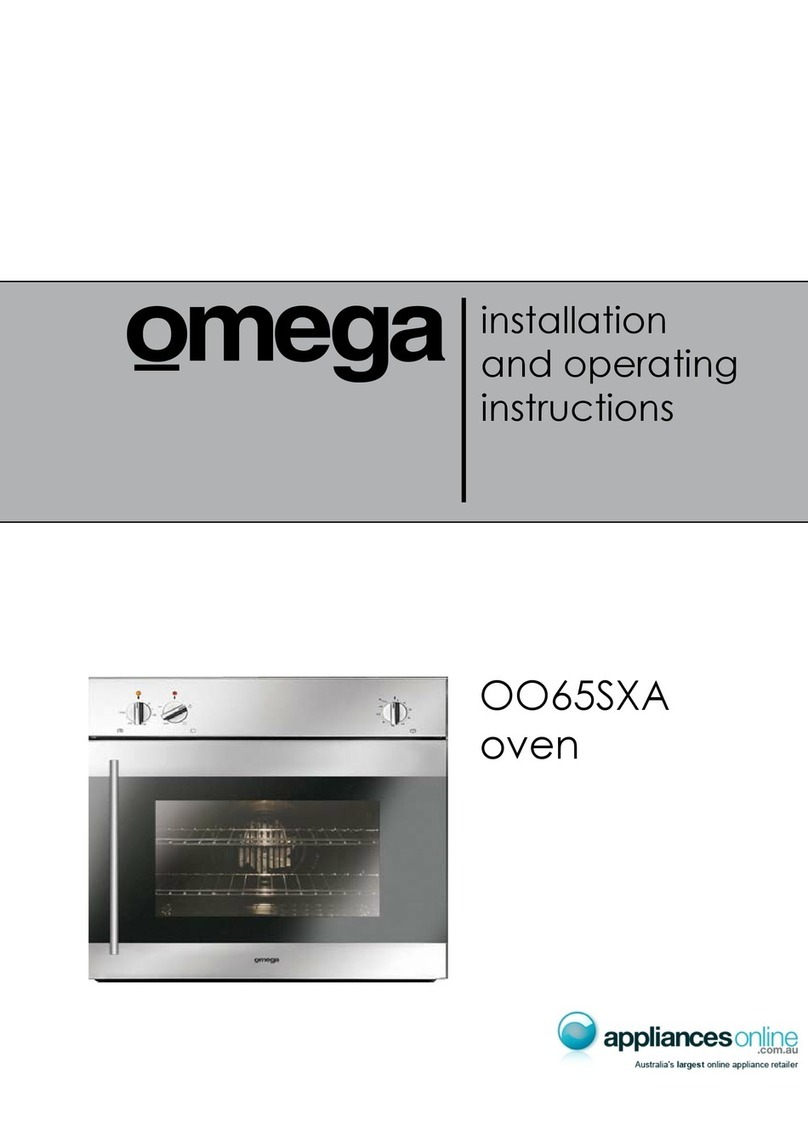
normal operation.
16
Troubleshooting
If you still have a problem with your appliance after checking these basic troubleshooting steps,
please contact an authorised service person or qualified technician.
Problem
Possible Cause
Solution
Oven does not switch on. Power is switched off.
Check whether there is power supplied.
Also check that other kitchen appliances
are working.
No heat or oven does not warm
up.
Oven temperature control is
incorrectly set.
Oven door has been left open.
Check that the oven temperature control
knob is set correctly.
Oven light (if available) does not
operate.
Lamp has failed.
Electrical supply is disconnected
or switched off.
Replace lamp according to the
instructions.
Make sure the electrical supply is
switched on at wall socket outlet.
Cooking is uneven within the
oven.
Oven shelves are incorrectly
positioned.
Check that the recommended
temperatures and shelf positions are
being used.
Do not frequently open the door unless
you are cooking things that need to be
turned. If you open the door often, the
interior temperature will be lower and this
may affect the results of your cooking.
The timer buttons cannot be
pressed properly.
There is foreign matter caught
between the timer buttons.
Touch model: there is moisture
on the control panel.
The key lock function is set.
Remove the foreign matter and try again.
Remove the moisture and try again.
Check whether the key lock function is
set.
The oven fan (if available) is
noisy. Oven shelves are vibrating.
Check that the oven is level.
Check that the shelves and any bake ware
are not vibrating or in contact with the
oven back panel.
The cooling fan continues to
operate after the oven is
switched off.
Electronically-controlled oven fan
automatically runs for a certain
amount of time to cool the oven.
The fan switches off automatically when
the electronic components have cooled
sufficiently.
The oven has switched itself off.
Electronically-controlled ovens
switch off automatically if no
function is in operation.
The oven will switch itself off automatically
to save energy if no other action is taken
within a certain time frame after switching
it on or after the end of a cooking
programme.
If the door is opened during a
fan-assisted function, the internal
fan will stop.
Electronically-controlled ovens
with a door switch will stop
cooking if the oven door is
opened.
It is a normal operation of the appliance,
useful when cooking foods in order to
avoid excessive heat escaping. When the
door is closed, the oven will restart to
normal operation.
3
Installation Instructions
WARNING: This appliance must be installed by an authorised service person or qualified technician,
according to the instructions in this guide and in compliance with the current local regulations.
• Incorrect installation may cause harm and damage, for which the manufacturer accepts no
responsibility and the warranty will not be valid.
• Prior to installation, ensure that the local distribution conditions (electricity voltage and
frequency) and the adjustments of the appliance are compatible. The adjustment conditions for
this appliance are stated on the label.
• The laws, ordinances, directives and standards in force in the country of use are to be followed
(safety regulations, proper recycling in accordance with the regulations, etc.).
Instructions for the Installer
General instructions:
• After removing the packaging material from the appliance and its accessories, ensure that the
appliance is not damaged. If you suspect any damage, do not use it and contact an authorised
service person or qualified technician immediately.
• Make sure that there are no flammable or combustible materials in the close vicinity, such as
curtains, oil, cloth etc. which may catch fire.
• The worktop and furniture surrounding the appliance must be made of materials resistant to
temperatures above 100°C.
• The appliance should not be installed directly above a dishwasher, fridge, freezer, washing
machine or clothes dryer.
Installation of the Oven
The appliances are supplied with installation kits and can be installed in a worktop with the appropriate
dimensions. The dimensions for hob and oven installation are given below.
A (mm)
557
min./max. F (mm)
560/580
B (mm)
550
min. G (mm)
555
C (mm)
595
min. H/I (mm)
600/590
D (mm)
575
min. J/K (mm)
5/10
E (mm)
574
4
Installation Instructions
After making the electrical connections, insert the oven into the cabinet by pushing it forward. Open the
oven door and insert 2 screws in the holes located on the oven frame. While the product frame touches the
wooden surface of the cabinet, tighten the screws.
16
Troubleshooting
If you still have a problem with your appliance after checking these basic troubleshooting steps,
please contact an authorised service person or qualified technician.
Problem
Possible Cause
Solution
Oven does not switch on. Power is switched off.
Check whether there is power supplied.
Also check that other kitchen appliances
are working.
No heat or oven does not warm
up.
Oven temperature control is
incorrectly set.
Oven door has been left open.
Check that the oven temperature control
knob is set correctly.
Oven light (if available) does not
operate.
Lamp has failed.
Electrical supply is disconnected
or switched off.
Replace lamp according to the
instructions.
Make sure the electrical supply is
switched on at wall socket outlet.
Cooking is uneven within the
oven.
Oven shelves are incorrectly
positioned.
Check that the recommended
temperatures and shelf positions are
being used.
Do not frequently open the door unless
you are cooking things that need to be
turned. If you open the door often, the
interior temperature will be lower and this
may affect the results of your cooking.
The timer buttons cannot be
pressed properly.
There is foreign matter caught
between the timer buttons.
Touch model: there is moisture
on the control panel.
The key lock function is set.
Remove the foreign matter and try again.
Remove the moisture and try again.
Check whether the key lock function is
set.
The oven fan (if available) is
noisy. Oven shelves are vibrating.
Check that the oven is level.
Check that the shelves and any bake ware
are not vibrating or in contact with the
oven back panel.
The cooling fan continues to
operate after the oven is
switched off.
Electronically-controlled oven fan
automatically runs for a certain
amount of time to cool the oven.
The fan switches off automatically when
the electronic components have cooled
sufficiently.
The oven has switched itself off.
Electronically-controlled ovens
switch off automatically if no
function is in operation.
The oven will switch itself off automatically
to save energy if no other action is taken
within a certain time frame after switching
it on or after the end of a cooking
programme.
If the door is opened during a
fan-assisted function, the internal
fan will stop.
Electronically-controlled ovens
with a door switch will stop
cooking if the oven door is
opened.
It is a normal operation of the appliance,
useful when cooking foods in order to
avoid excessive heat escaping. When the
door is closed, the oven will restart to
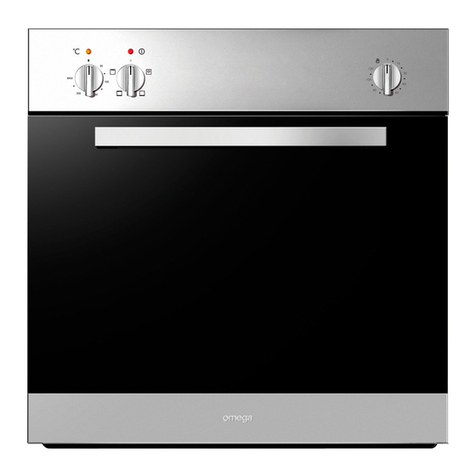
normal operation.
4
16
Troubleshooting
If you still have a problem with your appliance after checking these basic troubleshooting steps,
please contact an authorised service person or qualified technician.
Problem
Possible Cause
Solution
Oven does not switch on. Power is switched off.
Check whether there is power supplied.
Also check that other kitchen appliances
are working.
No heat or oven does not warm
up.
Oven temperature control is
incorrectly set.
Oven door has been left open.
Check that the oven temperature control
knob is set correctly.
Oven light (if available) does not
operate.
Lamp has failed.
Electrical supply is disconnected
or switched off.
Replace lamp according to the
instructions.
Make sure the electrical supply is
switched on at wall socket outlet.
Cooking is uneven within the
oven.
Oven shelves are incorrectly
positioned.
Check that the recommended
temperatures and shelf positions are
being used.
Do not frequently open the door unless
you are cooking things that need to be
turned. If you open the door often, the
interior temperature will be lower and this
may affect the results of your cooking.
The timer buttons cannot be
pressed properly.
There is foreign matter caught
between the timer buttons.
Touch model: there is moisture
on the control panel.
The key lock function is set.
Remove the foreign matter and try again.
Remove the moisture and try again.
Check whether the key lock function is
set.
The oven fan (if available) is
noisy. Oven shelves are vibrating.
Check that the oven is level.
Check that the shelves and any bake ware
are not vibrating or in contact with the
oven back panel.
The cooling fan continues to
operate after the oven is
switched off.
Electronically-controlled oven fan
automatically runs for a certain
amount of time to cool the oven.
The fan switches off automatically when
the electronic components have cooled
sufficiently.
The oven has switched itself off.
Electronically-controlled ovens
switch off automatically if no
function is in operation.
The oven will switch itself off automatically
to save energy if no other action is taken
within a certain time frame after switching
it on or after the end of a cooking
programme.
If the door is opened during a
fan-assisted function, the internal
fan will stop.
Electronically-controlled ovens
with a door switch will stop
cooking if the oven door is
opened.
It is a normal operation of the appliance,
useful when cooking foods in order to
avoid excessive heat escaping. When the
door is closed, the oven will restart to
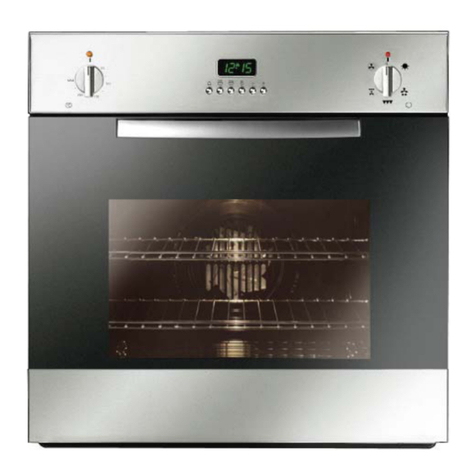
normal operation.
16
Troubleshooting
If you still have a problem with your appliance after checking these basic troubleshooting steps,
please contact an authorised service person or qualified technician.
Problem
Possible Cause
Solution
Oven does not switch on. Power is switched off.
Check whether there is power supplied.
Also check that other kitchen appliances
are working.
No heat or oven does not warm
up.
Oven temperature control is
incorrectly set.
Oven door has been left open.
Check that the oven temperature control
knob is set correctly.
Oven light (if available) does not
operate.
Lamp has failed.
Electrical supply is disconnected
or switched off.
Replace lamp according to the
instructions.
Make sure the electrical supply is
switched on at wall socket outlet.
Cooking is uneven within the
oven.
Oven shelves are incorrectly
positioned.
Check that the recommended
temperatures and shelf positions are
being used.
Do not frequently open the door unless
you are cooking things that need to be
turned. If you open the door often, the
interior temperature will be lower and this
may affect the results of your cooking.
The timer buttons cannot be
pressed properly.
There is foreign matter caught
between the timer buttons.
Touch model: there is moisture
on the control panel.
The key lock function is set.
Remove the foreign matter and try again.
Remove the moisture and try again.
Check whether the key lock function is
set.
The oven fan (if available) is
noisy. Oven shelves are vibrating.
Check that the oven is level.
Check that the shelves and any bake ware
are not vibrating or in contact with the
oven back panel.
The cooling fan continues to
operate after the oven is
switched off.
Electronically-controlled oven fan
automatically runs for a certain
amount of time to cool the oven.
The fan switches off automatically when
the electronic components have cooled
sufficiently.
The oven has switched itself off.
Electronically-controlled ovens
switch off automatically if no
function is in operation.
The oven will switch itself off automatically
to save energy if no other action is taken
within a certain time frame after switching
it on or after the end of a cooking
programme.
If the door is opened during a
fan-assisted function, the internal
fan will stop.
Electronically-controlled ovens
with a door switch will stop
cooking if the oven door is
opened.
It is a normal operation of the appliance,
useful when cooking foods in order to
avoid excessive heat escaping. When the
door is closed, the oven will restart to
normal operation.
5
Operating Instructions
Internal View
1. Control Panel
2. Oven Door
3. Handle
4. Grill Element
5. Oven Lamp
6. Wire Grill
7. Shallow Tray with grill insert
8. 80mm Deep Tray
When you first run your oven, a certain smell will be emanated arising from the insulation materials and the
heater elements. For this reason, before using your oven, run it empty at maximum temperature for 45
minutes. At the same time, you need to properly ventilate the environment in which the oven is installed.
In order to cook in your oven, the oven function and temperature setting controls need to be adjusted and
the oven timer, if available, needs to be programmed. Otherwise, the oven will not operate.
Unplug your appliance when it is not in use.
Protect your appliance from atmospheric effects. Do not leave it under the effects of the sun, rain, snow,
dust etc.
6
Operating Instructions
Controls
Oven Function Control Knob Timer (3 Touch Control) Oven Thermostat Control Knob
OVEN FUNCTION CONTROL
The oven function control knob is used to select the different functions. Each is explained in detail. To
select a function, turn the control knob to the desired oven function and then set the temperature with the
thermostat control.
OVEN THERMOSTAT CONTROL
The oven thermostat control knob is used to select the desired temperature for cooking. When the
temperature inside your oven reaches the value set, the thermostat will cut the circuit and the thermostat
light will go off. When the temperature falls below the set value, the thermostat will again be turned on
alongside the thermostat light. It is normal for this to occur during the cooking process, particularly when the
door has been opened.
Function Selector
Thermostat Control
5
16
Troubleshooting
If you still have a problem with your appliance after checking these basic troubleshooting steps,
please contact an authorised service person or qualified technician.
Problem
Possible Cause
Solution
Oven does not switch on. Power is switched off.
Check whether there is power supplied.
Also check that other kitchen appliances
are working.
No heat or oven does not warm
up.
Oven temperature control is
incorrectly set.
Oven door has been left open.
Check that the oven temperature control
knob is set correctly.
Oven light (if available) does not
operate.
Lamp has failed.
Electrical supply is disconnected
or switched off.
Replace lamp according to the
instructions.
Make sure the electrical supply is
switched on at wall socket outlet.
Cooking is uneven within the
oven.
Oven shelves are incorrectly
positioned.
Check that the recommended
temperatures and shelf positions are
being used.
Do not frequently open the door unless
you are cooking things that need to be
turned. If you open the door often, the
interior temperature will be lower and this
may affect the results of your cooking.
The timer buttons cannot be
pressed properly.
There is foreign matter caught
between the timer buttons.
Touch model: there is moisture
on the control panel.
The key lock function is set.
Remove the foreign matter and try again.
Remove the moisture and try again.
Check whether the key lock function is
set.
The oven fan (if available) is
noisy. Oven shelves are vibrating.
Check that the oven is level.
Check that the shelves and any bake ware
are not vibrating or in contact with the
oven back panel.
The cooling fan continues to
operate after the oven is
switched off.
Electronically-controlled oven fan
automatically runs for a certain
amount of time to cool the oven.
The fan switches off automatically when
the electronic components have cooled
sufficiently.
The oven has switched itself off.
Electronically-controlled ovens
switch off automatically if no
function is in operation.
The oven will switch itself off automatically
to save energy if no other action is taken
within a certain time frame after switching
it on or after the end of a cooking
programme.
If the door is opened during a
fan-assisted function, the internal
fan will stop.
Electronically-controlled ovens
with a door switch will stop
cooking if the oven door is
opened.
It is a normal operation of the appliance,
useful when cooking foods in order to
avoid excessive heat escaping. When the
door is closed, the oven will restart to
normal operation.
16
Troubleshooting
If you still have a problem with your appliance after checking these basic troubleshooting steps,
please contact an authorised service person or qualified technician.
Problem
Possible Cause
Solution
Oven does not switch on. Power is switched off.
Check whether there is power supplied.
Also check that other kitchen appliances
are working.
No heat or oven does not warm
up.
Oven temperature control is
incorrectly set.
Oven door has been left open.
Check that the oven temperature control
knob is set correctly.
Oven light (if available) does not
operate.
Lamp has failed.
Electrical supply is disconnected
or switched off.
Replace lamp according to the
instructions.
Make sure the electrical supply is
switched on at wall socket outlet.
Cooking is uneven within the
oven.
Oven shelves are incorrectly
positioned.
Check that the recommended
temperatures and shelf positions are
being used.
Do not frequently open the door unless
you are cooking things that need to be
turned. If you open the door often, the
interior temperature will be lower and this
may affect the results of your cooking.
The timer buttons cannot be
pressed properly.
There is foreign matter caught
between the timer buttons.
Touch model: there is moisture
on the control panel.
The key lock function is set.
Remove the foreign matter and try again.
Remove the moisture and try again.
Check whether the key lock function is
set.
The oven fan (if available) is
noisy. Oven shelves are vibrating.
Check that the oven is level.
Check that the shelves and any bake ware
are not vibrating or in contact with the
oven back panel.
The cooling fan continues to
operate after the oven is
switched off.
Electronically-controlled oven fan
automatically runs for a certain
amount of time to cool the oven.
The fan switches off automatically when
the electronic components have cooled
sufficiently.
The oven has switched itself off.
Electronically-controlled ovens
switch off automatically if no
function is in operation.
The oven will switch itself off automatically
to save energy if no other action is taken
within a certain time frame after switching
it on or after the end of a cooking
programme.
If the door is opened during a
fan-assisted function, the internal
fan will stop.
Electronically-controlled ovens
with a door switch will stop
cooking if the oven door is
opened.
It is a normal operation of the appliance,
useful when cooking foods in order to
avoid excessive heat escaping. When the
door is closed, the oven will restart to
normal operation.
16
Troubleshooting
If you still have a problem with your appliance after checking these basic troubleshooting steps,
please contact an authorised service person or qualified technician.
Problem
Possible Cause
Solution
Oven does not switch on. Power is switched off.
Check whether there is power supplied.
Also check that other kitchen appliances
are working.
No heat or oven does not warm
up.
Oven temperature control is
incorrectly set.
Oven door has been left open.
Check that the oven temperature control
knob is set correctly.
Oven light (if available) does not
operate.
Lamp has failed.
Electrical supply is disconnected
or switched off.
Replace lamp according to the
instructions.
Make sure the electrical supply is
switched on at wall socket outlet.
Cooking is uneven within the
oven.
Oven shelves are incorrectly
positioned.
Check that the recommended
temperatures and shelf positions are
being used.
Do not frequently open the door unless
you are cooking things that need to be
turned. If you open the door often, the
interior temperature will be lower and this
may affect the results of your cooking.
The timer buttons cannot be
pressed properly.
There is foreign matter caught
between the timer buttons.
Touch model: there is moisture
on the control panel.
The key lock function is set.
Remove the foreign matter and try again.
Remove the moisture and try again.
Check whether the key lock function is
set.
The oven fan (if available) is
noisy. Oven shelves are vibrating.
Check that the oven is level.
Check that the shelves and any bake ware
are not vibrating or in contact with the
oven back panel.
The cooling fan continues to
operate after the oven is
switched off.
Electronically-controlled oven fan
automatically runs for a certain
amount of time to cool the oven.
The fan switches off automatically when
the electronic components have cooled
sufficiently.
The oven has switched itself off.
Electronically-controlled ovens
switch off automatically if no
function is in operation.
The oven will switch itself off automatically
to save energy if no other action is taken
within a certain time frame after switching
it on or after the end of a cooking
programme.
If the door is opened during a
fan-assisted function, the internal
fan will stop.
Electronically-controlled ovens
with a door switch will stop
cooking if the oven door is
opened.
It is a normal operation of the appliance,
useful when cooking foods in order to
avoid excessive heat escaping. When the
door is closed, the oven will restart to
normal operation.
5
Operating Instructions
Internal View
1. Control Panel
2. Oven Door
3. Handle
4. Grill Element
5. Oven Lamp
6. Wire Grill
7. Shallow Tray with grill insert
8. 80mm Deep Tray
When you first run your oven, a certain smell will be emanated arising from the insulation materials and the
heater elements. For this reason, before using your oven, run it empty at maximum temperature for 45
minutes. At the same time, you need to properly ventilate the environment in which the oven is installed.
In order to cook in your oven, the oven function and temperature setting controls need to be adjusted and
the oven timer, if available, needs to be programmed. Otherwise, the oven will not operate.
Unplug your appliance when it is not in use.
Protect your appliance from atmospheric effects. Do not leave it under the effects of the sun, rain, snow,
dust etc.
6
Operating Instructions
Controls
Oven Function Control Knob Timer (3 Touch Control) Oven Thermostat Control Knob
OVEN FUNCTION CONTROL
The oven function control knob is used to select the different functions. Each is explained in detail. To
select a function, turn the control knob to the desired oven function and then set the temperature with the
thermostat control.
OVEN THERMOSTAT CONTROL
The oven thermostat control knob is used to select the desired temperature for cooking. When the
temperature inside your oven reaches the value set, the thermostat will cut the circuit and the thermostat
light will go off. When the temperature falls below the set value, the thermostat will again be turned on
alongside the thermostat light. It is normal for this to occur during the cooking process, particularly when the
door has been opened.
Function Selector
Thermostat Control
16
Troubleshooting
If you still have a problem with your appliance after checking these basic troubleshooting steps,
please contact an authorised service person or qualified technician.
Problem
Possible Cause
Solution
Oven does not switch on. Power is switched off.
Check whether there is power supplied.
Also check that other kitchen appliances
are working.
No heat or oven does not warm
up.
Oven temperature control is
incorrectly set.
Oven door has been left open.
Check that the oven temperature control
knob is set correctly.
Oven light (if available) does not
operate.
Lamp has failed.
Electrical supply is disconnected
or switched off.
Replace lamp according to the
instructions.
Make sure the electrical supply is
switched on at wall socket outlet.
Cooking is uneven within the
oven.
Oven shelves are incorrectly
positioned.
Check that the recommended
temperatures and shelf positions are
being used.
Do not frequently open the door unless
you are cooking things that need to be
turned. If you open the door often, the
interior temperature will be lower and this
may affect the results of your cooking.
The timer buttons cannot be
pressed properly.
There is foreign matter caught
between the timer buttons.
Touch model: there is moisture
on the control panel.
The key lock function is set.
Remove the foreign matter and try again.
Remove the moisture and try again.
Check whether the key lock function is
set.
The oven fan (if available) is
noisy. Oven shelves are vibrating.
Check that the oven is level.
Check that the shelves and any bake ware
are not vibrating or in contact with the
oven back panel.
The cooling fan continues to
operate after the oven is
switched off.
Electronically-controlled oven fan
automatically runs for a certain
amount of time to cool the oven.
The fan switches off automatically when
the electronic components have cooled
sufficiently.
The oven has switched itself off.
Electronically-controlled ovens
switch off automatically if no
function is in operation.
The oven will switch itself off automatically
to save energy if no other action is taken
within a certain time frame after switching
it on or after the end of a cooking
programme.
If the door is opened during a
fan-assisted function, the internal
fan will stop.
Electronically-controlled ovens
with a door switch will stop
cooking if the oven door is
opened.
It is a normal operation of the appliance,
useful when cooking foods in order to
avoid excessive heat escaping. When the
door is closed, the oven will restart to
normal operation.
6
16
Troubleshooting
If you still have a problem with your appliance after checking these basic troubleshooting steps,
please contact an authorised service person or qualified technician.
Problem
Possible Cause
Solution
Oven does not switch on. Power is switched off.
Check whether there is power supplied.
Also check that other kitchen appliances
are working.
No heat or oven does not warm
up.
Oven temperature control is
incorrectly set.
Oven door has been left open.
Check that the oven temperature control
knob is set correctly.
Oven light (if available) does not
operate.
Lamp has failed.
Electrical supply is disconnected
or switched off.
Replace lamp according to the
instructions.
Make sure the electrical supply is
switched on at wall socket outlet.
Cooking is uneven within the
oven.
Oven shelves are incorrectly
positioned.
Check that the recommended
temperatures and shelf positions are
being used.
Do not frequently open the door unless
you are cooking things that need to be
turned. If you open the door often, the
interior temperature will be lower and this
may affect the results of your cooking.
The timer buttons cannot be
pressed properly.
There is foreign matter caught
between the timer buttons.
Touch model: there is moisture
on the control panel.
The key lock function is set.
Remove the foreign matter and try again.
Remove the moisture and try again.
Check whether the key lock function is
set.
The oven fan (if available) is
noisy. Oven shelves are vibrating.
Check that the oven is level.
Check that the shelves and any bake ware
are not vibrating or in contact with the
oven back panel.
The cooling fan continues to
operate after the oven is
switched off.
Electronically-controlled oven fan
automatically runs for a certain
amount of time to cool the oven.
The fan switches off automatically when
the electronic components have cooled
sufficiently.
The oven has switched itself off.
Electronically-controlled ovens
switch off automatically if no
function is in operation.
The oven will switch itself off automatically
to save energy if no other action is taken
within a certain time frame after switching
it on or after the end of a cooking
programme.
If the door is opened during a
fan-assisted function, the internal
fan will stop.
Electronically-controlled ovens
with a door switch will stop
cooking if the oven door is
opened.
It is a normal operation of the appliance,
useful when cooking foods in order to
avoid excessive heat escaping. When the
door is closed, the oven will restart to
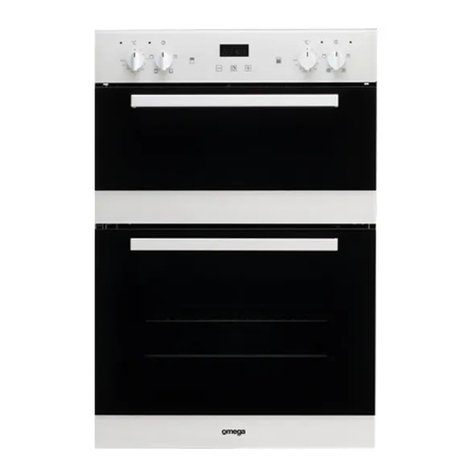
normal operation.
16
Troubleshooting
If you still have a problem with your appliance after checking these basic troubleshooting steps,
please contact an authorised service person or qualified technician.
Problem
Possible Cause
Solution
Oven does not switch on. Power is switched off.
Check whether there is power supplied.
Also check that other kitchen appliances
are working.
No heat or oven does not warm
up.
Oven temperature control is
incorrectly set.
Oven door has been left open.
Check that the oven temperature control
knob is set correctly.
Oven light (if available) does not
operate.
Lamp has failed.
Electrical supply is disconnected
or switched off.
Replace lamp according to the
instructions.
Make sure the electrical supply is
switched on at wall socket outlet.
Cooking is uneven within the
oven.
Oven shelves are incorrectly
positioned.
Check that the recommended
temperatures and shelf positions are
being used.
Do not frequently open the door unless
you are cooking things that need to be
turned. If you open the door often, the
interior temperature will be lower and this
may affect the results of your cooking.
The timer buttons cannot be
pressed properly.
There is foreign matter caught
between the timer buttons.
Touch model: there is moisture
on the control panel.
The key lock function is set.
Remove the foreign matter and try again.
Remove the moisture and try again.
Check whether the key lock function is
set.
The oven fan (if available) is
noisy. Oven shelves are vibrating.
Check that the oven is level.
Check that the shelves and any bake ware
are not vibrating or in contact with the
oven back panel.
The cooling fan continues to
operate after the oven is
switched off.
Electronically-controlled oven fan
automatically runs for a certain
amount of time to cool the oven.
The fan switches off automatically when
the electronic components have cooled
sufficiently.
The oven has switched itself off.
Electronically-controlled ovens
switch off automatically if no
function is in operation.
The oven will switch itself off automatically
to save energy if no other action is taken
within a certain time frame after switching
it on or after the end of a cooking
programme.
If the door is opened during a
fan-assisted function, the internal
fan will stop.
Electronically-controlled ovens
with a door switch will stop
cooking if the oven door is
opened.
It is a normal operation of the appliance,
useful when cooking foods in order to
avoid excessive heat escaping. When the
door is closed, the oven will restart to
normal operation.
7
Operating Instructions
During heated oven functions a cooling fan in the top of the oven will operate in order to cool down the oven
door and kitchen cabinet as well as reducing condensation in the oven. There will then be a slight release of
warm air from the top of the closed oven door. This is not a leak in heat from the oven cavity.
The appliance comes with 2 designated positions for the telescopic runners to be attached. Refer to the
image below:
Oven Functions
Defrost Function
You can start the defrost operation by putting the frozen food into oven and bringing the function
control knob to the indicated mark. This function will not cook/bake the food; it only helps to
defrost it within a short time.
Put the food to be defrosted on the wire rack that you will place on the middle rack support from
the bottom (Figure 13). To collect the water that accumulates due to the melting ice, insert an
oven tray onto a lower rack. This function is perfect for finishing off the defrost process for frozen
food that has been in the refrigerator from the evening before and may not be completely thawed
out.
Fan Forced Function
This Fan Forced function uses the turbo heater (located in the back of the oven) to evenly
disperse the heat in the oven. This function is suitable for cooking multiple dishes on various
oven shelves. Adjust the function control knob so it indicates the Fan Forced function symbol.
Adjust the thermostat control knob of your oven to a temperature recommended on the cooking
table for the cooking operation you wish to perform.
Preheating of the oven for about 10 minutes is recommended. Place the food in a suitable
container, then place into oven and cook for the required time.
If you are going to cook using two trays at the same time, while adjusting the cooking
temperature, select the temperature that is the lowest among the levels suitable for your food of
choice, as shown on the table.
Cooking with two trays requires additional cooking time compared to cooking with one tray.
Usually, the food on each tray does not finish at the same time so you may need to take the tray
of cooked food out of the oven, and continue the cooking operation for the remaining tray.
After cooking, turn off the oven function and temperature control knobs and cancel the timer
program if in use. Take the cooked food out of the oven and place it in a safe heatproof surface.
As the oven will be hot, work near with caution and keep children away from the cooling oven.
8
Operating Instructions
Oven Functions
Conventional Cooking Function
This function, Conventional Cooking, allows heat to radiate evenly from the lower and upper
elements into the oven ensuring even cooking of both sides of the food. Adjust the function
control so it indicates the Conventional Cooking function symbol. Adjust the thermostat control
knob of your oven to a temperature recommended on the cooking table for the cooking operation
you wish to perform. Preheating of the oven for about 10 minutes is recommended. Place food in
a suitable container, then place into oven and cook for the recommended time. This function is
preferred for making cakes (cupcakes, other cakes and sponges), biscuits, pastry, baked pasta
(e.g. lasagne), casseroles and moist dishes, roasts and oven chips.
After cooking, turn off the oven function and temperature control knobs and cancel the timer
program if in use. Take the cooked food out of the oven and place it on a safe heatproof surface.
As the oven will be hot, work with caution and keep children away from the cooling oven.
Conventional with Fan Assist Function
This is the function where the air coming from the lower and upper heating elements is circulated
into the oven by the fan motor and blade
Adjust the function control knob so it indicates the Conventional with Fan Assist Function symbol
and adjust the oven timer to the recommended time for cooking. Adjust the thermostat control
knob to the temperature required on the cooking table for the Conventional with Fan Assist
Function and preheat oven for 10 minutes. Based on the conventional cooking function, this
combination of features increases the effectiveness of the thermal radiation of the heating
elements through forced air circulation of the heat throughout the oven. This helps prevent food
from burning on the surface, allowing the heat to penetrate into the food. Food baked on this
function such as pastry often brown faster than on convection function alone.
After cooking, turn off the oven function and temperature control knobs and cancel the timer
program if in use. Take the cooked food out of the oven and place it on a safe heatproof surface.
As the oven will be hot, work with caution and keep children away from the cooling oven.
Grill Function
This function is used for grilling. Adjust the function control knob so it indicates the Mid-Grill
function symbol and adjust the oven timer to the recommended time for cooking. Set the oven’s
thermostat control knob to the required temperature. After a preheating period of 10 minutes, put
your food into the oven. For grilling, put the food on the grill rack and sit into the tray. Place the
tray on one of the highest shelves. Placing the rack within the oven tray provided will ensure that
any marinade, fat or oil dropping from the food will be collected. When grilling, the oven door
must be closed. On this function, the middle heating elements/coils of the grill operate.
This setting is ideal for toasting bread, cheese melts and melting cheese topped dishes or
finishing off a dish to lightly brown on the surface. Also used for herb and garlic bread.
After cooking, turn off the oven function and temperature control knobs and cancel the timer
program if in use. Take the cooked food out of the oven and place it in a safe heatproof surface.
As the oven will be hot, work near with caution and keep children away from the cooling oven.
7
16
Troubleshooting
If you still have a problem with your appliance after checking these basic troubleshooting steps,
please contact an authorised service person or qualified technician.
Problem
Possible Cause
Solution
Oven does not switch on. Power is switched off.
Check whether there is power supplied.
Also check that other kitchen appliances
are working.
No heat or oven does not warm
up.
Oven temperature control is
incorrectly set.
Oven door has been left open.
Check that the oven temperature control
knob is set correctly.
Oven light (if available) does not
operate.
Lamp has failed.
Electrical supply is disconnected
or switched off.
Replace lamp according to the
instructions.
Make sure the electrical supply is
switched on at wall socket outlet.
Cooking is uneven within the
oven.
Oven shelves are incorrectly
positioned.
Check that the recommended
temperatures and shelf positions are
being used.
Do not frequently open the door unless
you are cooking things that need to be
turned. If you open the door often, the
interior temperature will be lower and this
may affect the results of your cooking.
The timer buttons cannot be
pressed properly.
There is foreign matter caught
between the timer buttons.
Touch model: there is moisture
on the control panel.
The key lock function is set.
Remove the foreign matter and try again.
Remove the moisture and try again.
Check whether the key lock function is
set.
The oven fan (if available) is
noisy. Oven shelves are vibrating.
Check that the oven is level.
Check that the shelves and any bake ware
are not vibrating or in contact with the
oven back panel.
The cooling fan continues to
operate after the oven is
switched off.
Electronically-controlled oven fan
automatically runs for a certain
amount of time to cool the oven.
The fan switches off automatically when
the electronic components have cooled
sufficiently.
The oven has switched itself off.
Electronically-controlled ovens
switch off automatically if no
function is in operation.
The oven will switch itself off automatically
to save energy if no other action is taken
within a certain time frame after switching
it on or after the end of a cooking
programme.
If the door is opened during a
fan-assisted function, the internal
fan will stop.
Electronically-controlled ovens
with a door switch will stop
cooking if the oven door is
opened.
It is a normal operation of the appliance,
useful when cooking foods in order to
avoid excessive heat escaping. When the
door is closed, the oven will restart to
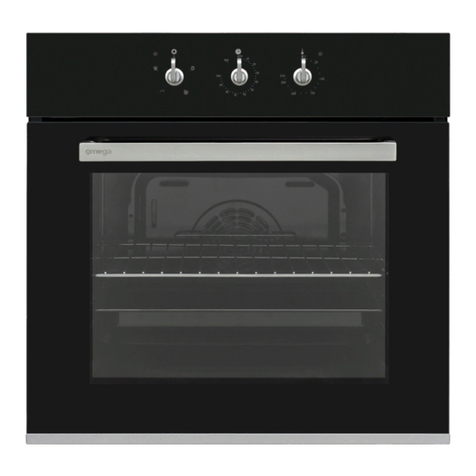
normal operation.
16
Troubleshooting
If you still have a problem with your appliance after checking these basic troubleshooting steps,
please contact an authorised service person or qualified technician.
Problem
Possible Cause
Solution
Oven does not switch on. Power is switched off.
Check whether there is power supplied.
Also check that other kitchen appliances
are working.
No heat or oven does not warm
up.
Oven temperature control is
incorrectly set.
Oven door has been left open.
Check that the oven temperature control
knob is set correctly.
Oven light (if available) does not
operate.
Lamp has failed.
Electrical supply is disconnected
or switched off.
Replace lamp according to the
instructions.
Make sure the electrical supply is
switched on at wall socket outlet.
Cooking is uneven within the
oven.
Oven shelves are incorrectly
positioned.
Check that the recommended
temperatures and shelf positions are
being used.
Do not frequently open the door unless
you are cooking things that need to be
turned. If you open the door often, the
interior temperature will be lower and this
may affect the results of your cooking.
The timer buttons cannot be
pressed properly.
There is foreign matter caught
between the timer buttons.
Touch model: there is moisture
on the control panel.
The key lock function is set.
Remove the foreign matter and try again.
Remove the moisture and try again.
Check whether the key lock function is
set.
The oven fan (if available) is
noisy. Oven shelves are vibrating.
Check that the oven is level.
Check that the shelves and any bake ware
are not vibrating or in contact with the
oven back panel.
The cooling fan continues to
operate after the oven is
switched off.
Electronically-controlled oven fan
automatically runs for a certain
amount of time to cool the oven.
The fan switches off automatically when
the electronic components have cooled
sufficiently.
The oven has switched itself off.
Electronically-controlled ovens
switch off automatically if no
function is in operation.
The oven will switch itself off automatically
to save energy if no other action is taken
within a certain time frame after switching
it on or after the end of a cooking
programme.
If the door is opened during a
fan-assisted function, the internal
fan will stop.
Electronically-controlled ovens
with a door switch will stop
cooking if the oven door is
opened.
It is a normal operation of the appliance,
useful when cooking foods in order to
avoid excessive heat escaping. When the
door is closed, the oven will restart to
normal operation.
16
Troubleshooting
If you still have a problem with your appliance after checking these basic troubleshooting steps,
please contact an authorised service person or qualified technician.
Problem
Possible Cause
Solution
Oven does not switch on. Power is switched off.
Check whether there is power supplied.
Also check that other kitchen appliances
are working.
No heat or oven does not warm
up.
Oven temperature control is
incorrectly set.
Oven door has been left open.
Check that the oven temperature control
knob is set correctly.
Oven light (if available) does not
operate.
Lamp has failed.
Electrical supply is disconnected
or switched off.
Replace lamp according to the
instructions.
Make sure the electrical supply is
switched on at wall socket outlet.
Cooking is uneven within the
oven.
Oven shelves are incorrectly
positioned.
Check that the recommended
temperatures and shelf positions are
being used.
Do not frequently open the door unless
you are cooking things that need to be
turned. If you open the door often, the
interior temperature will be lower and this
may affect the results of your cooking.
The timer buttons cannot be
pressed properly.
There is foreign matter caught
between the timer buttons.
Touch model: there is moisture
on the control panel.
The key lock function is set.
Remove the foreign matter and try again.
Remove the moisture and try again.
Check whether the key lock function is
set.
The oven fan (if available) is
noisy. Oven shelves are vibrating.
Check that the oven is level.
Check that the shelves and any bake ware
are not vibrating or in contact with the
oven back panel.
The cooling fan continues to
operate after the oven is
switched off.
Electronically-controlled oven fan
automatically runs for a certain
amount of time to cool the oven.
The fan switches off automatically when
the electronic components have cooled
sufficiently.
The oven has switched itself off.
Electronically-controlled ovens
switch off automatically if no
function is in operation.
The oven will switch itself off automatically
to save energy if no other action is taken
within a certain time frame after switching
it on or after the end of a cooking
programme.
If the door is opened during a
fan-assisted function, the internal
fan will stop.
Electronically-controlled ovens
with a door switch will stop
cooking if the oven door is
opened.
It is a normal operation of the appliance,
useful when cooking foods in order to
avoid excessive heat escaping. When the
door is closed, the oven will restart to
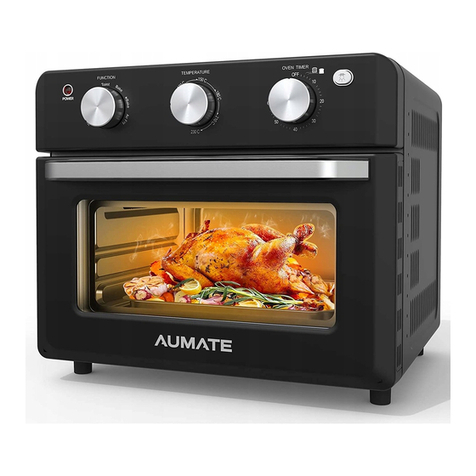
normal operation.