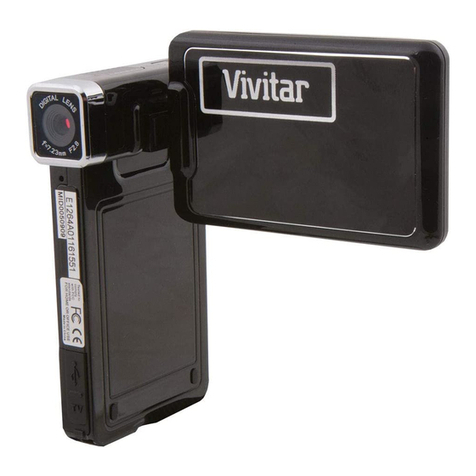
Again press the power button is shut down, the blue light goes out.
Note: The recording instrument will be prompted to low battery voltage automatic
shutdown when battery is low
Movie mode
Long press MODE button to switch to camera mode, the upper-left corner of the
screen displays a camera icon;
Press OK to start recording, the camera icon will appear next to the flashing red
dot, indicating the video work.
Note: The long press means the press and hold the button for two seconds and release.
Camera mode
Long press MODE button to switch to camera mode, the upper-left corner of the screen
displays the camera icon;
Press the OK button to take pictures, take pictures of the screen flashes once said
camera to complete.
Note: The long press means the press and hold the button for two seconds and release.
Video/photo/playback
Long press MODE button to switch to playback mode, the upper-left corner of the screen
to display the playback icon;
Press the MODE button up to select the file;
Short press the MENU key down to select the file;
Short press the OK button to play the selected video files.
Note: The long press means the press and hold the button for two seconds and release.
Digital zoom
Continuous Short press MODE button or the MENU framing objects zoom in or out (4X)