© 2019 Twinhead International Corp and/or its affiliates. All rights reserved.
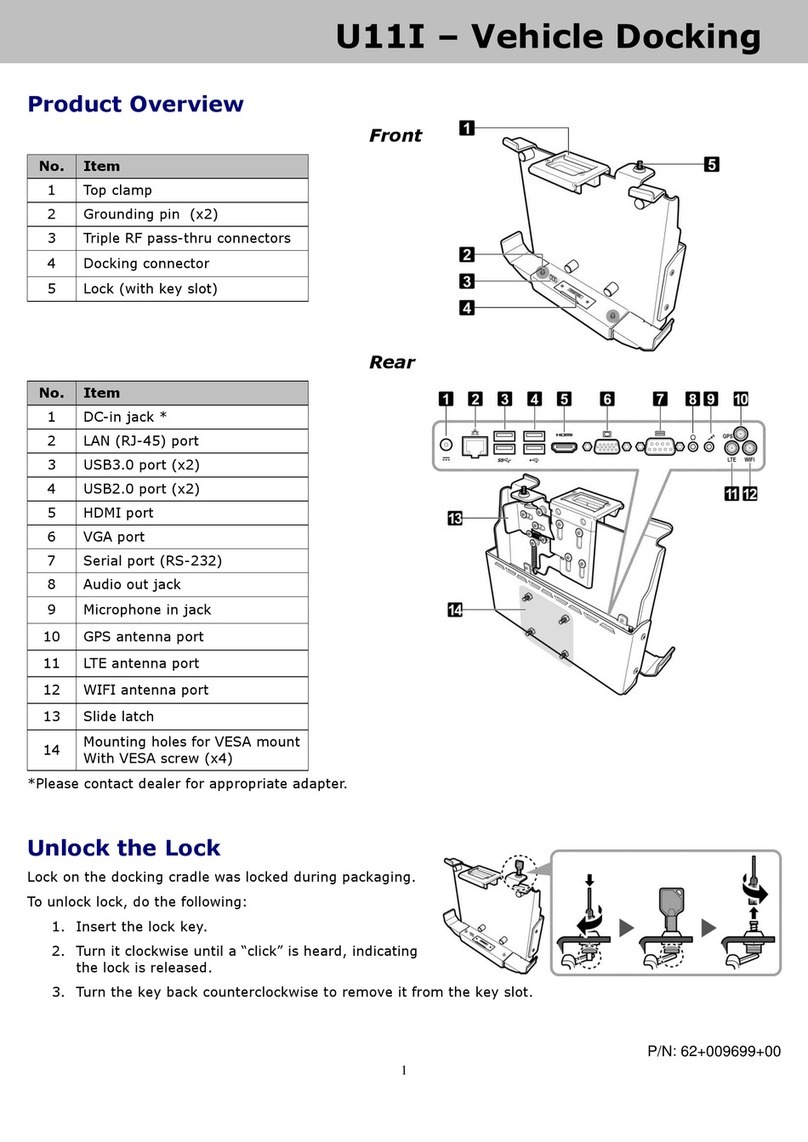
2. Slide the Lock/Unlock switch to the lock position to secure the Laptop PC to the docking cradle.
Undocking the Laptop PC
1. Slide the Lock/Unlock switch to the unlock position to disengage the connection.
Be sure the device is properly turned off.
2. Lift to remove the Laptop PC.
If the Laptop PC is equipped with a second LAN port, its
functionality will not be affected while the Laptop PC is
locked to the docking cradle.
If the Laptop PC is equipped with an HDMI port and VGA port,
then the VGA port on the Laptop PC is disabled while the
Laptop PC is locked to the docking cradle.
If the Laptop PC is equipped with dual mini DP ports and
VGA port (or dual LAN ports), then the mini DP port on the
right side is disabled while the Laptop PC is locked to the
docking cradle.