not record with audio when “Disable” is selected.
c) Press the OK button to confirm and exit.
5. Shooting Photos
(1) Power on
(2): Turn the Mode switch to capture mode make sure the capture icon is
against the red triangle.
3): Press the OK button to take pictures.
Note:
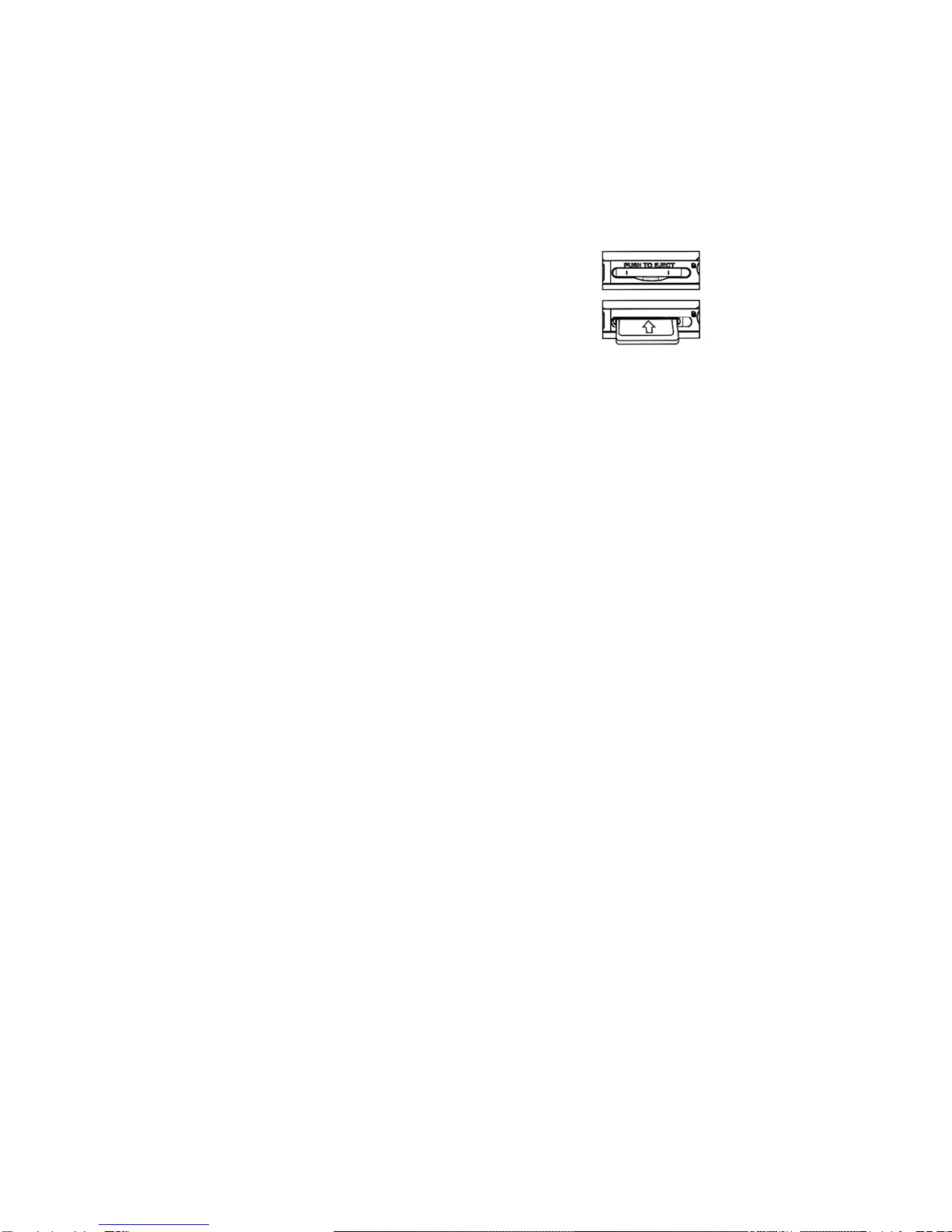
zDo not take the memory card or battery out while the camera is
saving the image, otherwise, the image will not be saved completely.
zThe screen will turn off automatically if the camera is not in use for
30 seconds. Press any key to restart the screen.
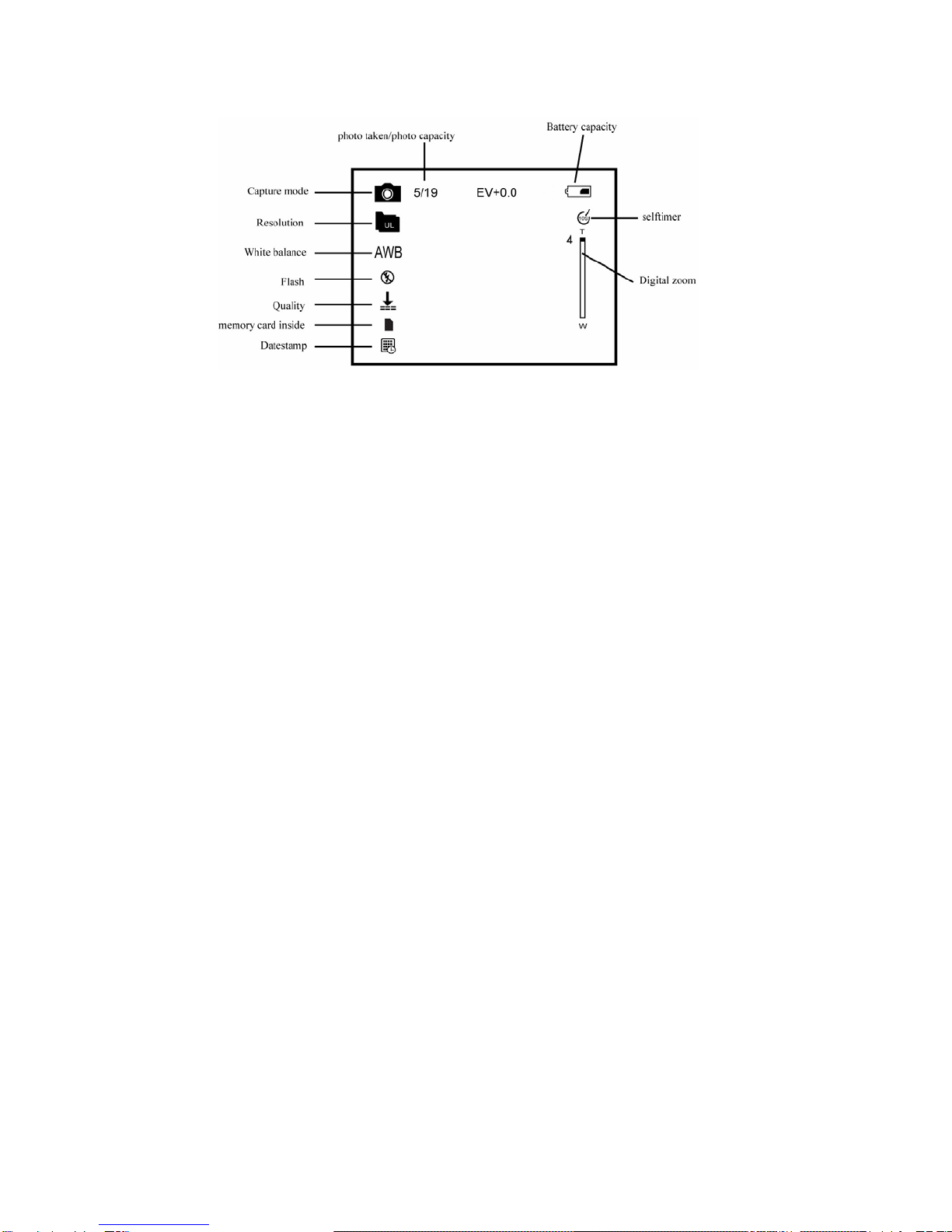
While in capture mode press “Menu” to enter the main menu for 2
options: “Image” and ”Setup”. The “Image” option has eight submenus:
Resolution, Quality, White Balance, Color Effect, Exposure, Date
Stamp, Self timer, and Burst Snapshot.
A. Flash mode