Installation Instructions
8000-2671-02, Rev. A (7 pages) AMERICAN DYNAMICS PRODUCTS 1
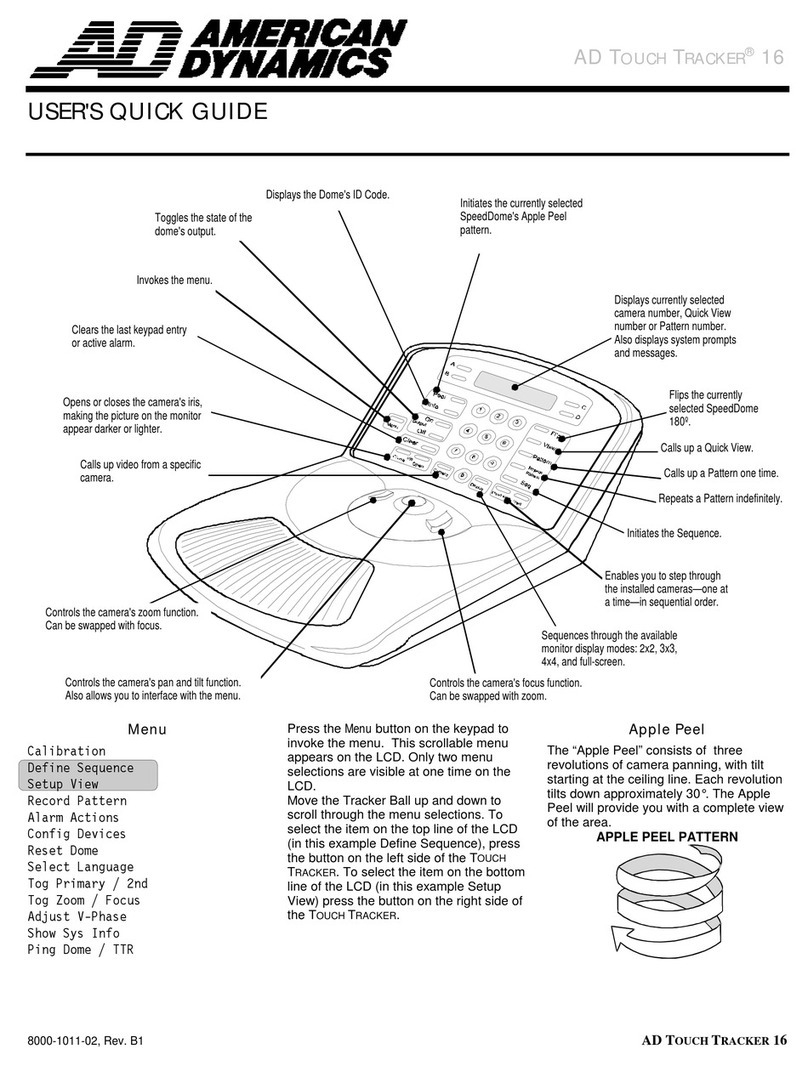
1AD32 Enhanced TOUCH
TRACKER®1ADTT32E
With Video Matrix Switcher
A
B
C
D
123
456
789
0
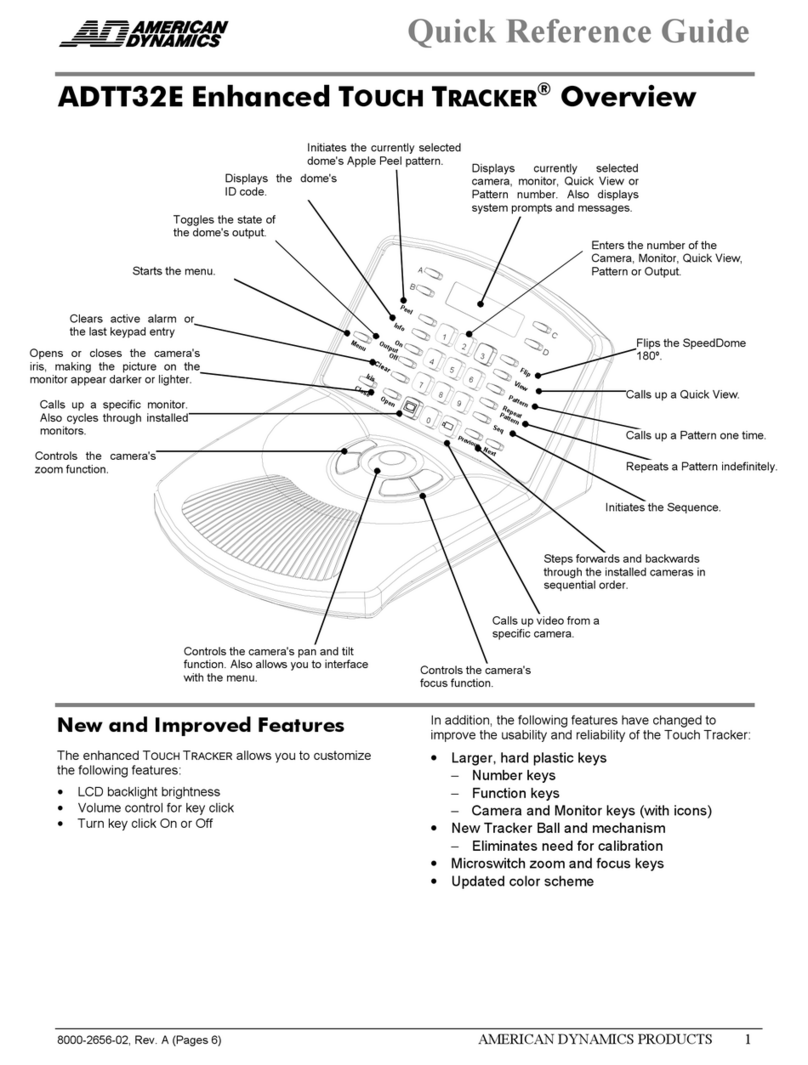
Peel
Info
On
Output
Off
Clear
Menu
Iris
CloseOpen
Flip
View
Pattern
Repeat
Pattern
Seq
Previous
Next
About this Guide
This installation guide explains the procedures for
installing Enhanced TOUCH TRACKER controllers
with the Video Matrix Switcher. Other related
documents are:
•Installation and Service Manual, 8000-1702-02
•Operator's Manual, 8000-2655-02
Note: Because customer requirements dictate the
placement of TOUCH TRACKER components, your
Sensormatic representative will supply this
information separately.
If you need assistance...
Call Sensormatic Customer Support at:
1-800-543-9740
1TOUCH TRACKER, Sensormatic, and the Sensormatic logo are
registered trademarks of Sensormatic Electronics Corporation. Other
product names (if any) mentioned herein may be trademarks or
registered trademarks of Sensormatic or other companies.
No part of this document may be reproduced in any form without
written permission from Sensormatic Electronics Corporation.
© Copyright 1999. All rights reserved.
(CSD) 07/99
Parts Required
TOUCH TRACKER Installation Kit:
Part Number 0351-0474-07
INSTL KIT, TOUCH TRKR, W/RJ45 1
Description Qty Part No.
CABLE ASSY,MDLR,14FT,8 COND,CROSS-P 1 6003-0047-01
SCR,THD CUT,M2.9X9.5,PHP,ST,Z,T1 1 5899-0004-102
ANCHOR,PLASTIC,W/O SCREW,8-10 2 2880-0083-01
SCR,TYP AB,PHP,CAD,#8X1" 2 2816-7634-44
CONN,PLUG,TUBLR,.200CTR,26-12AWG,1X 1 2109-0254-04
LUG,SPADE,CRIMP,INSUL,22-16AWG 3 2141-0002
CABLE,3COND,18AWG,CM 16.5 6002-0024-01
INTERCONNECT BOX,TOUCHTRACKER 1 0300-1000-01
CABLE ASSY,TOUCH TRACKER,INTFC TO Q 1 0650-0932-01
HOOD,D-SUB,9POS,EMI/RFI,.25 DIA CAB 1 2125-0007-02
CONN,D-SUB,PLUG,HSG,9POS,SSI 1 2130-0021-01
FERRITE CORE 1 2700-0023-01
QUICK REFERENCE GUID 1 8000-2656-02
TOUCH TRACHER STRAIN RELIEF INSTR 1 8000-1370-01
WARNING Shock Hazard!
Disconnect AC Power.
CAUTION static sensitive
components!
Follow proper handling procedures to
prevent component failure.
Installation Procedures
See Remote Switcher Location for procedures
when the Video Matrix Switcher will be more than 4m
(14 ft) from the EIMs.
1. Attach each EIM to a wall or other surface within
3m (10 ft) of its TOUCH TRACKER controller.
2. Terminate the EIM that is at the end of the
SensorNet network.
See Figure 1 for the wiring diagram for a typical
2-controller AD32 system installation. For more
information on the SensorNet network, see the
SensorNet Network Guide (PN 8000-0970-01).
3. Attach the 3 spade lugs to one end of the 3-
conductor cable, then attach the lugs to the EIM
power transformer.