WWW.BALTIMOREAIRCOIL.COM
8
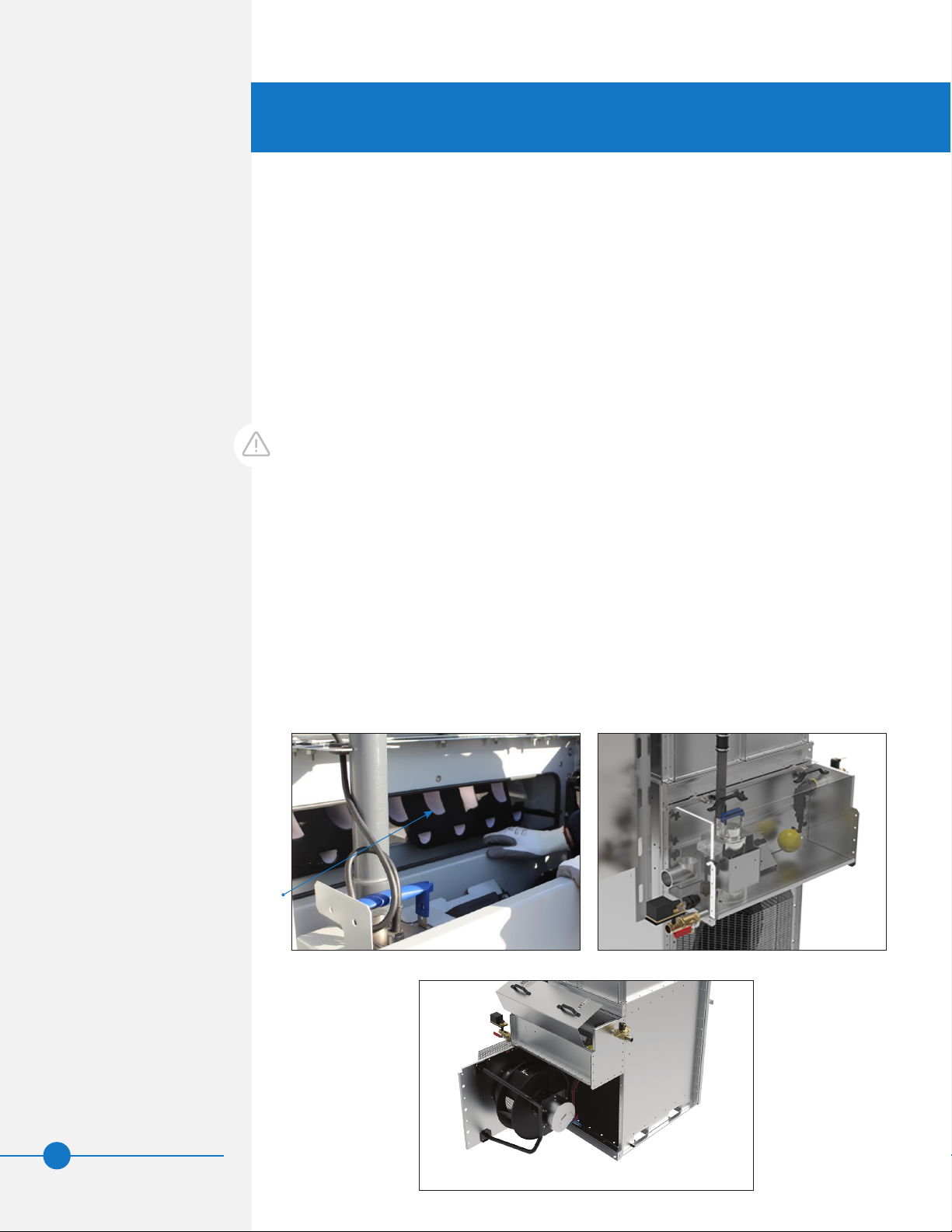
–Drain valve
–Overflow
• Turn the water supply on.
• Set the make-up float valve so the water shuts off at the operating level, see Table 2
on page 22 and Figure 17 on page 23.
• Ensure proper water treatment. Refer to page 30 for details.
• Verify the voltage stated in the submittal package matches the incoming power at the
job site.
• Verify that the supply power is connected to the iPilot™ Control System.
• Verify that Building Management System (BMS) interface is correctly wired to the
iPilot™ Control System.
• Turn on all breakers inside the iPilot™ Control System.
• Close the iPilot™ Control System panel and ensure that all the locks have been fully
engaged and secured by rotating them 90° with a flathead screwdriver or coin.
• Turn on the main power supply to the unit.
• Verify wiring from each component to the iPilot™ Control System.
• Verify component operation by entering the Main Menu of the user interface, select
Point Overview, and change Manual Mode to On. Refer to the “iPilot™ Control System
Appendix” on page 45.
• On units that are powered with 230/460V three phase, the power must be connected
properly to ensure that the pumps rotate clockwise. The wiring should be installed to
have incoming power U phase connected to panel L1, V phase to L2, W phase to L2,
and E phase to ground. It is recommended that a rotation meter be used to confirm
the power is connected to allow clockwise operation.
• Verify that fan(s) are rotating in the correct direction (clockwise when looking into the
unit from the outside) by operating each component in “Manual mode”.
• Check for unusual noise or vibration.
• After verifying component operation, re-enter the Main Menu and change Manual
Mode to Off and ensure that overational system value (OSV) is Off.
Start-Up
• For initial start-up, clean the conductivity sensor after two weeks of service.
• Ensure that main disconnect switch on the iPilot™ Control System is turned On.
The iPilot™ Control System will arrive onsite preconfigured with factory default values and
requires field setup. There are three methods of equipment control:
1. Local control without a Building Management System (BMS) interface
2. Local control with a BMS interface (See Table 15 on page 57 for the BMS
data points).
3. Customer Input: Control using analog input (0-10 VDC, 10-0 VDC,
or 4-20 mA) by others.
• Refer to “iPilot™ Control System Appendix” on page 45 for more information
including for controls connections.
• Anytime equipment operation is required, Run Enable must be turned On either
locally through the iPilot™ Control System interface or remotely with a signal by
others.
DANGER: Rotating equipment
will cause severe personal injury
or death to persons who come in
contact. Do not perform any service,
maintenance, or inspection on or
near the fans, motors, or inside
the unit without first ensuring
that the fans and pump motors
are disconnected, locked out, and
tagged out.
WARNING: Dangerous voltages
are present in this equipment.
Disconnect the electrical service
of the source and tag the circuit
out before servicing or replacing
components.