Contents
1 Introducing Impact Attendant .....................................1–1
Using This Guide ............................................................1–1
Describing Impact Attendant ...................................................1–1
Starting The Program .........................................................1–2
Understanding Some Special Terms..............................................1–3
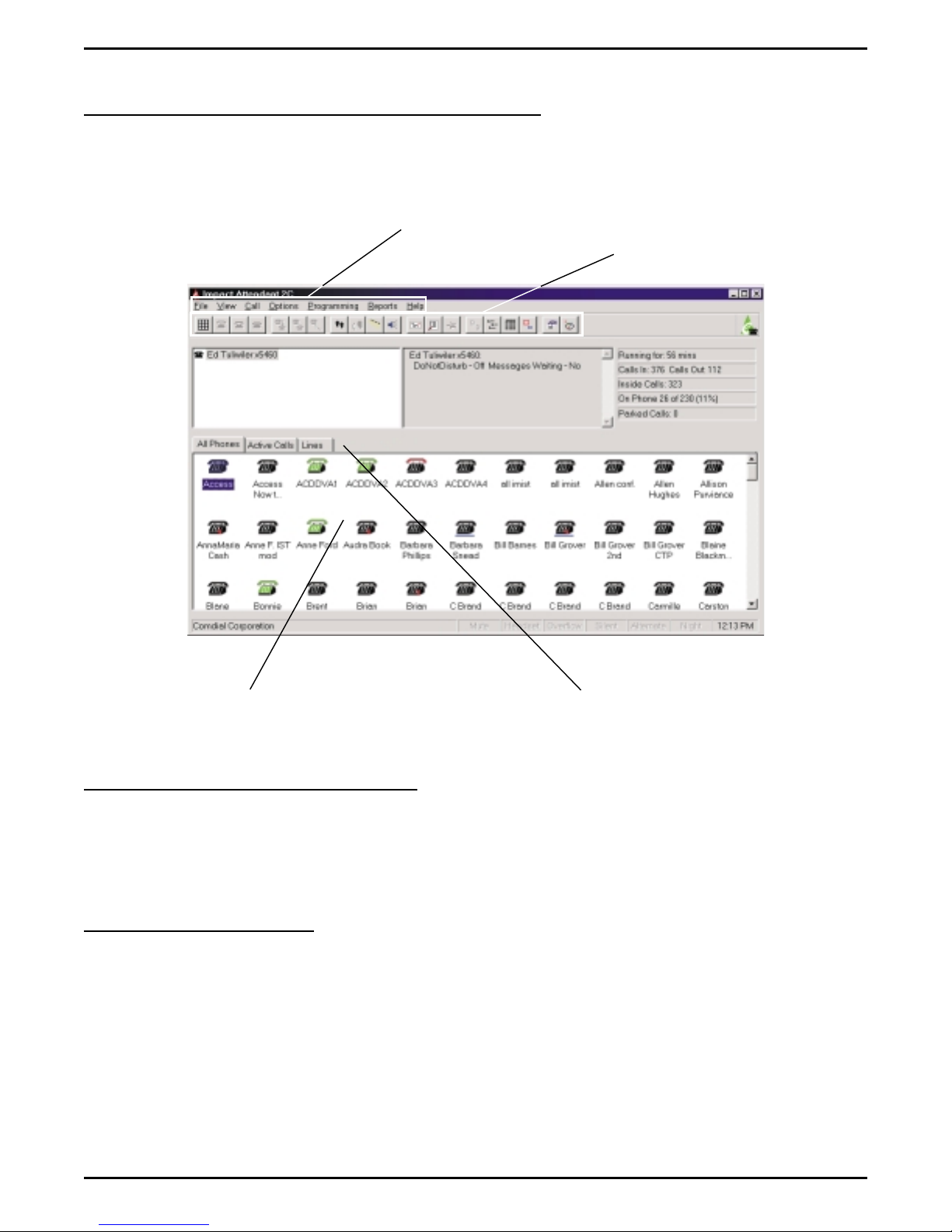
Detailing The Impact Attendant View ............................................1–4
Locating The Drop-Down Menus..................................................1–4
Locating The Tool Bar ..........................................................1–4
Describing The Station Status Icons ................................................1–5
Explaining The Selection Tabs ....................................................1–5
Detailing the Call Displays .......................................................1–6
Setting The System Configurations ..............................................1–8
Using The Keyboard..........................................................1–9
Using The Mouse ...........................................................1–10
2 Using Impact Attendant...........................................2–1
Using Impact Attendant To Handle Calls..........................................2–1
Answering Calls ...............................................................2–1
Holding Calls..................................................................2–2
Parking And Retrieving Parked Calls ...............................................2–2
Transferring Calls ..............................................................2–3
Paging Other Stations ...........................................................2–4
Conferencing Calls .............................................................2–4
Taking Messages...............................................................2–5
Dialing Calls ..................................................................2–5
Hanging Up Calls ..............................................................2–6
Forwarding Calls...............................................................2–7
Using Special-Purpose Impact Attendant Features...................................2–8
Selecting The Operating Mode ....................................................2–8
Tagging A Call ...............................................................2–10
Contents – 1
Impact Attendant User's Guide GCA70–355