2
User manual
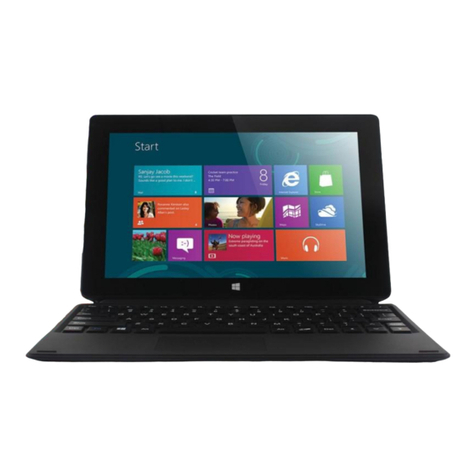
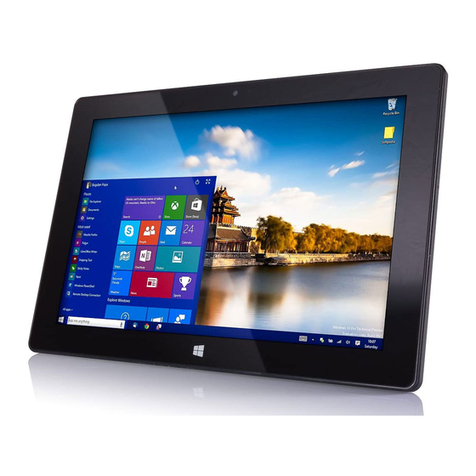
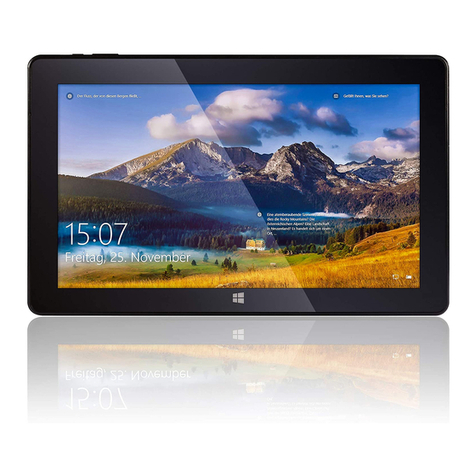
The actual product, accompanying
accessories and some of its
features may differ from the
presented in this manual images
and descriptions.
2. Safety............................................................................................2
3. The use of the manual................................................................3
4. Important information.................................................................3
5. Technical Specification..............................................................3
5.1 Package content.......................................................................................4
6. Appearance of the tablet............................................................4
7. Before the first start....................................................................5
7.1 Installation of the memory card.....................................................5
7.2 Charging the battery.....................................................................5
8. Buttons.........................................................................................6
9. Using the touch screen ..............................................................7
9.1Touch.............................................................................................7
9.2 Swipe............................................................................................7
9.3 Triple click.....................................................................................7
9.4 Hold and swipe.............................................................................7
9.5 Slide in and out.............................................................................8
10. Computer connection...............................................................8
11. Applications.............................................................................10
12. Setting......................................................................................11
12.1 Network & Internet....................................................................12
12.2 Connected device......................................................................13
12.3Apps & notifications....................................................................14
12.4Battery.....................................................................................15
12.5Display .......................................................................................16
12.6Sound.........................................................................................17
12.7Storage....................................................................................18
12.8DuraSpeed.................................................................................19
12.9Security & location......................................................................20
12.10Users & accounts.....................................................................21
12.11Accessibility..............................................................................22
12.12Google......................................................................................24
12.13System .....................................................................................25
12.13.1 Language......................................................................26
12.13.2 Gestures...............................................................................27
12.13.3Date and time........................................................................28
12.13.4Backup.............................................................................28
12.13.5System update.................................................................29
12.13.6Reset options ........................................................................30
12.13.7About tablet...........................................................................31
13. Safe use of the battery............................................................32
14. Maintenance of the device .....................................................32
15. Surroundings security............................................................32