manuals.online logo
Brands
  1. Home
  2. •
  3. Brands
  4. •
  5. Grixx
  6. •
  7. Action Camera
  8. •
  9. Grixx Action Cam User manual

Grixx Action Cam User manual

Popular Action Camera manuals by other brands

Denver ACT-1013 quick start guide

Denver

Denver ACT-1013 quick start guide

DeepSea Power & Light SEACAM Operator's manual

DeepSea Power & Light

DeepSea Power & Light SEACAM Operator's manual

Epic STC-EPC1T user manual

Epic

Epic STC-EPC1T user manual

Brinno MAC200 DN user manual

Brinno

Brinno MAC200 DN user manual

GoPro HERO5 Important product information

GoPro

GoPro HERO5 Important product information

ION Air Pro 2 quick start guide

ION

ION Air Pro 2 quick start guide

Firefly 6s instruction manual

Firefly

Firefly 6s instruction manual

Pyle eXpo PSCHD90 user manual

Pyle

Pyle eXpo PSCHD90 user manual

MOFILY YOCAM quick guide

MOFILY

MOFILY YOCAM quick guide

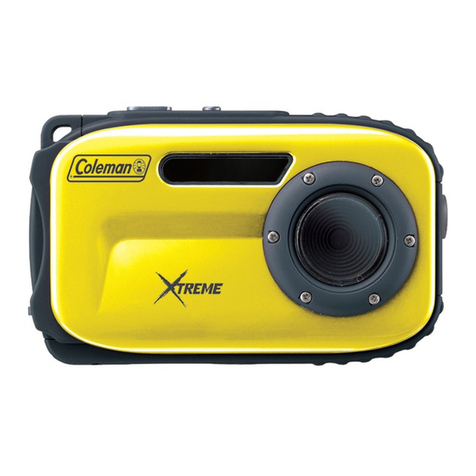
Coleman C5WP Xtreme instruction manual

Coleman

Coleman C5WP Xtreme instruction manual

MCM Electronics 82-19749 user manual

MCM Electronics

MCM Electronics 82-19749 user manual

Aim SmartyCam 3 Sport user manual

Aim

Aim SmartyCam 3 Sport user manual

Omni HERO4 user manual

Omni

Omni HERO4 user manual

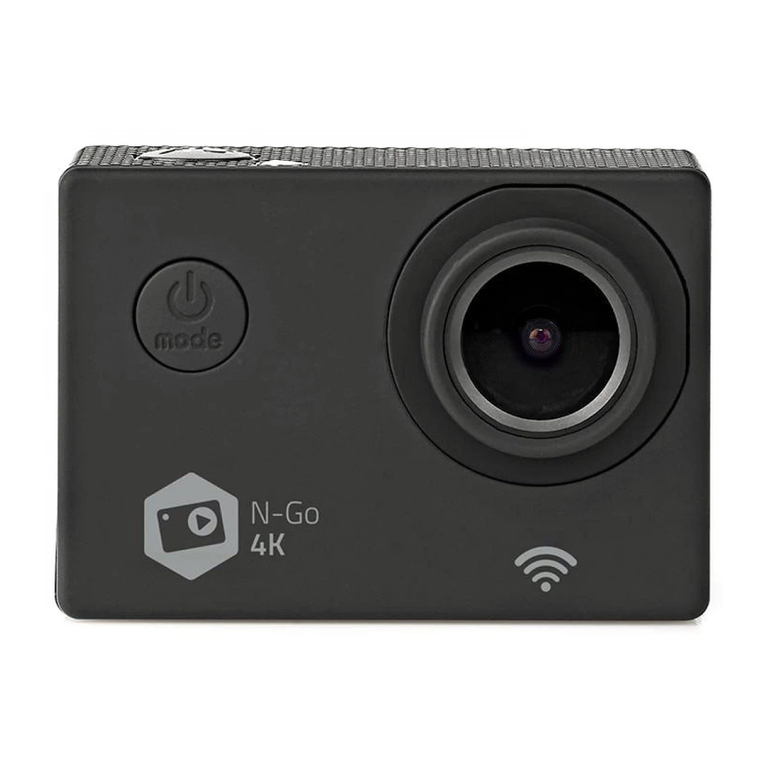
nedis ACAM41BK user manual

nedis

nedis ACAM41BK user manual

Naxa NDC-409 user manual

Naxa

Naxa NDC-409 user manual

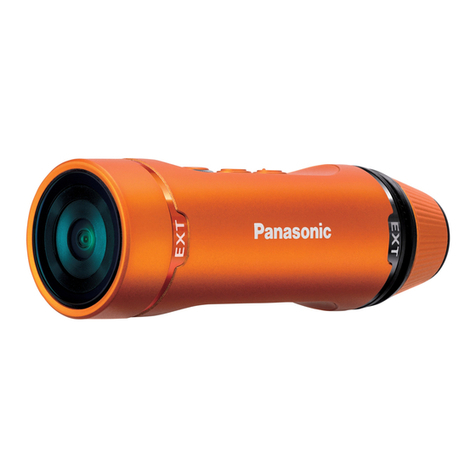
Panasonic HX-A1M operating instructions

Panasonic

Panasonic HX-A1M operating instructions

Kodak Pixpro SP1 user manual

Kodak

Kodak Pixpro SP1 user manual

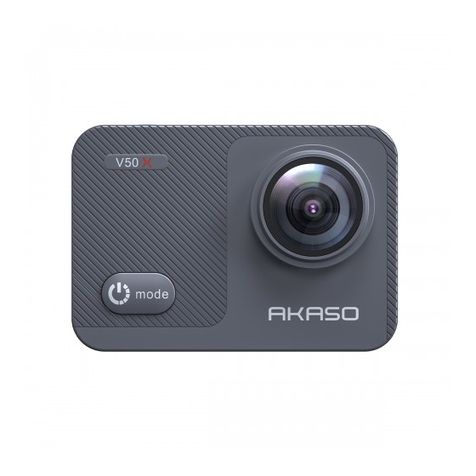
Akaso V50X user manual

Akaso

Akaso V50X user manual

manuals.online logo
manuals.online logoBrands
  • About & Mission
  • Contact us
  • Privacy Policy
  • Terms and Conditions

Copyright 2025 Manuals.Online. All Rights Reserved.

Action Cam
FullHD 1080P
USER MANUAL
1

WifiActionCam
FullHD1080p



Handleiding
Notification
High definition and high frame rate video capture devices, put a heavy strain on memory cards.
Depending on your settings, it is recommended that a 4GB(or higher) CLASS 10 SD Card be used to
avoid Read/Write complications, which will appear as an error message on the screen during use.
If you are not sure, please test any lower class cards (Read/Write speed) in the device before use.
Functions
This user manual contains the most current information we obtained when this user manual
was made. The screen display and illustrations are used in this user manual for the purpose of
introducing details of this digital camera in a more specific and direct way. Difference may arise
between these displays and illustrations and the digital camera actually available for you due
to difference in technological development and production batch, under which case, the actual
functions of this video camera will be the standard.
Precautions
Please read the precautions carefully before using this video camera for proper and safe operation,
to optimize its performance and extend its life.
• Do not expose the video camera to direct sunlight, nor point its lens to sunlight. Otherwise,
the image sensor of the video camera may be damaged.
• Take good care of the video camera and prevent water or sand particles from entering the
video camera when it is used on the beach or water, because water, sand particles, dust or
component containing salt may damage the video camera.
• Keep the video camera free of dust and chemical materials. Keep it in a cool, dry and well
ventilated environment. Do not keep the video camera in a high temperature, moist or dusty
environment.
• Please check if the video camera operates normally before use.
• If dirt or stain is accumulated on the video camera or on its lens, use soft, clean and dry rag to
wipe it away gently. If the video camera or its lens is stained with sand particles, blow them
away gently. Do not use a cloth to wipe the surface. Otherwise, it may scratch the surface of
video camera or its lens.
• If it is required to clean camera surface, firstly blow away the sand dust accumulated on this
surface, and then wipe the camera gently with rag or tissue applicable to optical equipments.
Please use the cleaning agent of video camera for wiping if necessary. Do not use organic
solvent to clean the video camera.

• Do not touch the lens surface with fingers.
• Please back up the data if the memory card inside this video camera is used for the first time.
• The externally installed memory cards are manufactured from precise electronic components.
Data may be lost or damaged under the following circumstances:
1. Improper use of the memory card.
2. The memory card is bent, dropped or scratched.
3. Place it under high temperature or moist environment or expose to sunshine directly.
4. Electrostatic or electromagnetic field exists around the memory card.
5. This memory card is taken out or power supply is interrupted when this video camera
or computer is connected to the memory card (i.e. during reading, writing and
formatting).
6. Touch the metal contact surface of the memory card with fingers or metal materials.
Camera
Switch/mode
Ok
Indicator
Lens
MIC
USB MICRO SD
Charging indicator Screen Down Speaker
Up
Operation
indicator
Battery cover Battery cover lock
Ok
Up
Down
Lens
Switch/mode
Switch of
Waterproof case
Accessories instructions on helmet mount