manuals.online logo
Brands
  1. Home
  2. •
  3. Brands
  4. •
  5. HAGOR
  6. •
  7. Enclosure
  8. •
  9. HAGOR vis-it welcome 43 User manual

HAGOR vis-it welcome 43 User manual

This manual suits for next models

5

Other HAGOR Enclosure manuals

HAGOR HA Cablecover Click 50 User manual

HAGOR

HAGOR HA Cablecover Click 50 User manual

Popular Enclosure manuals by other brands

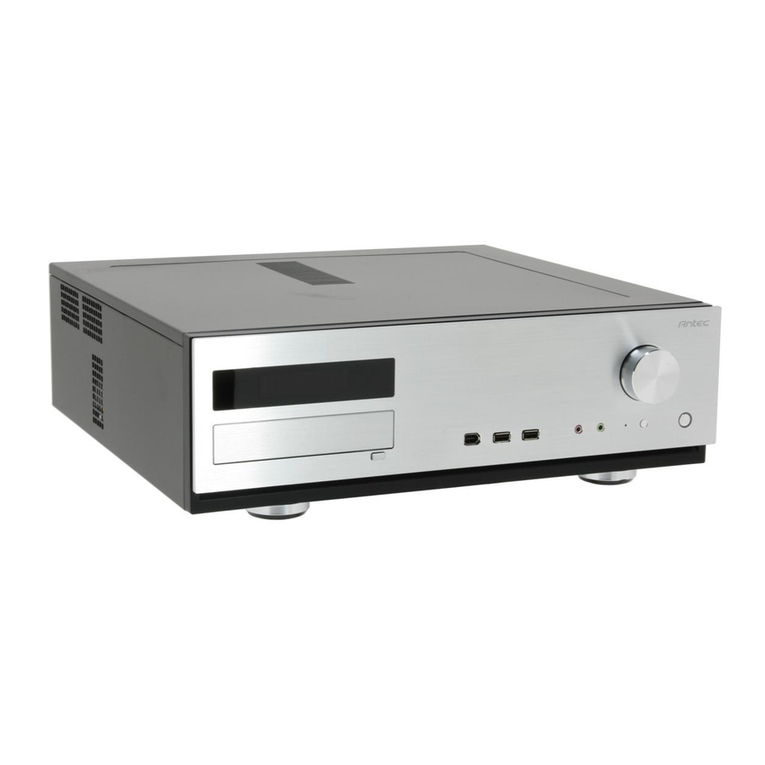
Antec Veris Fusion Remote Max Specification sheet

Antec

Antec Veris Fusion Remote Max Specification sheet

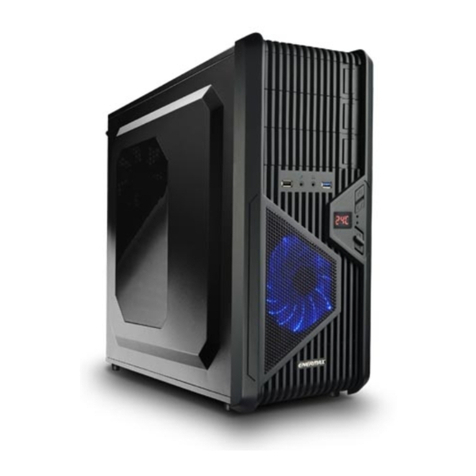
ENERMAX iVektor.Q ECA 3371 Series user manual

ENERMAX

ENERMAX iVektor.Q ECA 3371 Series user manual

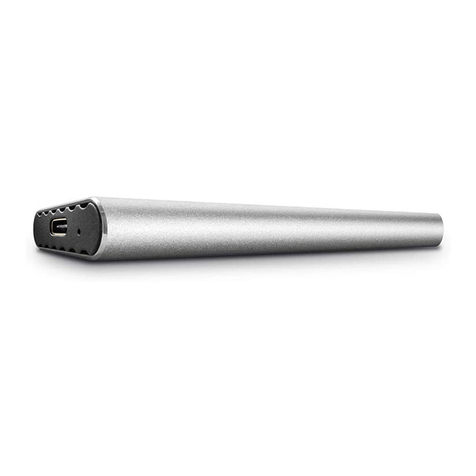
Lindy 43095 user manual

Lindy

Lindy 43095 user manual

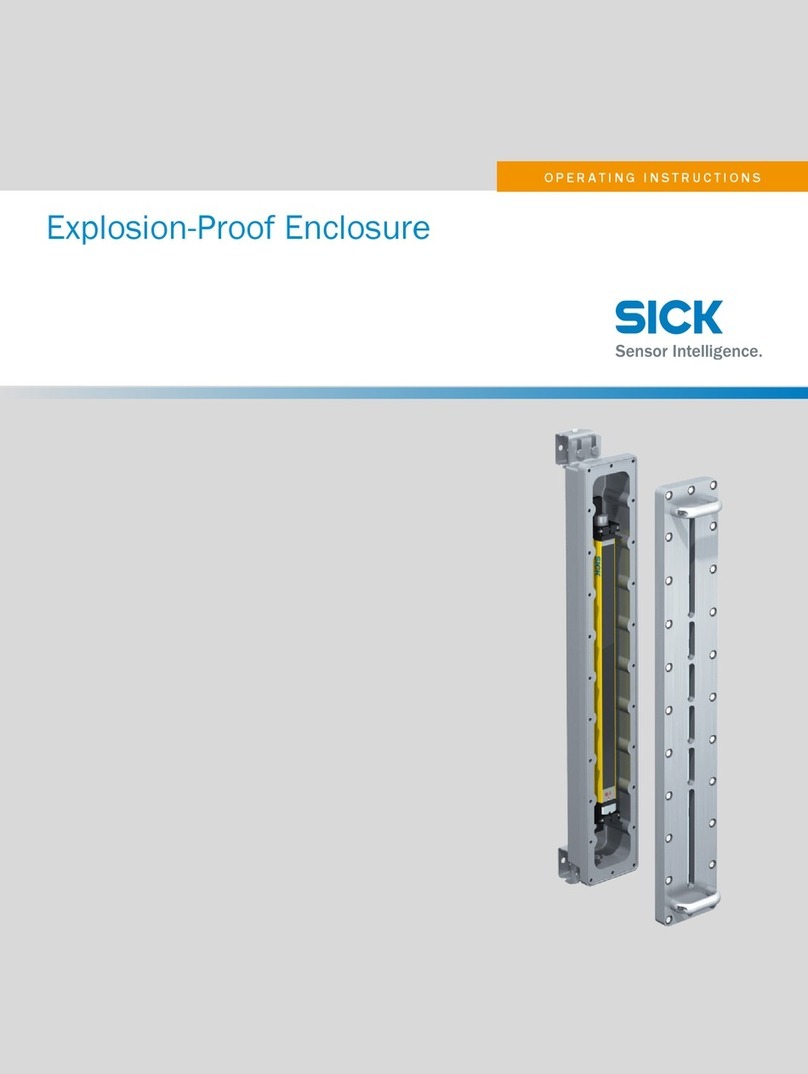
SICK C4000 Select operating instructions

SICK

SICK C4000 Select operating instructions

Geeek A60 PLUS installation guide

Geeek

Geeek A60 PLUS installation guide

OVE SYDNEY 48 installation manual

OVE

OVE SYDNEY 48 installation manual

SilentiumPC Armis AR5 Hardware installation

SilentiumPC

SilentiumPC Armis AR5 Hardware installation

Pulsar 17/TRP80/DSPR Assembly instructions

Pulsar

Pulsar 17/TRP80/DSPR Assembly instructions

MSI MPG SEKIRA 500X quick start guide

MSI

MSI MPG SEKIRA 500X quick start guide

Antec Dark fleet DF-10 user manual

Antec

Antec Dark fleet DF-10 user manual

Peavey DS 1502 Specifications

Peavey

Peavey DS 1502 Specifications

D-Link ShareCenter Pro DNS-1550-04 user manual

D-Link

D-Link ShareCenter Pro DNS-1550-04 user manual

Rosewill RX82-U(JBOD) user manual

Rosewill

Rosewill RX82-U(JBOD) user manual

QNAP SAS JBOD CLI 1.0 user guide

QNAP

QNAP SAS JBOD CLI 1.0 user guide

GAMDIAS Talos P1 Quick installation guide

GAMDIAS

GAMDIAS Talos P1 Quick installation guide

Auvs KR615 user manual

Auvs

Auvs KR615 user manual

Antec AR300 user manual

Antec

Antec AR300 user manual

CommScope FDH 3000 user manual

CommScope

CommScope FDH 3000 user manual

manuals.online logo
manuals.online logoBrands
  • About & Mission
  • Contact us
  • Privacy Policy
  • Terms and Conditions

Copyright 2025 Manuals.Online. All Rights Reserved.

HAGOR Products GmbH | Oberbecksener Straße 97 | D-32547 Bad Oeynhausen | Telefon: +49(0)57 31-7 55 07-0 | Mail: info@hagor.de
Installationsanleitung
vis-it®welcome 43“ | Art.-Nr.: 2516
vis-it®welcome 49“ | Art.-Nr.: 1908
vis-it®welcome 55“ | Art.-Nr.: 1909
DE Installationsanleitung
ES Guía de instalación
GB Installation manual
FR Guide d‘installation
SE Installationsanvisning
TR Yükleme Rehberi
RU инструкция по установке
NL Installatievoorschrift
CN 安装指南
HAGOR Products GmbH | Oberbecksener Straße 97 | D-32547 Bad Oeynhausen | Telefon: +49(0)57 31-7 55 07-0 | Mail: info@hagor.de
DE
GB
Achtung!
Technische Geräte stellen einen beträchtlichen Wert dar. Sie sollten daher bei
der Installation vorsichtig mit den Komponenten umgehen und diese bei Bedarf
schützen.
Auch sollte, falls nötig, der Installtionsbereich abgesichert werden. Herabfallen-
de Teile können zu Verletzungen und Materialschäden führen.
Die im Lieferumfang enthaltenen Materialien sind unter Umständen nicht für die
speziellen Gegebenheiten am Installationsort geeignet. Bitte prüfen Sie dies
vorab und ersetzen Sie diese bei Bedarf durch geeignete Materialien.
Falls Sie Bezüglich der Installation des Produkts unsicher sind oder noch Fra-
gen haben wenden Sie sich an uns oder anderes ausgebildetes Fachpersonal.
Caution!
Technical devices are of considerable value. You should therefore handle the
components carefully during installation and protect them if necessary.
If necessary, the installation area should also be secured. Falling parts can cause
injuries and material damage.
The materials included in the scope of delivery may not be suitable for the spe-
cial conditions at the installation site. Please check this in advance and replace it
with suitable materials if necessary.
If you are unsure about the installation of the product or have any questions,
please contact us or other trained specialists.

HAGOR Products GmbH | Oberbecksener Straße 97 | D-32547 Bad Oeynhausen | Telefon: +49(0)57 31-7 55 07-0 | Mail: info@hagor.de
Serviceklappe (A) entfernen. Schrauben (15x) der rückseitigen Abdeckung (B) entfernen.
Auf das Antennenkabel achten!
Remove the maintenance cover (A). Remove the screws (15x) of the rear cover (B).
Pay attention to the antenna cable!
1
A
B
oben | up
oben | up
HAGOR Products GmbH | Oberbecksener Straße 97 | D-32547 Bad Oeynhausen | Telefon: +49(0)57 31-7 55 07-0 | Mail: info@hagor.de
2
Eckwinkel (C / 4x) und Bildschirmhalter (D / 2x) demontieren.
Disassemble edge bracket (C / 4x) and screen holder (D / 2x).
D
C
HAGOR Products GmbH | Oberbecksener Straße 97 | D-32547 Bad Oeynhausen | Telefon: +49(0)57 31-7 55 07-0 | Mail: info@hagor.de
3
oben | up
Bildschirmhalter (D) an der VESA-Bohrung des Bildschirms montieren.
Ggf. Abstand mittels Unterlegscheibe / Kontermutter ausgleichen.
Assemble the screen holder (D) to the VESA hole of the screen.
If necessary, compensate the distance by using a washer / counternut.
D
HAGOR Products GmbH | Oberbecksener Straße 97 | D-32547 Bad Oeynhausen | Telefon: +49(0)57 31-7 55 07-0 | Mail: info@hagor.de
4
oben | up
oben | up
Den Bildschirm an den seitlichen Winkeln (E) montieren.
Die Bildschirmränder sollte auf dem Frontblech auiegen.
Schalten Sie den Bildschirm ein um die Positionierung im
Blechausschnitt zu überprüfen.
Höhe und Tiefe des Bildschirms können über Langlöcher
angepasst werden.
Mount the screen on the side angles (E).
The edges of the screen should rest on the front panel.
Switch on the screen to check the positioning in the cut-
out.
The height and depth of the screen can be adjusted via
oblong holes.
D
D
E
HAGOR Products GmbH | Oberbecksener Straße 97 | D-32547 Bad Oeynhausen | Telefon: +49(0)57 31-7 55 07-0 | Mail: info@hagor.de
5
oben | up
Montieren Sie die Eckwinkel (C), diese stützen den Ecken des Bildschirms.
Mount the edge brackets (C), these support the corners of the screen.
C
HAGOR Products GmbH | Oberbecksener Straße 97 | D-32547 Bad Oeynhausen | Telefon: +49(0)57 31-7 55 07-0 | Mail: info@hagor.de
Verschrauben Sie die rückseitige Abdeckung (B) wieder und setzen Sie die Serviceklappe (A) wieder ein.
Screw the rear cover (B) back on and replace the maintenance cover (A).
6
A
B
oben | up
HAGOR Products GmbH | Oberbecksener Straße 97 | D-32547 Bad Oeynhausen | Telefon: +49(0)57 31-7 55 07-0 | Mail: info@hagor.de
Abmessungen | Dimensions vis-it welcome 43“
316 180
104
160°
600
1158
1138
16008
1608
HAGOR Products GmbH | Oberbecksener Straße 97 | D-32547 Bad Oeynhausen | Telefon: +49(0)57 31-7 55 07-0 | Mail: info@hagor.de
Abmessungen | Dimensions vis-it welcome 49“
316 180
104
160°
600
1230
1210
16408
1648