Max Burton® Java To Go™ #6975
IMPORTANT SAFEGUARDS
• Read all instructions before operating this or any electrical appliance.
• Do Not touch hot surfaces.
• Do Not immerse cord or unit in water or other liquids.
• Do Not microwave or clean using a dishwasher.
• Do Not use any accessory attachments with this product.
• Do Not let cord hang over edge of table or counter.
• Do Not clean with metal scouring pads.
• Unplug when not in use and before cleaning.
• Allow unit to cool before storing.
• Keep cord away from hot surfaces.
• Administer close supervision when running this appliance around children.
WARNING: This product is designed to get very hot very quickly and reach a temperature of
150ºF. Handle with care. It will remain hot for a significant period after it has been unplugged.
Aervoe is not responsible for any damage caused by use or misuse of this product either
intentional or accidental.
PARTS IDENTIFICATION
OPERATING INSTRUCTIONS
1. Fill with desired hot beverage.
2. Plug 12V POWER CORD into the DC INPUT on the Java To Go and the other side into your vehicle’s
power receptacle.
3. The red LED POWER INDICATOR will turn on to indicate power is on and unit is keeping your beverage
hot.
4. For a spill proof seal, close the sipping hole with the sliding cover.
5. Make sure that your vehicle battery is strong and in good working condition before plugging your
appliance into your vehicle’s 12V power outlet.
6. Do not use the unit if your vehicle’s electrical system is weak or damaged.
7. Periodically check your vehicle’s charging system for continued successful use.
8. Be careful to avoid spills while your vehicle is moving and the unit is in operation. WARNING: The user
accepts full responsibility for any damage sustained to vehicles and/or occupants while using this
appliance.
CLEANING
CAUTION: Always unplug the unit prior to cleaning. Do not submerge in water or attempt to clean while
connected to a power source.
1. Allow unit to cool completely.
2. Wash with warm, soapy water and a clean, damp cloth.
3. Rinse with clean warm water and dry with a clean dry cloth.
Do not place in dishwasher.
TROUBLESHOOTING
If the Java To Go fails to operate, try the following:
1. Be sure the contact points in the lighter receptacle are clean. Do not use metal tools. Use only
insulators, such as wood, if cleaning is needed. The adapter plug should fit firmly in the receptacle.
2. Carefully unscrew the 12V plug’s top section. Remove and check the fuse with the proper electronic
meter. If defective, replace the fuse with a 5 amp, 250 volt rated fuse. This fuse is readily available at
local auto parts and electronic stores.
3. Check your vehicle’s fuse panel to be certain that the fuse controlling the 12V power outlet is not worn
or weak. Replace a damaged fuse with a new properly sized and rated fuse to ensure satisfactory
performance.
4. Some 12V power outlets have a separate circuit breaker located directly behind the cigarette lighter
receptacle. If your lighter is not working, this circuit breaker may have blown and could require
replacement. Consult your vehicle owner’s manual for replacement.
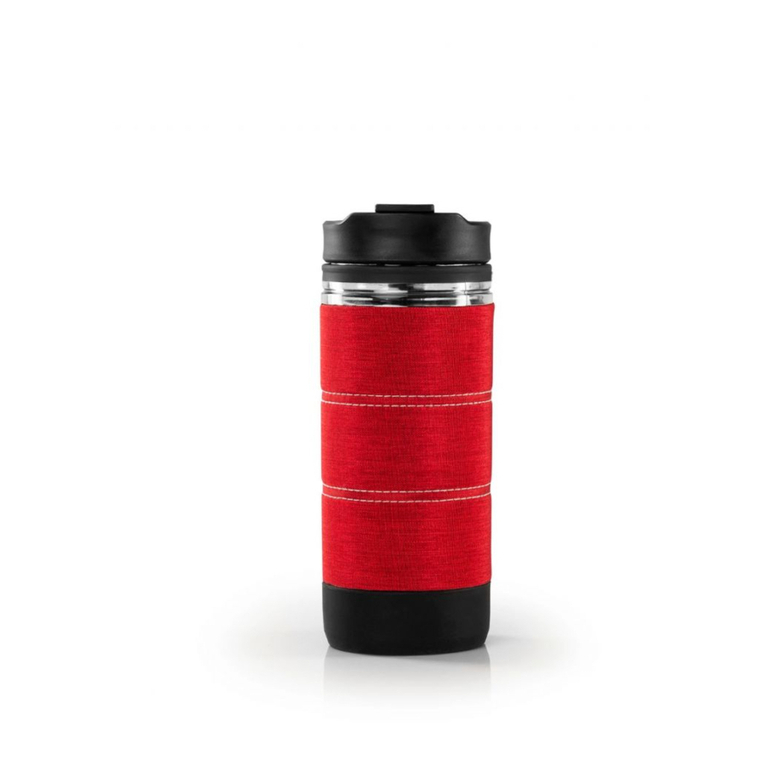
Spill-proof lid
DC Input
LED Power Indicator
12V Power Cord