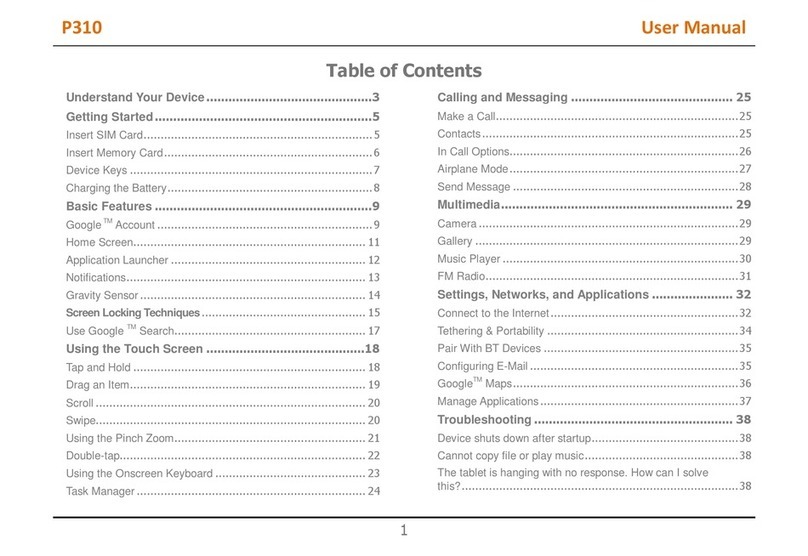
Table of Contents
Welcome....................................................... 3
Know Your Device....................................... 4
Getting Started ............................................ 5
Charging the Battery................................................. 6
Insert SIM Card (s).................................................... 6
Insert Memory Card.................................................. 7
Switching on the Device......................................... 8
Shut Down the Device............................................. 8
Lock the Screen.......................................................... 9
Unlock the Screen...................................................... 9
Change the Orientation........................................ 10
Adjust Volume............................................................ 11
Using Touch Screen................................. 11
Get Around.................................................................. 11
Touch And Hold......................................................... 12
Drag an Item............................................................... 13
Scroll or Swipe.......................................................... 14
Using the Pinch Zoom.......................................... 15
Double Tap................................................................... 16
Arrange and work with Applications............. 17
Extended Home Screen...................................... 18
Add Widgets............................................................... 19
View Notifications.................................................... 20
Respond to Notifications..................................... 22
Close Notifications Panel.................................... 23
Features......................................................24
Calling............................................................................. 24
Messaging.................................................................... 29
Voice Mail..................................................................... 30
Change the Wallpaper.......................................... 30
Camera.......................................................................... 31
Gallery............................................................................ 31
Music............................................................................... 32
Pair With Bluetooth Devices............................. 33
ManageAccounts.................................................... 33
Why Use a GoogleAccount.............................. 34
Start Gmail................................................................... 34
Configuring an E-Mail........................................... 35
Using Email................................................................. 36
How to use Hangout apk:................................... 37