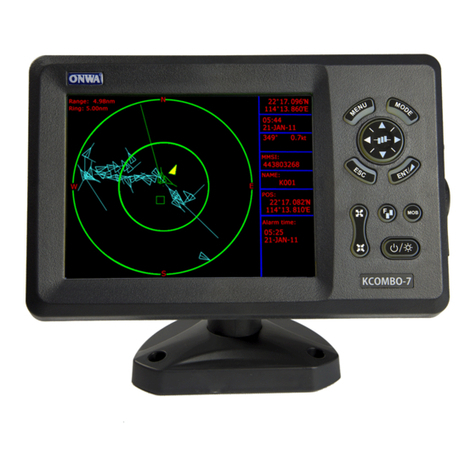
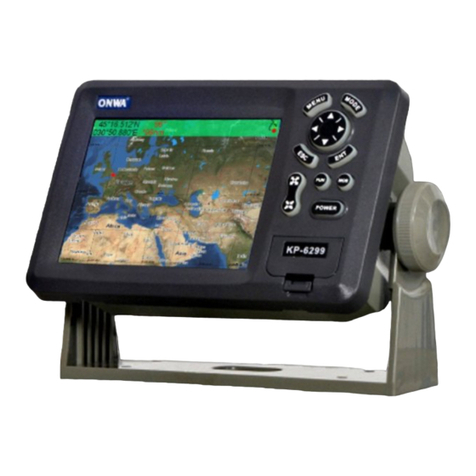
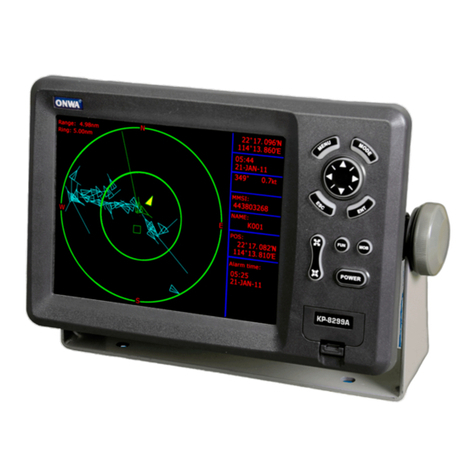
1.1 Keypad instruction (Figure 1-1)
Pressing it displays the menu of the current page,
pressing twice enters the main-menu.
Display the five main screens circularly, turn over the
listed interfaces.
Withdraw from the optional operation, or display the
previous page in reverse-cycle order.
Plotter function Confirms the input or data.
Sounder function To adjust Gain level.
Enlarges the scale of the maps and charts.
Display the listed items of the page by revers e-scrolling.
Reduces the scale of the maps and charts.
Displays the listed items of the page by scrolling.
Plotter function Display other function (GOTO, tide table, search, Etc.) Menu.
Sounder function This key is to select expansion ranges.
The MOB mark denotes man overboard position.
Turn the power on/off, adjust the back light brightness.
MENU
MODE
ESC
ENT
F
MOB
2
1. OPERATION OVERVIEW
Plotter function The key is used to move the cursor or to change the setting.
Sounder function turnning the VRM on
Sounder function Phasing the Basic range selected(setting upper range limit).
Plotter function moving the cursor/chart to the right
Sounder function To select feeding rate of the screen.
Figure1-1