ENG
2
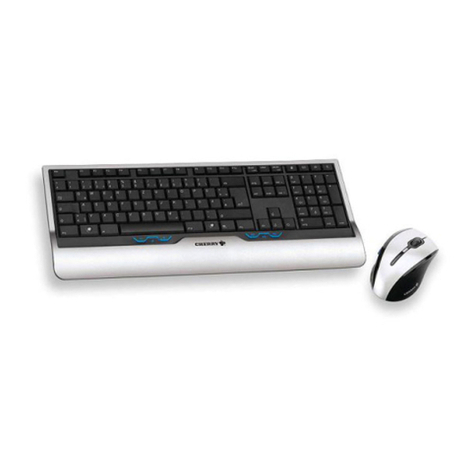
Keyboard + Mouse
Wireless Combo Set
1. SPECIAL FEATURES
•Ergonomic design of the keyboard and mouse
•Power efficient wireless technology
•2.4 GHz USB nano receiver
•Coverage range up to 10 m
•Automatic detection, no need to match the receiver with the pointing device
•High-quality keyboard membrane
•8 shortcut buttons for Internet and Multimedia
•Compatible with Windows XP/Vista/7/8
•USB Interface
•Low operation noise
•Wireless mouse with 5 buttons and scroll wheel
•800/1200/1600 dpi resolution switch
•Forward/back navigation buttons
2. PACKAGE CONTENTS
•Wireless keyboard — 1 pc
•Wireless mouse — 1 pc
•2.4 GHz USB nano receiver — 1 pc
•ААА batteries — 4 pcs
•User’s Manual — 1 pc
•Warranty card — 1 pc
3. SYSTEM REQUIREMENTS
•Windows XP/Vista/7/8.
•Free USB port.
4. INSTALLATION
•Open the cover of the mouse battery compart-
ment, insert two AAA batteries into the battery
compartment matching the polarity, and close the
cover of the battery compartment (see Fig. 1).
•Open the cover of the battery compartment at the
bottom of the keyboard, insert two AAA batteries
matching the polarity, and close the cover of the
battery compartment (see Fig. 2).
Mouse battery
compartment
Mouse battery
compartment cover
AAA batteries
Please match the polarity when installing the
batteries. Incorrect polarity can cause mal-
function of the device, which gives no claims for
warranty servicing.
!
!
It is necessary to always install only the same
type of batteries, because installation of
different types of batteries with different levels
of charging can cause leaking of one of the
batteries, which can damage the device.
Fig. 1