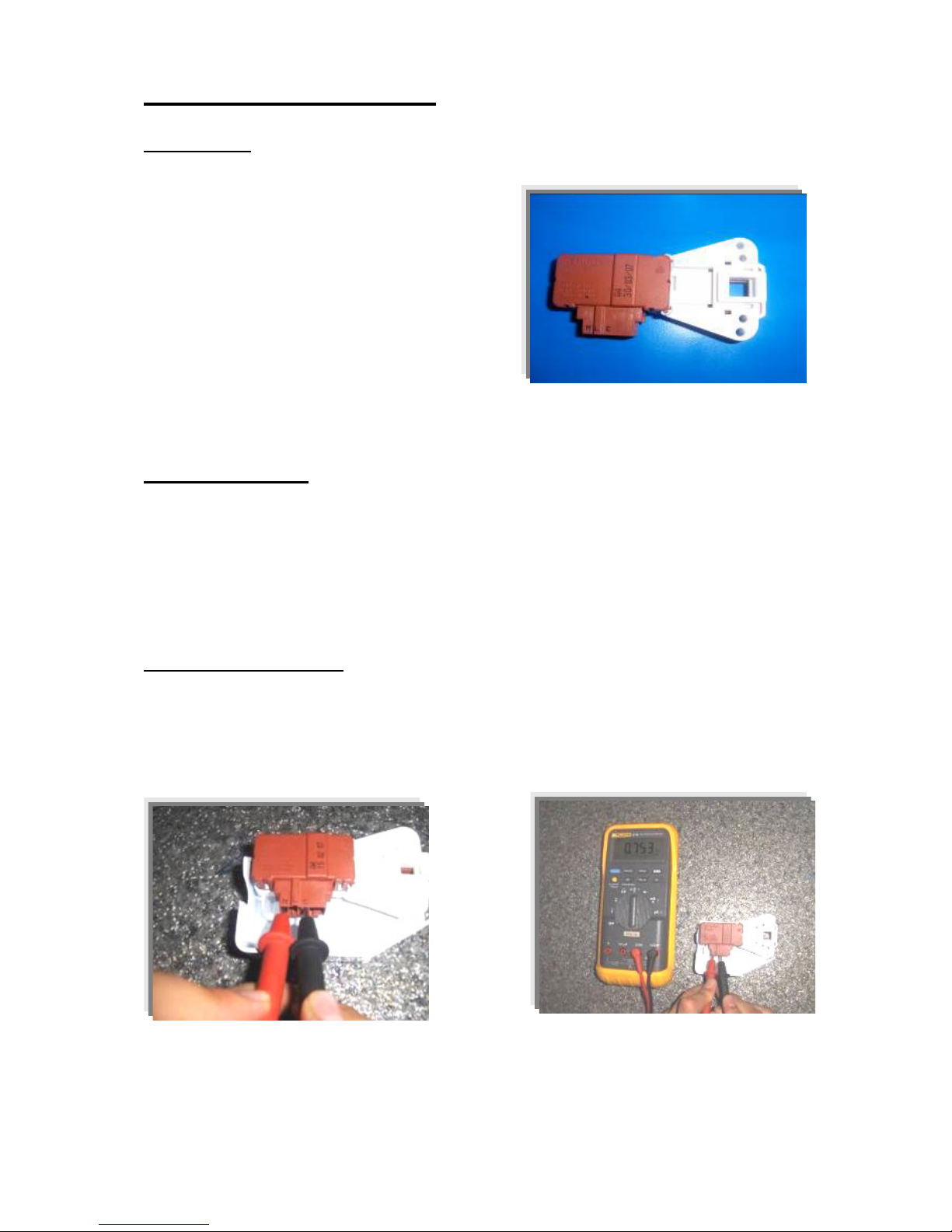
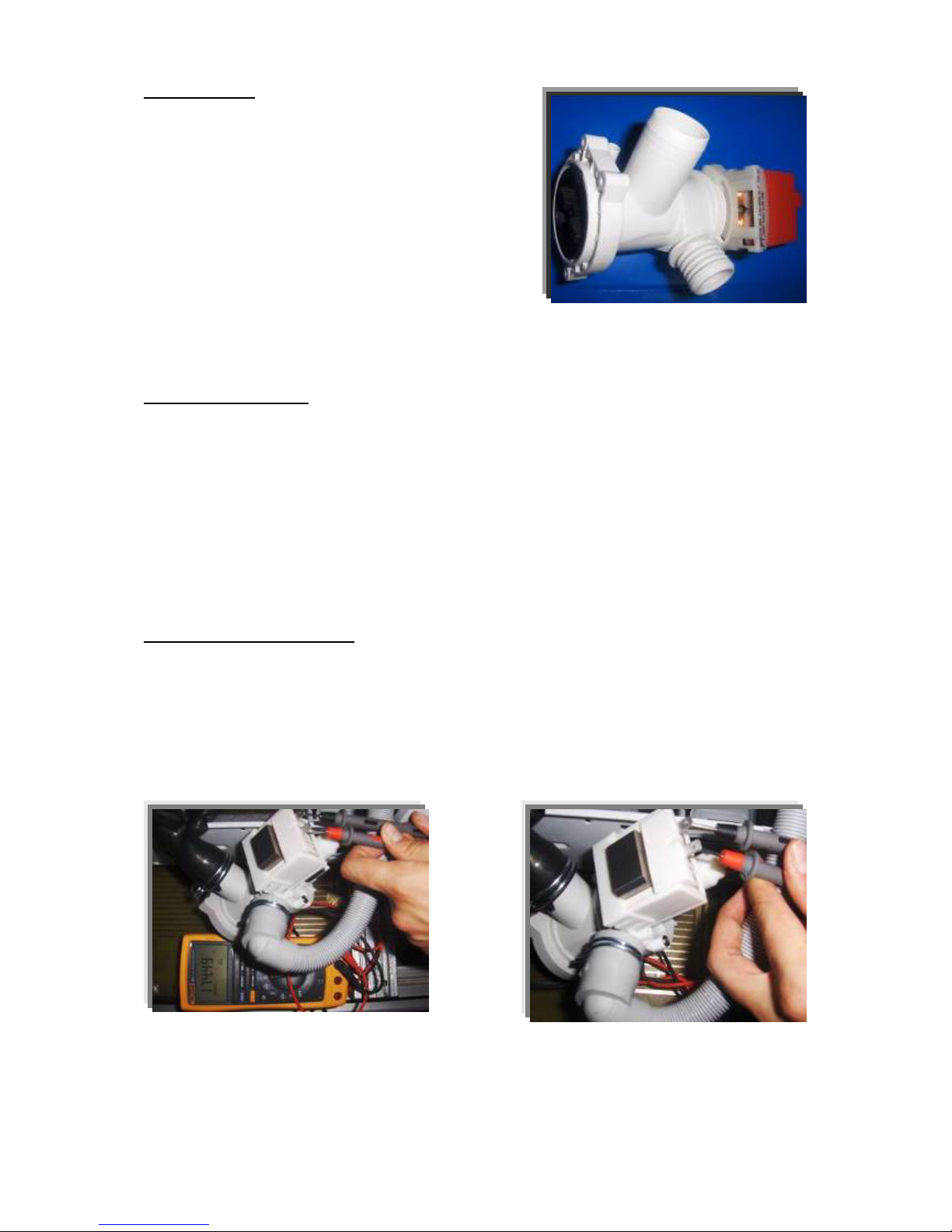
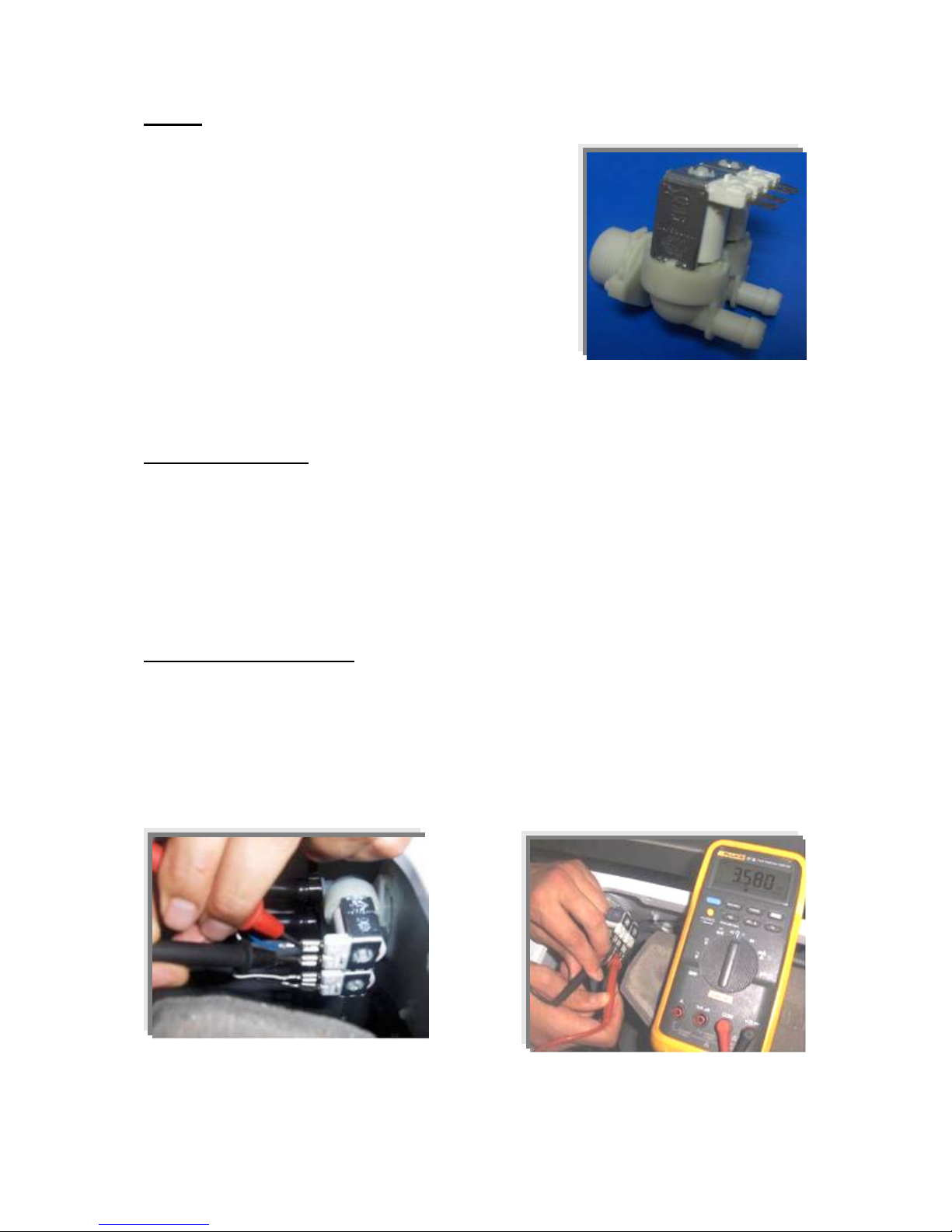
Figure 8. Checking the component
PRESSURE SWITCH
Voltage : 250 V
Amper :16 A
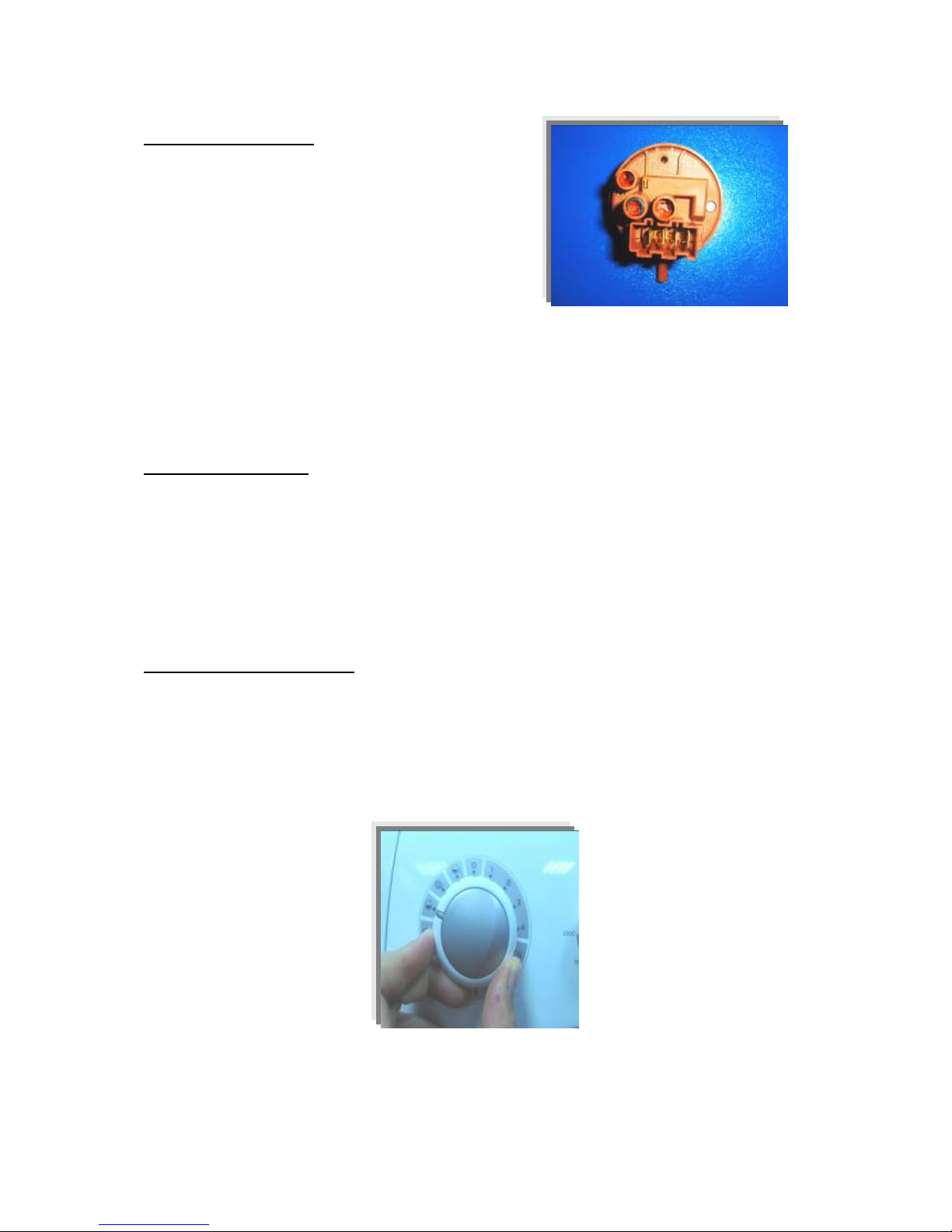
Figure 9. Pressure switch
Pressure switch is the component which regulates the water intake according to the water levels set
inside. The component is operated by PCB card. It has four connections : Reset, set, common,
overflow.
Technical features :
The component has three levels. When the component is at reset level, the machine begins to take
water inside. When the component is at set level, the machine stops to take water inside by
communicating with PCB card. The third level, overflow level, is set to prevent taking excessive
water(overflow) into the machine.
The pressure switches that have different water set levels have different water intake values
accordingly.
Checking of component :
1 ) Blow into the pressure switch hose or pressure switch entry. Be sure that you hear the switch click.
2 ) Turn the program adjustment knob rinse mode and let the machine take water in. Be sure that you
hear the switch click or the machine stops to take water inside after a while. (Figure 10.)
Figure 10. Program knob