manuals.online logo
Brands
  1. Home
  2. •
  3. Brands
  4. •
  5. Akuart
  6. •
  7. Speakers System
  8. •
  9. Akuart SMARTDIVIDER User manual

Akuart SMARTDIVIDER User manual

Popular Speakers System manuals by other brands

Monster MT-SB21 user manual

Monster

Monster MT-SB21 user manual

Monacor ESP-76AB/ WS manual

Monacor

Monacor ESP-76AB/ WS manual

Samsung HW-J430 user manual

Samsung

Samsung HW-J430 user manual

WILSON AUDIO WATT owner's manual

WILSON AUDIO

WILSON AUDIO WATT owner's manual

Hisense AX3125H user manual

Hisense

Hisense AX3125H user manual

EisSound KBSound iSelect user manual

EisSound

EisSound KBSound iSelect user manual

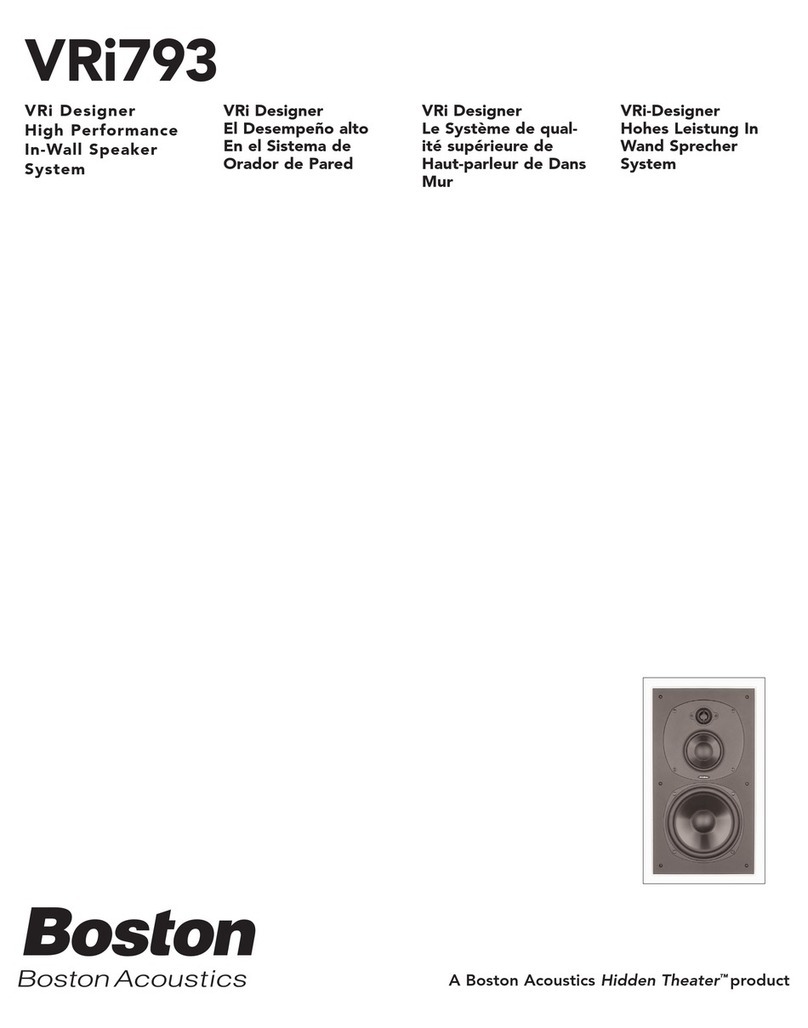
Boston Acoustics VRi793 manual

Boston Acoustics

Boston Acoustics VRi793 manual

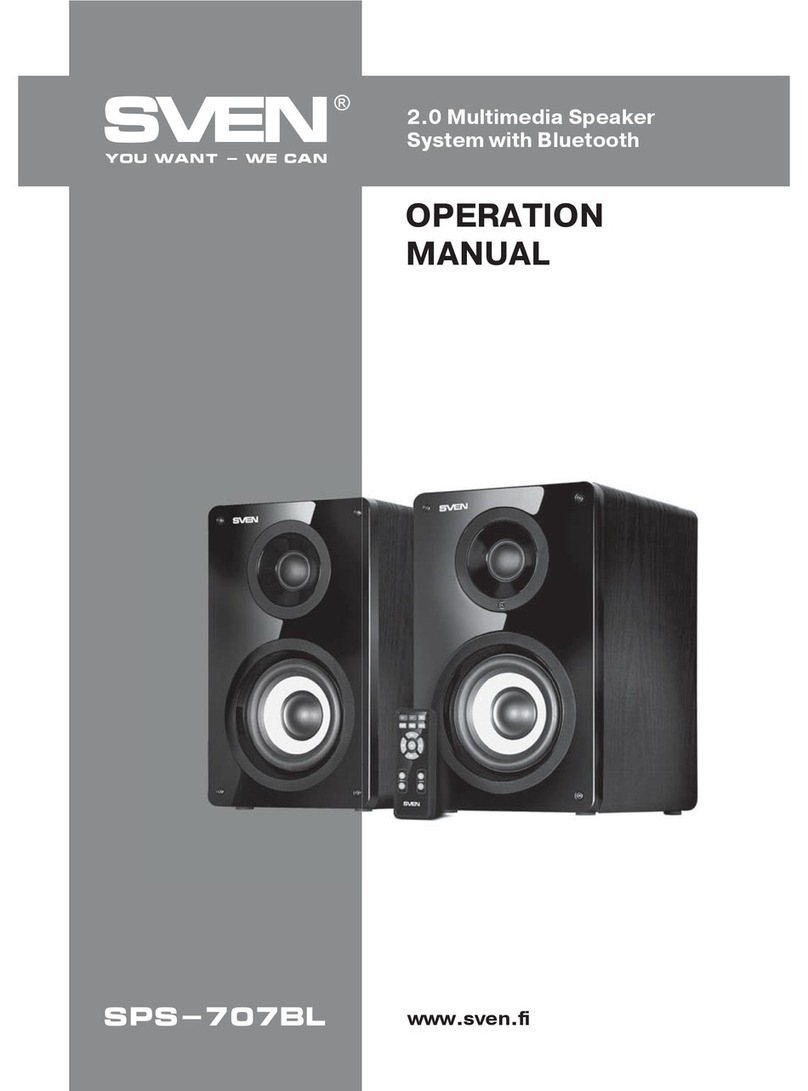
Sven SPS-707bL Operation manual

Sven

Sven SPS-707bL Operation manual

Monacor DSM-26LAN instruction manual

Monacor

Monacor DSM-26LAN instruction manual

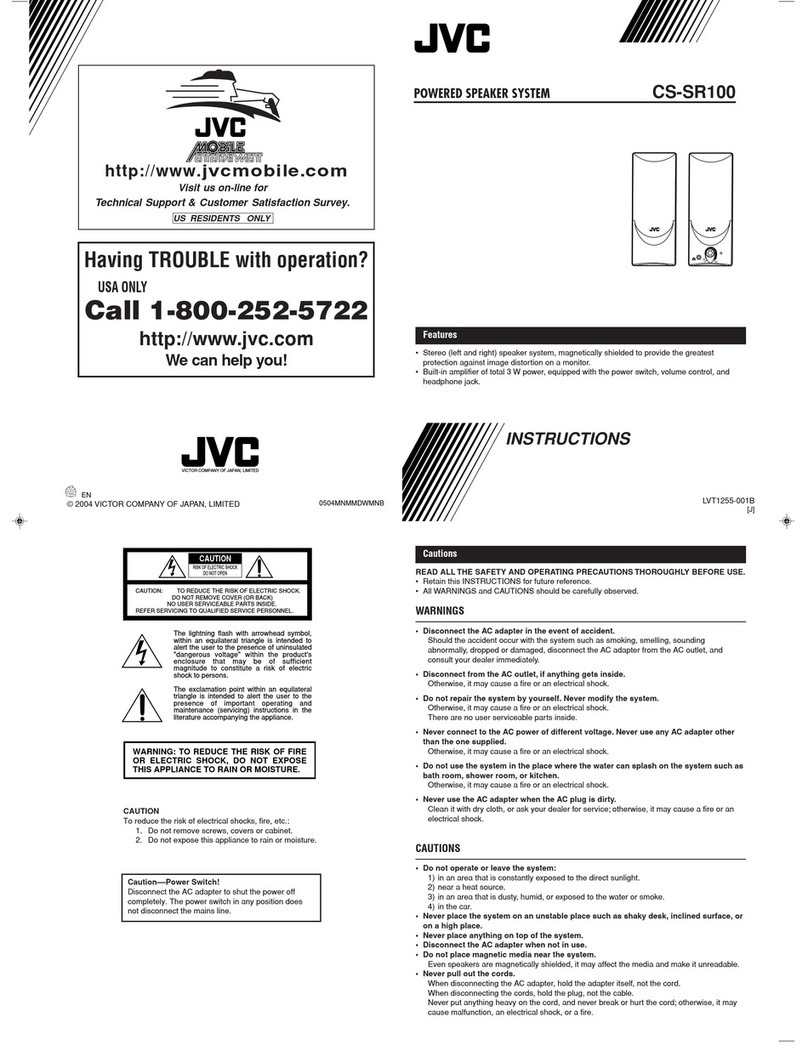
JVC CS-SR100 instructions

JVC

JVC CS-SR100 instructions

Samsung HW-C450 user manual

Samsung

Samsung HW-C450 user manual

TaoTronics evatronic ET-SK011 user guide

TaoTronics

TaoTronics evatronic ET-SK011 user guide

JVC HX-D7C instructions

JVC

JVC HX-D7C instructions

Pyle PBMSPG190 user manual

Pyle

Pyle PBMSPG190 user manual

Sven SPS-607 Operation manual

Sven

Sven SPS-607 Operation manual

iSP Technologies LT2 series owner's manual

iSP Technologies

iSP Technologies LT2 series owner's manual

Samsung Crystal Surround Air Track HW-F550 user manual

Samsung

Samsung Crystal Surround Air Track HW-F550 user manual

Bose Acoustimass 6 Series II owner's guide

Bose

Bose Acoustimass 6 Series II owner's guide

manuals.online logo
manuals.online logoBrands
  • About & Mission
  • Contact us
  • Privacy Policy
  • Terms and Conditions

Copyright 2025 Manuals.Online. All Rights Reserved.

AKUART Installation Manual | SmartDivider
1 // 4
INSTALLATION MANUAL
SMARTDIVIDER
AKUART Installation Manual | SmartDivider
2 // 4
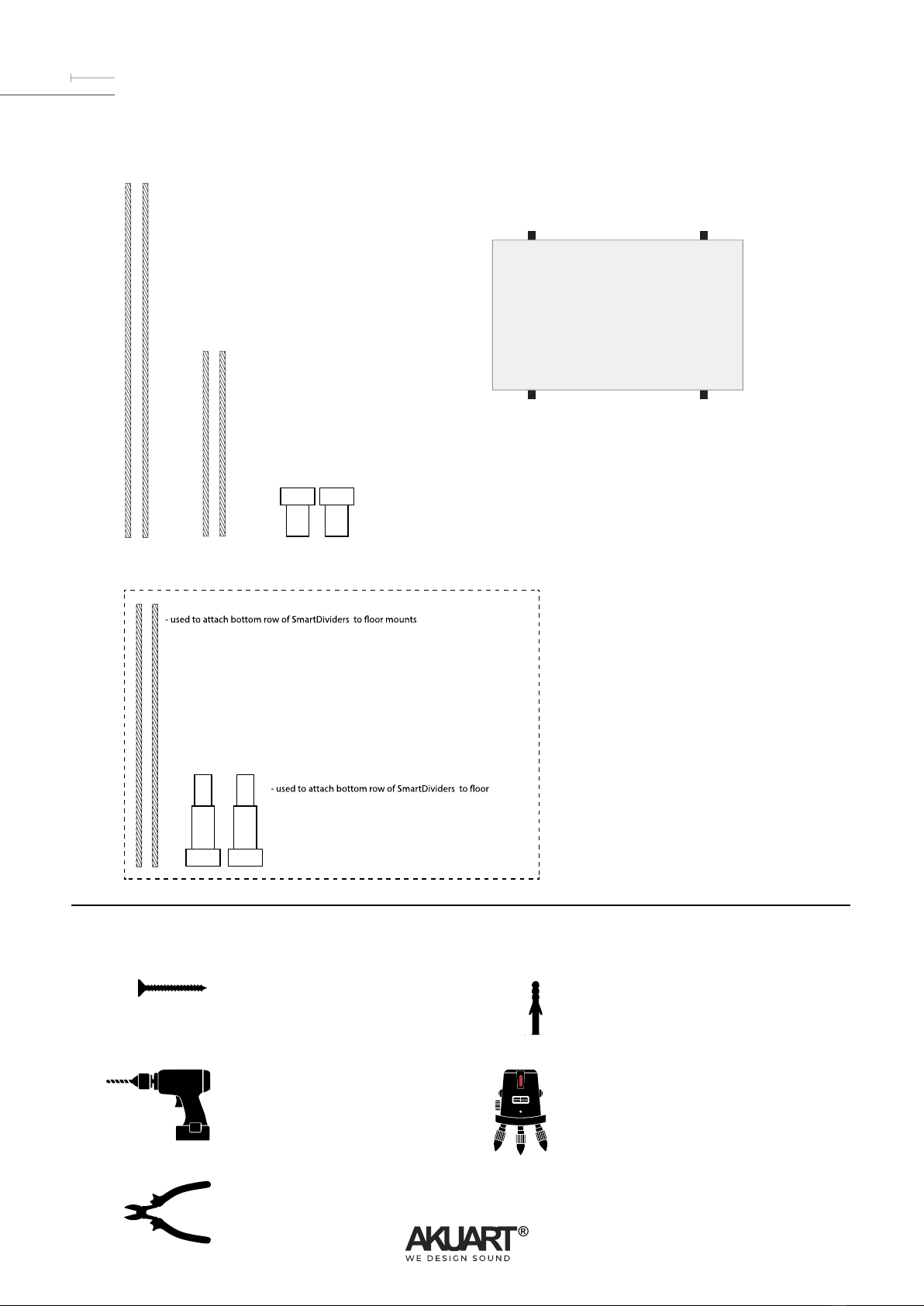
TOP WIRES (200 cm)
- used to attach the top row of SmartDividers to the ceiling mounts
- two per column
CONNECTOR WIRES (20 cm)
- two for each middle- and bottom row frames
CEILING MOUNTS
- used to attach the top row of SmartDividers to the ceiling
- two per column
FLOOR WIRES (100 cm)
- two per column
FLOOR ATTACHMENT KIT (OPTIONAL)
FLOOR MOUNTS
- two per column
SMARTDIVIDER FRAME
- comes with four wire locks pre-installed, two in top, two in bottom
RAWL PLUGS
- two needed per column
- must be appropriate size for screws
- must be appropriate for ceiling material
WIRE CUTTERS
- for trimming excess wire
POWER DRILL
- drill bit must be appropriate size for rawl plugs
SCREWS
- body diameter max. 5 mm
- must be appropriate size for rawl plugs
LASER LEVEL (suggested)
- helps with alignment of frames and drilled holes
COMPONENTS (included)
TOOLS NEEDED (not included)
1
2
SmartDivider frame

AKUART Installation Manual | SmartDivider
3 // 4
- For each top wire supplied, attach the ceiling mount as illustrated below.
A) Drill holes in ceiling, add rawl plugs.
B) For each row of SmartDividers, the distance between the two holes is 45 cm.
D) Screw hooks with attached top wires into holes in ceiling.
E) The distance between two rows of SmartDividers is 8 cm, which is the same distance as the distance from the side of the SmartDivider to the wire.
F) Insert the ends of the top wires into the wire locks on the SmartDividers. Depress the wire lock to release the wire again.
G) The top wires can be trimmed to the desired length from ceiling to the top of the SmartDivider columns, plus an additional 5 cm, using wire cutters.
Do this before inserting the wires into the wire locks.
45 cm 45 cm24 cm
8 cm8 cm 8 cm
24 cm
8 cm8 cm 8 cm
ASSEMBLY - TOP WIRES + CEILING MOUNTS
INSTALLATION - TOP WIRES
3
top wire (200 cm)
1
4
2
B
D
F
E
G
3
C
4 5 6
SmartDivider frame
wire lock
ceiling
wire lock
SmartDivider frame
wire cutter
5 cm
desired length from
top of column to ceiling
ceiling mount
ceiling
AKUART Installation Manual | SmartDivider
4 // 4
A) Use the short connector wires to connect each row to the next as needed.
B) The distance between each row of SmartDividers is 8 cm, the same as the distance between each column.
C) To adjust the distance between two SmartDivider frames, either push the wire further into the wire lock, or depress the wire lock until it releases the wire.
D) Optional: use a laser level to align the columns and rows.
INSTALLATION - ADDITIONAL ROWS
5
B
C
D
connector wire (short)
ceiling
SmartDivider frame
8 cm
SmartDivider frame
8 cm
SmartDivider frame
laser level
SmartDivider frameSmartDivider frameSm
a
rtDivi
d
er
f
r
a
m
e
8 cm