manuals.online logo
Brands
  1. Home
  2. •
  3. Brands
  4. •
  5. Amcor
  6. •
  7. GPS
  8. •
  9. Amcor Bluetooth User manual

Amcor Bluetooth User manual

Other Amcor GPS manuals

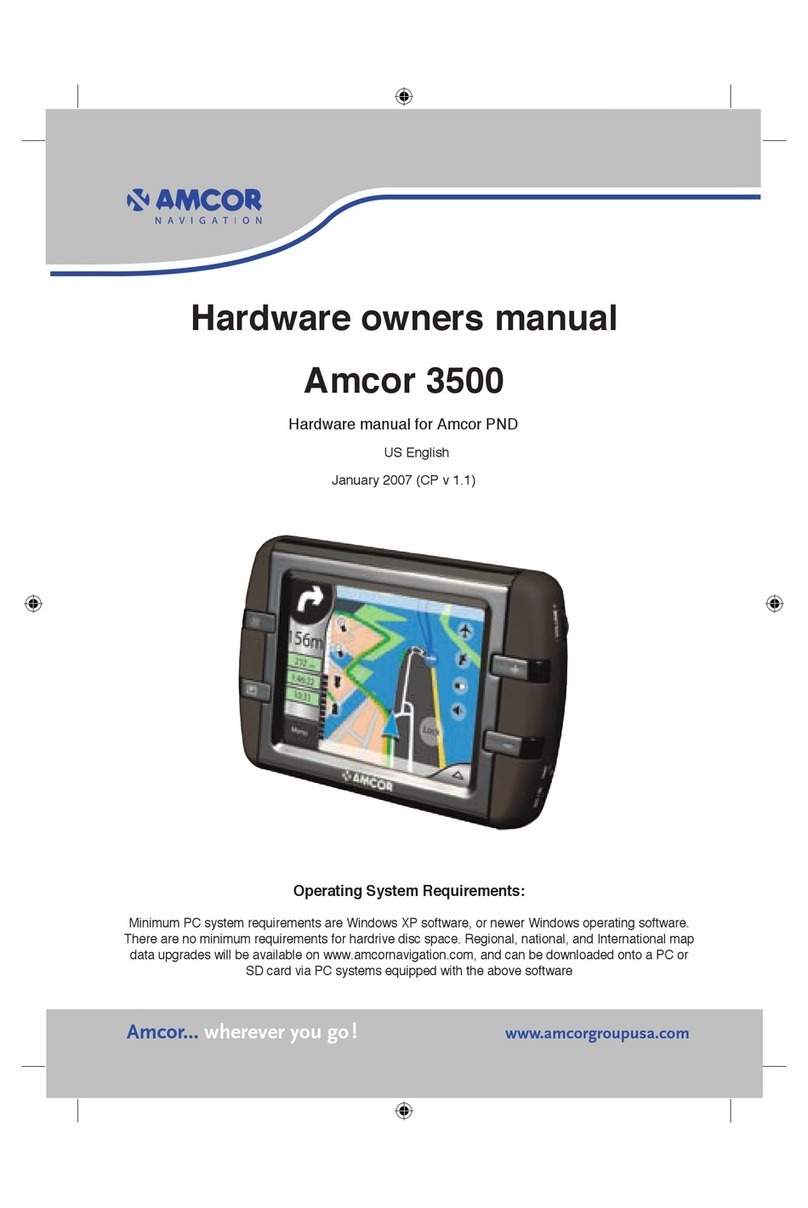
Amcor Amcor 3500 User manual

Amcor

Amcor Amcor 3500 User manual

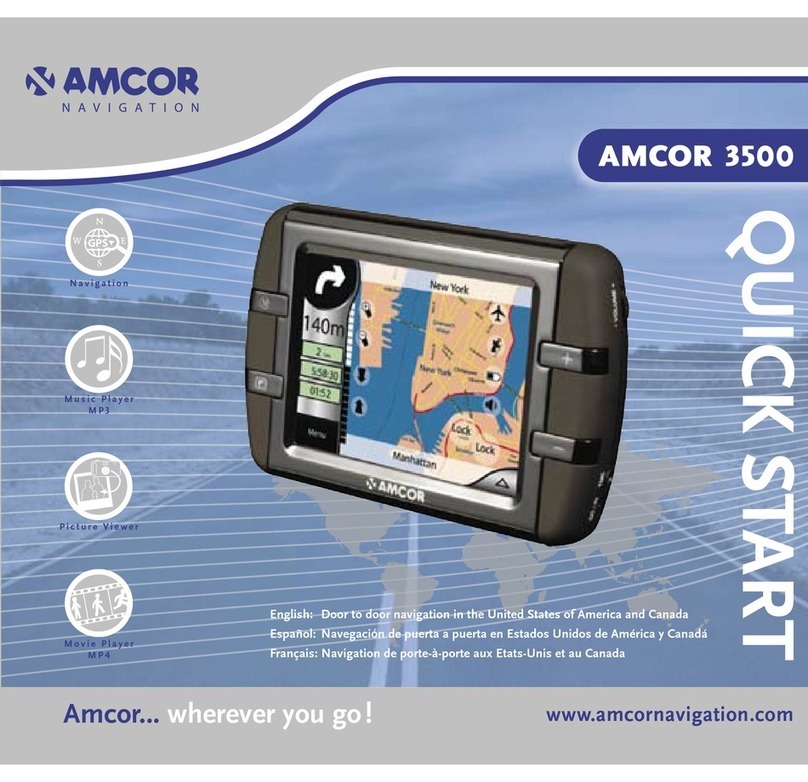
Amcor GPS Navigation System NAV3500 User manual

Amcor

Amcor GPS Navigation System NAV3500 User manual

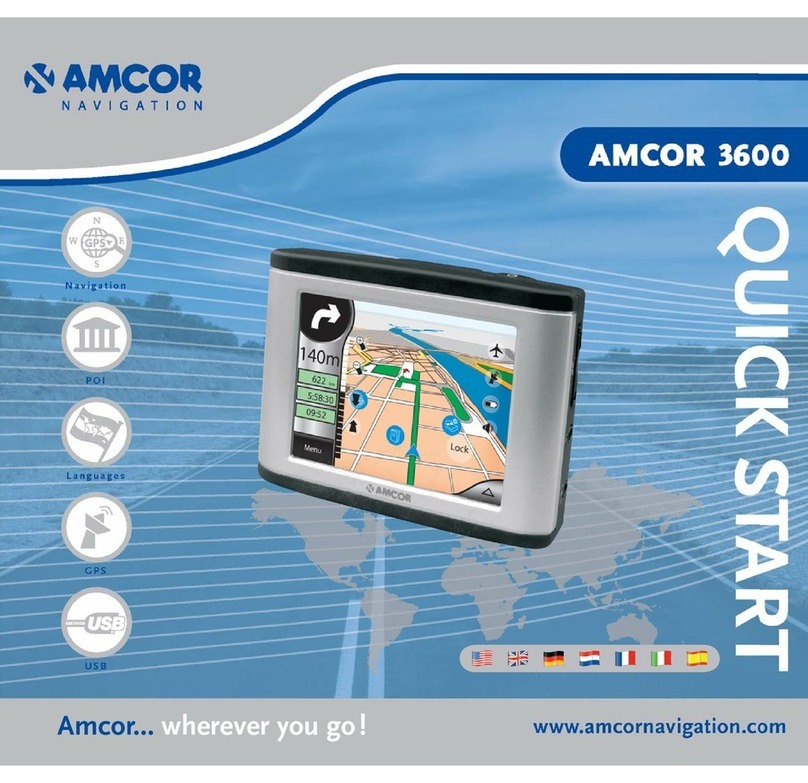
Amcor GPS Navigation System 3600 User manual

Amcor

Amcor GPS Navigation System 3600 User manual

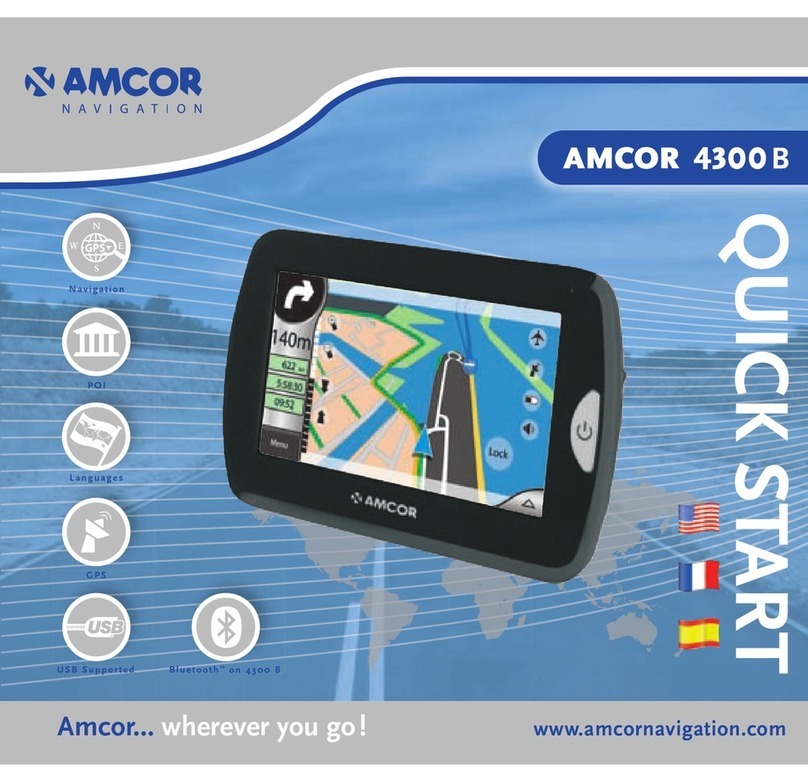
Amcor Amigo 4300B User manual

Amcor

Amcor Amigo 4300B User manual

Popular GPS manuals by other brands

Polar Electro RCX3 Getting started guide

Polar Electro

Polar Electro RCX3 Getting started guide

Tobii Pro Spectrum user manual

Tobii Pro

Tobii Pro Spectrum user manual

Gosafe G91I user manual

Gosafe

Gosafe G91I user manual

Fisher TW-8800 operating manual

Fisher

Fisher TW-8800 operating manual

LG LN740 Series Specifications

LG

LG LN740 Series Specifications

Prestigio GeoVision 430 user manual

Prestigio

Prestigio GeoVision 430 user manual

JVC KW-NT3HDT instructions

JVC

JVC KW-NT3HDT instructions

Yoctopuce Yocto-GPS user guide

Yoctopuce

Yoctopuce Yocto-GPS user guide

RightWay GPS Navigator RW 200 user manual

RightWay

RightWay GPS Navigator RW 200 user manual

TomTom VIA user guide

TomTom

TomTom VIA user guide

Garmin ECHOMAP PLUS owner's manual

Garmin

Garmin ECHOMAP PLUS owner's manual

Telit Wireless Solutions GM862GPS Series Hardware user's guide

Telit Wireless Solutions

Telit Wireless Solutions GM862GPS Series Hardware user's guide

Hama 53118 Operating	 instruction

Hama

Hama 53118 Operating instruction

Garmin DEZL 580 owner's manual

Garmin

Garmin DEZL 580 owner's manual

Jigabot EX quick start guide

Jigabot

Jigabot EX quick start guide

Pointer Cellocator CelloTrack XT LTE overview

Pointer

Pointer Cellocator CelloTrack XT LTE overview

Queclink GV55LITE user manual

Queclink

Queclink GV55LITE user manual

Starcom Systems Kylos Compact user guide

Starcom Systems

Starcom Systems Kylos Compact user guide

manuals.online logo
manuals.online logoBrands
  • About & Mission
  • Contact us
  • Privacy Policy
  • Terms and Conditions

Copyright 2025 Manuals.Online. All Rights Reserved.

Amcor... wherever you go !
BLUETOOTH
2
3
Use the Amcor device as a handsfree set for your
Bluetooth mobile telephone.
Making a connection with your telephone.
Switch on the Bluetooth function on your telephone.
Choose the Bluetooth symbol in the main menu
or cockpit.
Select ‘Bluetooth’ to open the “Bluetooth
Manager”.
Choose “Search BT Device”. If the unit has located
your telephone, this will be displayed on the screen.
Benutzen Sie den Amcor als Freisprech-Set für Ihr
Bluetooth-Handy.
Stellen Sie eine Verbindung zu Ihrem Telefon her.
Schalten Sie die Bluetooth-Funktion Ihres Telefons
ein.
Wählen Sie das Bluetooth-Symbol im Hauptmenü
oder Cockpit aus.
Wählen Sie “Bluetooth ” , um den “Bluetooth
Manager” zu öffnen.
Wählen Sie “BT-Gerät suchen”. Wenn die Unit Ihr
Telefon gefunden hat, erscheint dieses im Bild.
Gebruik het Amcor navigatiesysteem als handsfree
set voor uw Bluetooth mobiele telefoon.
Verbinding maken met uw telefoon.
Zet de Bluetooth functie van uw telefoon aan.
Kies het Bluetooth symbool in het hoofdmenu of
cockpit.
Selecteer ‘Bluetooth’ om de “Bluetooth
Manager” te openen.
Kies “Zoek BT apparaat”. Heeft de unit uw telefoon
gevonden, dan verschijnt deze in beeld.
Utilisez l’Amcor comme kit mains libres pour votre
téléphone portable Bluetooth.
Etablir la connexion avec votre téléphone.
Activez la fonction Bluetooth de votre téléphone.
Sélectionnez le symbole Bluetooth dans le menu
principal ou le cockpit.
Sélectionnez ‘Bluetooth’ pour ouvrir le
“Gestionnaire Bluetooth”.
Sélectionnez “Cherche appareil BT”. Lorsque l’unité
a détecté votre téléphone, celui-ci apparaît sur
l’écran.
Usi l’Amcor come set vivavoce per il suo telefono
cellulare Bluetooth.
Effettui il collegamento con il suo telefono.
Attivi la funzione Bluetooth del suo telefono.
Scelga il simbolo Bluetooth nel menu principale
nel menu pilota.
Selezioni ‘Bluetooth’ per accedere al “Bluetooth
Manager”.
Scelga “Search BT Device”. Se l’apparecchio
ha riconosciuto il suo telefono, questo viene
visualizzato.
Use el Amcor como manos libres para su teléfono
móvil Bluetooth.
Realizar la conexión con su teléfono.
Conecte la función Bluetooth de su teléfono.
Seleccione el símbolo Bluetooth en el menú
principal o panel de control.
Seleccione ‘Bluetooth’ para abrir el “Bluetooth
Manager”.
Seleccione “Search BT Device”. Si el dispositivo ha
localizado su teléfono, se mostrará en la pantalla.

4
3EC
3EC
5
Select your telephone and choose to view the
options.
Select “Handsfree Voice Gateway” and choose
connect. Enter a pass code (in digits) and confirm .
Accept the connection on your telephone and repeat
the pass code.
The connection has now been completed.
Using the arrows you can return to the cockpit or
main menu.
Wählen Sie Ihr Telefon aus und wählen Sie , um
die Optionen anzusehen.
Wählen Sie “Freisprech-Voice-Gateway” und danach
Verbinden . Geben Sie ein Passkode ein (PIN,
nur Ziffern) und bestätigen Sie es .
Bestätigen Sie die Verbindung auf Ihrem Telefon und
wiederholen Sie den Passkode.
Die Verbindung ist jetzt hergestellt.
Mit den Pfeilen gelangen Sie zurück ins Cockpit
oder ins Hauptmenü.
Selecteer uw telefoon en kies om de opties te
bekijken.
Selecteer “Handsfree spraak gateway” en kies
verbinden . Voer een toegangscode in (in
cijfers) en bevestig dit .
Accepteer de verbinding op uw telefoon en herhaal
de toegangscode.
De verbinding is nu gemaakt.
Met de pijltjes kunt u terug naar de cockpit of
het hoofdmenu.
Sélectionnez votre téléphone et sélectionnez
pour voir les options.
Sélectionnez “Passerelle mains-libres” et
sélectionnez Connexion . Donnez un mot de
passe (PIN, uniquement chiffres) et confirmez .
Acceptez la connexion sur votre téléphone et répétez
le mot de passe.
La connexion est à présent établie.
Les flèches vous permettent de retourner au
cockpit ou au menu principal.
Selezioni il suo telefono e scelga per vedere le
opzioni.
Selezioni “Porta sonora a mano libera” e selezioni il
collegamento . Digiti una password (PIN, nelle
cifre) e la confermi .
Accetti il collegamento sul suo telefono e ripeta la
password.
Il collegamento sarà effettuato.
Con le frecce può tornare al menu pilota o al
menu principale.
Seleccione su teléfono y escoja para ver las
opciones.
Seleccione “Handsfree Voice Gateway” y seleccione
conectar . Introduzca una clave (PIN, cifras) y
confirme .
Acepte la conexión en su teléfono y repita la clave.
La conexión se habrá completado.
Con las flechas puede volver al panel de control
o menú principal.
6
20 Sec.
7
Outgoing call
Choose to start a call.
Three options:
1. Choose a number with the keypad.
2. Choose a number from the address book (if
numbers have been entered).
3. Choose a number from the history (previous
calls).
To call, choose .
To finish the call, select to hang up.
Ausgehender Anruf
Wählen Sie , um einen Anruf zu starten.
Drei Optionen:
1. Nummer wählen mit Tastatur.
2. Nummer wählen aus dem Telefonbuch (falls
eingegeben).
3. Nummer wählen aus Rufverzeichnis. (frühere
Telefongespräche).
Zum Telefonieren, wählen Sie .
Um das Gespräch zu enden wählen Sie .
Uitgaande oproep
Kies om een oproep te starten.
Drie opties:
1. Nummer kiezen met toetsenbord
2. Nummer kiezen uit telefoonboek (indien
ingevoerd)
3. Nummer kiezen uit geschiedenis (eerdere
telefoongesprekken).
Om te bellen kies .
Selecteer om op te hangen.
Appel sortant
Sélectionnez pour passer un appel.
Trois options :
1. Sélectionner le numéro avec le clavier
2. Sélectionner un numéro depuis le répertoire (s’il a
été rentré)
3. Sélectionner un numéro dans l’historique
(communications antérieures).
Pour appeler, sélectionnez .
Sélectionnez pour raccrocher.
Chiamata in uscita
Scelga per lanciare una chiamata.
Tre opzioni:
1. Digiti il numero sulla tastiera
2. Scelga un numero dalla rubrica (se inserito)
3. Scelga un numero dall’elenco delle chiamate
(chiamate effettuate precedentemente).
Per telefonare scelga .
Selezioni per chiudere la comunicazione.
Llamada saliente
Seleccione para iniciar una llamada.
Tres opciones:
1. Seleccione un número con el teclado numérico.
2. Seleccione un número de la agenda (si ha
introducido números en la misma).
3. Seleccione un número del historial (llamadas
anteriores).
Para llamar, seleccione .
Seleccione para colgar.
8
9
Incoming call
If you receive an incoming call, the unit will
automatically switch to the incoming call screen.
Select to answer.
To finish the call, select to hang up.
Eingehender Anruf
Wenn Sie einen eingehenden Anruf erhalten,
schaltet die Unit automatisch zum eingehenden
Anrufschirm.
Wählen Sie , um abzunehmen.
Um das Gespräch zu enden wählen Sie .
Inkomende oproep
Krijgt u een inkomende oproep dan schakelt de unit
automatisch over naar het inkomende bel scherm.
Selecteer om op te nemen.
Selecteer om op te hangen.
Appel entrant
Lorsque vous recevez un appel, l’unité passe
automatiquement sur l’écran des appels entrants.
Sélectionnez pour décrocher.
Sélectionnez pour raccrocher.
Chiamata in entrata
Quando riceve una chiamata l’apparecchio passa
automaticamente alla schermata di chiamata in
entrata.
Selezioni per rispondere.
Selezioni per chiudere la comunicazione.
Llamada entrante
Si recibe una llamada entrante, el dispositivo
cambiará automáticamente a la pantalla de llamada
entrante.
Seleccione para contestar.
Seleccione para colgar.
10