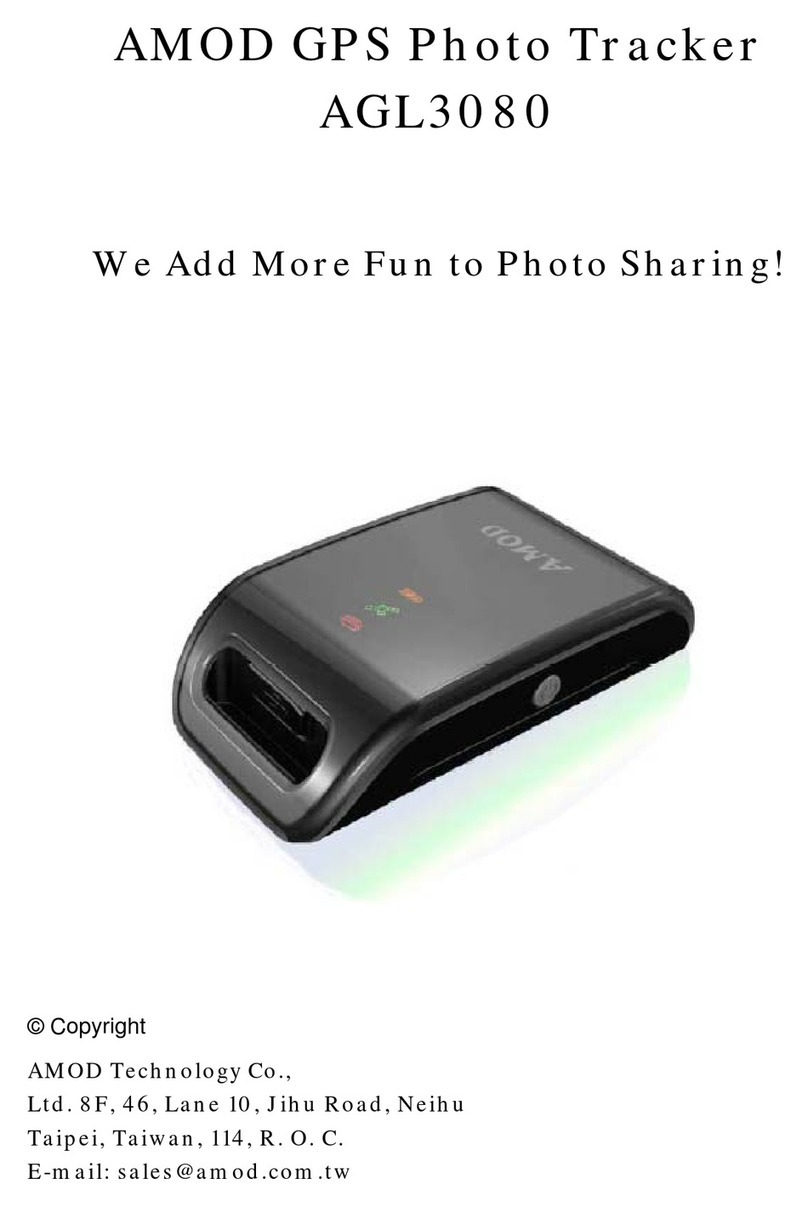
AGL3080 GPS Photo Tracker User Manual V2.0
February 2008 V2.0 AMOD Technology 5
Power).
St a tu s L E D
The Green LED is the GPS Status LED. It is either constantly on or blinking. Blinking indicates good
reception of satellite signal and GPS position data is being logged. Constant on indicates satellite signal
reception is poor and position can not be fixed and logged.
To get a good reception of GPS signal, adjust the orientation of the AGL3080 device to ensure it is facing
open sky. Normally, after adjustment, the position can be fixed very quickly and the GPS Status LED (Green)
will again blink.
The Red LED is the Storage Full LED. When the storage space runs out, the Red LED will be on and no
more GPS data be logged.
If this happens, turn the device off, download the logged data to the computer and clean up the storage disc.
The storage disc can be cleaned either by deleting file(s) from the computer or by performing a CLEAN DISC
operation when turning the AGL3080 device on. Please see instructions below about CLEAN DISC.
The Amber LED is the Battery Power LED. The Amber LED will blink when the battery power level
becomes low (< 20% of full power). It is just a warning sign about battery power level is getting low. The
device still functions properly.
But when the battery power level is too low for the device to function normally, the Amber LED will
change from blinking to constant on, and both the GPS and data logging functions will be turned off. When
this happens, please turn the device off and replace battery immediately.
Sp ec i al F u nc ti o n s
MARK button
Position Mark A position can be marked using AGL3080 if the “MARK” button is firmly pressed once.
When doing so, the Storage Full LED will be on and the device will insert a MARK tag to the logged GPS
position data. If you press the Mark button right after taking a picture, the accompanying GPS Photo Tracker
software will use this “marked position data” to tag the picture.
GPS Reset During normal operation, you can press the “MARK” button for about three to four (3 ~ 4)
seconds to reset the GPS – the AGL3080 will re-start the GPS satellites searching without using satellite
information already on-hand and stored internally. Because the set of GPS satellites data (the orbital and