Table of contents
1 Warnings and Safety information..................................................................................5
2 Getting started with MCD893.........................................................................................6
2.1 Simple and Advanced modes.....................................................................................................8
2.2 Hardware buttons .....................................................................................................................9
2.3 Buttons and other controls on the screen..................................................................................9
2.4 Using the map .........................................................................................................................10
2.5 MCD893 concepts...................................................................................................................17
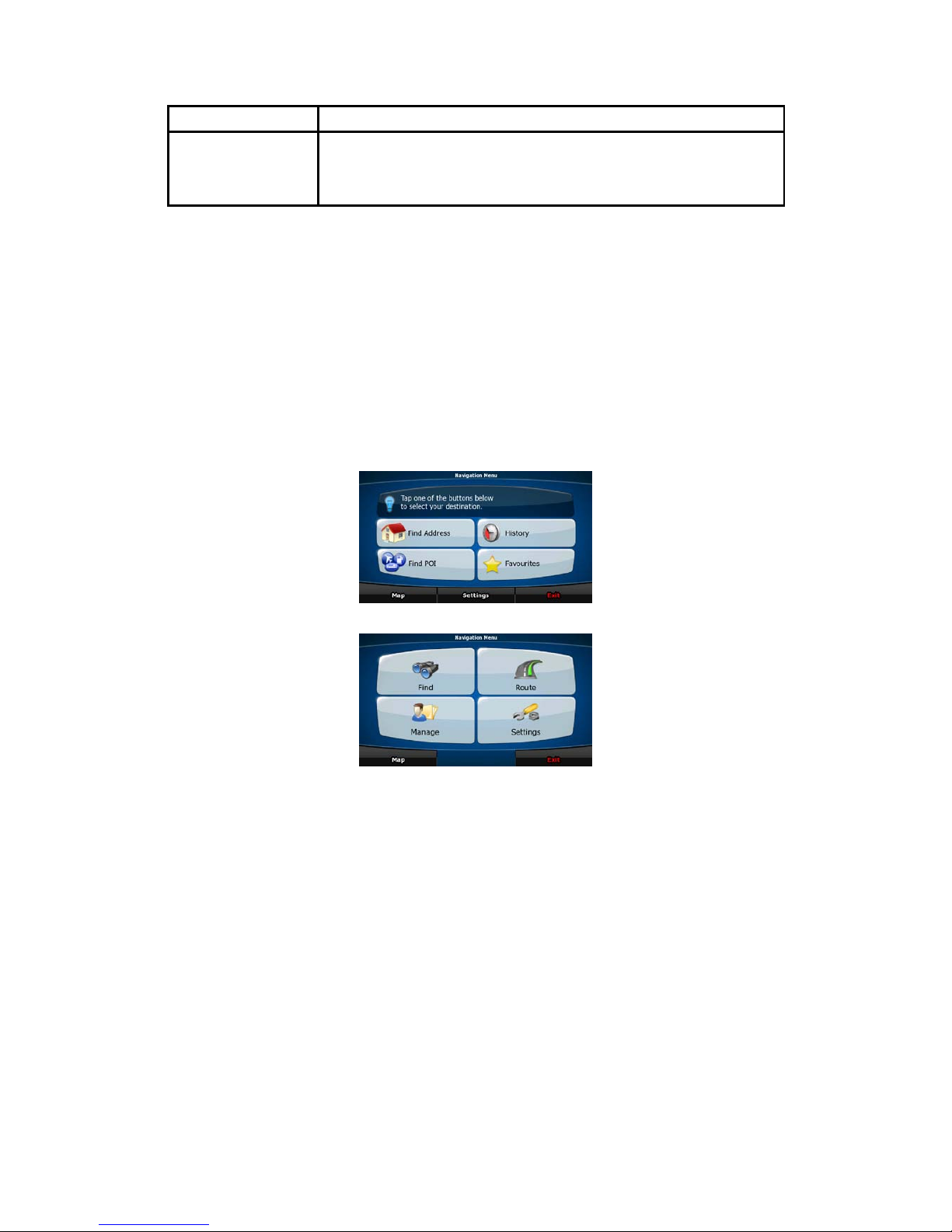
3 Navigating with MCD893..............................................................................................26
3.1 Selecting the destination of a route.........................................................................................26
3.2 Creating a multi-point route (inserting a via point) ...............................................................38
3.3 Creating a multi-point route (appending a new destination)..................................................39
3.4 Editing the route .....................................................................................................................39
3.5 Viewing the whole route on the map (Fit-to-Screen)..............................................................40
3.6 Watching the simulation of the route......................................................................................40
3.7 Enabling Safety Mode.............................................................................................................41
3.8 Pausing the active route..........................................................................................................41
3.9 Deleting the next via point from the route ..............................................................................41
3.10 Deleting the active route.......................................................................................................42
3.11 Using Track Logs..................................................................................................................42
3.12 Saving a route.......................................................................................................................43
3.13 Loading a saved route...........................................................................................................43
4 Reference book (Advanced mode)................................................................................45
4.1 Map screen..............................................................................................................................45
4.2 Find menu ...............................................................................................................................60
4.3 Route menu..............................................................................................................................60
4.4 Manage menu..........................................................................................................................61
4.5 Settings menu..........................................................................................................................66
5 Glossary...........................................................................................................................75
6 End User Licence Agreement........................................................................................77
7. Limitations of use..........................................................................................................79
8. Non-warranty, limitation of responsibility.................................................................80
9. Sanctions ........................................................................................................................81