logo
Brands
  1. Home
  2. •
  3. Brands
  4. •
  5. Cleerline
  6. •
  7. Network Cables
  8. •
  9. Cleerline SSF User manual

Cleerline SSF User manual

Popular Network Cables manuals by other brands

ProsKit 3PK-NT005 user manual

ProsKit

ProsKit 3PK-NT005 user manual

ADC TrueNet Augmented Category 6 Patch Cords Specifications

ADC

ADC TrueNet Augmented Category 6 Patch Cords Specifications

Greenlee GREENLEE SURE SIGNAL 46060 instruction manual

Greenlee

Greenlee GREENLEE SURE SIGNAL 46060 instruction manual

ATEN UE-250 user manual

ATEN

ATEN UE-250 user manual

Schwaiger NWM 1 Series Operating and safety instructions

Schwaiger

Schwaiger NWM 1 Series Operating and safety instructions

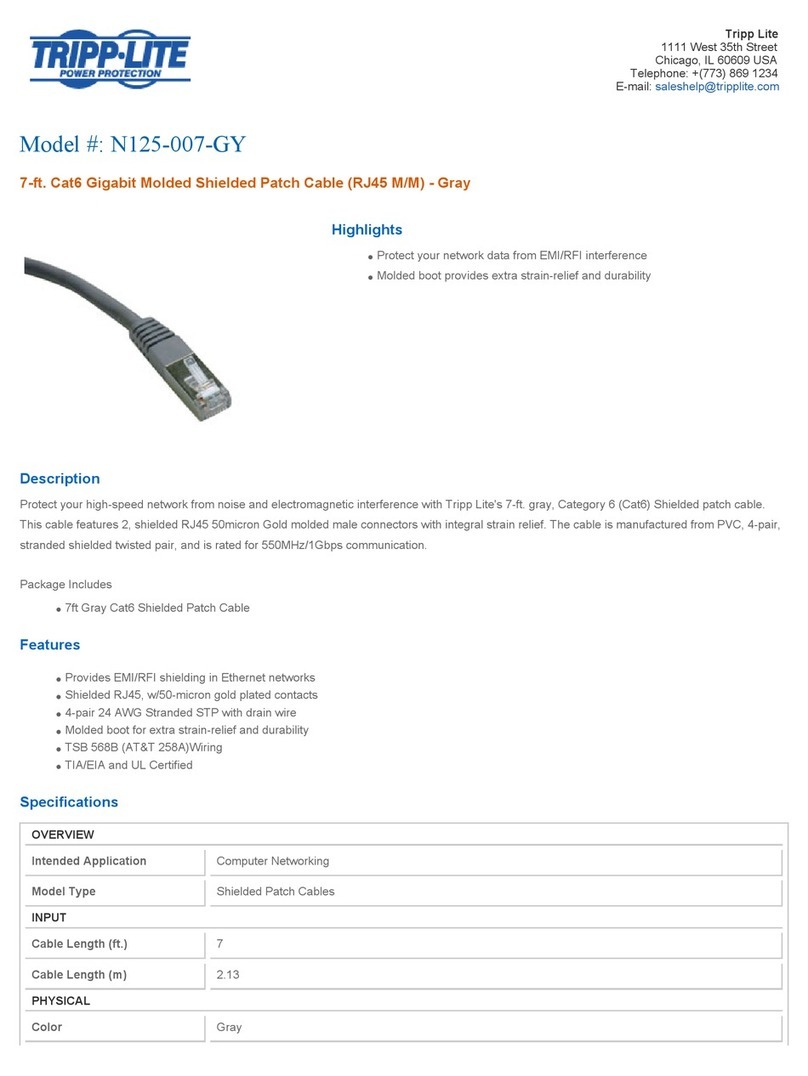
Tripp Lite N125-007-GY Specification sheet

Tripp Lite

Tripp Lite N125-007-GY Specification sheet

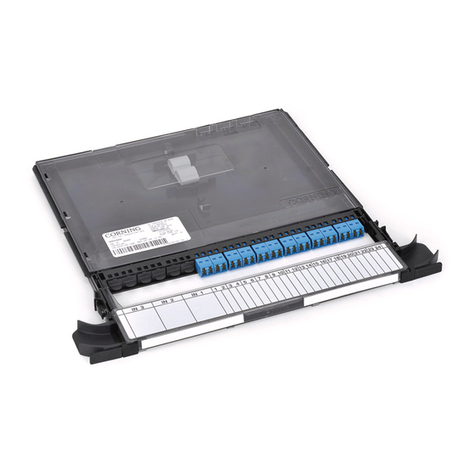
CORNING Centrix instructions

CORNING

CORNING Centrix instructions

Belkin F4F314 Operation manual

Belkin

Belkin F4F314 Operation manual

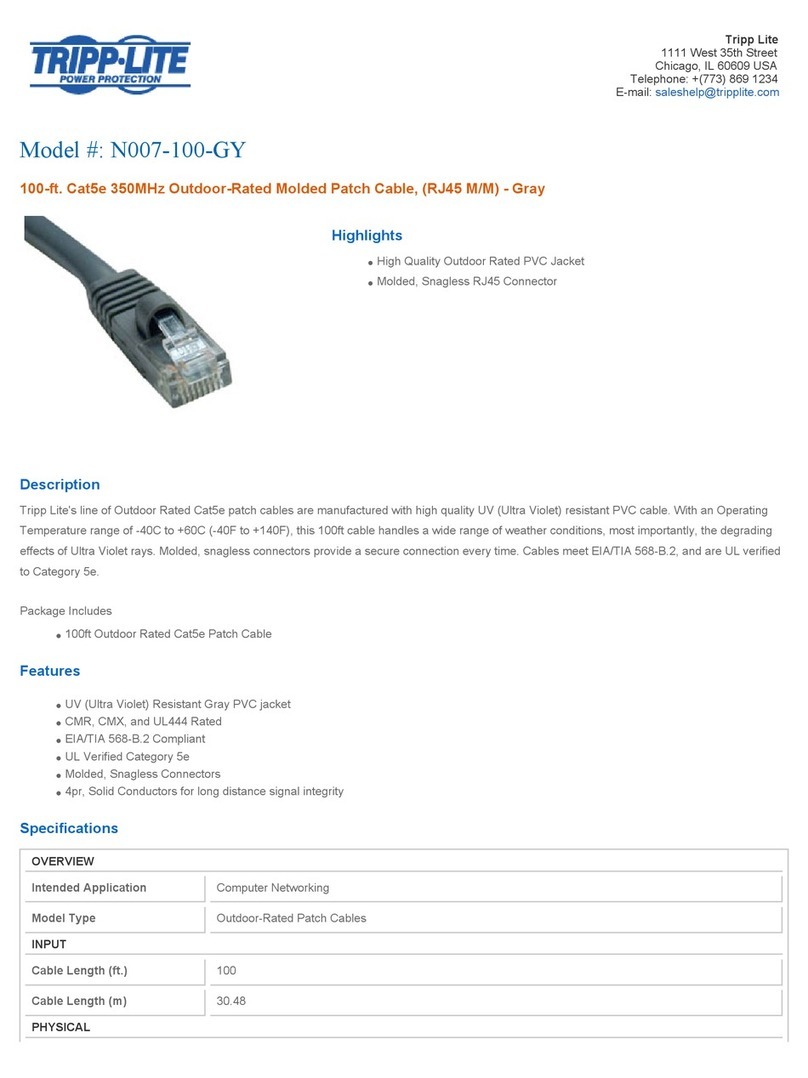
Tripp Lite N007-100-GY Specification sheet

Tripp Lite

Tripp Lite N007-100-GY Specification sheet

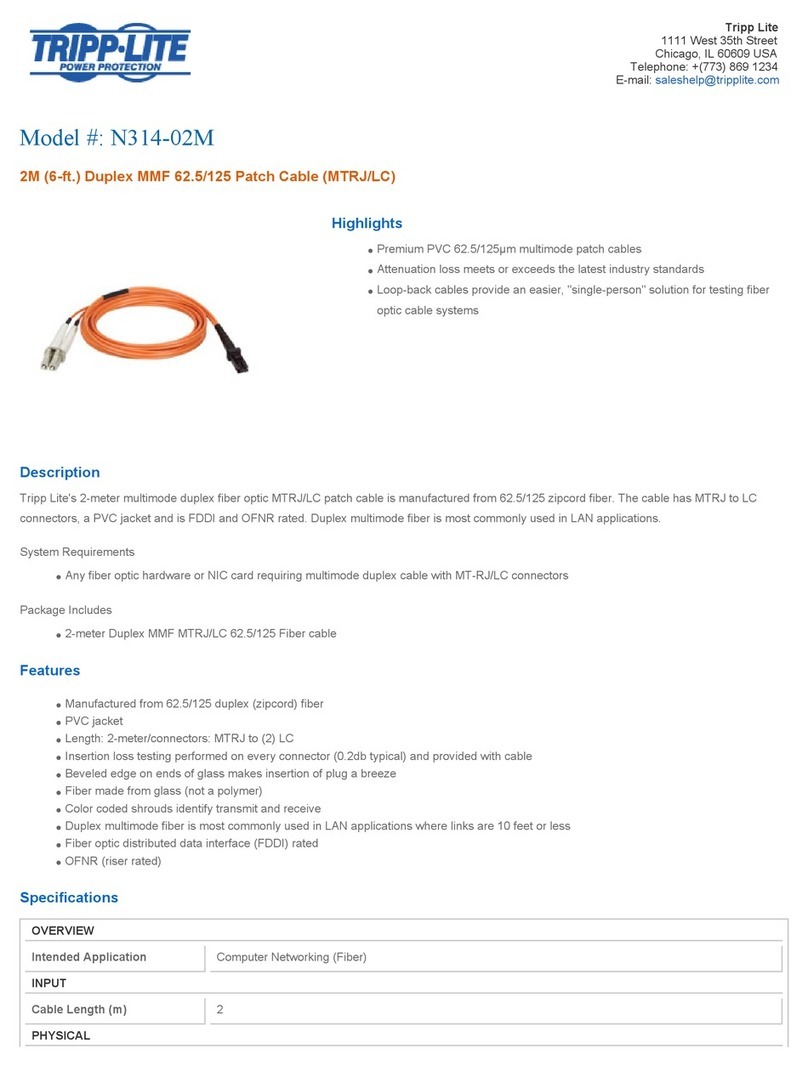
Tripp Lite N314-02M Specification sheet

Tripp Lite

Tripp Lite N314-02M Specification sheet

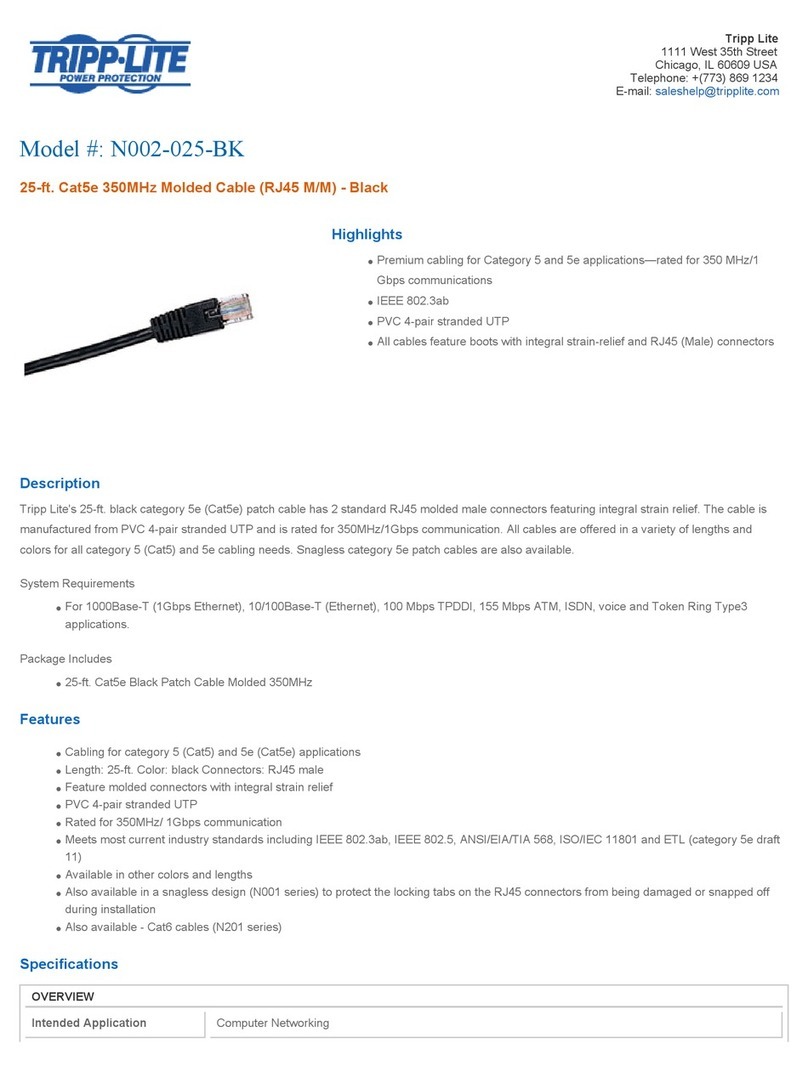
Tripp Lite N002-025-BK Specification sheet

Tripp Lite

Tripp Lite N002-025-BK Specification sheet

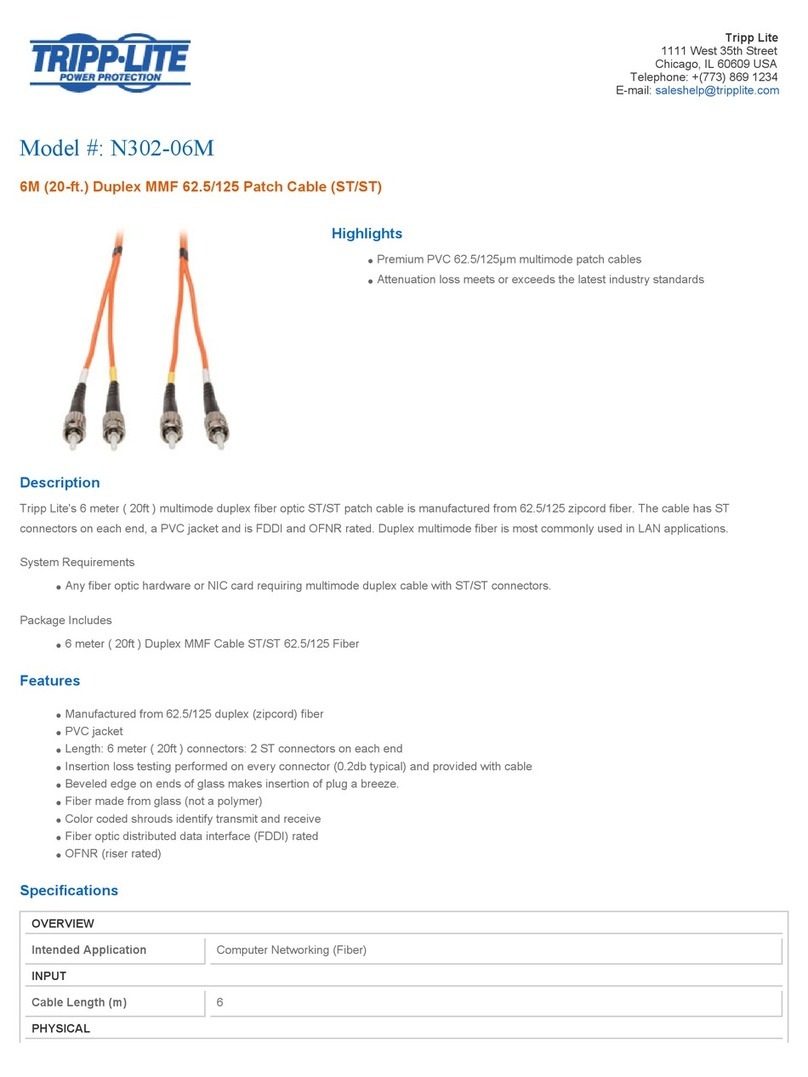
Tripp Lite N302-06M Specification sheet

Tripp Lite

Tripp Lite N302-06M Specification sheet

Tripp Lite N312-02M Specification sheet

Tripp Lite

Tripp Lite N312-02M Specification sheet

Tellur TLL155373 user manual

Tellur

Tellur TLL155373 user manual

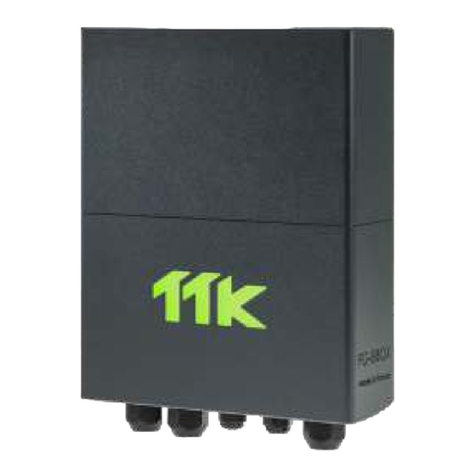
TTK FG-BBOX quick start guide

TTK

TTK FG-BBOX quick start guide

Tripp Lite N105-010-GY Specification sheet

Tripp Lite

Tripp Lite N105-010-GY Specification sheet

SMC Networks SMC2004 user guide

SMC Networks

SMC Networks SMC2004 user guide

TRENDnet TC-NT2 instruction manual

TRENDnet

TRENDnet TC-NT2 instruction manual

https://manuals.online logo
https://manuals.online logoBrands
  • About & Mission
  • Contact us
  • Privacy Policy
  • Terms and Conditions

Copyright 2026 Manuals.Online. All Rights Reserved.

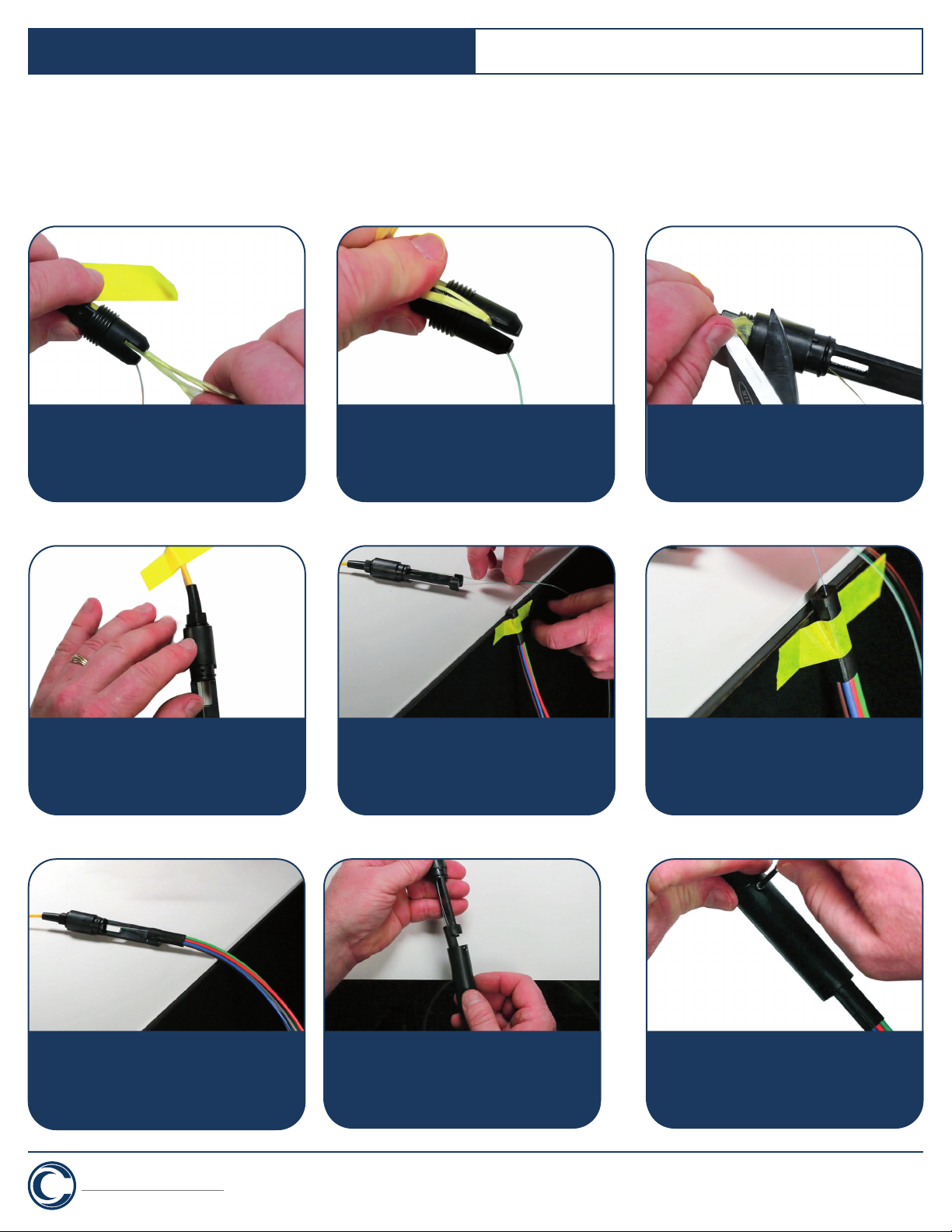
1. Slide included and grommet strain relief boot
onto cable.
2. Measure the tubing down the length of the
cable. Place a mark 6”/15 cm from the end of
the tubing.
3. Using the fiber strippers’ 2.0 mm opening,
remove the jacket at marking so that the
exposed fiber is equal to the breakout tubing
and assembly plus 6” or 15 cm.
4. Working on a flat surface with an edge, tape
down the cable.
5. Separate aramid yarns from fiber. Cut yarns
approximately 6”/15 cm from end of jacket.
6. Slide housing over exposed fibers. For six
fiber kit, place fibers 1-6 all on one side of
housing. If installing 12 fiber kit place fibers
7-12 on other side.
Cleerline SSF TM 3.0 mm Breakout Kit
This guide describes spider breakout kit installation on 250 µm optical fiber. Installation factors such as available cable slack,
location of the termination hardware and the question of build tube slack storage as opposed to cable slack can dictate when and
where you choose to mount the cable end and assemble your breakout kit.
Termination With:
SSF TM Micro Distribution 250 µm Fibers
CLEERLINE
TECHNOLOGY GROUP
TM
cleerlinefiber.com
Revise #1.5
Each Breakout Kit Contains
a. Insert block furcation tube assembly
(1 for 6 fiber, 2 for 12 fiber)
b. Outer Shell
c. Housing
d. Grommet Strain Relief Boot
e. Nut
f. Screw (x2)
g. Plug (not used in these instructions)
h. 6 Fiber Bushing (not used in these instructions)
i. 12 fiber Bushing (not used in these instructions)
Required Tools
a. Fiber Optic Strippers
b. Aramid Shears
c. Pliers
d. Ruler
e. Tape
f. Marker
Cleerline SSF TM 3.0 mm Breakout Kit
10. Working on flat surface with an edge, tape
down housing assembly so end of the housing
is 2”/ 5 cm from edge. Drape fibers over edge
so fibers 1-6 are positioned upwards.
11. Tape insert block section of the furcation tube
assembly to edge of the surface so tubes hang
down to floor. Untangle fibers so each can be
separated back to the point where it exits the
housing assembly.
12. Insert fiber 1 through matching colored furcation
tube block until fiber exits far end of the tubing.
Ensure fibers are not twisted. Repeat process
for fibers 2-6. For 12 fiber kit, remove tape from
housing, rotate housing 180° and tape down.
13. Remove block furcation tube assembly from work
surface. Slide assembly toward housing and insert
block into place on housing. For 12 fiber kit, tape
block tube assembly for fibers 7-12 to edge of
surface. Insert fibers and insert block into housing.
14. With notches forward toward furcation tubing,
slide outer shell over tubing and onto housing. Align
notches and screw holes in housing and shell.
15. Insert two screws and tighten.
CLEERLINE
TECHNOLOGY GROUP
TM
cleerlinefiber.com
Revise #1.5
Termination With:
SSF TM Micro Distribution 250 µm Fibers
7. Untape cable. Slide grommet strain relief
and nut forward on the jacket and position
end of cable jacket even with the slits in the
grommet strain boot.
8. Position aramid yarns through one of slits in
boot. Hold yarns along cable jacket.
9. Bring housing forward and tighten one full
turn to lock in the yarns. Cut yarns closely
to housing. Tighten housing until secure.