................................................................................................................................6
1.3. Applications of IP Camera ....................................................................................................................8
2. Product Description ......................................................................................................................................9
2.1. Contents................................................................................................................................................9
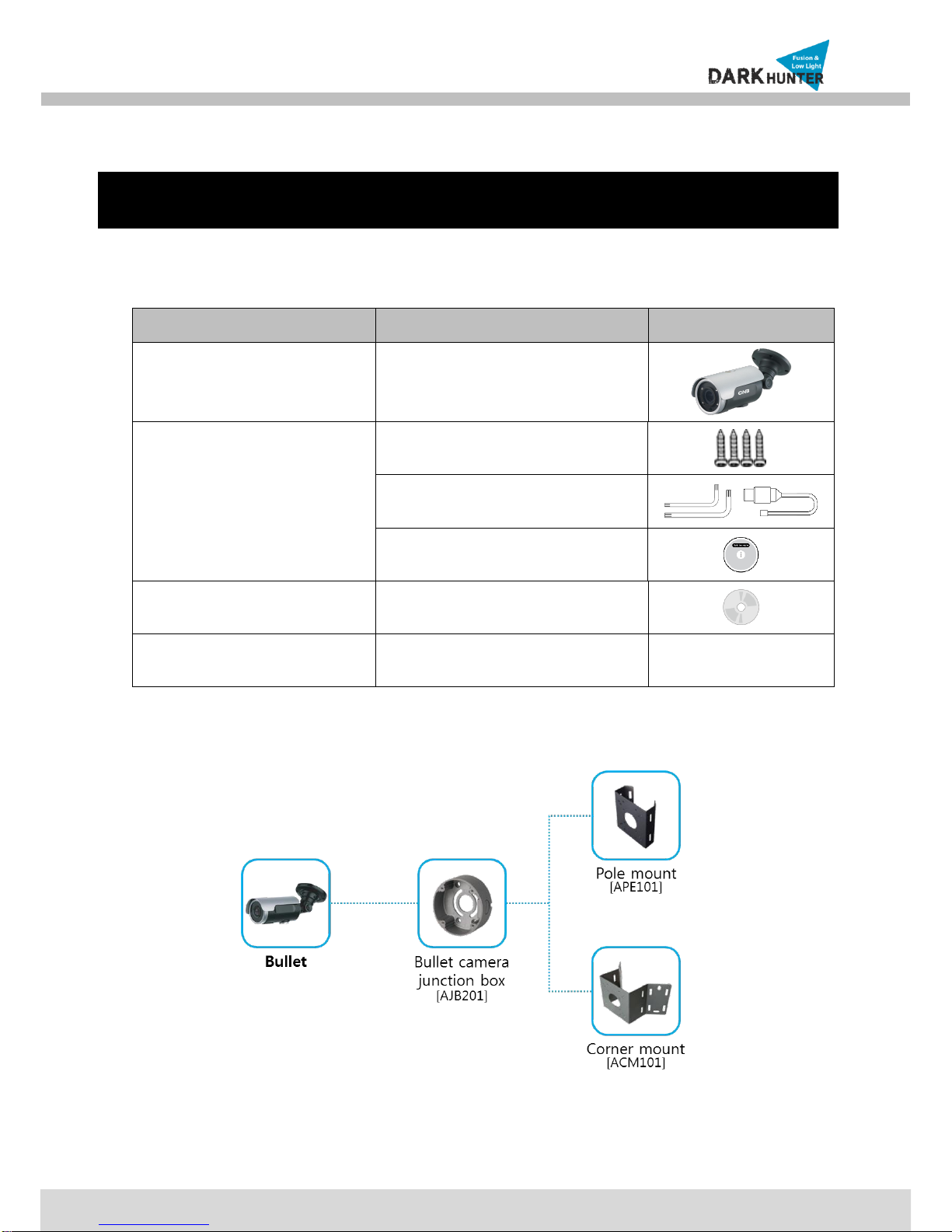
2.2. Camera mount configuration.................................................................................................................9
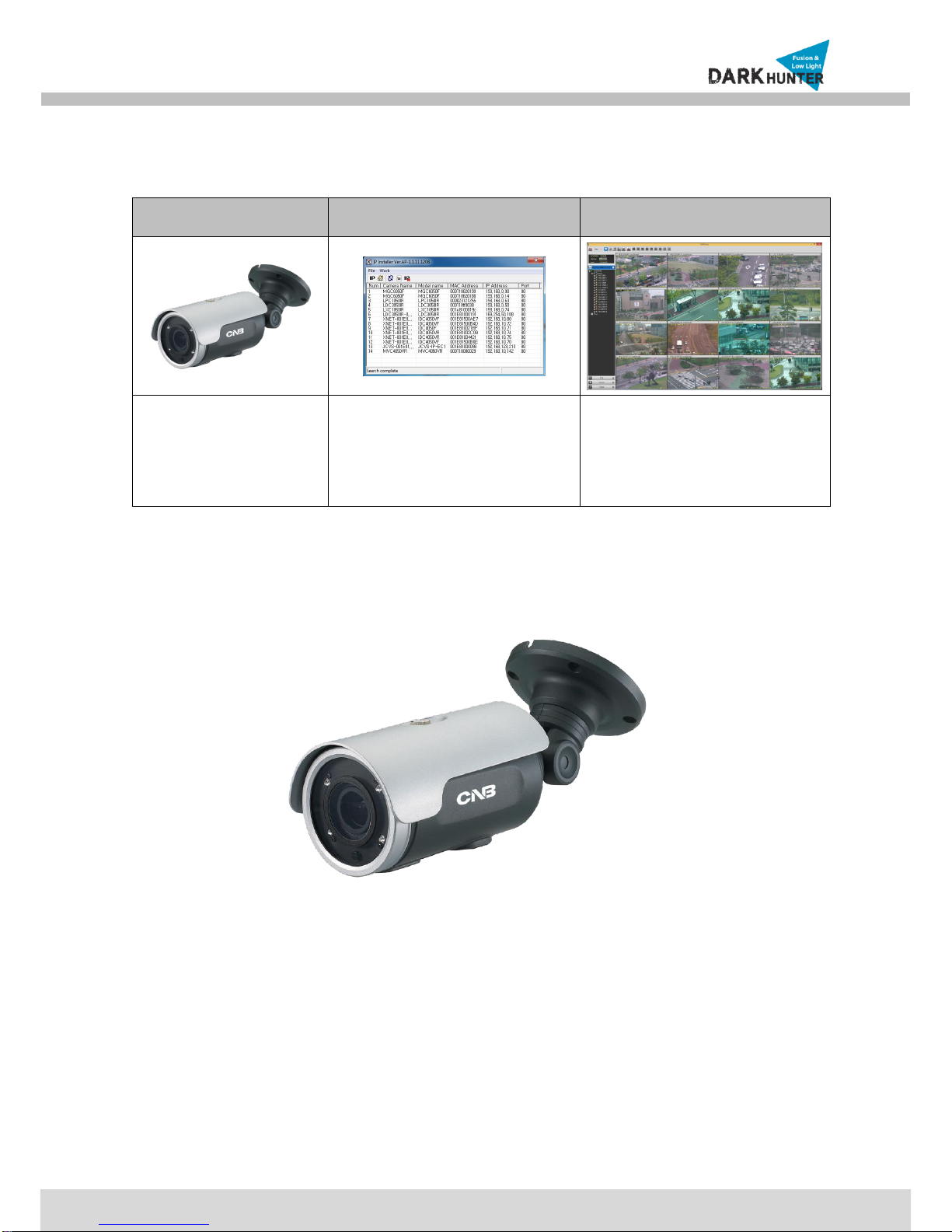
2.3. Product Preview..................................................................................................................................10
2.4. Physical description ............................................................................................................................10
2.4.1. External View............................................................................................................................10
2.4.2. Dimension.................................................................................................................................11
2.4.3. External Connector...................................................................................................................11
2.4.4. Factory Default Switch..............................................................................................................11
2.5. Functional Description ........................................................................................................................12
3. On Site Installation ......................................................................................................................................14
4. Getting Started.............................................................................................................................................16
4.1. PC Requirement .................................................................................................................................16
4.2. Quick Installation Guide......................................................................................................................16
4.2.1. Connect PC and IP Camera to network. ..................................................................................16
4.2.2. Install IP installer and set IP parameters on IP Camera...........................................................17
4.2.3. Remote video connection to IP Camera...................................................................................20
4.2.4. Additional settings through connection to the Admin Page......................................................21
5. Troubleshooting...........................................................................................................................................22
5.1. No power.............................................................................................................................................22
5.2. Cannot connect to the Video...............................................................................................................22
5.3. Windows 7 ..........................................................................................................................................23
5.4. Technical Assistance...........................................................................................................................24
AppendixA–ImportantNoticein ExchangingSDCard (Micro SD).........................................................................25