6 Introduction
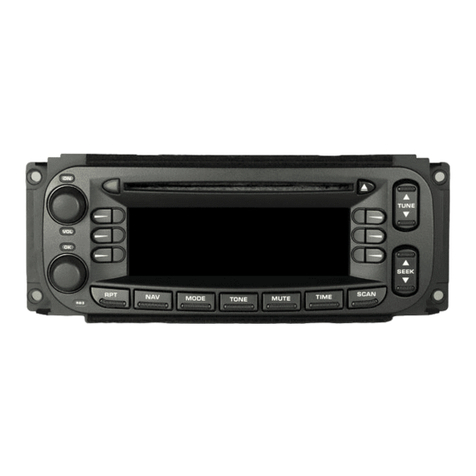
SOURCE : Press to change the
audio sources such as AM-FM
Radio, SiriusXM
®
(if equipped),
Pandora
®
, Stitcher
®
, USB/iPod,
AUX, or Bluetooth Audio.
TONE : Press TONE or touch the
Tone Settings button on the Home
Page to adjust Bass, Mid
(Midrange), Treble, EQ, Fade, and
Balance. Tone settings are specific
to each source. See AM-FM Radio
014.
INFO (Information) : Press to
toggle through an audio or
navigation information screen.
CONFIG (Configuration Menu) :
Press to adjust features for
Languages, Time and Date, Radio
Settings, Phone Settings, Display
Settings, and Vehicle Settings.
F(Home Page) : Press to go to
the Home Page. See “Home Page”
in this section.
MENU/SEL : Turn to highlight a
feature. Press to activate the
highlighted feature.
k(Play/Pause) : Press to pause
or resume playback. This feature is
unavailable for AM, FM, and
SiriusXM (if equipped). See
Pandora Internet Radio 023,
Stitcher Internet Radio 027,USB
033, or Bluetooth Audio 039.
AS (Autostore) : See “Autostore”in
this section.
5/0(Phone/Mute) : See
Bluetooth 073.
NAV(Navigation):
.Press to view the vehicle's
current position on the map
screen.
.Continue pressing to cycle
through the full map and split
screens.
RPT (Repeat Navigation) : Press
to repeat the last voice guidance
prompt.
DEST(Destination):
.Press to enter a destination.
.If a destination has already been
entered, press to access the
Destination Menu. See
Destination 047.
EBACK : Press to return to the
previous screen in a menu.
FAV (Favorites) : Press to display
the current favorite page number
above the preset buttons. Keep
pressing to scroll through the
favorites pages. The stored stations
for each list displays on the bottom
of the screen. The number of preset
Favorite Pages can be changed by
touching the CONFIG button on the
Home Page, then touching Radio
Settings, and then touching Number
of Favorite Pages.
dSEEK:
.USB, Bluetooth Audio: Press to
seek the next track.
.USB, Bluetooth Audio: Press
and hold to fast forward through
a track. Release the button to
return to playing speed. See
USB 033, or Bluetooth Audio
039.