manuals.online logo
Brands
  1. Home
  2. •
  3. Brands
  4. •
  5. HRV
  6. •
  7. Fan
  8. •
  9. HRV AIRSENSE LITE User manual

HRV AIRSENSE LITE User manual

Popular Fan manuals by other brands

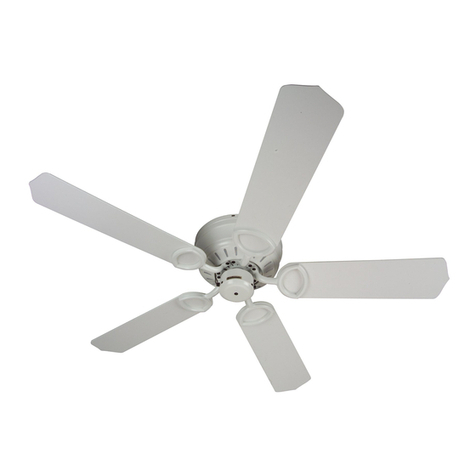
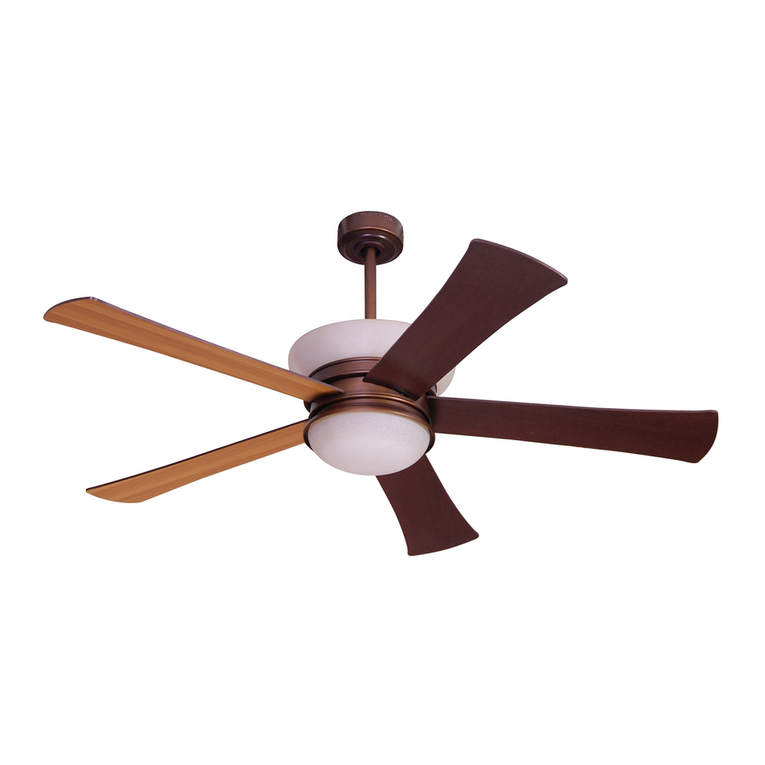
Minka Group minkaAire Wave F843 instruction manual

Minka Group

Minka Group minkaAire Wave F843 instruction manual

Airflow Adroit DV50 instruction manual

Airflow

Airflow Adroit DV50 instruction manual

Vornado 270 Series owner's guide

Vornado

Vornado 270 Series owner's guide

comfort air TH-10D instruction manual

comfort air

comfort air TH-10D instruction manual

Livoo DOM386 instruction manual

Livoo

Livoo DOM386 instruction manual

Holmes BLIZZARD HAOF-90 owner's guide

Holmes

Holmes BLIZZARD HAOF-90 owner's guide

Taurus GRECO 16 ELEGANCE manual

Taurus

Taurus GRECO 16 ELEGANCE manual

Quorum PINNACLE installation instructions

Quorum

Quorum PINNACLE installation instructions

Monte Carlo Fan Company 3DIR58RBD-V1 Owner's guide and installation manual

Monte Carlo Fan Company

Monte Carlo Fan Company 3DIR58RBD-V1 Owner's guide and installation manual

Craftmade UH52 installation guide

Craftmade

Craftmade UH52 installation guide

Jocel JVA030658 instruction manual

Jocel

Jocel JVA030658 instruction manual

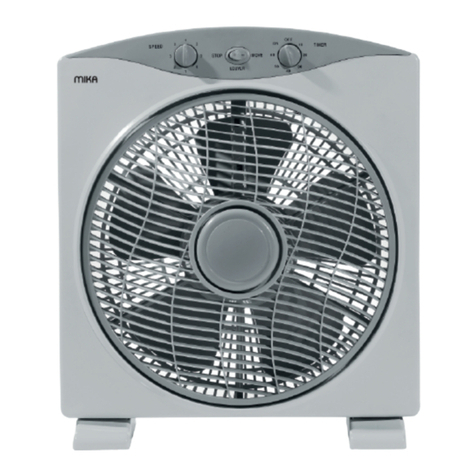
MIKA MFB1211/GR user manual

MIKA

MIKA MFB1211/GR user manual

Harbor Breeze RLG52NWZ5L manual

Harbor Breeze

Harbor Breeze RLG52NWZ5L manual

Allen + Roth L1405 instruction manual

Allen + Roth

Allen + Roth L1405 instruction manual

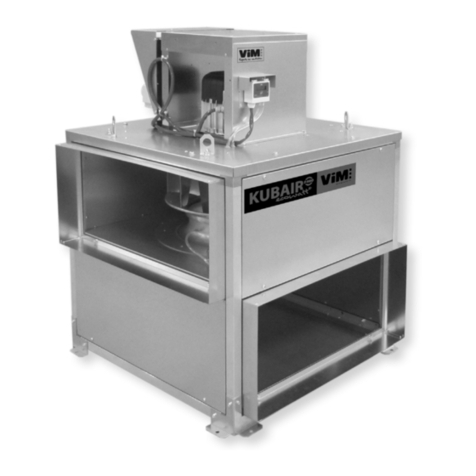
ViM KUBAIR F400 ECOWATT Technical manual

ViM

ViM KUBAIR F400 ECOWATT Technical manual

HIDRIA R10R-56LPS-ES50B-04C10 user guide

HIDRIA

HIDRIA R10R-56LPS-ES50B-04C10 user guide

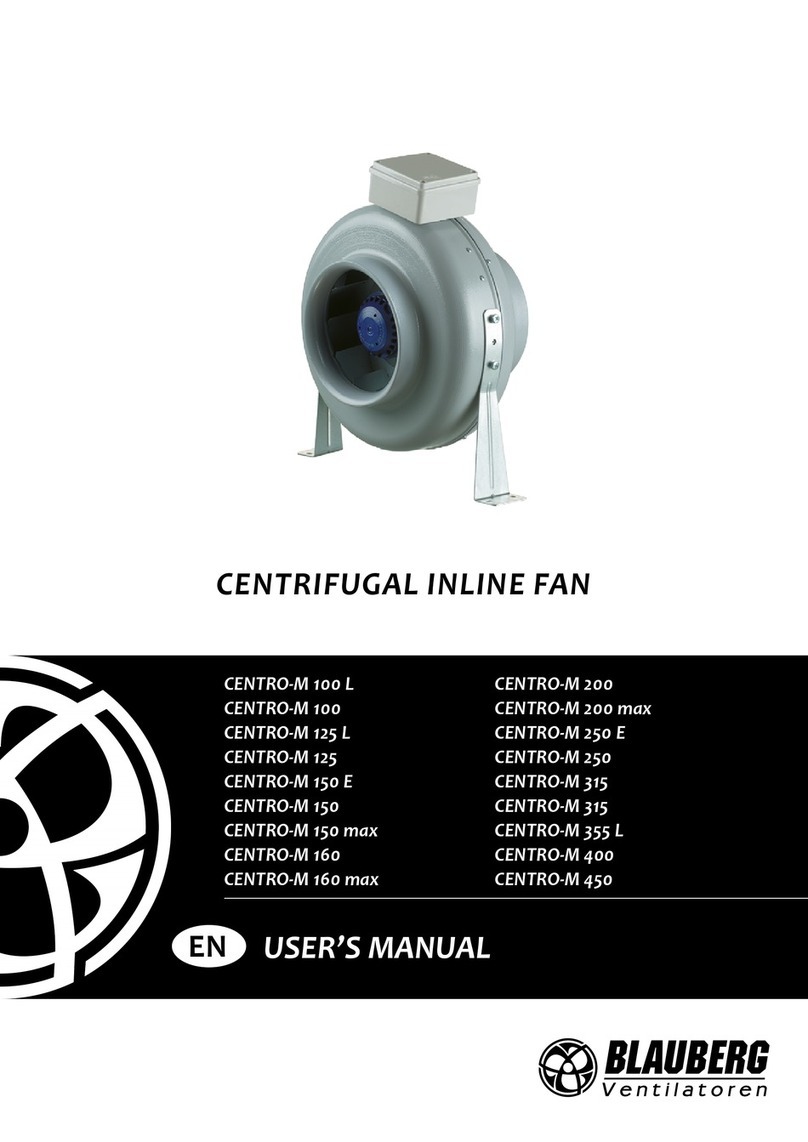
BLAUBERG Ventilatoren CENTRO-M 100 L user manual

BLAUBERG Ventilatoren

BLAUBERG Ventilatoren CENTRO-M 100 L user manual

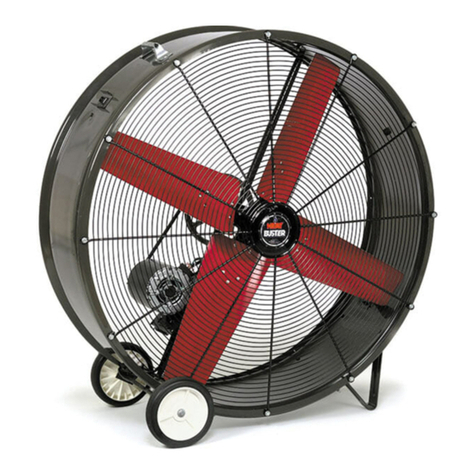
Triangle Engineering HEAT BUSTER SPL Series owner's manual

Triangle Engineering

Triangle Engineering HEAT BUSTER SPL Series owner's manual

manuals.online logo
manuals.online logoBrands
  • About & Mission
  • Contact us
  • Privacy Policy
  • Terms and Conditions

Copyright 2025 Manuals.Online. All Rights Reserved.

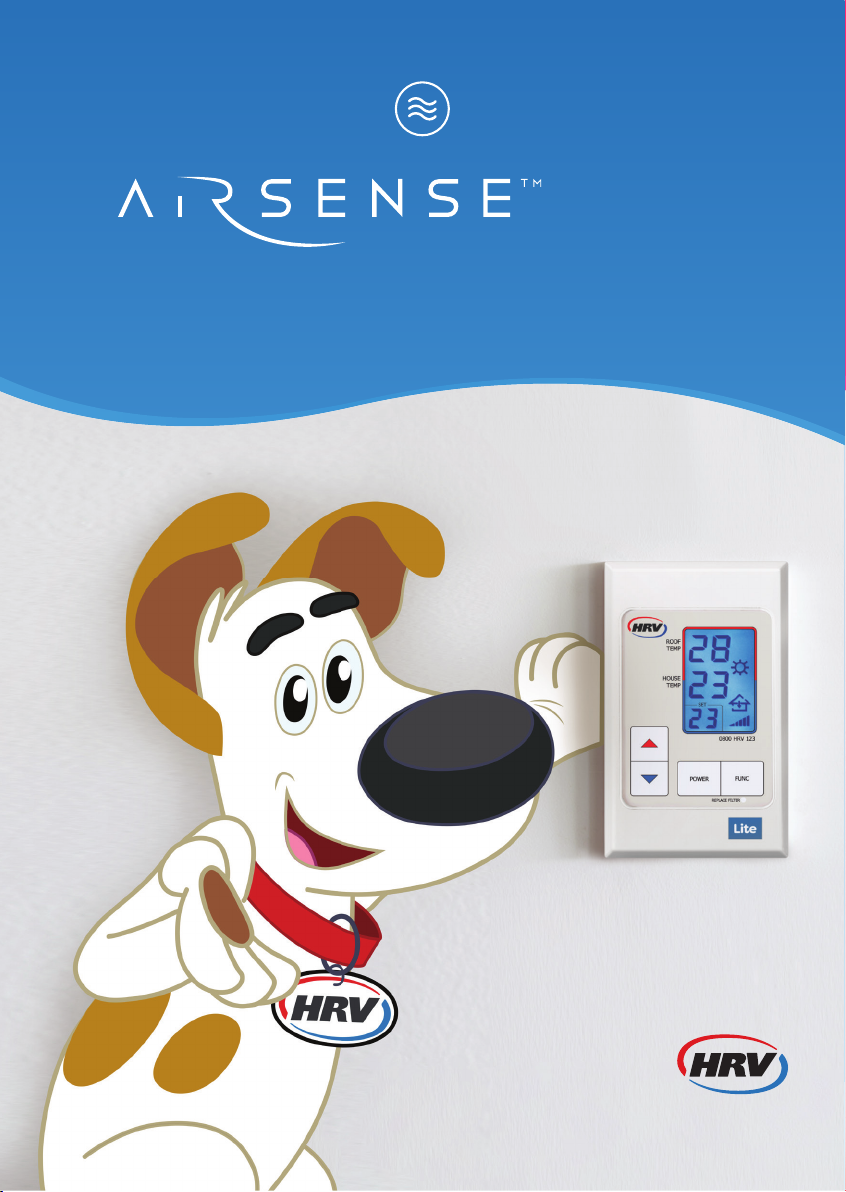
HOME VENTILATION
INSTRUCTION MANUAL
LITE
WWW.HRV.CO.NZ | 0800 478 123
1Roof temperature
Heating or cooling available
tothehouse.
2Room temperature
Current temperature inside
yourhouse.
3Set temperature
Desired temperature you would
like to reach inside your house.
Note:Your system will try to achieve
this temperature with the heating
orcooling that is available in the
roof space.
4Heating icon
When the system is trying to heat
the house to set temperature,
thissymbol willshow.
5Cooling icon
When the system is trying to cool
the house to set temperature,
thissymbol willshow.
6Ventilation icon
This symbol will show when the roof
space temperature is inadequate
to heat your house to the set
temperature and the system has
reduced fan speeds to very low
levels so as to ventilate the house.
This is needed to make sure air
is still moving through the house
and condensation and moisture
iscontrolled.
GET TO KNOW YOUR CONTROLLER
4
5
6
7
8
91110 12 13
1
2
3
7Locking icon
When the key pad locking function is
engaged, this symbol will show. (Press
and hold the FUNC button to turn on
and again to release the lock.)
8Roof air arrow
When the system is using air from
the roof cavity, it will indicate this
with the roof air arrow.
9Fan speed icon
Shows the speed at which the fan
blows air into your house.
10 Up and Down arrow buttons
Used to adjust the set (desired)
temperature for the house. Also
used in more advanced functions
(see Extra Functionality)
11 On/O button
Turns the system o for 8 hours.
System will automatically resume
after this 8 hour period. Press button
once to turn o and once again to
turn back on.
12 ‘Replace filter’ light
This light will flash when the filter
needs to be changed.
13 FUNC button
Used for more advanced
functionality (see Extra
Functionality).
QUICK GUIDE
GETTING STARTED
On/O button
Turns the system o for 8 hours,
system will automatically resume
after this 8hour period. Press
button once to turn o and again
once to turn back on.
SET TEMP button
Gives system guidance to required
temperature.
• Adjusts desired temperature
upordown.
FUNC button
Variety of functionality from basic
to advanced. Basic functionality.
• Lock key pad – Hold down for
3seconds.
• Press to return to main menu
when in back menu.
WWW.HRV.CO.NZ | 0800 478 123
EXTRA FUNCTIONALITY
MAX FAN MODE
Overrides system, puts fan on 100%
speed, pumping more air into the
house for one hour.
To activate: hold the Down arrow
for 3 seconds.
Use for:
• Condensation – clears any extra
condensation that may have been
trapped behind closed curtains etc,
with extra boost of air into house.
• Summer time – heat dump which
purges cavity air in the early evening,
bringing in cooler air earlier thereby
reducing the temperature of the
house and roof cavity earlier.
• Clearing odours and smells.
COOLING MODE
Holds set temperature at 18 degrees for
4 hours, cooling house when roof cavity
temperature is lower than in the house.
After 4 hours it returns the temperature
back to its original setting.
To activate: hold the Down arrow
until you see the temperature
flashing “18”, then release.
To deactivate: press Up or Down
arrows.
Use for:
•Getting a better night’s sleep by
forcing system into cooling mode. Set
and forget – in the morning you don’t
have to remember to change the set
temperature back.
VENTILATION SETTINGS
At dierent times of the year, more or
less air is needed to clear condensation
in your house. Your system uses these
levels when roof cavity temperature
is too cool to heat, but the house still
needs air to get rid of condensation.
Higher levels will bring more cold air
into a house.
A balance is needed between
condensation clearing and reducing
the amount of cold air into the house,
dependant on each house. Adjust
tosuit.
Spring, Summer, Autumn: Lower
ventilation levels (1 – 3)
Winter: Higher ventilation levels (3 – 6)
To activate: turn o system (press
Power button).
Hold the Down arrow for
3seconds or until display is lit.
Press the Power button to adjust
between 1 and 6.
To exit, press the FUNC button.

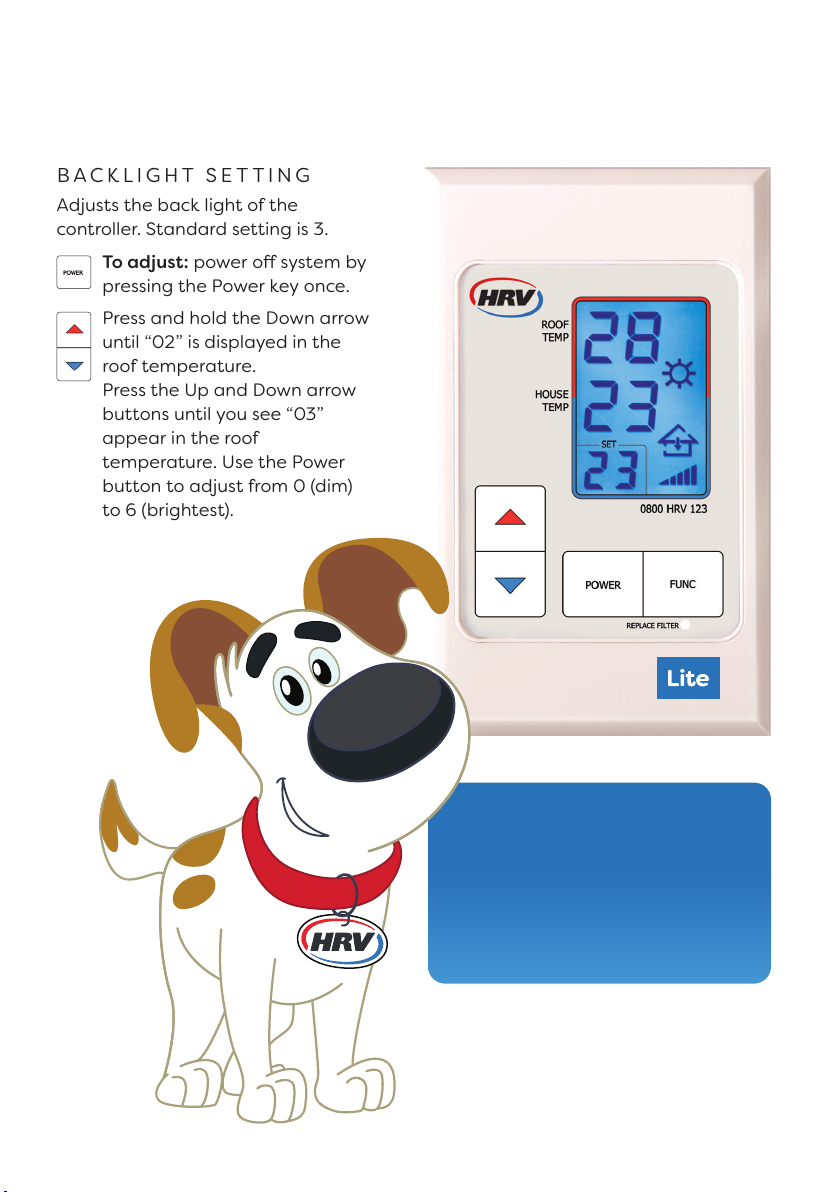
BACKLIGHT SETTING
Adjusts the back light of the
controller.Standard setting is 3.
To adjust: power o system by
pressing the Power key once.
Press and hold the Down arrow
until “02” is displayed in the
rooftemperature.
Press the Up and Down arrow
buttons until you see “03”
appearin the roof
temperature.Use the Power
button to adjust from 0 (dim)
to6(brightest).
The HRV controller puts you in
complete control of your home
environment. This means you
can customise your HRV to
achieve the best results through
New Zealand’s varyingseasons.
JULY2022 V1
WWW.HRV.CO.NZ | 0800 478 123
FAQ
Where can I get more information on my system?
Our customer service team are more than happy to help – give them
acallon 0800 HRV 123 (0800 478 123). If you would like information
onany of our additional products, please refer to our website.
I’ve had my HRV system for a while – why do I have a black ring
around my outlet vent?
In some houses the air passing out of ceiling outlets will cause a static
charge to build up. This can cause household dust inside the room
tobecome attracted to the charge. Simply wipe away the dust ring with
adry cloth, then open the diuser plate of the vent a little further to help
stop this from recurring. If this persists call us to arrange a visit from one
ofour customer service team.
My ‘Replace filter’ light is on, what does this mean?
This icon provides an approximate timeline for your system’s service and
filter change. We recommend that filters are replaced with a new genuine
HRV filter every two years to ensure the performance of your HRV system
isn’t compromised and you continue to get the best from your system.
What do the ventilation levels on my keypad mean?
At dierent times of the year more or less air is needed to clear
condensation in your house. Higher levels will bring more cold air into
a house. A balance between condensation clearing and reducing the
amount of cold air allowed into a house is needed dependant on each
house. Adjust to suit: spring, summer and autumn: lower ventilation levels
(1 – 3). Winter: higher ventilation levels (3 – 6).
My HRV is working great, but I still get condensation occasionally
on some windows – why is this?
Even though your home is now dry, cold or damp weather conditions may
still lead to some misty windows – certainly far less than what you would
have had without your HRV. No system can guarantee zero condensation
but rest assured your HRV is getting you as close as possible.