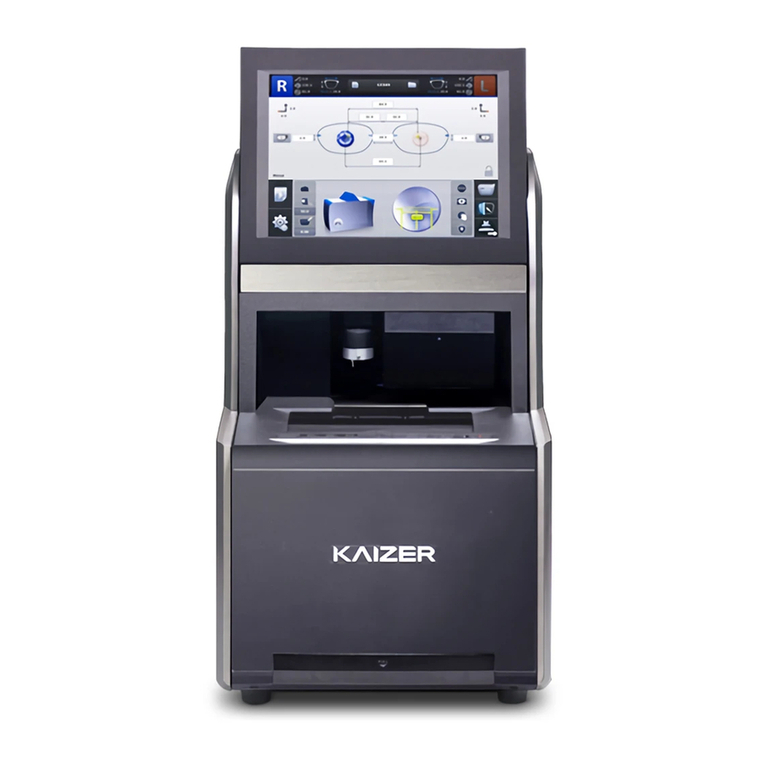
2HFR-8000 Operator’s Manual for Remote Tracing
Contents
IMPORTANT NOTICE .................................................................................... 1
1. Introduction................................................................................................... 4
1.1 System Configuration............................................................................. 4
1.2 Main Features......................................................................................... 4
1.3 Classification........................................................................................... 5
2. Safety Information ........................................................................................ 6
2.1 Introduction............................................................................................ 6
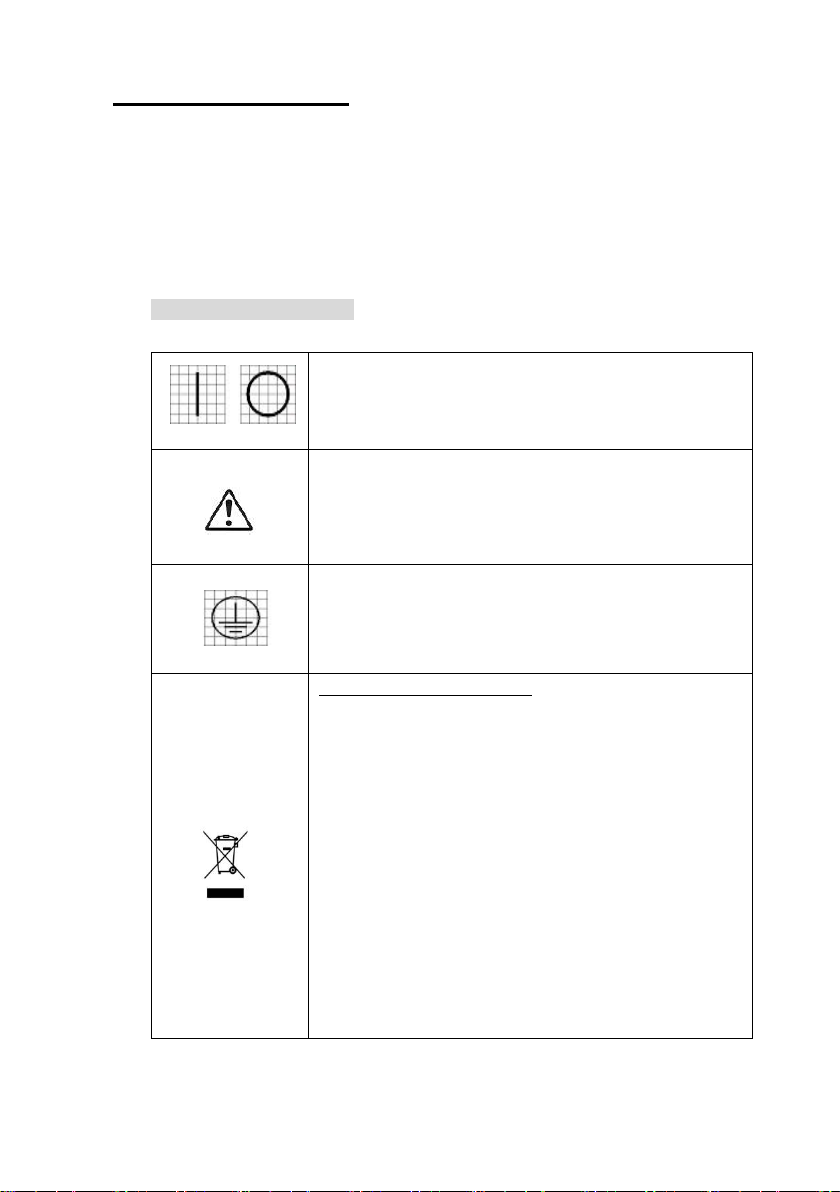
2.2 Safety Symbols........................................................................................ 7
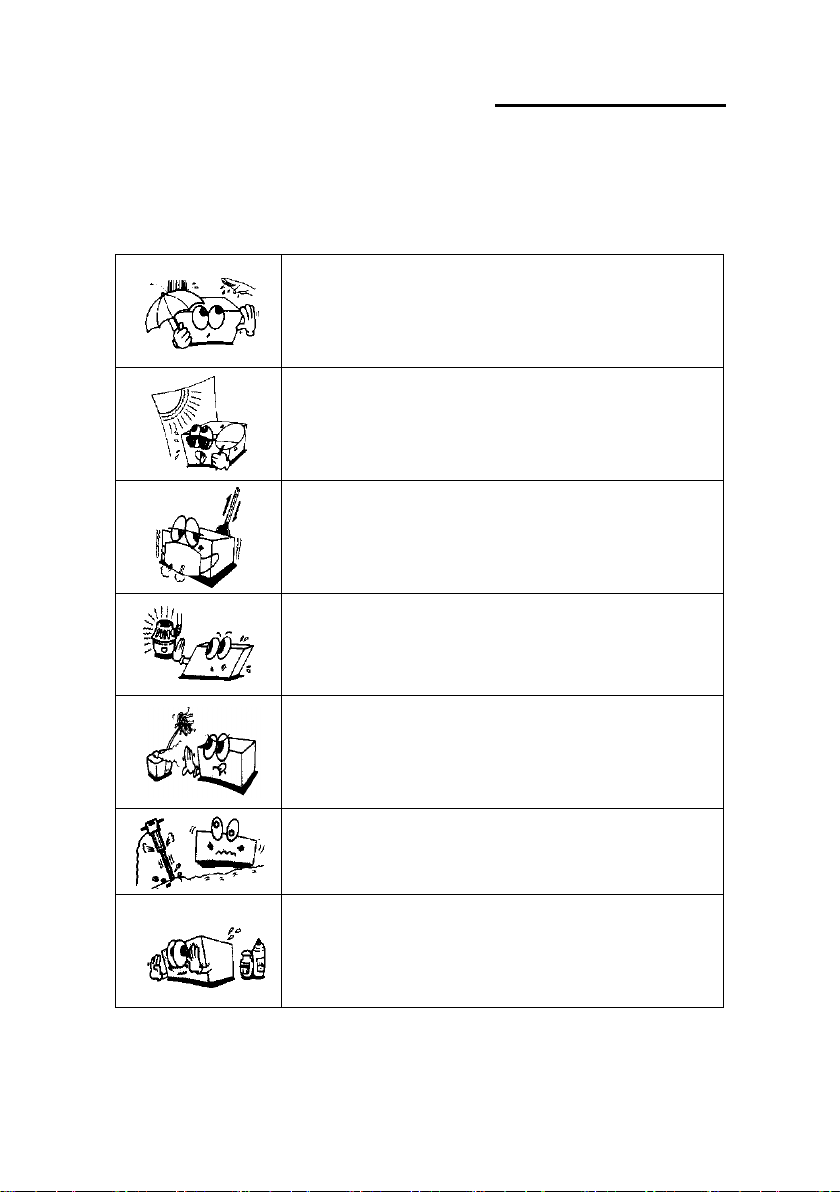
2.3 Environment factors............................................................................... 8
2.4 Safety Precautions.................................................................................11
3. System Configuration.................................................................................. 15
3.1 Frame Reader....................................................................................... 15
3.2 Standard Accessory.............................................................................. 16
4. Installation Procedure................................................................................. 17
5. Operation..................................................................................................... 18
5.1 Command Buttons................................................................................ 18
5.2 Tracing................................................................................................... 20
6. Using the Menu ........................................................................................... 21
6.1 Configuring the Frame Reader........................................................... 21
6.2 Setting User Preferences ...................................................................... 23