manuals.online logo
Brands
  1. Home
  2. •
  3. Brands
  4. •
  5. Lights.com
  6. •
  7. Home Lighting
  8. •
  9. Lights.com LampLust Glass Bunnies User manual

Lights.com LampLust Glass Bunnies User manual

This manual suits for next models

1

Other Lights.com Home Lighting manuals

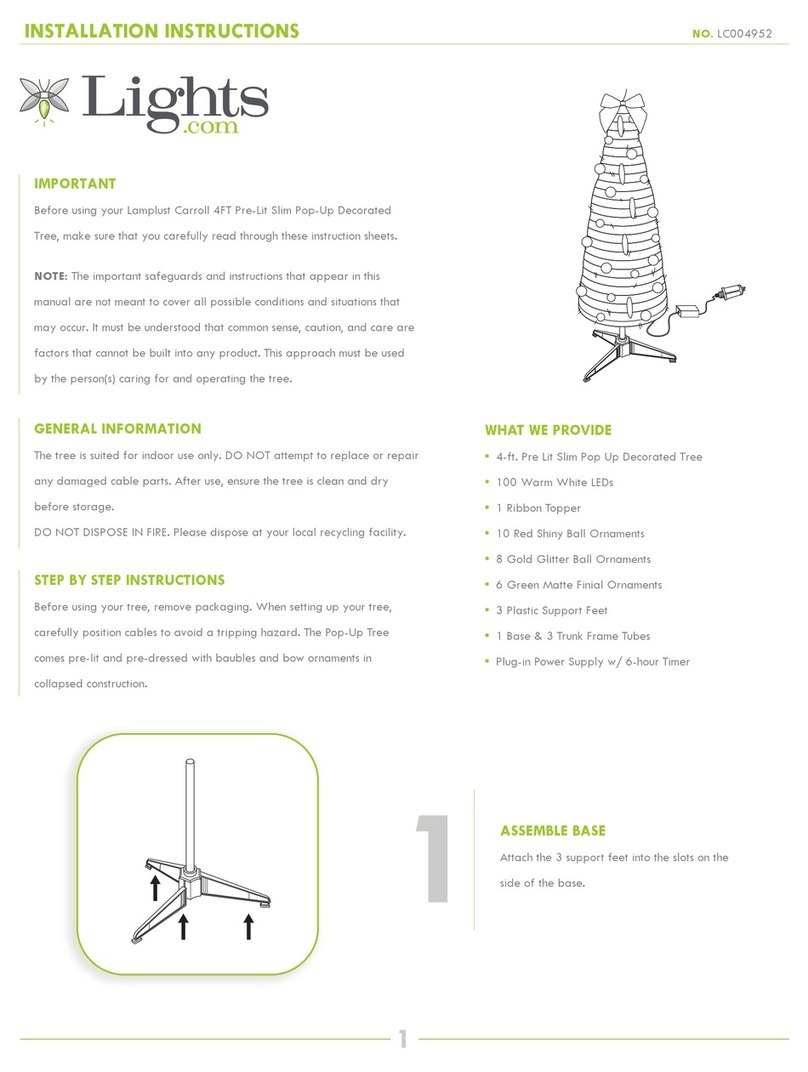
Lights.com LC004952 User manual

Lights.com

Lights.com LC004952 User manual

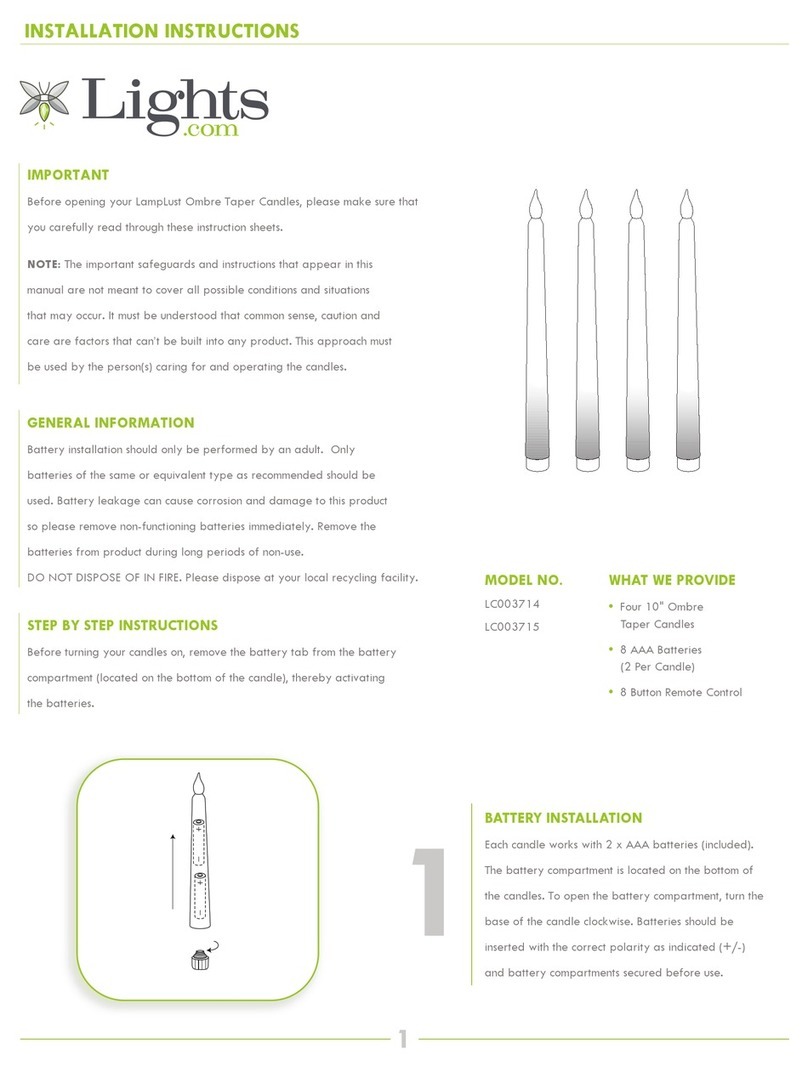
Lights.com LampLust Ombre User manual

Lights.com

Lights.com LampLust Ombre User manual

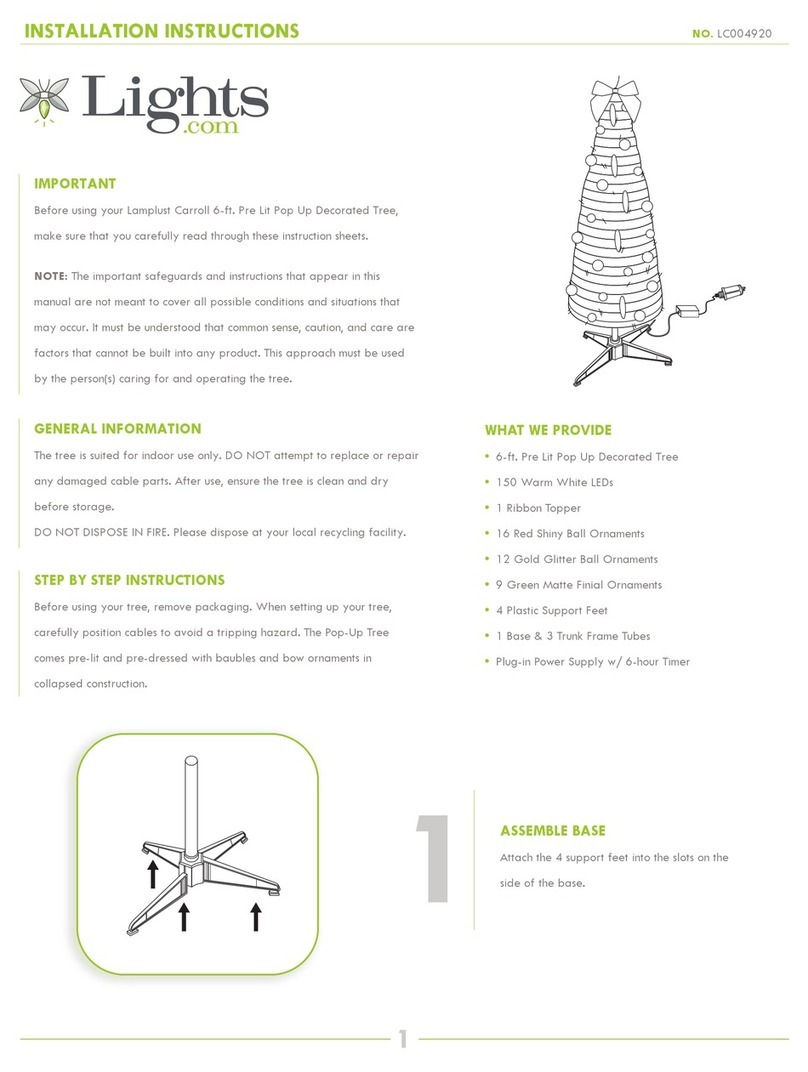
Lights.com LC004920 User manual

Lights.com

Lights.com LC004920 User manual

Popular Home Lighting manuals by other brands

Philips LivingColors Iris user manual

Philips

Philips LivingColors Iris user manual

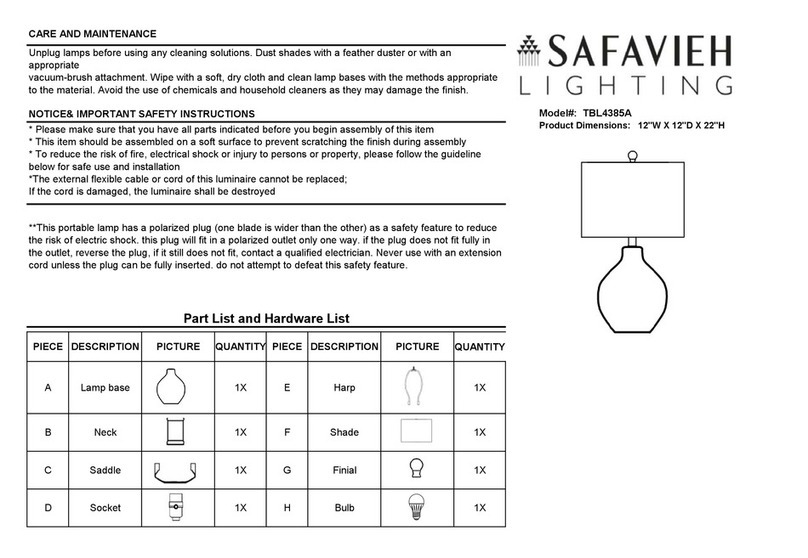
Safavieh Lighting TBL4385A Assembly instructions

Safavieh Lighting

Safavieh Lighting TBL4385A Assembly instructions

MOB MO6816 user manual

MOB

MOB MO6816 user manual

Schuller ALIVE operating manual

Schuller

Schuller ALIVE operating manual

Safavieh Lighting SADE FLL4015A manual

Safavieh Lighting

Safavieh Lighting SADE FLL4015A manual

JONATHAN Y JYL5019A manual

JONATHAN Y

JONATHAN Y JYL5019A manual

JONATHAN Y JYL6007A quick start guide

JONATHAN Y

JONATHAN Y JYL6007A quick start guide

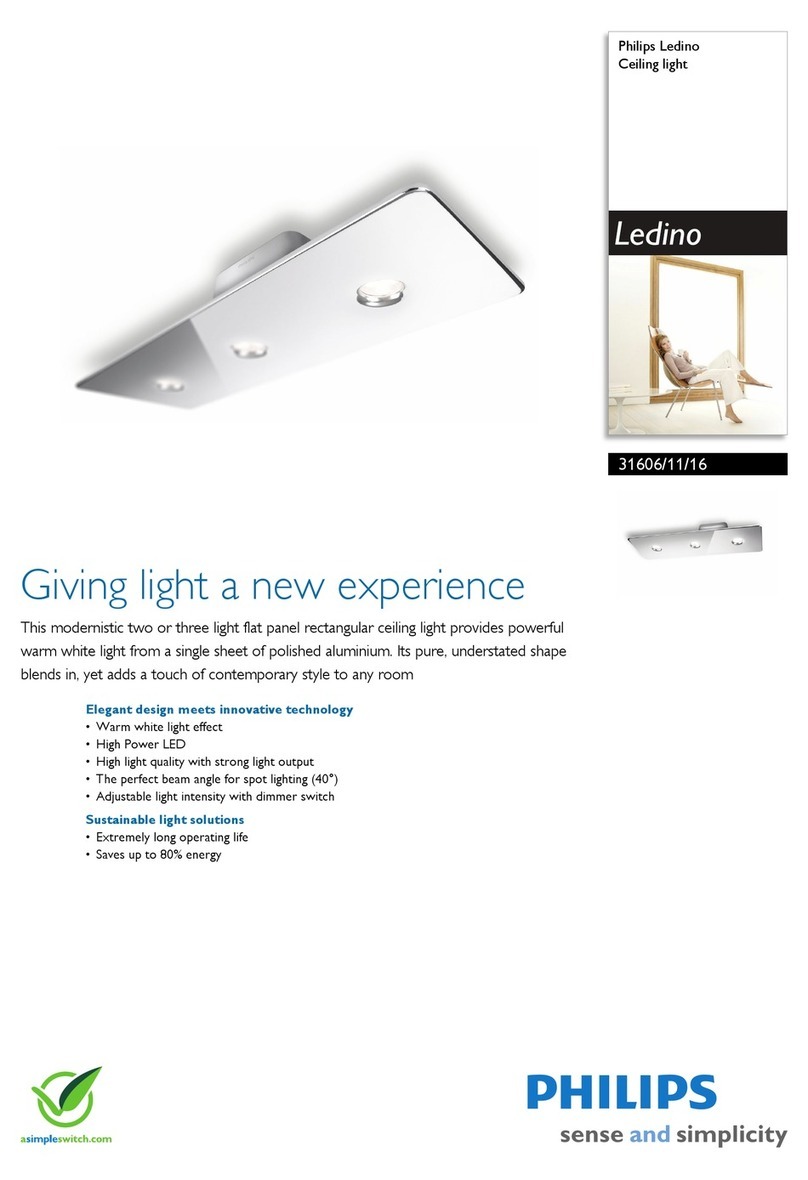
Philips Ledino 31606/11/16 Specifications

Philips

Philips Ledino 31606/11/16 Specifications

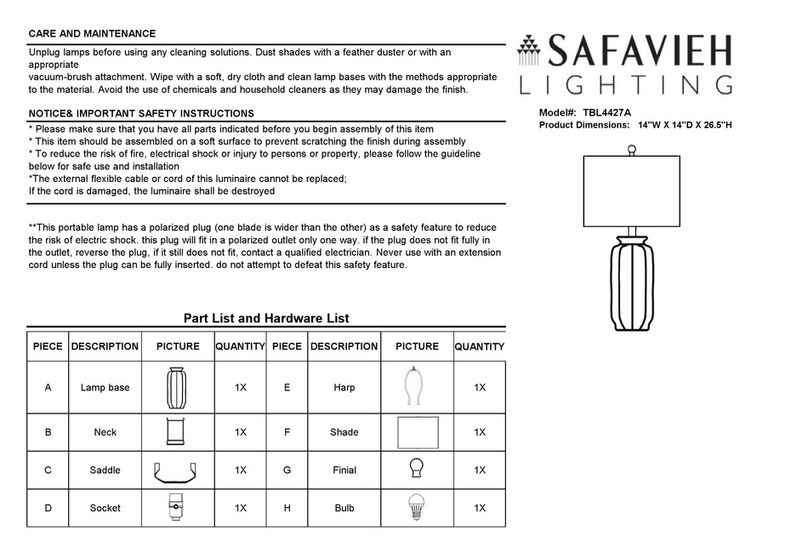
Safavieh Lighting CANDRI TBL4427A manual

Safavieh Lighting

Safavieh Lighting CANDRI TBL4427A manual

Hunter Bullet Spotlight Kit Owner's guide and installation manual

Hunter

Hunter Bullet Spotlight Kit Owner's guide and installation manual

Philips 405441213 user manual

Philips

Philips 405441213 user manual

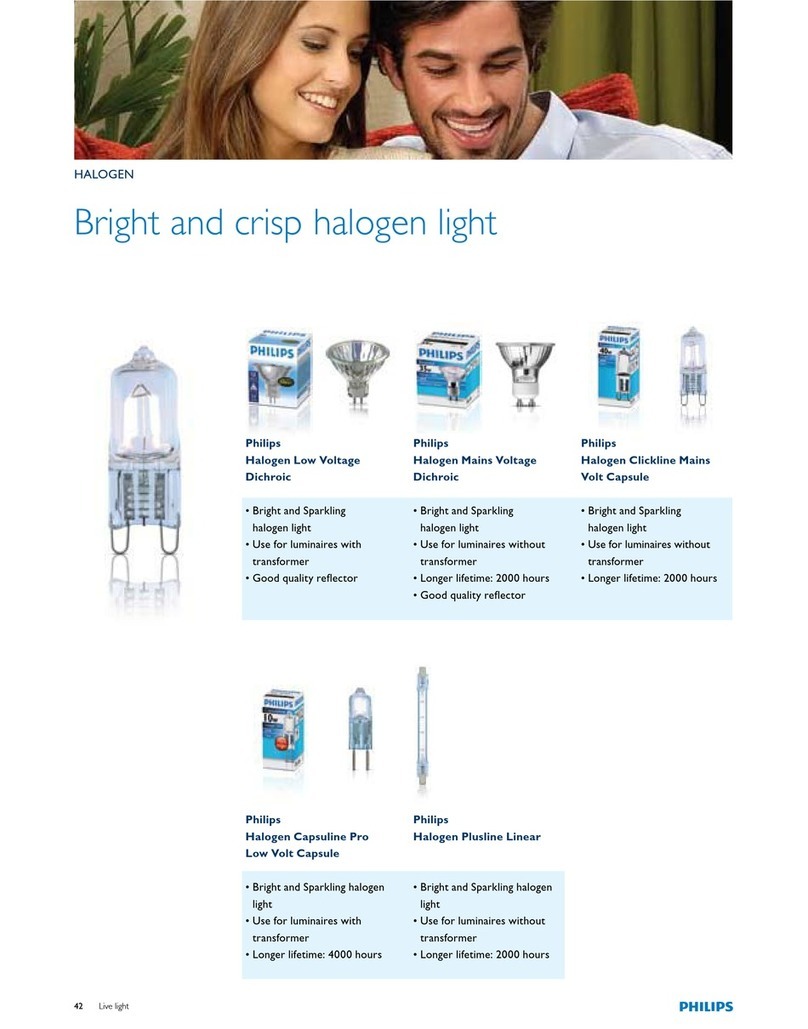
Philips Halogen Light Brochure & specs

Philips

Philips Halogen Light Brochure & specs

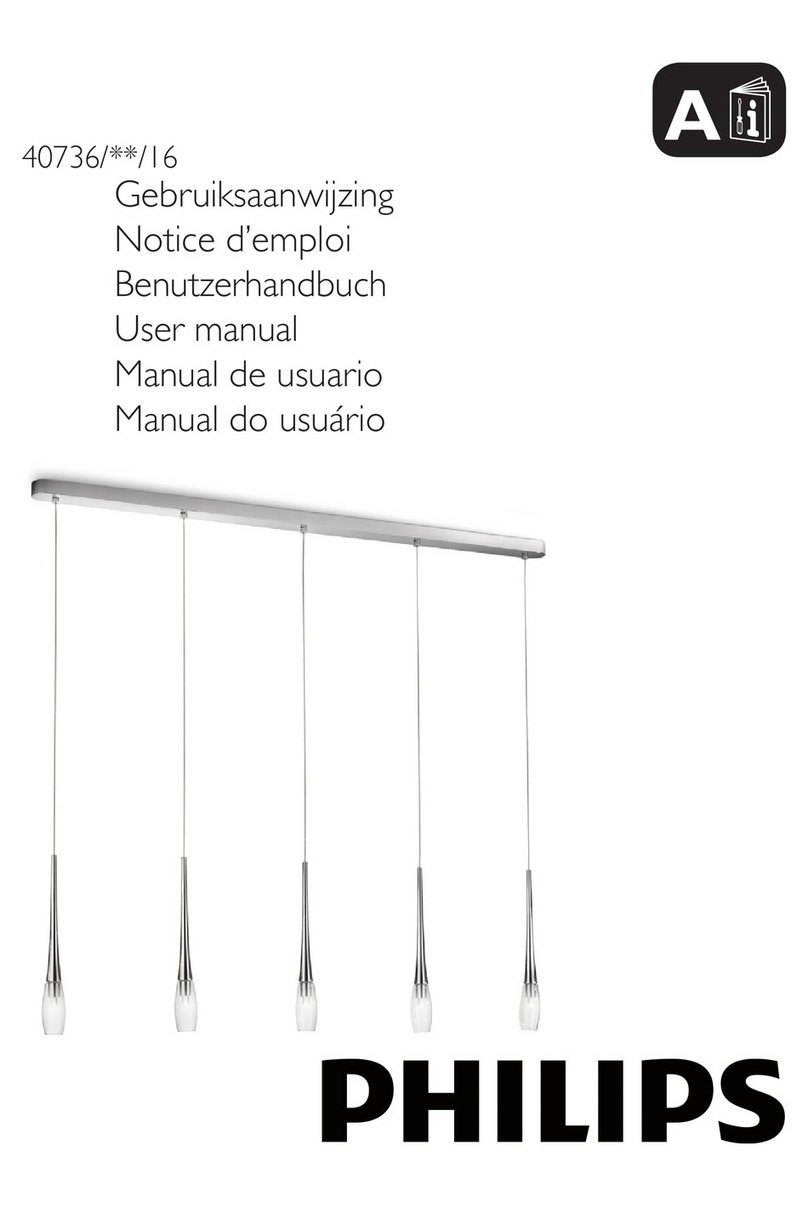
Philips 40736-11-16 user manual

Philips

Philips 40736-11-16 user manual

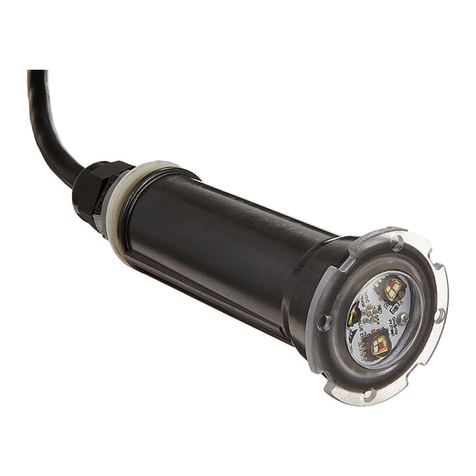
Pentair GLOBRITE Installation and user guide

Pentair

Pentair GLOBRITE Installation and user guide

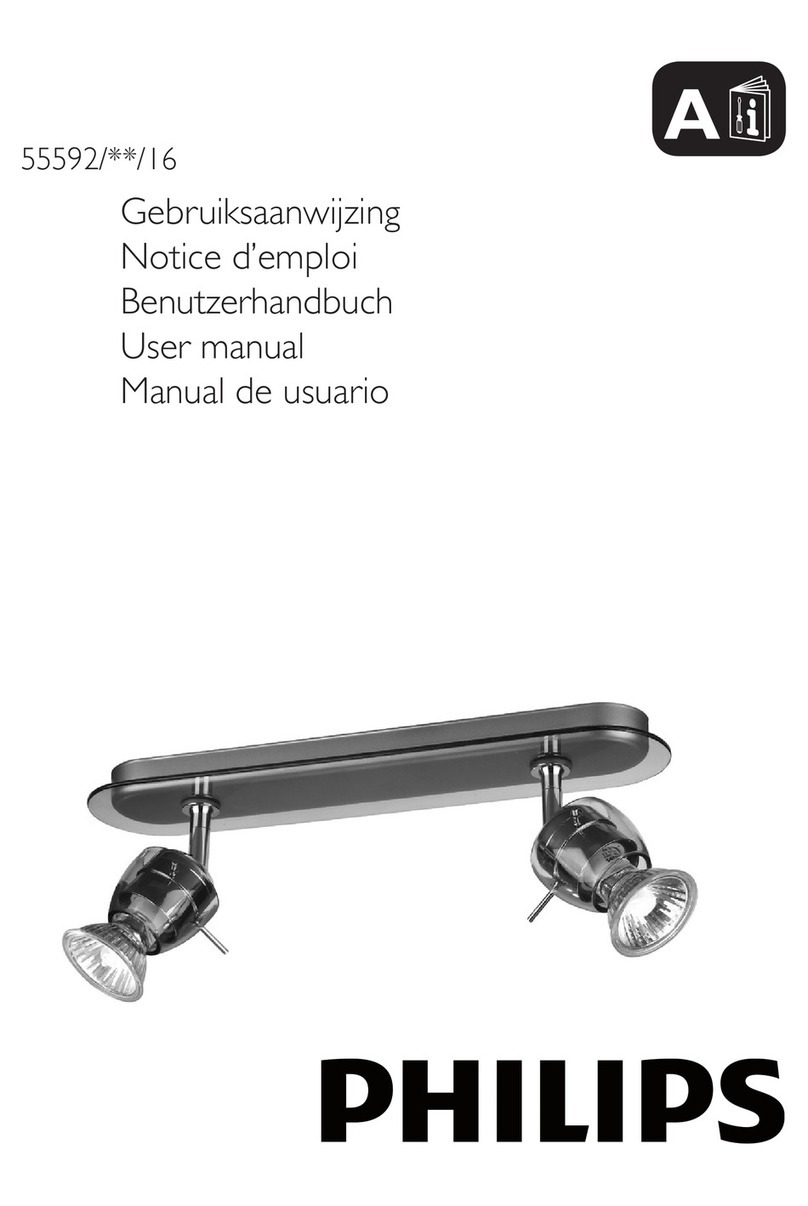
Philips 55592-30-16 user manual

Philips

Philips 55592-30-16 user manual

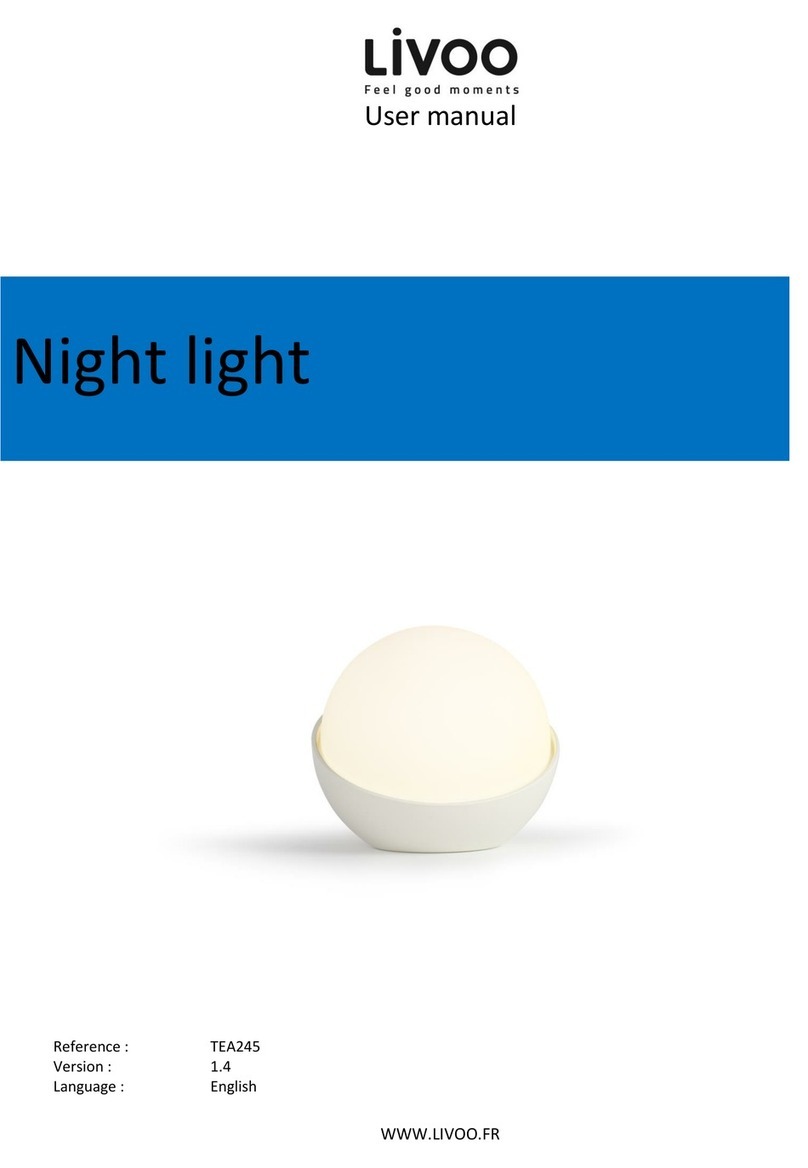
Livoo Night light user manual

Livoo

Livoo Night light user manual

Schwaiger NFL45 user guide

Schwaiger

Schwaiger NFL45 user guide

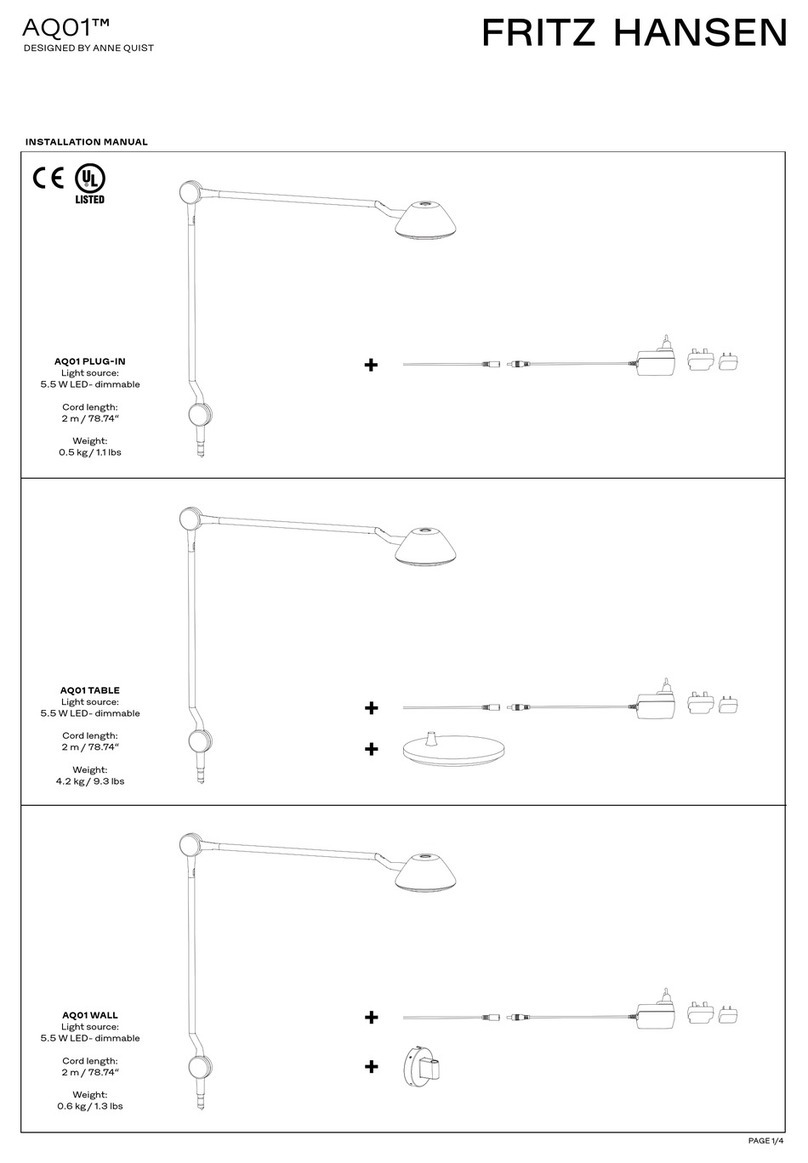
FRITZ HANSEN AQ01 PLUG-IN manual

FRITZ HANSEN

FRITZ HANSEN AQ01 PLUG-IN manual

manuals.online logo
manuals.online logoBrands
  • About & Mission
  • Contact us
  • Privacy Policy
  • Terms and Conditions

Copyright 2025 Manuals.Online. All Rights Reserved.

1
INSTRUCTIONS NO. LC005262
WHAT WE PROVIDE
• 2 Glass Bunnies
• 4 CR2032 Batteries (2 per Bunny)
IMPORTANT
Before using your LampLust Glass Bunnies, please make sure that you
carefully read through these instruction sheets.
NOTE: The important safeguards and instructions that appear in this
manual are not meant to cover all possible conditions and situations that
may occur. It must be understood that common sense, caution and care
are factors that can’t be built into any product. This approach must be
used by the person(s) caring for and operating the glass bunnies.
GENERAL INFORMATION
Battery installation should only be performed by an adult. Only batteries of
the same or equivalent type as recommended should be used. Battery
leakage can cause corrosion and damage to this product so please remove
non-functioning batteries immediately. Remove batteries from the product
during long periods of non-use.
DO NOT DISPOSE OF IN FIRE. Please dispose at your local recycling facility.
STEP BY STEP INSTRUCTIONS
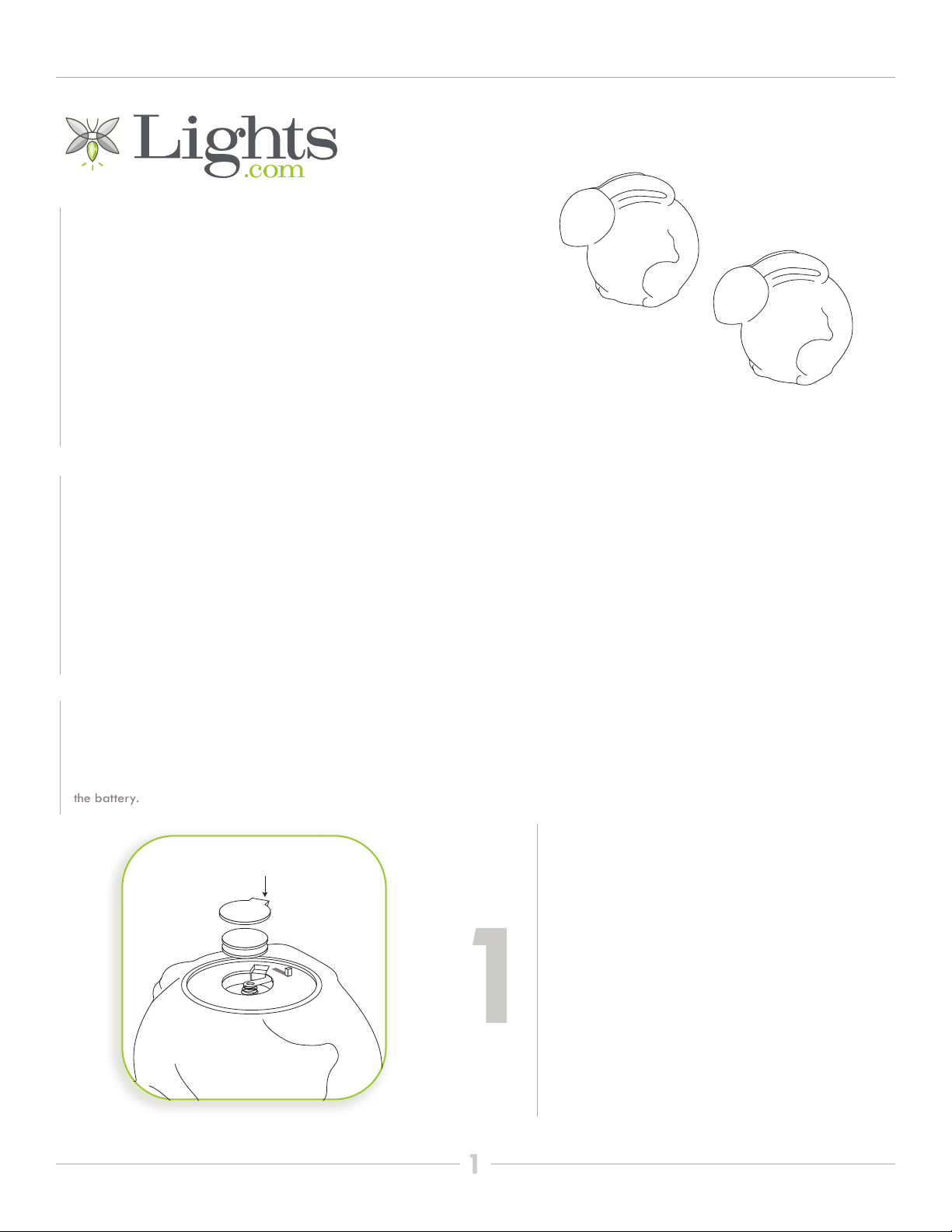
Before turning on your glass bunny lights, remove the battery tab from the battery
compartment, (located on the bottom of the bunny) thereby activating
the battery.
1
BATTERY INSTALLATION
Each bunny works with 2 x CR2032 MAX or CR2032
batteries (included). The battery compartment is located
on the bottom of the bunny. The battery box has a little
metal tab. Lift the tab slightly and insert the batteries
between the tab and the spring. Push the tab back
down to secure before replacing the plastic battery
cover. Batteries should be inserted with the correct
polarity as indicated (+/-) and battery compartments
secured before use.

INSTRUCTIONS
2
2
NO. LC005262
SWITCH OPTIONS
The OFF/ON switch is located on the bottom of the
bunnies, below the battery compartment.
ON - OFF