9
FRANÇAISDEUTSCH
ESPAÑOL
ITALIANO ENGLISH
Basic instructions
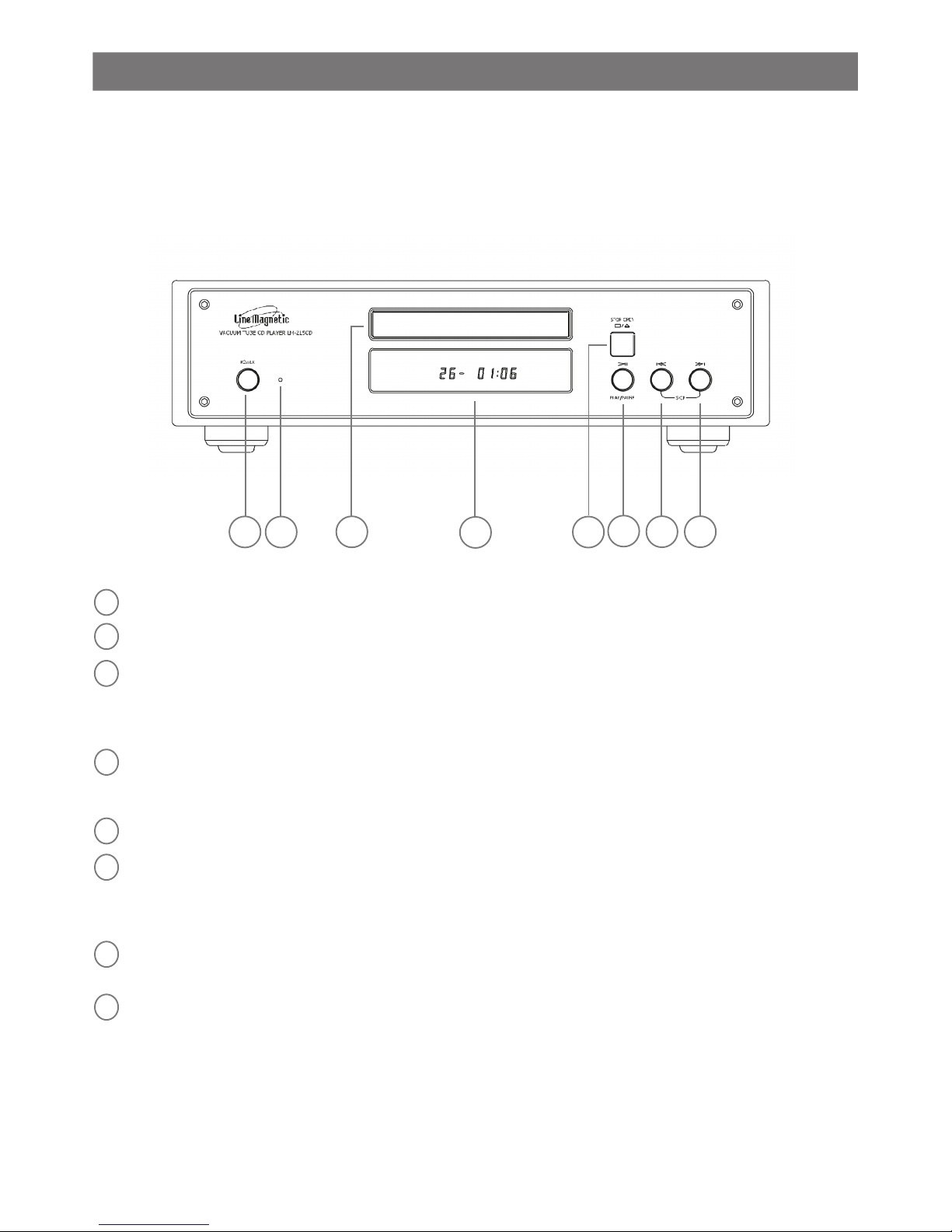
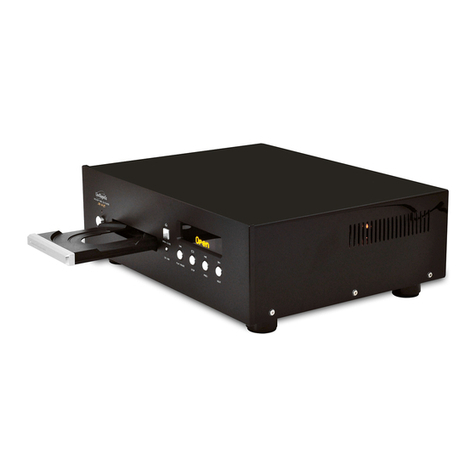
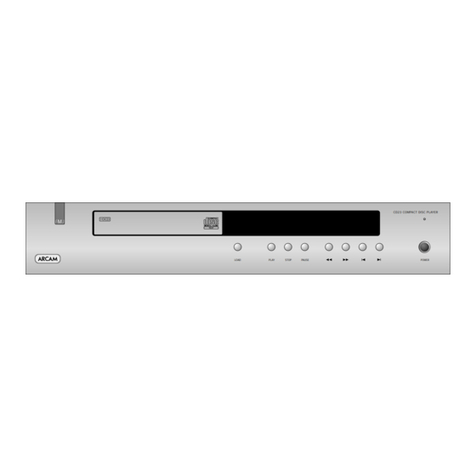
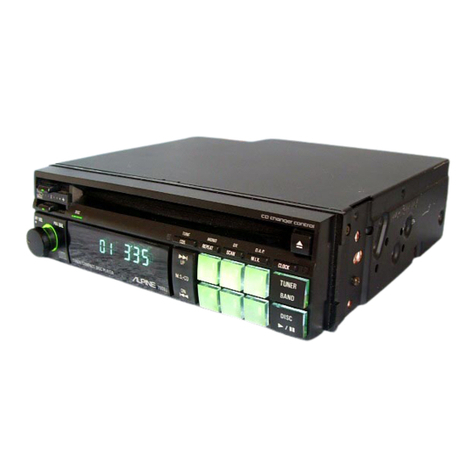
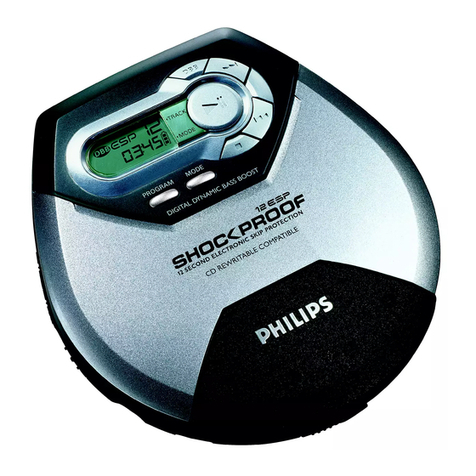
The CD Player can be operated through the buttons on the front panel or the remote control unit. Following are detailed
descriptions for all related functions among which there are some functions you can only control by the remote control.
Search
Press yor y button and the disc will play fast forward or fast reverse.
Search function can only be operated by the remote control.
Release yor y button and the unit will start playback at normal speed. In the mode of play it will stop
fast-forwarding once it has forwarded to the end of the disc. In the mode of repeat single track, it will return to the
beginning of the current track and start to play once it has forwarded to the end of the current track. In the mode of repeat
all, it will return to the beginning of the disc and start to play once it has forwarded to the end of the disc.
Mode selection
Press Mode button and select between SHA mode and SLO mode which have different frequency curves.
Mode selection function can only be operated by the remote control.
Repeat
Repeat function can repeat playing the single track, entire disc or programmed tracks.
Repeat function can only be operated by the remote control.
- During playback, press Repeat button and the CD player will repeat playing the current track.
- Press Repeat button twice and the CD player will repeat all tracks of the entire disc.
- Press Repeat button three times to cancel the repeat mode, the CD player will play as normal.
If you open the disc tray, the repeat mode will be cancelled automatically.
Section repeat mode
Section repeat allows you to repeat a specied section of each track. If you prefer you can set the start and the end in
each track and repeat the section you selected.
Section repeat function can only be operated by the remote control.
1. During playback, press the A-B button on the remote control and set the «A» entry point where the repeat will begin.
2. Press the A-B button again and select the «B» exit point to determine the end of your loop. The CD player will play
your selection between points A and B.
3. Press the A-B button on the remote control three times to cancel the repeat. The CD player will resume normal
playback.
Time
Time button is used to switch between different kinds of time indications on the display. You can choose to show
playback time of the current track, or left time of the current track, or left time of all tracks.
During playback press Time button each time it will show in sequence of the different times as following on the display:
playback time of the current track, left time of the current track, left time of all tracks, playback time of the current track.
In Stop mode, it will show total number CD tracks and total time on the display.
Originally it will show current track number and playback time on the display.
Stop
Press the button on the front panel or the Stop button on the remote control unit to stop playing.
Pause
Press this button /II to start playback or resume playback after pause.
IMPORTANT NOTE: Even when the player is in Pause mode, the laser playhead is still working and please do not
leave the player in Pause mode for a long period of time in order to avoid malfunction or shortening the life of the laser
playhead.
Track selection with the remote control keyboard or with skip and previous buttons on the front panel
- Press the numeric buttons on the remote control to play directly a track. If you want to choose a track equal or greater
than 10, press the two buttons of the track number in less then 2 second.
- Press yor y button on the front panel of the CD Player, and the disc will play next, or previous track.