3
Nano - AE User Manual Micro-Node International
1.0 NANO-AE PERSONAL HOTSPOT DESCRIPTION
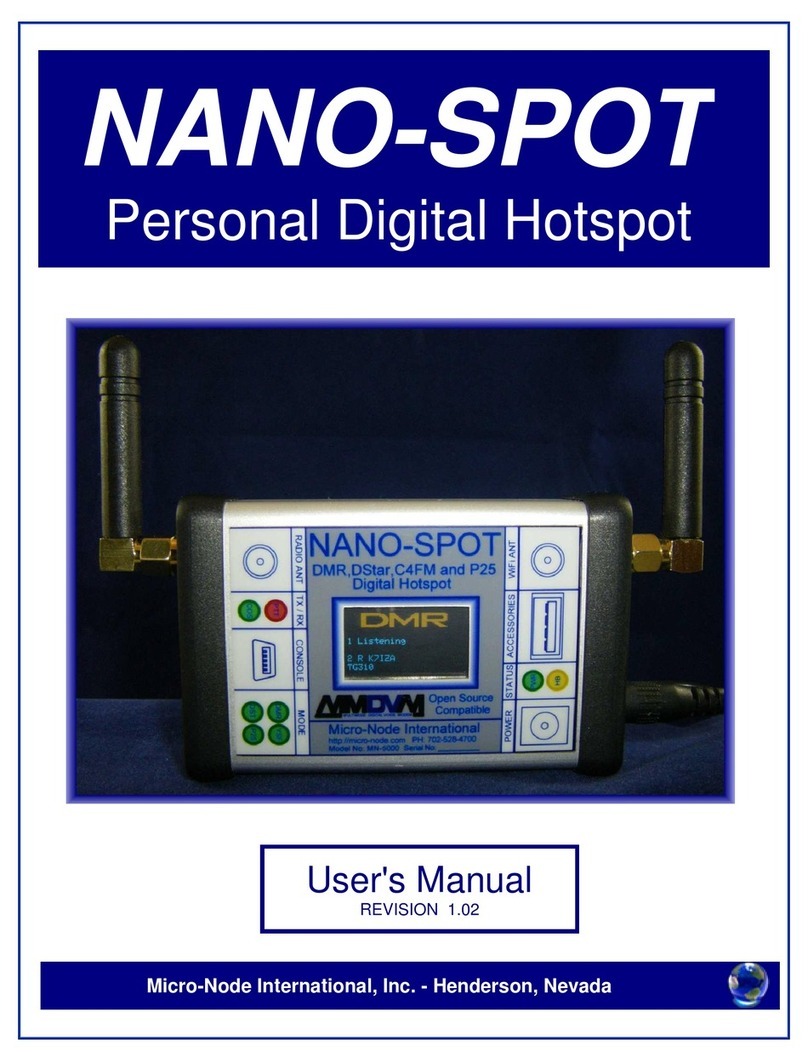
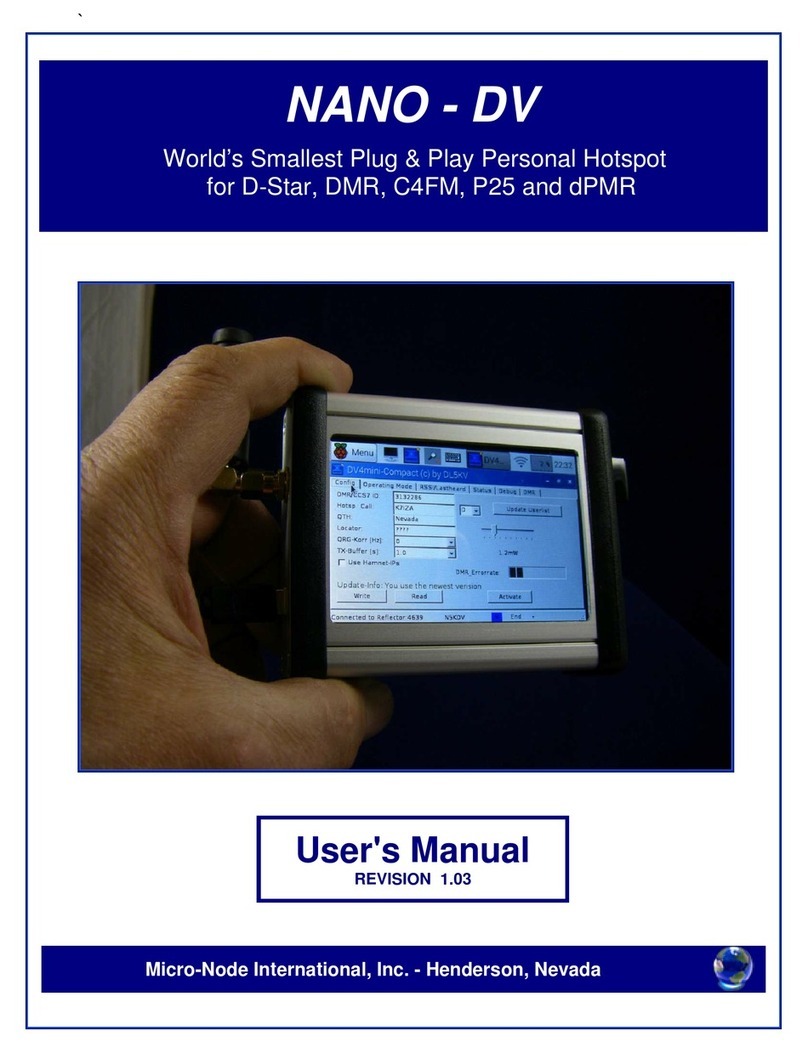
Nano-AE is a small stand alone personal hotspot that allows connection with over 6500
Allstar nodes and repeaters worldwide.
The built-in LCD touch screen display and menu based application software that makes it
very easy for users to operate and configure a node without knowing anything about the
Linux operating system.
There is a built-in programmable 430-450mHz simplex radio used for communicating with
your HT or Mobile radio. The node responds to DTMF commands entered from your radio for
monitoring and controlling the node remotely.
The all-in-one ultra small form factor (3.75" x 3.25" x 1.25") of the Nano-AE makes it ideal for
mobile users on the go.
Getting started with Allstar link network
In order to become a member of the AllStar Link Network, you must first register to become a
user of the Allstar Link Network. To qualify for membership, you must be a holder of a valid
Amateur Radio license. When you first register to become a new user, you enter in the
required information, and then a verification e-mail is sent to your specified e-mail address
that includes a link to click on that allows us to verify the validity of your e-mail address.
Afterwards, a member of our staff will verify the validity of your Amateur Radio license, and
will validate your information and enable you to use the system. When validated, you will
receive an email accordingly.
After validation, you can go ahead and enjoy the use of the facilities of this Portal and all the
Allstar Link Network has to offer. The Allstar system architecture provides for 2 organizational
entities: 'Servers' and 'Nodes'.
A 'Server' is a Nano-AE Hotspot at a particular location, on it there is one 'Node'. A 'Node' is
a single radio system that may be set up in several different ways. It may be a full-duplex
repeater system (Using the Nano-AE external radio connector) or several different varieties
of simplex operations (Using the Nano-AE internal simplex radio).
Each entity is created separately. First, a 'Server' is created and configured (by filling in
various information in the provided forms). Then, 'Nodes' are requested
(created, associated with the previously created 'Server') and, upon approval are configured
in a manner similar to 'Servers'. When all 'Nodes' are added and configured, the server then
needs to be downloaded.
I know this all sounds overwhelming when you are purchasing the Nano-AE as a plug-n-play
device. It is necessary the node number registration is in your name and call sign and can be
verified. We will take care of the registration process for you if you complete the below
registration form.