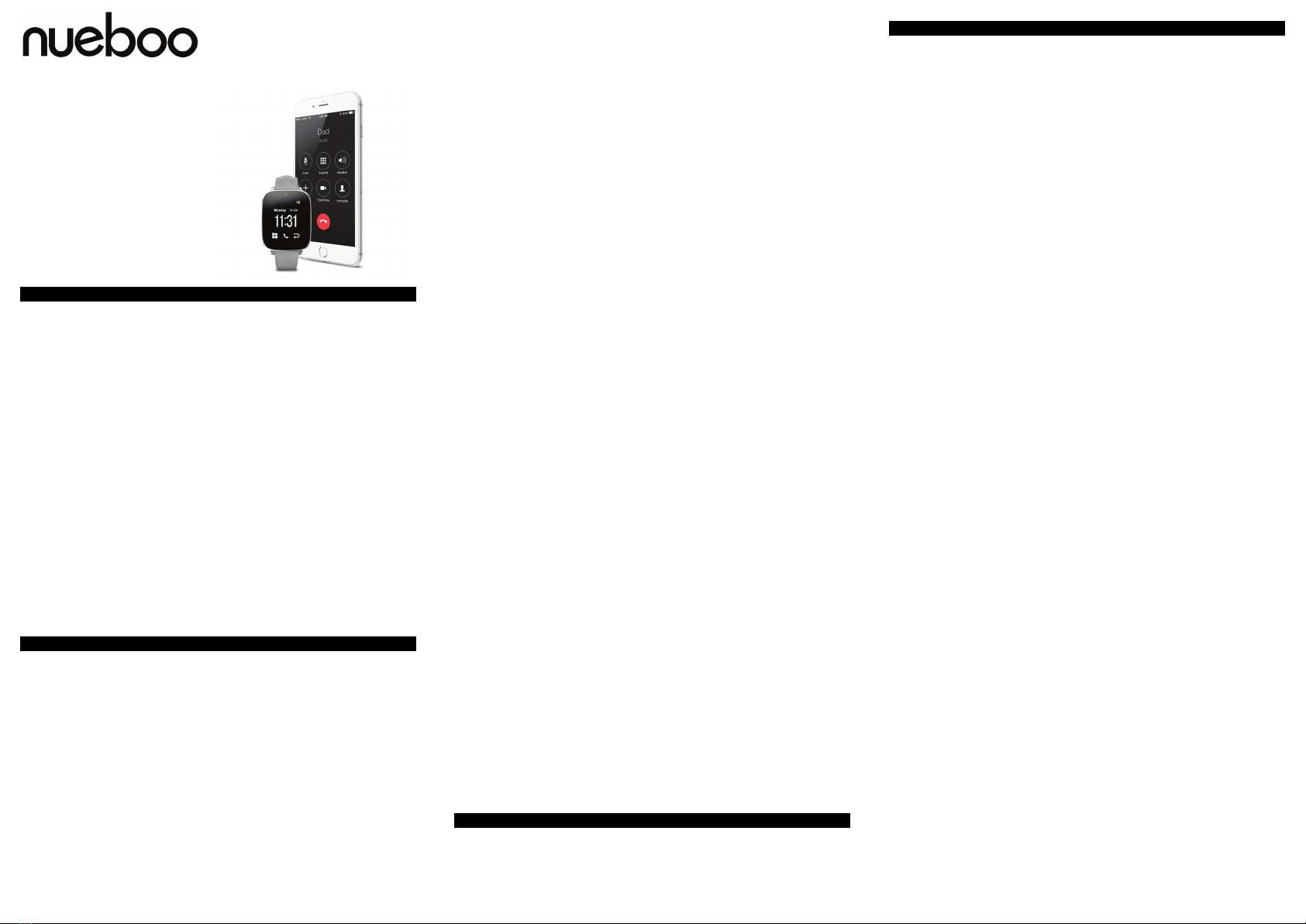
SmartWatch STA R K
CÓDIGO PRODUCTO
820.0159.08.00
ESPAÑOL
FRANÇAIS
ENGLISH
SPECIFICATIONS
CPU: MTK6261D/MTK6261A
Screen: 240x240 / TFT 1.5”
Bluetooth 4.0.
Supports SIM and MicroSD cards.
Smartphone OS requirements: Android 4.44, iPhone iOS 8.0 or higher.
HOW TO DOWNLOAD THE BTNOTIFICATION APP.
Scan the QR code in the watch or download it from Google play.
HOW TO CONNECT SMARTWATCH STARK TO YOUR SMARTPHONE.
1. Turn on the bluetooth on your smartphone and in the SmartWatch STARK se ngs menu, and connect to “Smar-
tWatch STARK” in the list of bluetooth devices in your smartphone.
2. Install the BTNo fi ca on APP and open it.
3. Assure that the BTNo fi ca on app has permissions to show no fi ca ons. You can ac vate this in the Confi gura on
menu/Accesibility/Services. This may vary depending on your Android OS version.
NOTE: If the SmartWatch STARK doesn’t connect to your smartphone, turn off the bluetooth in your smartphone for
a few seconds and then turn it on again.
SMARTWATCH STARK OPERATIONS
Side bu on: Long press to turn ON/OFF. Short press to return back to menu. If the watch crashes press the bu on
un l it resets.
TP Gesture: Slide your fi nger on the screen to scroll through the diff erent menus and op ons. Tap the screen to select
an op on.
FUNCTIONS
Dial. Dial via the watch.
Message (Only for Android): Receive your SMS and reply using SMS templates.
Contact list (Up to 500 contacts). Easily call any of your contacts.
Calls record list.
No fi ca ons (Only for Android): Synchronize all instant messages on the phone.
Remote camera (Only for Android): It opens the camera on the paired phone (unlock the phone fi rst). You can preview
the image and shoot. Pictures are stored in the paired devices picture folder.
File management: View the photos, video, audio fi les in the watch.
Picture viewer: View the pictures stored in the SD card
Se ngs: Adjust the confi gura on of the smartphone.
Calendar: Enter the calendar interface and slide up and down to adjust.
Findphone: Ac vates an alarm in the phone to fi nd it.
Alarm: 5 diff erent custom clock alarms.
Calculator.
Record: You can record and play local audio fi les.
Bluetooth connec on: Turn On/Off the Bluetooth and search for the available devices to connect.
Camera. The front camera of the SmartWatch STARK.
Music: Synchronize and play the songs from the paired phone.
Profi les. Setup the diff erent profi les of the smartwatch.
Pedometer: Normal arm swing will start step coun ng during walking. You can set the target step number in daily
exercise (you will be informed when you reach the target). Personal informa on se ngs (height, weight).
Sleep monitoring: Click “Start” and when you go to sleep the user sleep quality will be monitored.
Reminder for long- me si ng: The watch will ring and vibrate to remind you exercise a er long- me si ng.
QR Code. Scan it to install the app BTNo fi ca on.
An -Lost. Use it to fi nd your smartphone.
Energy save. Use this func on to save ba ery life.
Facebook. Access FB when the SIM card is installed in the watch.
Twi er. Access Twi er when the SIM card is installed in the watch.
WhatsApp. Access Whatsapp when the SIM card is installed in the watch.
Control de disposi vos BT. Connect and control to ther bluetooth devices.
Lemon Browser. To surf the web when the SIM card is connected.
ESPECIFICACIONES
CPU: MTK6261D/MTK6261A
Pantalla: 240x240 / TFT 1.5”
Bluetooth 4.0.
Admite tarjeta SIM y tarjeta MicroSD.
Compa bilidad con smartphones: Android 4.44, iPhone iOS 8.0 o superior.
CÓMO DESCARGAR LA APLICACIÓN BTNOTIFICATION.
Escanear el código QR en el reloj o descargarlo de Google Play.
CÓMO CONECTAR SMARTWATCH STARK A SU SMARTPHONE.
1. Encienda la función Bluetooth de su smartphone y de su SmartWatch STARK; busque y seleccione “SmartWatch
STARK” entre la lista de disposi vos disponibles.
2. Instale la app BTNo fi ca on y ábrala.
3. Asegúrese que la app BTNo fi ca on tenga permiso para mostrar las no fi caciones. Lo puede ac var en el menú
Ajustes/Accesibilidad/Servicios. Dependiendo de su versión de Android, esto puede variar.
NOTA: si el SmartWatch STARK no se conecta a su smartphone, desac ve la función Bluetooth de su smartphone
durante unos segundos, vuelva a encenderlo e intente de nuevo.
OPERACIONES CON EL SMARTWATCH STARK
Botón lateral: mantener pulsado para enceder / apagar el disposi vo. Pulse el botón lateral dentro de un menú para
volver a la pantalla de inicio. Si se bloquea el reloj, pulse el botón hasta que se reinicie.
Touch-Pad: desplácese a través de la interfaz de los diferentes menús deslizando de izquierda a derecha o de arriba a
abajo. Para seleccionar una opción, pulse en la pantalla.
Interfaz reloj analógico: pulse una vez para cambiar y elegir entre las diferentes opciones.
FUNCIONES
Marcar. Llame a través del reloj.
Mensaje (Sólo para Android): Reciba SMS y su respuesta a través de plan llas de SMS.
Lista de contactos. Llame a cualquiera de sus contactos o agregue un contacto nuevo a la SIM introducida en el reloj.
Historial de llamadas.
No fi caciones (Sólo para Android): Sincronice las no fi caciones con su teléfono. Tiene que haber instalado previamente
la app BT No fi ca on.
Cámara remota (Sólo para Android): Se abre la cámara en el teléfono emparejado (desbloquear el teléfono primero). Pue-
de previsualizar la imagen y disparar. Las imágenes se almacenan en la carpeta de disposi vos de imagen emparejados.
Gestor de archivos. Visualice y organice los archivos de la tarjeta SD insertada en el SmartWatch STARK.
Visor de imágenes. Visualice las imágenes contenidas en la tarjeta SD insertada en el SmartWatch STARK.
Ajustes. Confi gure los diferentes parámetros del SmartWatch STARK.
Calendario.
Findphone: Ac va una alarma en el teléfono para encontrarlo.
Alarma: 5 alarmas del reloj confi gurables.
Calculadora.
Grabar: Grabe y reproduzca los archivos de audio locales.
Conexión Bluetooth: ac va / apaga el Bluetooth y busque los disposi vos disponibles para conectarse.
Cámara. Ac va la cámara frontal del SmartWatch STARK.
Música. Reproduce las canciones del teléfono emparejado.
Perfi les. Elija y confi gure los diferentes perfi les de uso del reloj.
Podómetro. Cuente y man enga un registro de sus pasos diarios.
Monitoreo del sueño. Haga clic en “Inicio” cuando se vaya a dormir y el reloj controlará la calidad de su sueño.
Recordatorio de sedentarismo. El reloj sonará y vibrará para recordarle que lleva largo empo sentado.
Código QR. Escanee el código QR para instalar la app BTNo fi ca on.
An -Lost. Ac ve esta función para localizar su smartphone.
Ahorro de energía. Ac ve esta función para economizar la batería del reloj.
Facebook. Acceda al FB de la tarjeta SIM insertada en el teléfono.
Twi er. Acceda a la cuenta de Twi er de la tarjeta SIM insertada en el reloj.
WhatsApp. Acceda a la cuenta de WhatsApp de la tarjeta SIM insertada en el reloj.
Control de disposi vos BT. Ges one y controle los disposi vos Bluetooth conectados.
Lemon Browser. Navegador web. Tiene que tener una tarjeta SIM insertada en el reloj.
CARACTÉRISTIQUES
CPU: MTK6261D/MTK6261A
Écran: 240x240 / TFT 1.5”
Bluetooth 4.0.
Prise en charge de cartes SIM et MicroSD.
Confi gura on smartphone requise: Android 4.44, iPhone iOS 8.0 ou supérieur.
COMMENT TÉLÉCHARGER L’APP BTNOTIFICATION
Scannez le code QR sur la montre ou téléchargez l’app sur Google Play.
COMMENT CONNECTER LE SMARTWATCH STARK À VOTRE SMARTPHONE
1. Ac vez la fonc on Bluetooth de votre smartphone et du SmartWatch STARK; cherchez “SmartWatch STARK” parmi
les disposi fs disponibles.
2. Installez l’app BTNo fi ca on et ouvrez-la.
3. Assurez-vous que l’applica on BTNo fi ca on dispose d’autorisa ons pour affi cher les no fi ca ons. Vous pouvez
l’ac ver dans le menu Confi gura on / Accessibilité / Services. Cela peut varier selon la version de votre système
d’exploita on Android.
REMARQUE: si la connexion entre le SmartWatch STARK et votre smartphone ne se fait pas, désac vez la fonc on
Bluetooth et réessayez après quelques minutes.
OPÉRATIONS SMARTWATCH STARK
Bouton latéral: maintenez appuyé le bouton On/Off pour démarrer/éteindre le disposi f. Appuyez brièvement pour
retourner à l’écran d’accueil. Si la montre échoue, appuyez le bouton jusqu’à ce qu’il redémarre.
Écran tac le: glissez votre doigt de gauche à droite ou de haut en bas pour naviguer dans les diff érents menus.. Pour
choisir une op on, appuyez sur l’écran.
Interface montre analogique: appuyez une fois pour changer et choisir les les diff érentes op ons.
FONCTIONS
Cadran: composer un numéro et téléphoner avec la montre.
Messages (uniquement pour Android): vous pourrez consulter vos messages SMS et répondre en envoyant des gabarits
SMS.
Agenda de contacts: téléphonez facilement à vos contacts ou ajoutez un nouveau contact sur la SIM insérée dans la
montre.
Journal d’appels.
No fi ca ons (uniquement pour Android): synchronisez les no fi ca ons avec votre téléphone. Vous devez avoir installé
l’app BT No fi ca on.
Remote Capture (uniquement pour Android): déclencheur de la caméra du smartphone. Vous devez ouvrir l’app Caméra
de votre smartphone avant d’u liser ce e fonc onnalité et vous visualiserez en direct ce que la caméra enregistre. Les
images sont stockés sur le fi chier Images du disposi f synchronisé.
Ges on de fi chiers: gérez vos photos, vidéos et fi chiers audio dans la carte SD insérée dans la montre.
Visionneuse d’images: visualisez les photos dans la carte SD insérée dans la montre.
Confi gura on: réglez les diff érents paramètres
Calendrier.
Fonc on Findphone: ac vez une alarme dans le téléphone pour le retrouver.
Alarme: vous pourrez confi gurer jusqu’à 5 alarmes diff érentes.
Calculatrice.
Lecture et enregistrement audio: enregistrez et lisez les fi chiers audio locaux.
Confi gura on de la fonc on Bluetooth: ac ver/désac ver, recherche de disposi fs.
Caméra: ac va on de la caméra frontale du SmartWatch STARK.
Musique: lecture et contrôle à distance de la musique sur votre smartphone.
Profi ls: choisissez et confi gurez les diff érents profi ls d’u lisa on de la montre.
Podomètre: enregistrez vos pas et ac vité physique.
Surveillance du sommeil: évalue votre façon de dormir afi n de déterminer la qualité de votre sommeil.
No fi ca on de sédentarité: la montre vibrera pour vous rappeler que vous avec resté assis pendant longtemps.
Code QR: scannez le code QR pour installer l’app BTNo fi ca on.
Fonc on An Lost (An Perte): ac vez ce e fonc on pour localiser votre smartphone.
Économie d’énergie: ac vez ce e fonc on pour conserver de l’énergie de la montre.
Facebook: accédez au FB de la carte SIM insérée dans la montre.
Twi er: accédez au Twi er de la carte SIM insérée dans la montre.
WhatsApp: accédez au WhatsApp de la carte SIM insérée dans la montre.
Contrôle des disposi fs BT: gérez et contrôlez les disposi fs Bluetooth synchronisés.
Lemon Browser: navigateur web. Une carte SIM devra être insérée dans la montre.
DEUTSCH
TECHNISCHE DATEN
CPU: MTK6261D / MTK6261A
Bildschirm: 240x240 / TFT 1.5 “
Bluetooth 4.0.
SIM-Karte und microSD-Speicherkarten.
Smartphone OS-Anforderungen: 4.44 Android, iPhone iOS 8.0 oder höher.
WIE DIE FUNDO BEGLEIT-APP ZUM DOWNLOAD BEREIT.
Scannen Sie den QR-Code in der Uhr oder laden Sie es von Google Play.
SO ERREICHEN SIE IHRE SMARTPHONE-UHR STARK ZU VERBINDEN
1. Zu “SmartWatch STARK” in der Liste der Bluetooth-Geräte in Ihrem Smartphone Schalten Sie den Bluetooth auf Ihrem
Smartphone und im Einstellungsmenü UHR STARK und verbinden.
2. Installieren Sie die FUNDO Begleit-App und öff nen.
3. Stellen Sie sicher, dass die BTNo fi ca on App über Berech gungen zum Anzeigen von Benachrich gungen verfügt.
Sie können dies im Konfi gura onsmenü / Accesibility / Services ak vieren. Dies kann je nach Android-Version variieren.
HINWEIS: Wenn die Uhr STARK Ist auf Ihrem Smartphone nicht anschließen, schalten Sie die Bluetooth in Ihrem Smar-
tphone für einige Sekunden aus und dann wieder einschalten.
UHR STARK OPERATIONS
Side-Taste: Drücken Sie lange, um EIN / AUS. Kurz drücken, um wieder zurück zum Menü. Wenn die Uhr stürzt die Taste
drücken, um es zurücksetzt.
TP-Geste: Schieben Sie Ihren Finger auf dem Bildschirm durch die verschiedenen Menüs und Op onen zu blä ern.
Tippen Sie auf den Bildschirm um eine Op on auszuwählen.
FUNKTIONEN
Dial. Dial über die Uhr.
Nachricht (Nur für Android): Empfangen Sie Ihre SMS antworten SMS Vorlagen.
Kontaktliste (bis zu 500 Kontakte). Leicht call’any Ihrer Kontakte.
Anrufe Rekordliste.
Hinweise (Nur für Android): Synchronisieren Sie alle Instant Messages auf dem Handy.
Remote-Kamera (Nur für Android): Es öff net sich die Kamera auf dem gekoppelten Telefon (Entsperren des Telefons
zuerst). Sie können die Bildvorschau und schießen. Die Bilder werden in der gekoppelten Geräte Bilderordner gespei-
chert.
Dateiverwaltung: Sehen Sie sich die Fotos, Videos, Audiodateien in der Uhr.
Bildbetrachter: Sehen Sie sich die Bilder auf der SD-Karte gespeichert
Einstellungen: Passen Sie die Konfi gura on des Smartphones.
Kalender: Geben Sie die Kalenderoberfl äche und nach oben und unten anzupassen.
Findphone: Ak viert einen Alarm im Telefon, das er zu fi nden.
Alarm: 5 verschiedene benutzerdefi nierte Uhr Alarme.
Rechner.
Record: Sie können Audio-Dateien aufnehmen und lokale spielen.
Bluetooth-Verbindung: Ein- / Ausschalten der Bluetooth und für die zur Verfügung stehenden Geräten suchen zu ver-
binden.
Kamera. Die Frontkamera des Uhr STARK.
Musik: Synchronisa on und die Songs aus dem gekoppelten Telefon spielen.
Profi le. Richten Sie die verschiedenen Profi le der Smartwatch.
Pedometer: Normal Schwingarm Schri wird das Zählen beginnen Während des Gehens. Sie können die Soll-Schri zahl
in der täglichen Übung gesetzt (Sie werden informiert, wenn Sie das Ziel erreichen). Persönliche Informa onen Einste-
llungen (Größe, Gewicht).
Schlaf-Monitoring: Klicken Sie auf “Start” und wann gehen Sie die Schlafqualität verwenden, um Schlaf zu überwachen.
Erinnerung für Langzeit Sitzung: Die Uhr wird vibrieren und Ring Sie nach langen Zeit Übung sitzen zu erinnern.