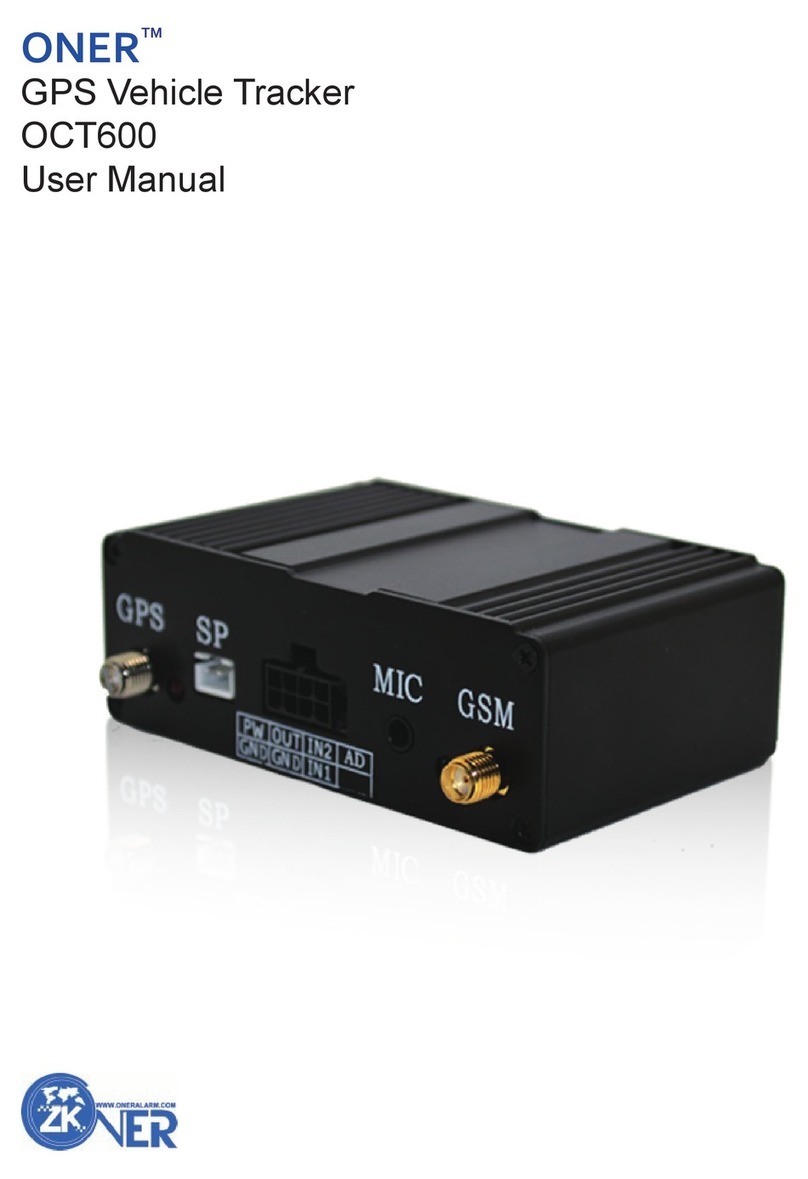
ONER GPS Vehicle Tracker
User Manual
4
7
Command List
Command List
Admin No.Setting
Online Tracking Parameter setting
Real Time Tracking
Alert Setting
Vehicle Controls
Other Functions
Admin No. Setting
After setting, do not need to add password when you send command by admin no. and only this
Admin no. can get SMS reply when you call the tracker by it
Important Info:
1. Commands should be sent one by one, the next one can be sent after getting reply
from previous command.
2. Command format can not be modified, no space between letter and number
3.******=000000(default password)
Command Description
ADMINT1,T2,T3#****** ******=000000, T1,T2,T3=phone No.,Max 16 digits
When set one No. only, others can be blank
I.E.: ADMIN087772312#000000 Set 1 admin.NO
ADMIN087772312,083112775#000000, Set 2 Admin No
Online Tracking Parameter Setting
To set parameter, add it to the system, and you can do online tracking.
APN;apn,username,password#****** ******=000000. apn can be got from sim card supplier, if
(Set APN) there is no username and password, just use apn.
I.E.:APN;internet.itelcel.com,webgprs,webgprs2002
Command(no password) ANP;apn,username,password
IDNO#****** ******=00000,NO=SIM card No. max 15 digists
(Set ID) I.E.:ID08451101#000000
Command (no password):
IP;ip;port#****** ******=000000, IP=115.126.3.75, Port=9509 (onergps)
(Set IP,Port) IP=115.126.3.15, Port=9999 (24h-tracking)
I.E:IP;115.126.3.75;9509#000000
Command(no password):IP;ip;port
TCPx#****** ******=000000, x=0 close(default)
(Set TCP) x=1 active TCP, X=2, active UDP. I.E.:TCP1#000000
Command(no password):TCPx
TIMExxxxx#****** ******=000000. XXXXX=00000,close(default)
(Time interval) XXXXX=00001-65535,unit:10sec I.E.:TIME00006
Command (no password) TIMExxxxx
DISx#****** (option)******=000000. x=0,close (default)
(Distance interval)x=1-65535meter I.E.:DIS100#000000
Command(no password):DISX
Command Description