manuals.online logo
Brands
  1. Home
  2. •
  3. Brands
  4. •
  5. Polaroid
  6. •
  7. Camcorder
  8. •
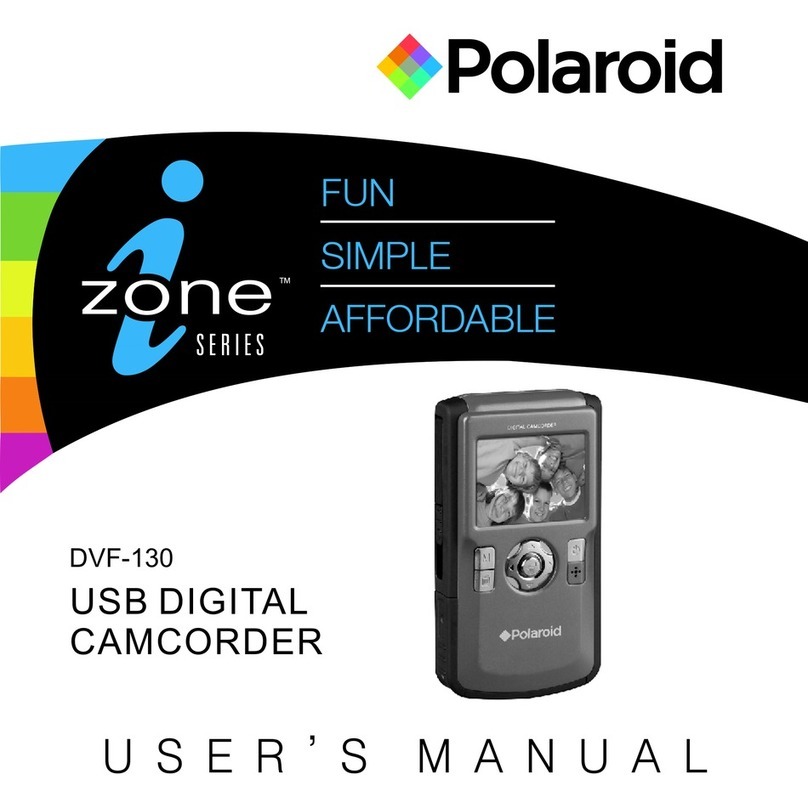
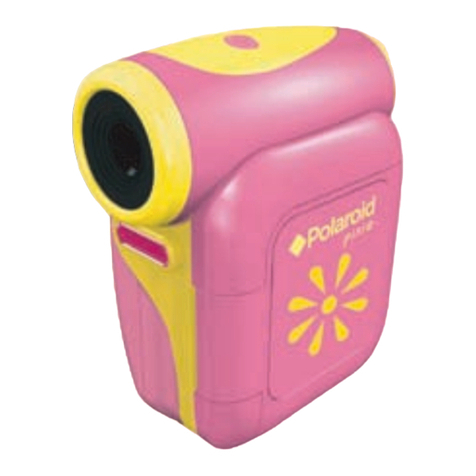
  9. Polaroid iZone DVF-130 User manual

Polaroid iZone DVF-130 User manual

Other manuals for iZone DVF-130

1

Other Polaroid Camcorder manuals

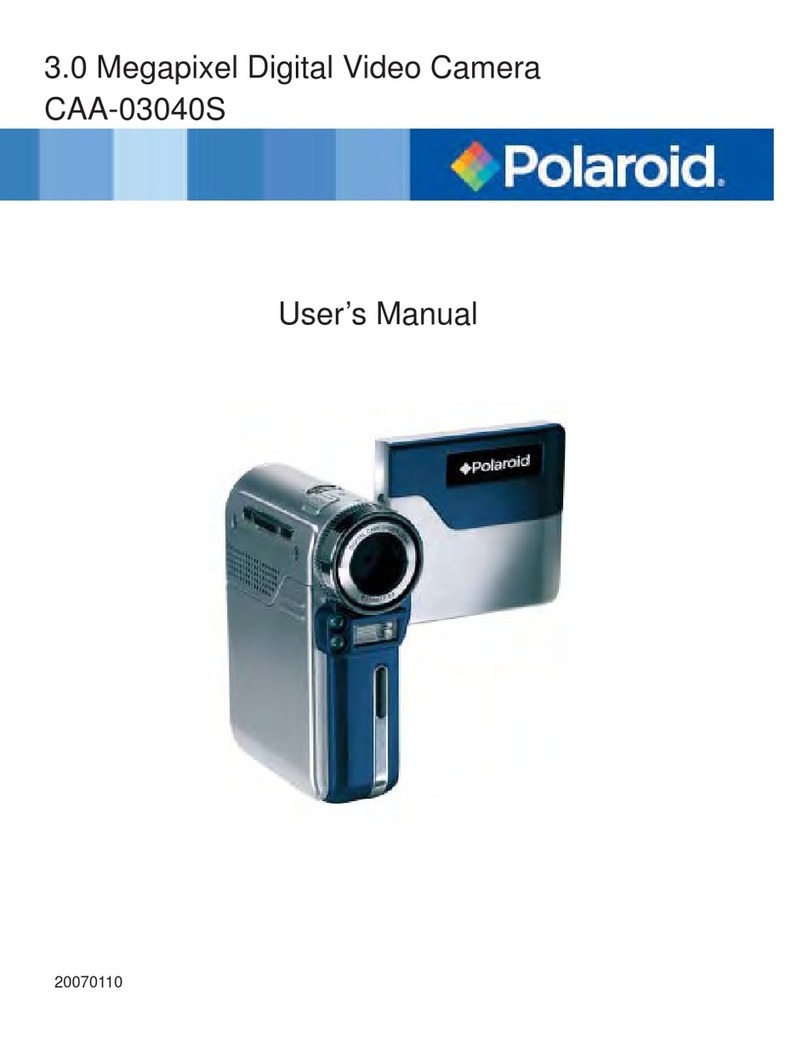
Polaroid CAA-03040S User manual

Polaroid

Polaroid CAA-03040S User manual

Polaroid iD640 User manual

Polaroid

Polaroid iD640 User manual

Polaroid iZone DVF-130 User manual

Polaroid

Polaroid iZone DVF-130 User manual

Polaroid iD879 User manual

Polaroid

Polaroid iD879 User manual

Polaroid pixie CSA-00301S User manual

Polaroid

Polaroid pixie CSA-00301S User manual

Polaroid iD642 Guide

Polaroid

Polaroid iD642 Guide

Polaroid DVC-00725F - 720P HD Camcorder User manual

Polaroid

Polaroid DVC-00725F - 720P HD Camcorder User manual

Polaroid iD642 User manual

Polaroid

Polaroid iD642 User manual

Polaroid iD879 User manual

Polaroid

Polaroid iD879 User manual

Polaroid iD450 User manual

Polaroid

Polaroid iD450 User manual

Polaroid iD450 User manual

Polaroid

Polaroid iD450 User manual

Polaroid CAA-03040S User manual

Polaroid

Polaroid CAA-03040S User manual

Polaroid iD820 User manual

Polaroid

Polaroid iD820 User manual

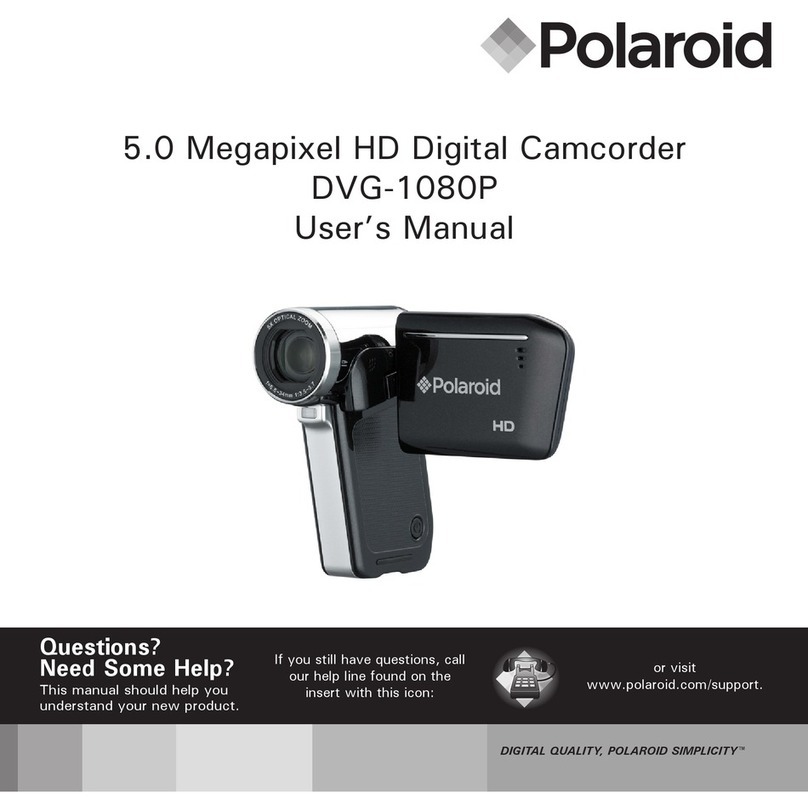
Polaroid DVG-1080P - High-Definition Digital Video... User manual

Polaroid

Polaroid DVG-1080P - High-Definition Digital Video... User manual

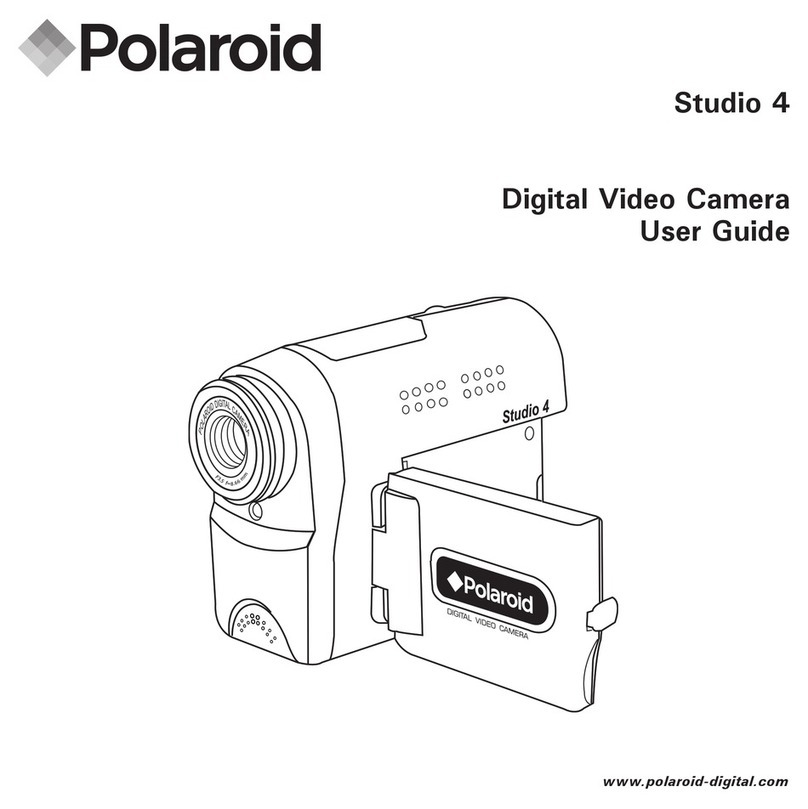
Polaroid Studio 4 User manual

Polaroid

Polaroid Studio 4 User manual

Polaroid iD450 User manual

Polaroid

Polaroid iD450 User manual

Popular Camcorder manuals by other brands

Vivitar DVR 830XHD owner's manual

Vivitar

Vivitar DVR 830XHD owner's manual

Panasonic HX-WA20PP Service manual

Panasonic

Panasonic HX-WA20PP Service manual

Sony HDR-AS10 operating guide

Sony

Sony HDR-AS10 operating guide

Canon FS1 instruction manual

Canon

Canon FS1 instruction manual

Sharp VL-H400S Operation manual

Sharp

Sharp VL-H400S Operation manual

Panasonic AJ-D900WAP operating instructions

Panasonic

Panasonic AJ-D900WAP operating instructions

Samsung VP-D6550 Owner's instruction book

Samsung

Samsung VP-D6550 Owner's instruction book

Sony Handycam HDR-FX1E operating instructions

Sony

Sony Handycam HDR-FX1E operating instructions

Sony Handycam HDR-FX1000 Specifications

Sony

Sony Handycam HDR-FX1000 Specifications

Naxa NDC-402 instruction manual

Naxa

Naxa NDC-402 instruction manual

LG L320-BN owner's manual

LG

LG L320-BN owner's manual

Vivitar DVR 865HD user manual

Vivitar

Vivitar DVR 865HD user manual

Toshiba CAMILEO Z100 user guide

Toshiba

Toshiba CAMILEO Z100 user guide

Panasonic NV-VS40B operating instructions

Panasonic

Panasonic NV-VS40B operating instructions

Canon RC 260 instructions

Canon

Canon RC 260 instructions

Sony Handycam DCR-DVD7E operating guide

Sony

Sony Handycam DCR-DVD7E operating guide

Brinno TimeLapse TLC200 user manual

Brinno

Brinno TimeLapse TLC200 user manual

JVC GR-SXM68AC Schematic diagram

JVC

JVC GR-SXM68AC Schematic diagram

manuals.online logo
manuals.online logoBrands
  • About & Mission
  • Contact us
  • Privacy Policy
  • Terms and Conditions

Copyright 2025 Manuals.Online. All Rights Reserved.

DVF-130
USB DIGITAL
CAMCORDER
U S E R ’ S M A N U A L
Polaroid DVF-130 Video Camcorder User Guide
www.polaroid.com EN-1
FCC STATEMENT
This device complies with Part 15 of the FCC Rules.
Operation is subject to the following two conditions:
(1) This device may not cause harmful interference.
(2) This device must accept any interference received, including interference that may cause
undesired operation.
Note:
This equipment has been tested and found to comply with the limits for Class B digital devices,
pursuant to Part 15 of the FCC rules. These limits are designed to provide reasonable protection
against harmful interference in a residential installation. This equipment generates uses and can
radiate radio frequency energy and, if not installed and used in accordance with the instructions,
may cause harmful interference to radio communications. However, there is no guarantee that
interference will not occur in a particular installation. If this equipment does cause harmful
interference to radio or television reception, which can be determined by turning the equipment off
and on, the user is encouraged to try to correct the interference by one or more of the following
measures:
■ Reorient or relocate the receiving antenna.
■ Increase the separation between the equipment and receiver.
■ Connect the equipment into an outlet on a circuit different from that to which the receiver is
connected.
■ Consult the dealer or an experienced radio/TV technician for help.
Use of shielded cable is required to comply with Class B limits in Subpart B of Part 15 of the FCC
rules.
Do not make any changes or modifications to the equipment unless otherwise specified in the
manual.
If such changes or modifications should be made, you could be required to stop operation of the
equipment.
Notice:
If static electricity or electromagnetism causes data transfer to discontinue midway (fail),
restart the application or disconnect and connect the communication cable(USB, etc.) Again.

EN-2
Notice
If static electricity or electromagnetism causes data transfer to discontinue midway (fail), restart
the application or disconnect and connect the communication cable (USB, etc.) Again.
This product contains electrical or electronic materials. The presence
of these materials may, if not disposed of properly, have potential
adverse effects on the environment and human health. Presence of
this label on the product means it should not be disposed of as unsorted
waste and must be collected separately. As a consumer, you are
responsible for ensuring that this product is disposed of properly.
To find out how to properly dispose of this product, please go to
www.polaroid.com and click on "Company" or call the customer service
number for your country listed in the instruction manual.
Polaroid DVF-130 Video Camcorder User Guide
www.polaroid.com
EN-3
READ THIS FIRST
Trademark Information
® ®
■ Microsoft and Windows are U.S. registered trademarks of Microsoft Corporation.
®
■ Pentium is a registered trademark of Intel Corporation.
■ Macintosh is a trademark of Apple Inc.
■ SD™ is a trademark.
■ Other names and products may be trademarks or registered trademarks of their respective owners.
Product Information
■ Product design and specifications are subject to change without notice. This includes primary product
specifications, software, software drivers, and user's manual. This User Manual is a general reference
guide for the product.
■ The product and accessories that come with your camera may be different from those described in this
manual. This is due to the fact that different retailers often specify slightly different product inclusions and
accessories to suit their market requirements, customer demographics, and geographical preferences.
Products very often vary between retailers especially with accessories such as batteries, chargers, memory
cards, cables, pouches, and language support. Occasionally a retailer will specify a unique product color,
appearance, and internal memory capacity. Contact your dealer for precise product definition and included
accessories.
■ The illustrations in this manual are for the purpose of explanation and may differ from the actual design of
your camera.
■ The manufacturer assumes no liability for any errors or discrepancies in this user manual.
Polaroid DVF-130 Video Camcorder User Guide
www.polaroid.com
EN-4
SAFETY INSTRUCTIONS
Read and understand all Warnings and Cautions before using this product. Warnings
If foreign objects or water have entered the camera, turn the power off and remove the
batteries.
Continued use may cause an injury. Please call our friendly customer service for assistance.
If the camera has been dropped or its case has been damaged, turn the power off and remove
the batteries.
Continued use may cause an injury. Please call our friendly customer service for assistance.
There is no user serviceable parts: DO NOT DISSASSEMBLE!
For repair, please call our friendly customer service for assistance.
Do not use the camera in areas near water.
Take special care during rain, snow, on the beach, or near the shore. Exposing the camera to
these conditions may cause damage to it.
Do not place the camera on unstable surfaces.
This may cause the camera to fall or tilt over, causing damage.
Keep the batteries out of the reach of children.
Batteries should only be replaced by an adult. Children must be supervised by an adult when
they are replacing the batteries.
Do not use the camera while you are walking,driving or riding a motorcycle.
This may cause personal injury or result in traffic accident.
Polaroid DVF-130 Video Camcorder User Guide
www.polaroid.com
EN-5
Cautions
Load the batteries paying careful attention to the polarity (+or-) of the terminals.
Loading the batteries with their polarities inverted may cause personal injury, or damage
to the surrounding areas due to the battery rupturing or leaking.
Do not subject the LCD display to impact.
This may damage the glass on the screen or cause the internal fluid to leak. If the
internal fluid contacts your eyes, rinse with fresh water.
If the fluid contacts you clothing rinse with water and seek medical attention immediately.
A camera is a precision instrument. Do not drop, strike, or use excessive force when
handling the camera.
This may cause damage to the camera.
Do not use the camera in humid,steamy,smoky,or dusty places.
This may cause fire or electric shock.
Do not remove the batteries immdiately after a long period of continuous use.
The batteries may become warm and possibly cause personal injury.
Do not wrap the camera or place it in cloth or blankets.
This may cause heat to build up and deform the case. Use the camera in a
well-ventilated place.
Do not leave the camera in places where the temperature may rise significantly
such as inside a car.
This may adversely affect the case or the parts inside.
Before you move the camera, disconnect cords and cables.
Failure to do this may damage cords and cables.
Polaroid DVF-130 Video Camcorder User Guide
www.polaroid.com
EN-6
Using Your Batteries
Excessive use of the flash
Remove batteries from your camera when not in use.
Batteries should be replaced by an adult.
Use recommended or equivalent type of batteries only.
Insert the batteries in the correct orientation.
Remove exhausted batteries from the camera immediately.
Do not short the supply terminals.
Please dispose of the batteries properly.
Our laboratory testing has shown that our digital camera models comply with industry standard
battery consumption levels (Camera & Imaging Products Association commonly known as CIPA).
All digital cameras are high drain products. For the best performance and prolonged battery life,
we recommend the use of high capacity batteries designed for such applications.
Here are some helpful hints to extend battery life considerably by limiting the following activities:
■ Reviewing the pictures on the LCD Screen
■ Using the optical viewfinder (if your camera has one) to frame the subject when taking pictures
■
■
WARNING!
■
■
■
■
■
■
These instructions should be retained for future reference.
Questions?
Call our toll-free customer service number. Look for the insert with this icon:
Or visit www.polaroid.com.
Polaroid DVF-130 Video Camcorder User Guide
www.polaroid.com
EN-7
CONTENTS
8 INTRODUCTION
8 Overview
8 Package Contents
9
9 Installing the batteries
9 Inserting a memory card
10 Turning the Power On/Off
11 GETTING TO KNOW YOUR CAMERA
11 Front View
13
13 LCD Display Icons
15
16
17 PLAYBACK MODE
17 Playing Back Video Clips
18 Playing Back Still Images
19 Using the Zoom Function
20 MENU OPTIONS
20 Video Menu
21 Photo Menu
23 Playback Menu
Getting Started
Record Mode
Video Recording
Photo Recording
24
24 Setting the Focus
25 Choosing your Language
25 Formatting the Memory Card
or Internal Memory
26 Adjusting the Exposure
(EV Compensation)
27 Setup Menu
29
29
29
30 Connecting to a PictBridge
Compliant Printer
32 TRANSFERRING FILES TO
YOUR COMPUTER
32 DEFAULT SETTINGS
33 SPECIFICATIONS
34 APPENDIX
34 Possible Number of Shots
36
Setting Up Your Camera
Viewing Photos and Videos on a TV
Getting Help
Downloading Your Files
Viewing Photoss and Videos on PC
Polaroid DVF-130 Video Camcorder User Guide
www.polaroid.com
EN-8
INTRODUCTION
Overview
Congratulations on your purchase of your new Polaroid digital video camera. Capturing
high-quality digital images and video is fast and easy with this state-of-the-art smart camera.
Equipped with a video and still
exceptional clarity and vibrant color.
Package Contents
Carefully unpack your camera and ensure that you have the following items:
■ Digital Video Camera
■ Software CD-ROM
■ 2AA size batteries
Common(Optional) Accessories:
■ SD or SDHC memory card (We recommend the use of a Polaroid memory card up to 2 GB for SD
and up to 8 GB for SDHC)
■ Accessories and components may vary by retailer.
1.3-megapixel sensor, this camera is capable of capturing images
with
Polaroid DVF-130 Video Camcorder User Guide
www.polaroid.com
Getting Started
Polaroid DVF-130 Video Camcorder User Guide
www.polaroid.com
■ To prevent valuable data from being accidentally erased from an SD/SDHC memory card,
you can slide the write protect tab (on the side of the SD/ SDHC memory card) to “LOCK”.
■ To save, edit, or erase data on an SD/SDHC memory card, you must unlock the card.
■ To prevent damaging of an SD/SDHC memory card, be sure to turn off the
power when inserting or removing the SD/SDHC memory card. If inserting
or removing the SD/SDHC memory card with the power on, the camera
will automatically turn off.
■ Be careful not to drop the batteries when opening or closing the
battery door.
Installing the batteries
1. Open the battery door as shown in the
illustration.
2. Load the batteries with correct orientation as
shown.
3. Close the battery door and make sure it is
locked securely.
Inserting a memory card
1. The camera has 64MB internal memory,
but you can expand your camera's memory
by installing a SD/SDHC memory card
(We recommend the use of a Polaroid
SD card up to 2GB and up to 8GB for a
SDHC).
2. Be sure to format the memory card with this
camera before its initial usage.
■ Press and hold the M button .
■ Select [ ] menu with the button.
■ Select [ ] with the ▼ buttons,
and press the ENTER button [ ].
■ [ ] Select YES with the ▼ button and press the ENTER button .
EN-9