Let’s Get
Started:
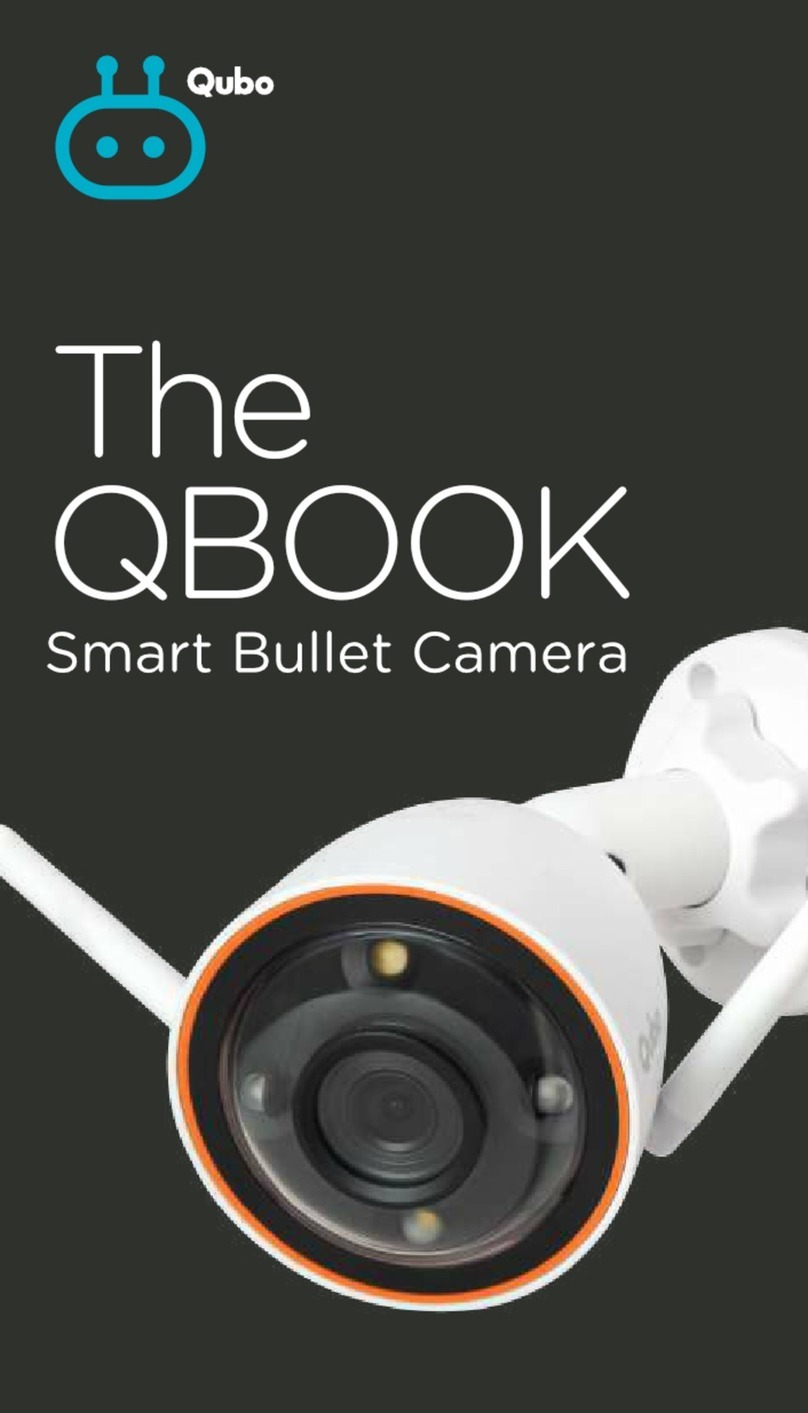
Connect the adapter with the
power cable that is attached in
the bullet camera. After doing
this, connect the adapter to a
power source to turn on the
Bullet Camera.
To Install the MicroSD Card:
Make sure that the power
supply to the camera is
already disconnected. Adjust
the camera lens upward until
the MicroSD slot is visible,
Unscrew two screw and insert
the MicroSD card into the slot
(the side with contact points
must be facing down).
Step 2
Factory Reset:
Press and hold the Reset
button to restore your device
to factory settings.
Data stored on the MicroSDXC
card is not erased.
Step 3