manuals.online logo
Brands
  1. Home
  2. •
  3. Brands
  4. •
  5. SVA
  6. •
  7. Security Camera
  8. •
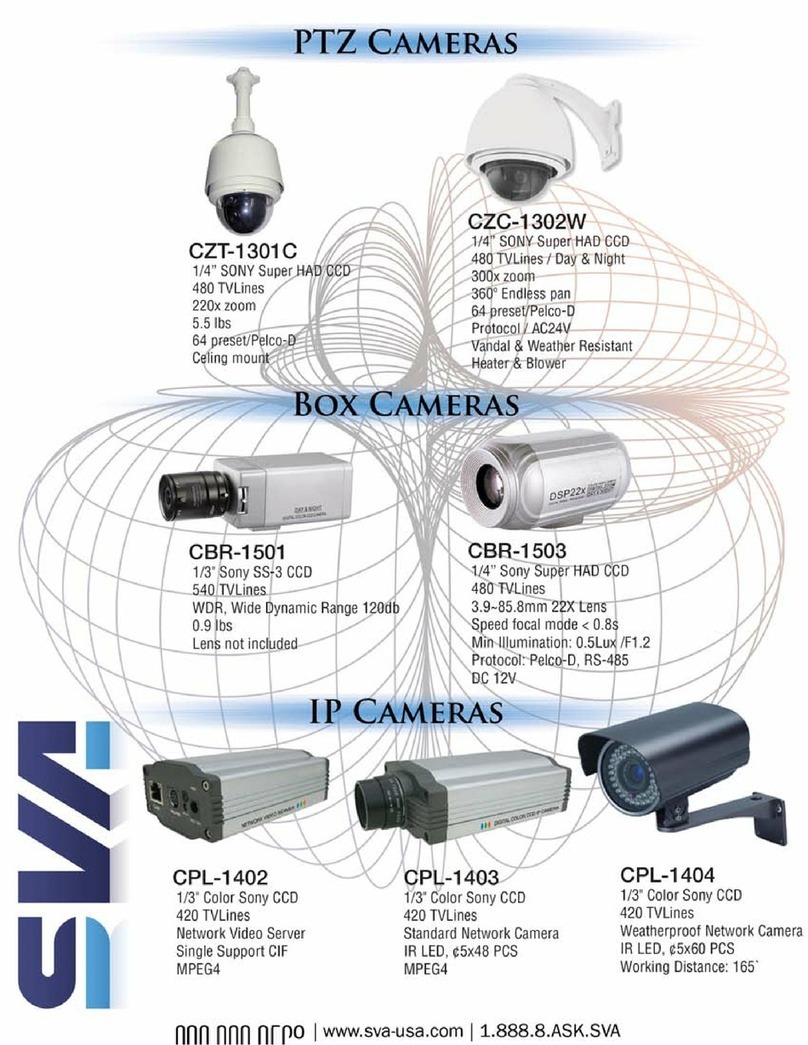
  9. SVA PTZ Camera CZC-1301C User manual

SVA PTZ Camera CZC-1301C User manual

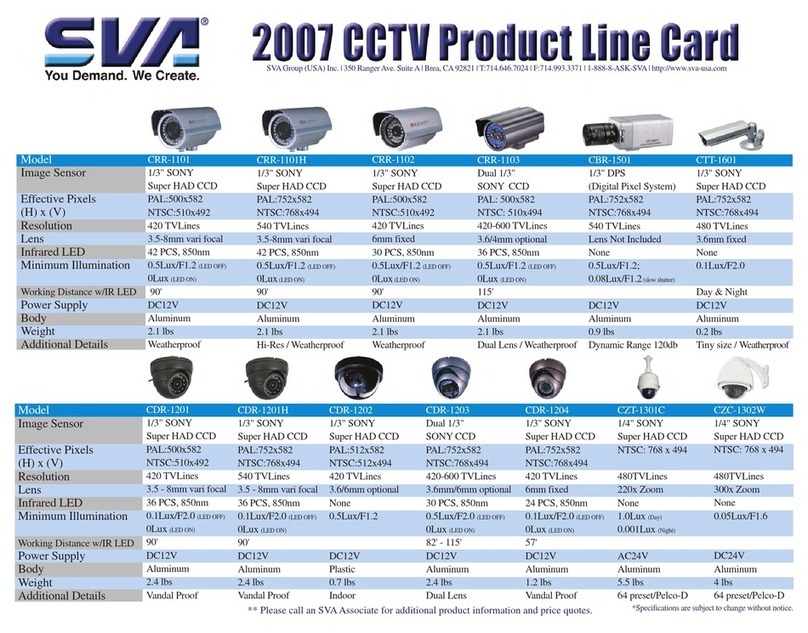
Other SVA Security Camera manuals

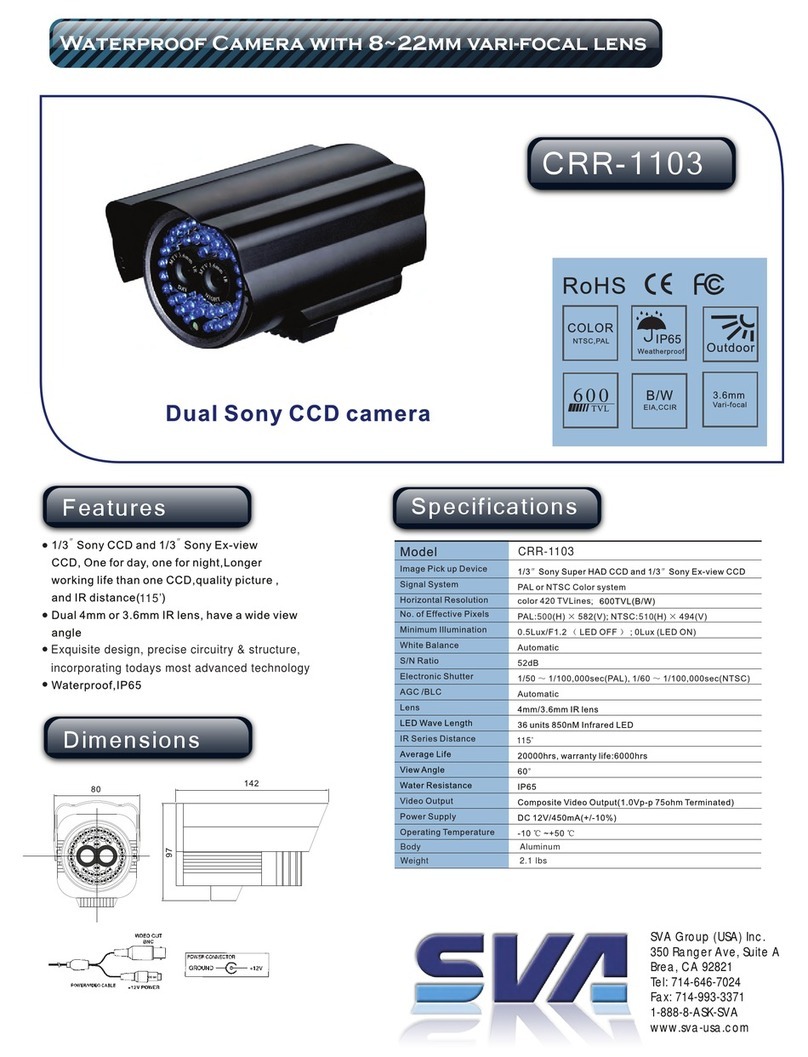
SVA CRR-1103 User manual

SVA

SVA CRR-1103 User manual

SVA CRR-1104 User manual

SVA

SVA CRR-1104 User manual

SVA CDR-1206 User manual

SVA

SVA CDR-1206 User manual

SVA VR2622W User manual

SVA

SVA VR2622W User manual

SVA BOX Camera CBR-1503 User manual

SVA

SVA BOX Camera CBR-1503 User manual

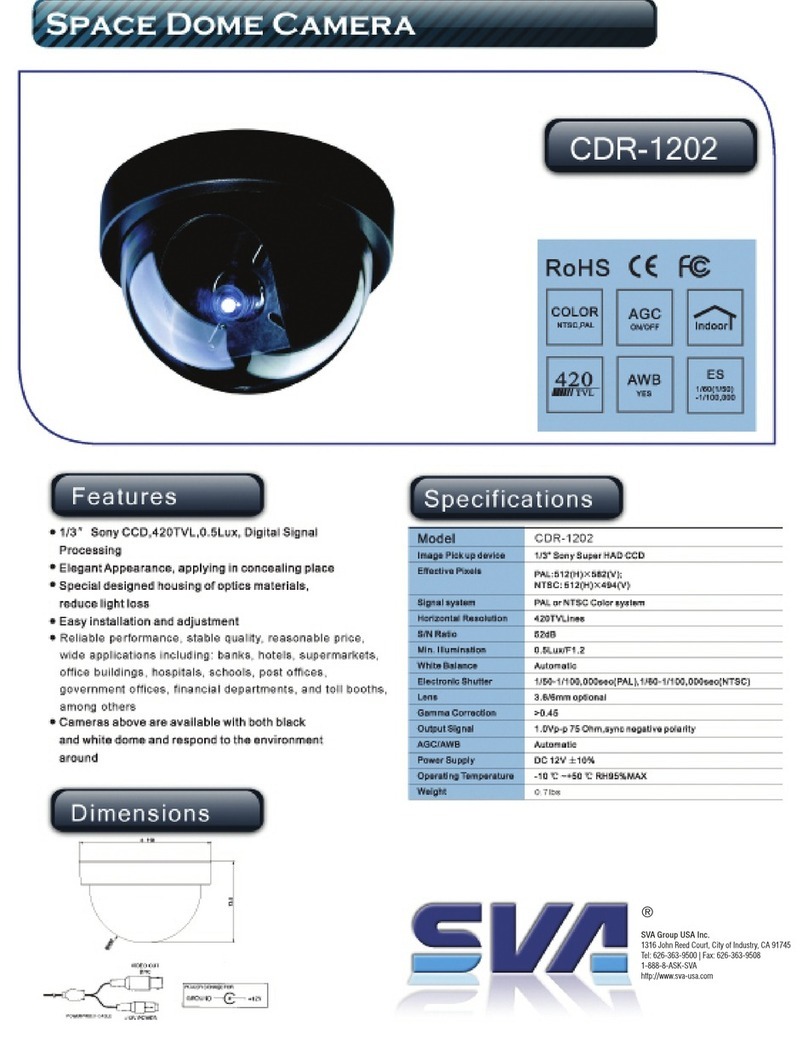
SVA CDR-1202 User manual

SVA

SVA CDR-1202 User manual

SVA CDR-1201 User manual

SVA

SVA CDR-1201 User manual

SVA CZC-1302W User manual

SVA

SVA CZC-1302W User manual

SVA CDR-1205 User manual

SVA

SVA CDR-1205 User manual

Popular Security Camera manuals by other brands

ADEMCO RapidDome Owners Operating & Installation Guide

ADEMCO

ADEMCO RapidDome Owners Operating & Installation Guide

EverFocus EBA2880 user manual

EverFocus

EverFocus EBA2880 user manual

Honeywell OptiCAM-IR Installation and setup guide

Honeywell

Honeywell OptiCAM-IR Installation and setup guide

Uniq UC-600 user manual

Uniq

Uniq UC-600 user manual

OPTICOM NVD-120-S datasheet

OPTICOM

OPTICOM NVD-120-S datasheet

Steren CCTV-221 instruction manual

Steren

Steren CCTV-221 instruction manual

Arm Electronics C420BCDNVFIR Features

Arm Electronics

Arm Electronics C420BCDNVFIR Features

Eneo PLD-2036PTZ installation guide

Eneo

Eneo PLD-2036PTZ installation guide

Axis AXIS M20 Series installation guide

Axis

Axis AXIS M20 Series installation guide

Panasonic KX-HCM230 operating instructions

Panasonic

Panasonic KX-HCM230 operating instructions

COP-USA CC15NV-SL Specifications

COP-USA

COP-USA CC15NV-SL Specifications

Active Silicon HARRIER H.264 quick start guide

Active Silicon

Active Silicon HARRIER H.264 quick start guide

Motorola Avigilon 1.3C-H5SL-BO1-IR installation guide

Motorola

Motorola Avigilon 1.3C-H5SL-BO1-IR installation guide

INSTEON 2864-232 user manual

INSTEON

INSTEON 2864-232 user manual

Wisenet XNB-6002 quick start guide

Wisenet

Wisenet XNB-6002 quick start guide

Axis M5525-E user manual

Axis

Axis M5525-E user manual

Vitek VTC-IR62NZ922 user guide

Vitek

Vitek VTC-IR62NZ922 user guide

Panasonic WV-SF342 Specifications

Panasonic

Panasonic WV-SF342 Specifications

manuals.online logo
manuals.online logoBrands
  • About & Mission
  • Contact us
  • Privacy Policy
  • Terms and Conditions

Copyright 2025 Manuals.Online. All Rights Reserved.

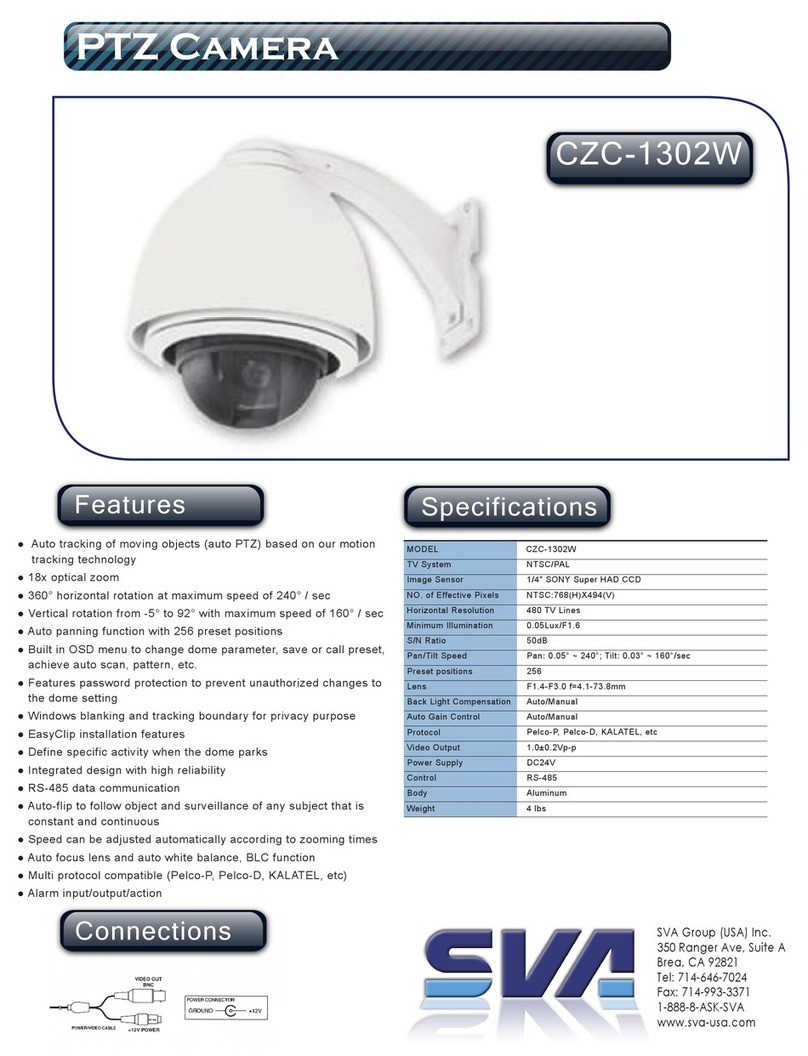
Specifications
PTZ Camera
CZC-1301C
Features
SVA Group (USA) Inc.
350 Ranger Ave, Suite A
Brea, CA 92821
Tel: 714-646-7024
Fax: 714-993-3371
1-888-8-ASK-SVA
www.sva-usa.com
Connections
MODEL
TV System
Image Sensor
NO. of Effective Pixels
Horizontal Resolution
Minimum Illumination
S/N Ratio
Pan/Tilt Speed
Zoom
Lens
White Balance
Focus
Protocol
Presets
Power Supply
Control
Body
Weight
NTSC/PAL
1/4" SONY Super HAD CCD
768(H) x 494(V) (NTSC)
480 TV Lines
1.0 Lux (Day) / 0.001 Lux (Night)
More than 48 dB (AGC off)
Preset : 300°/sec; Manual : 0.1° ~ 300°/sec; Swing : ~ 60°/sec
x22 Optical Zoom, x10 Digital Zoom
f=3.9 ~ 85.8mm
Auto / Manual / Indoor / Outdoor
Auto / Manual
Pelco-P, Pelco-D
64
AC24V
RS-485 (Max. 99 unit)
Aluminum
5.5 lbs
CZC-1301C
● CCD Sensor : 1/4" Super HAD CCD
● Zoom Magnification : x22 Optical Zoom, x10 Digital
Zoom(combined x220 Zoom)
● Day & Night Function
● Max. 300°/sec high speed Pan/tilt Motion
● Using Vector Drive Technology, Pan/Tilt motions are accomplished
in a shortest path. As a result, time to target view is reduced
dramatically and the video on the monitor is very natural to watch.
● Max. 64 sets of position and zoom magnification are designated
and stored as Preset. For each Preset, additional information such
as Dwell time (pause time in Group action when camera reaches
to a certain Preset position), Alarm action and area Label can be
assigned independently to meet to your requirements.
● With RS-485 communication, max. 99 of cameras can be controlled
at the same time
● Pelco-D or Pelco-P protocol can be selected as a control protocol
in the current version of firmware.
● OSD menu is provided to display the status of camera and to
configure the functions interactively.
● This model is structured to meet outdoor environment. To this end,
Fan and Heater are built in the housing and weatherproof
environmental structure is designed to meet international standard
IP66.