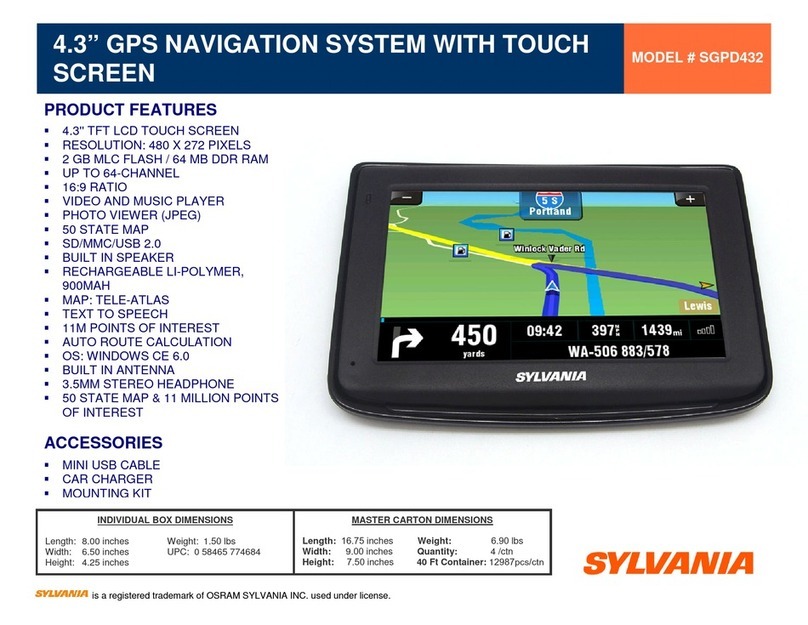
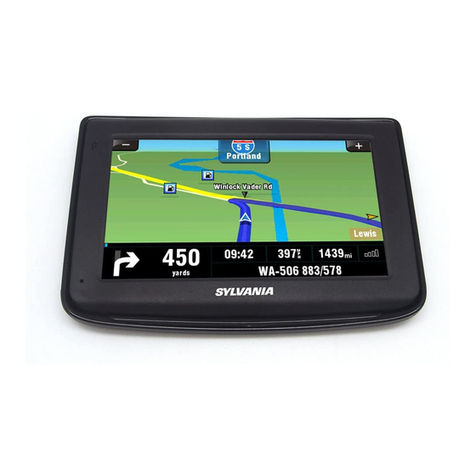
Sylvania SGPD430 User manual

SGPD430
User’s Manual
SYLVANIA is a registered trademark of OSRAM SYLVANIA INC. used under license




1
A. Basic Operation............................................................................................................................3
1. Understanding of the Product Components ..........................................................................3
1.1 Front components........................................................................................................3
1.2 Back components ........................................................................................................3
1.3 Top components ..........................................................................................................3
1.4 Left-side components..................................................................................................4
1.5 Right-side components................................................................................................4
1.6 Bottom components ....................................................................................................5
2. Accessory Operations............................................................................................................5
2.1 Charging by Car Charger ............................................................................................5
2.2 Install the Cradle and Car Mount ................................................................................5
2.3 USB Cable usage ........................................................................................................6
2.4 GPS Initial Cold Start Up............................................................................................6
B. Functions Operation .....................................................................................................................7
1 Powering & Main Menu ........................................................................................................7
2 Main Interface........................................................................................................................7
2.1 Navigation...................................................................................................................7
2.2 Music...........................................................................................................................7
2.3 Photo ...........................................................................................................................8
2.4 Ebook ..........................................................................................................................9
2.5 Video .........................................................................................................................10
2.6 System.......................................................................................................................11

2
Precaution and Notice
The PND is used only as a navigation aid. It is not for precise measurement of direction,
distance, location or topography. The user must follow all traffic signs and local regulations
along the roads.
GPS satellite signals cannot pass through solid materials (except glass). When you are in a
tunnel or building, GPS position is not available.
At least 4 GPS satellite signals are needed to determine the current location. Signal reception
can be affected by situations, such as bad weather or dense overhead obstacles (e.g. tall
buildings).
Other wireless devices in the vehicle might interfere with the reception of satellite signals and
cause the unstable signal reception.
If system haltes, please press the power button to restart the device.
When you get out of the car, please do not leave your PND on the dashboard or subject to
direct sunlight. The overheating of the battery may cause malfunctions or danger.
Please do not fix the device where the driver’s field of vision is blocked.
3
A. Basic Operation
1. Understanding of the Product Components
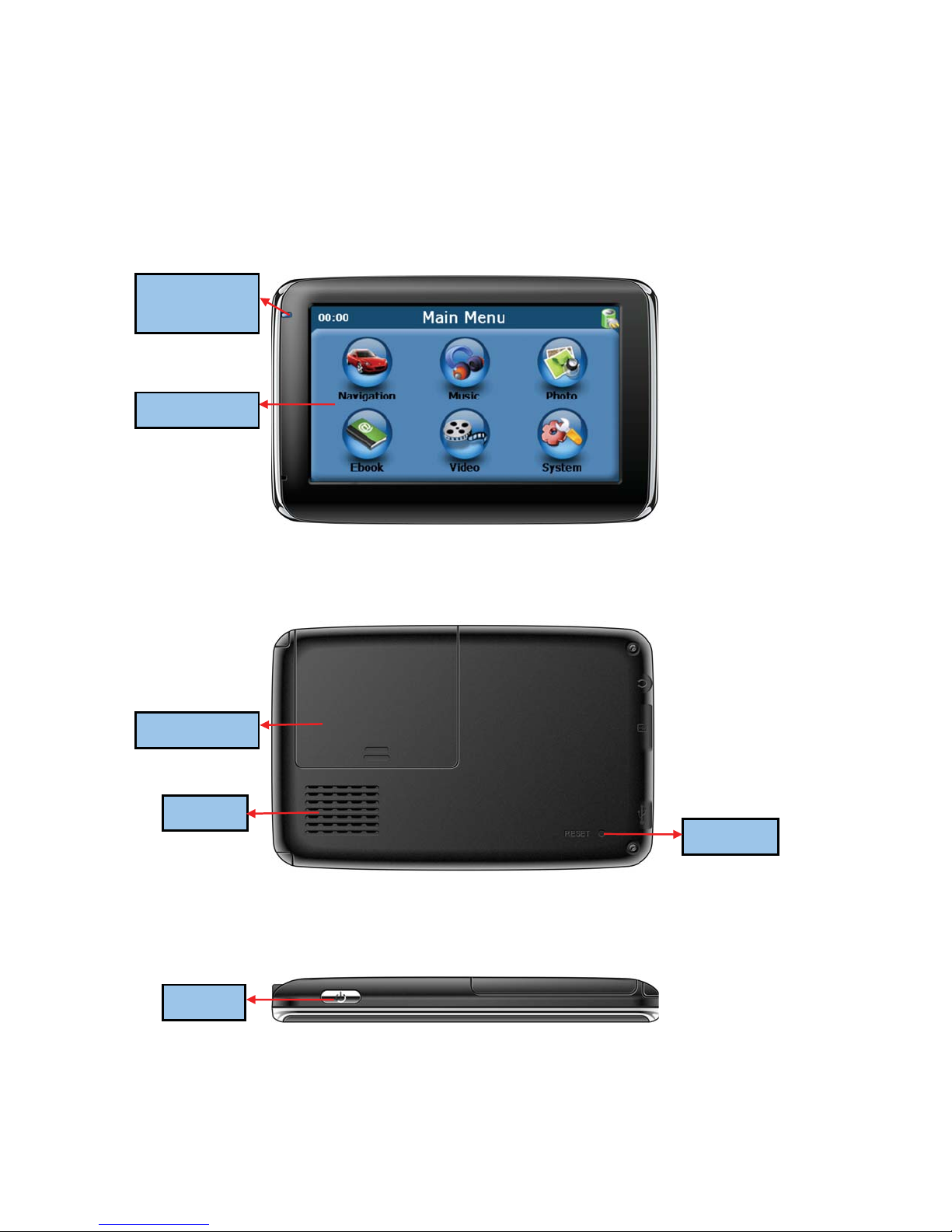
1.1 Front components
1.2 Back components
1.3 Top components
Reset
Power
Touch Screen
Battery Cover
Speaker
Charging
Indication

4
1.4 Left-side components
1.5 Right-side components
Stylus Slot
Earphone jack
T-flash Card Slot
Insert with a memory card; please
do not remove the memory card
when using the device
Mini-USB Port
5
1.6 Bottom components
Installing the T-flash Memory Card
To use the product as a media player or navigate in a country outside North America, install
T-flash memory card (2GB micro SD card), blank or loaded with map, into the slot on the right.
NOTE: The card is not included in the standard accessory kit.
Once the card is inserted, it can not be removed during the process of the device operation.
If you need to remove the card, please switch off the unit first. And then push the card in and
it will eject from the slot.
2. Accessory Operations
2.1 Charging by Car Charger
When use your PND in the car, it is better to use the car charger to power the unit, especially
on long journey.
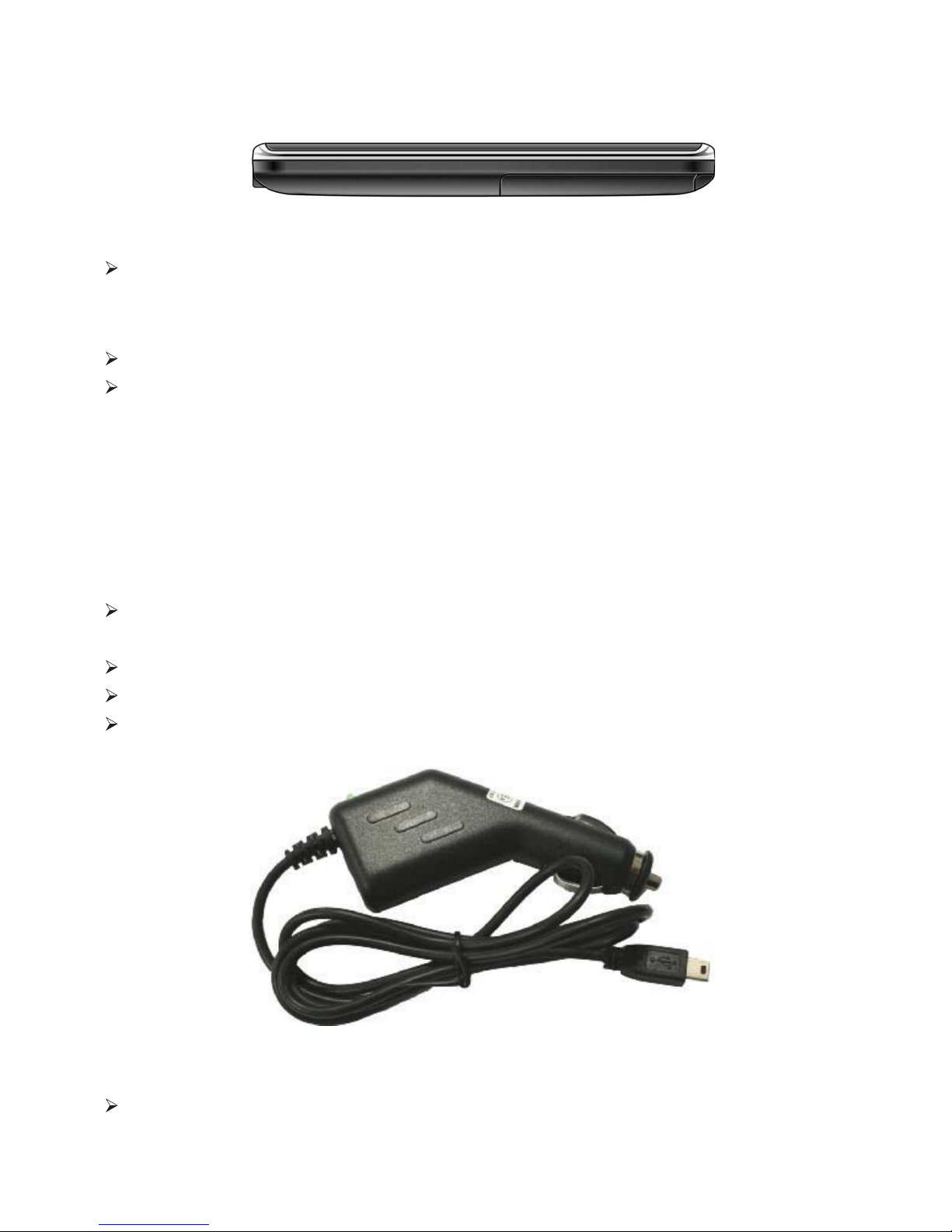
Please plug the car charger into the device’s USB port on its right-side panel.
Please plug the another side of the car charger to cigarette lighter to charge the device.
It is better to fix the power cable so that it will not cause some unnecessary troubles.
2.2 Install the Cradle and Car Mount
Install car Mount System

6
Install PND into the holder
2.3 USB Cable usage
The USB cable is provided for system upgrading. It can connect the navigator to the computer and
make these two synchronize.
For upgrading and more information about Microsoft Active Sync, please visit Microsoft web.
2.4 GPS Initial Cold Start Up
The first starting up should be in an open area without obstructions.
Hold until the device receives 4 GPS satellite signals, then you can program your trip.
Note:
There are various ways for searching a location on the map or planning your routing. Please
follow Navigation User Manual which will guide you when driving.
Step1: Rotate
screw to lock
onto car
glass
Step2: Install the holder
into the Car cradle by
the sockets to lock onto
car glass
Use the two screws
to adjust the angle
and direction of
the PND
Table of contents
Languages:
Other Sylvania GPS manuals