SPECIFICATIONS
TV
DVD
http://www.tacp.toshiba.com Customer Service: 800.631.3811
Marketing Communications © Toshiba America Consumer Products, LLC
82 Totowa Road, Wayne, NJ 07470 (2006). All Rights Reserved (08/06.03)
Memory Stick is a trademark of Sony, its partents and/or its affiliates. Secure
Digital is a trademark of SD Card Association. XD Picture Card is a trade-
mark of Fuji Photo Film Co., Ltd. Toshiba is an authorized licensee of the reg-
istered trademark, MultiMediaCard is a trademark of Infineon Technologies
AG and licensed to MMCA (MultiMediaCard Association). Dolby is a regis-
tered trademark of Dolby Laboratories Licensing Corp. FST PURE is a regis-
tered trademark of Toshiba America Consumer Products, L.L.C. Product
design and specification subject to change or modification without notice.
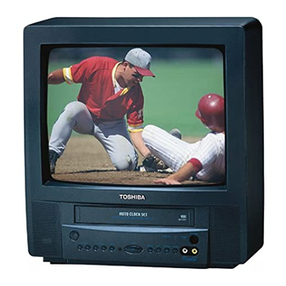
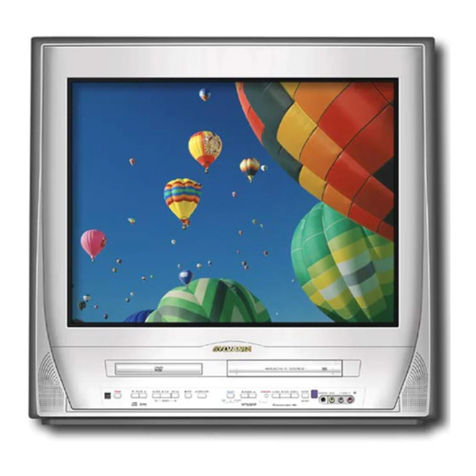
TV
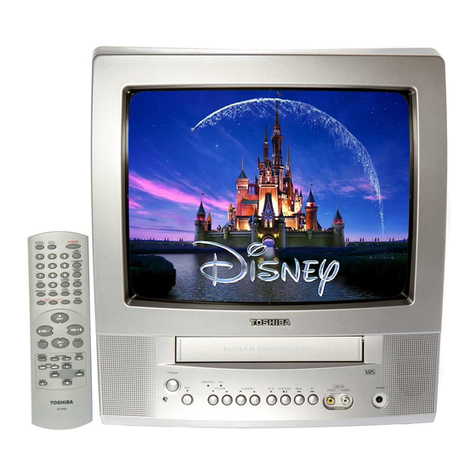
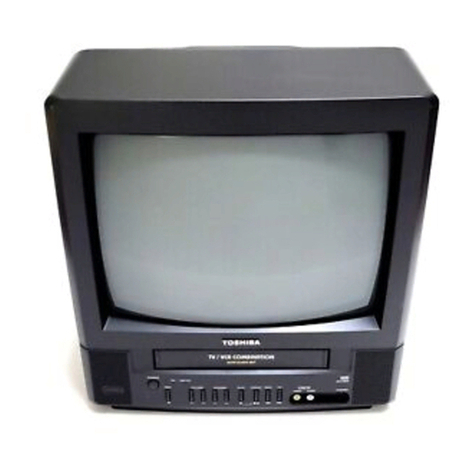
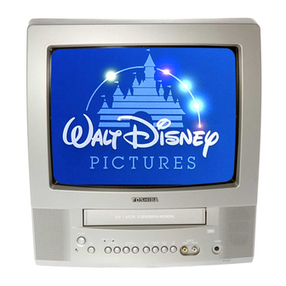
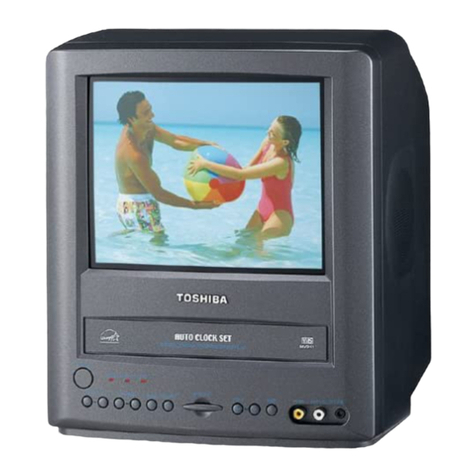
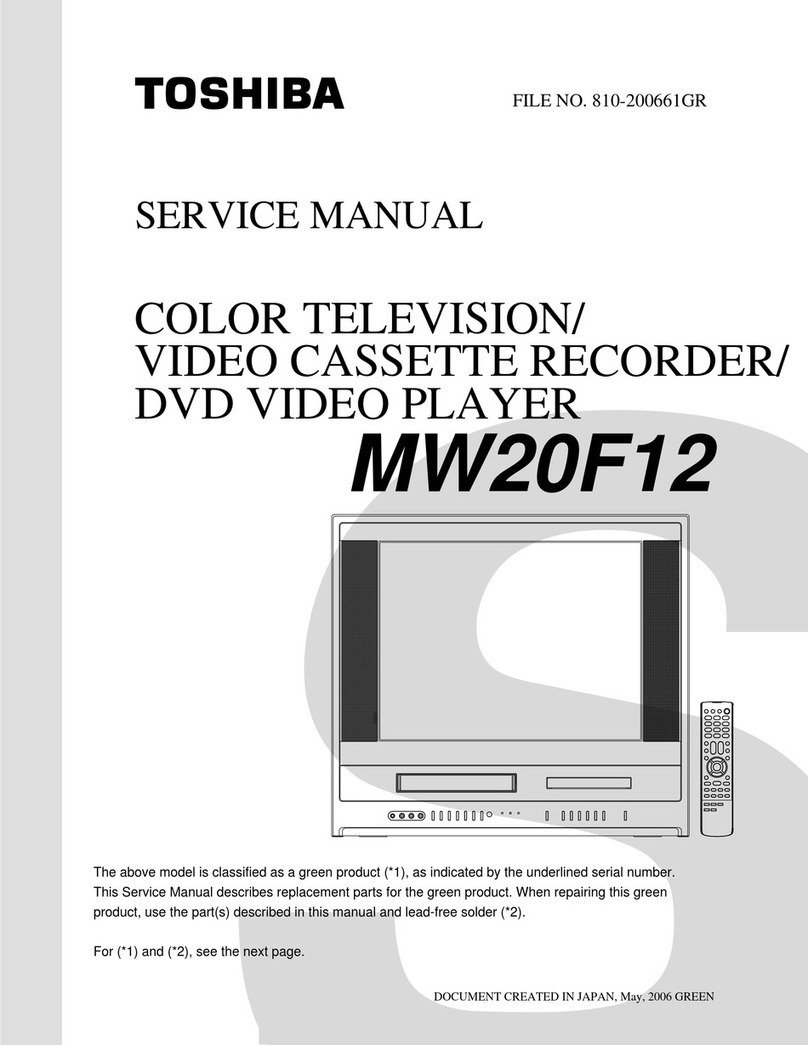
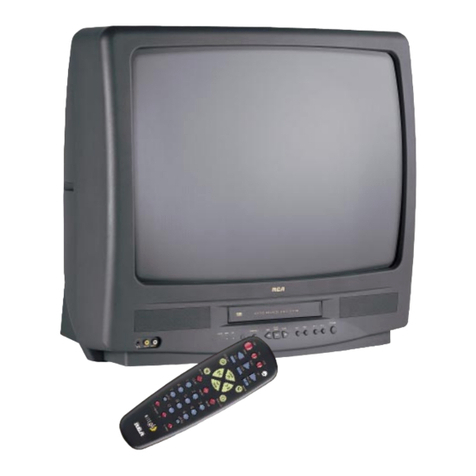
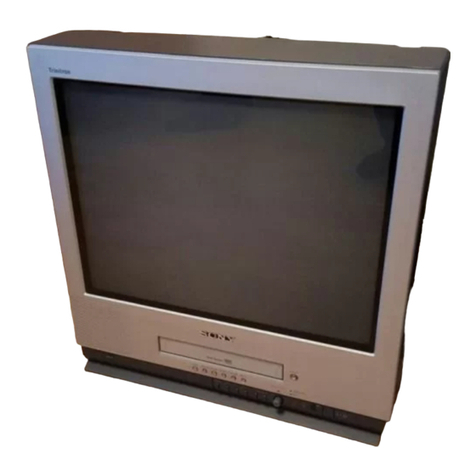
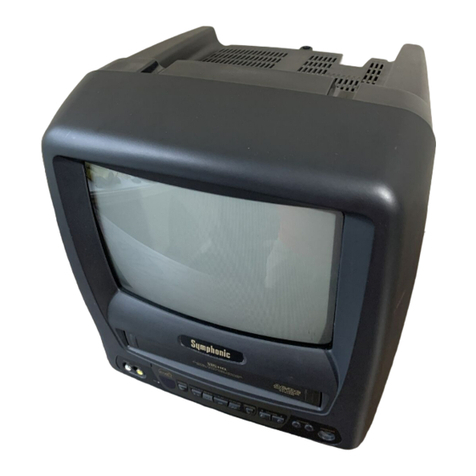
14" FST PURE®Flat Tube Design x
Icon TV/VCR/DVD Menu x
Picture Preference Modes 4
181-Channel Tuner x
Double Baffle Stereo TV x
Auto Shut Off, Auto Channel Memory x
Sleep Timer, Closed Caption x
V-Chip x
DVD
Disc Qty 1
Disc Play CD-R/CD-RWDVD/DVD-R*/CD/VCD
WMA & MP3 Playback, JPEG Viewer x
Digital Picture Zoom x
Fast Scan 2x, 4x, 8x, 20x
Slow Motion, Parental Lock x
Tray Lock x
Multi-Camera Angle Select x
Multi-Language Select, Multi-Subtitle Select x
Coaxial Dolby®Digital and DTS®x
VCR
Video Heads 4
Resolution 240 Lines
Record Speeds SP/SLP
Commercial Skip, Auto Clock x
8 Event/1 Month Programming x
One-Touch Record, Auto Tracking x
Auto Head Cleaner x
Auto Play x
High Speed RW/FF x
OSD Language English/French/Spanish
Remote Control x
Terminals
RCA Video In -
L-R Audio Inputs 1 front
Coaxial Digital Audio Output 1- DVD only
RF Input 1 rear
Headphone Jack 1 front
Weight 31.9 lbs
Box Weight 36.3 lbs
Dimension (WHD) 18.50" x 16.65" x 15.20"
Carton Dimension 22.64" x 19.69" x 19.57"
UPC Code 022265271537
TECHNOLOGY
& BENEFITS
VIDEO
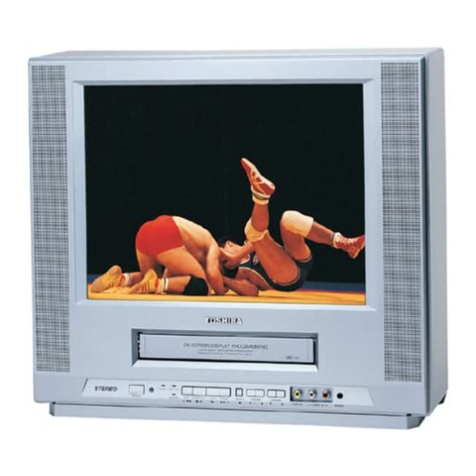
FST PURE®Flat Tube Design - Due to its flat design, viewing angle and
picture linearity are greatly improved over traditional tube designs, deliver-
ing the most accurate, life-like images possible.
Digital Picture Zoom - This interactive DVD feature allows you to select
an area of the picture you want to zoom in on and magnify it. Enhanced
digital processing during moving video or freeze-frame playback produces
superior color fidelity and resolution, even when you're zoomed in. Also
can be used to expand letterbox-only films to increase the viewable area
on-screen.
JPEG Viewer - Enables the display of digital photographs captured in the
JPEG format. Simply load the CD with your favorite photos and create cus-
tom slide shows with a few simple clicks of the player's remote control.
AUDIO
Double Baffle Stereo Speaker System - These front-firing, side-mounted
speakers deliver the best stereo sound by keeping the sonic image widely
separated within the cabinet.
WMA & MP3 Playback - Recordable Compact Discs (CD-R & CD-RW)
with music stored in either the Windows Media™ Audio or MP3 file formats
can be enjoyed.
Coaxial Dolby®Digital and DTS®Surround Sound Output - Use the sin-
gle RCA-type output jack to send signature multi-channel audio to an
audio/video receiver with a compatible input.
CONVENIENCE
Icon TV/VCR/DVD Menu - Offers simple operation by using picture sym-
bols of key menu functions instead of plain text. Quickly access various TV
features via pull down menus.
Picture Preference Modes - Includes preset picture settings tailored for
various programs and allows quick adjustments at the touch of a button.
Instead of accessing Brightness, Contrast, Color,or Tint each time you
switch from a movie to a sporting event, use the preset Picture Preference
Modes (Standard, Sports, Movie, Memory) to change the quality of the pic-
ture without all the fuss. The Memory Mode allows you to customize your
own settings and save them into the television's memory.
Commercial Skip - After a program has been recorded, pressing the SKIP
button once during playback will automatically advance the tape 30-sec-
onds forward bypassing recorded commercials. Pressing the skip button on
the remote again will advance the recorded tape for another 30-seconds
for a total of 60-seconds (30 sec x 6 Maximum).
VCR
TERMINALS
*CD-R/CD-RW discs recorded by CD-DA method can be played back. Some
CD-R/CD-RW discs may be incompatible due to laser pick-up and disc design.
DVD-R discs recorded by DVD Video method can be played. Some DVD-R
discs may be incompatible due to laser pick-up and disc design. JPEG discs
may be incompatible due to different recording format or condition of disc.
MW14F52