1
Table of Contents
1. Introduction....................................................................................................................................2
2. System Requirements..................................................................................................................3
3. Getting Started...............................................................................................................................4
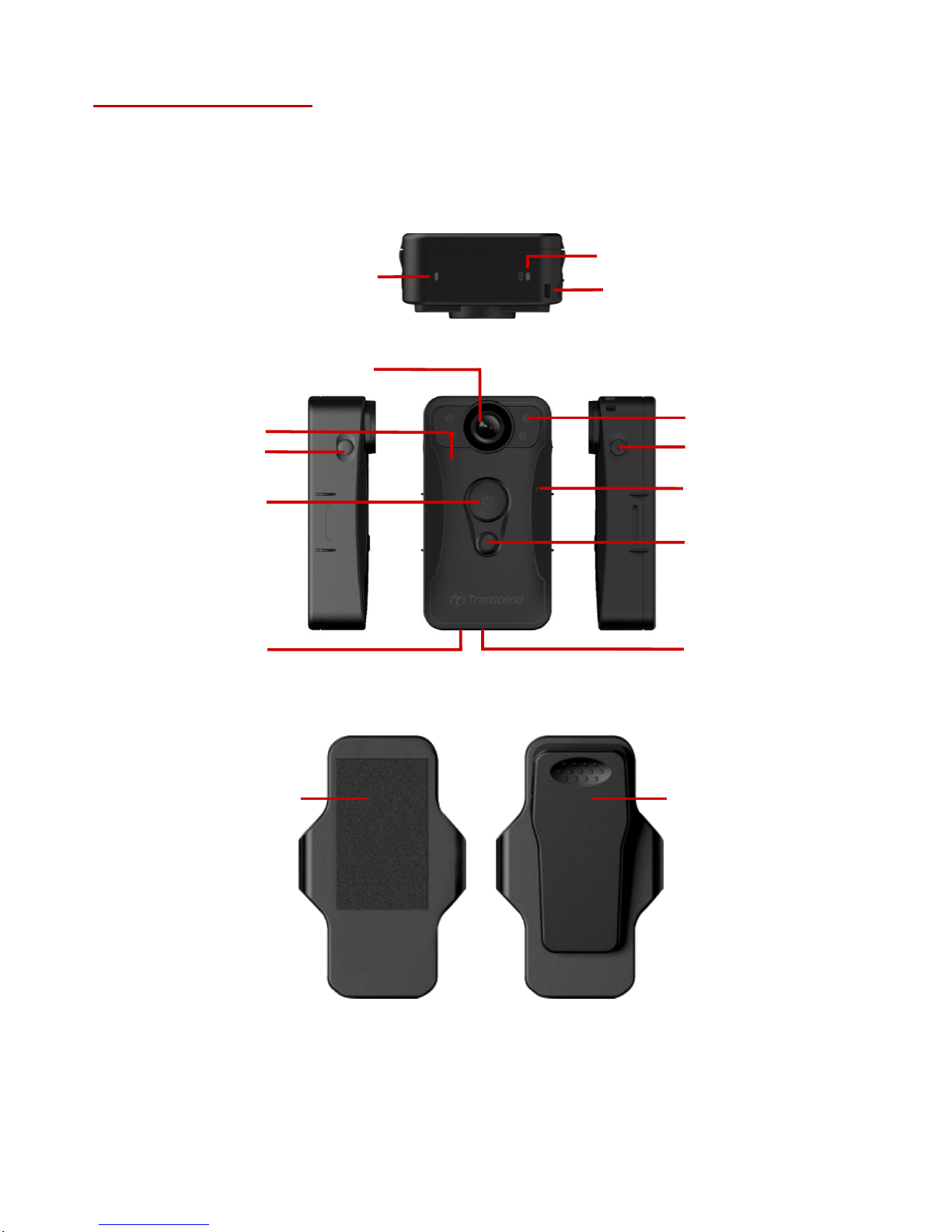
3-1 Function Buttons.................................................................................................................4
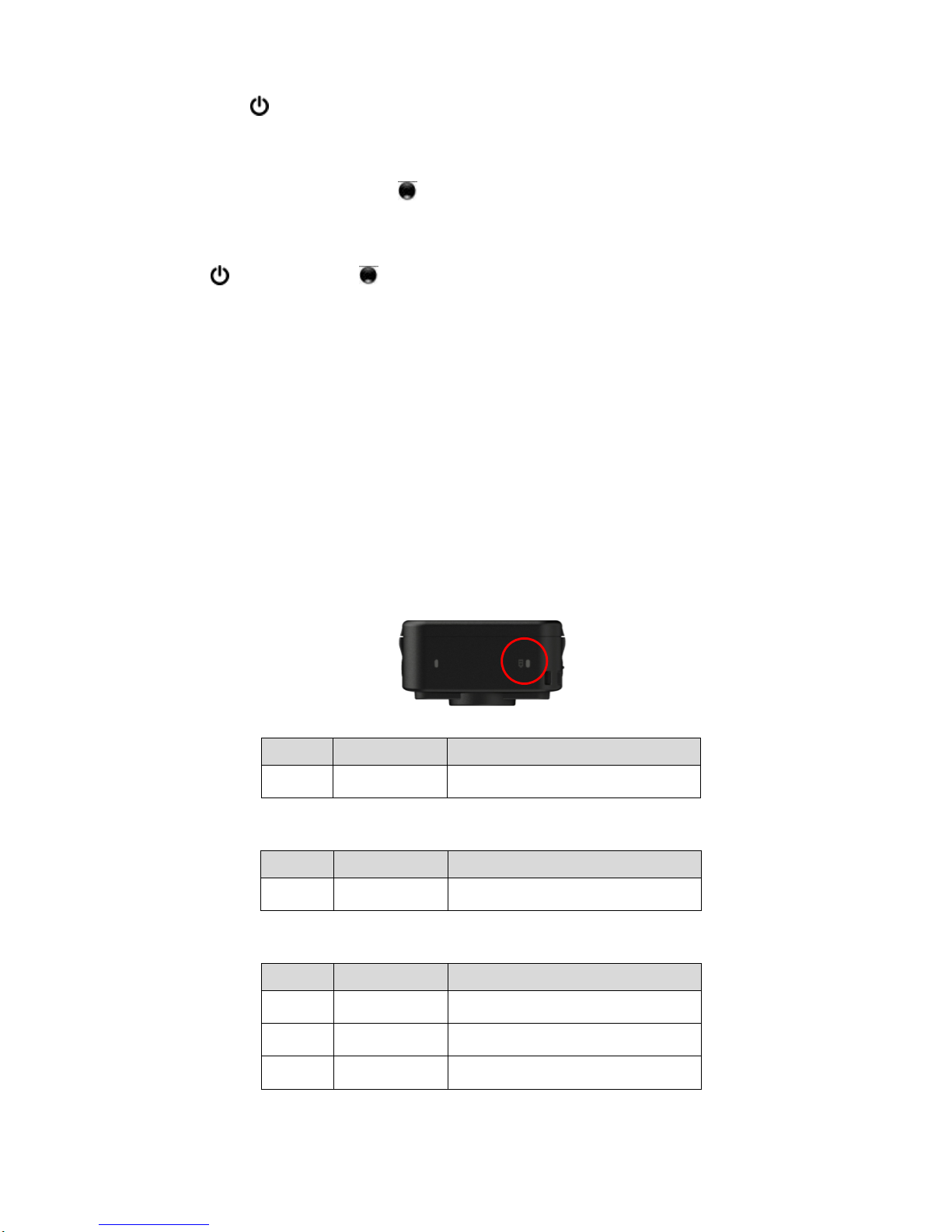
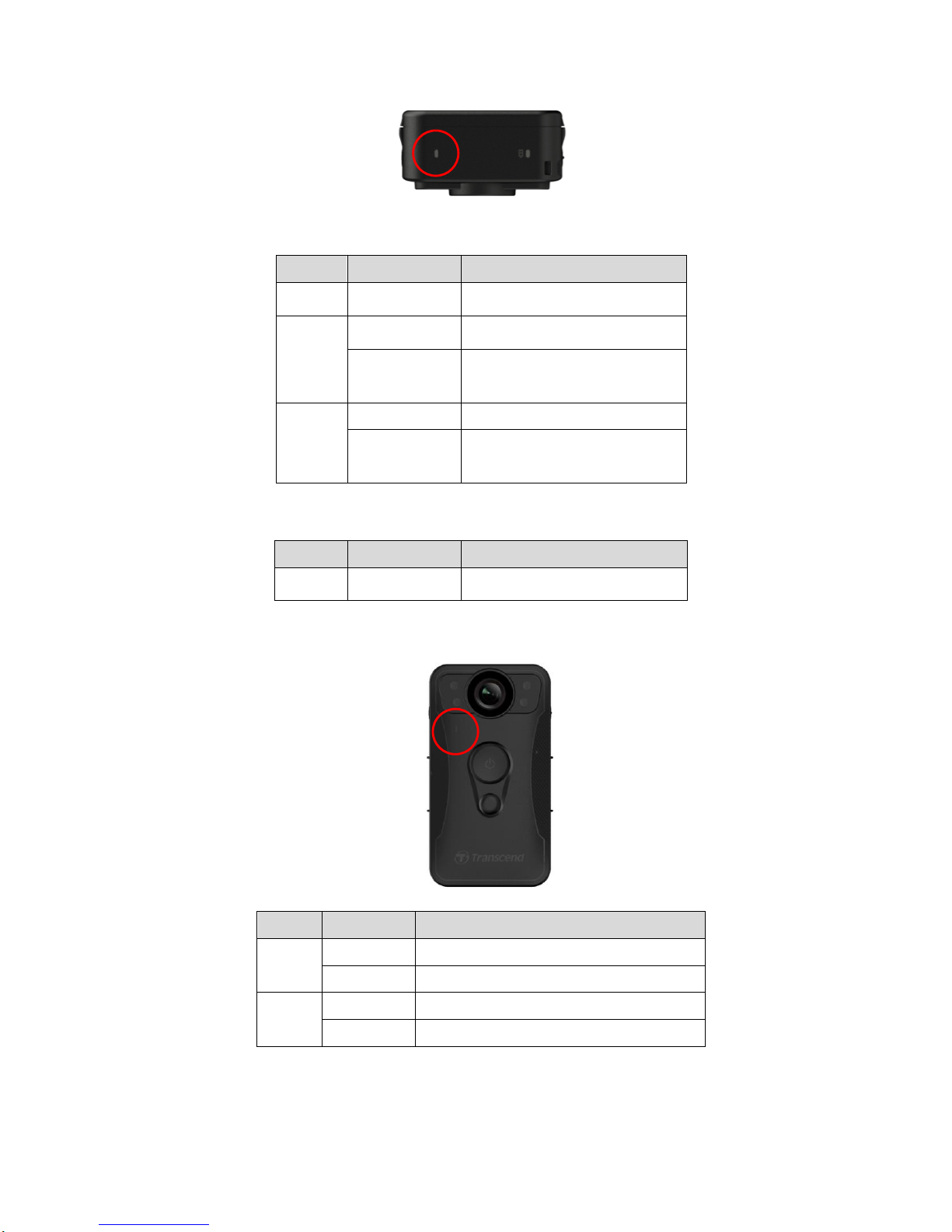
3-2 LED Indicator Table............................................................................................................5
3-3 Charging the DrivePro™ Body 30 ...................................................................................7
4. Recording Videos..........................................................................................................................7
4-1 Buffering Mode....................................................................................................................7
4-2 Recording Mode .................................................................................................................8
4-3 Recording Videos with Infrared LEDs.............................................................................8
5. Taking Photos................................................................................................................................8
6. Using the DrivePro™ Body App .................................................................................................9
6-1 Downloading and Installing the App................................................................................9
6-2 Connecting to the DrivePro™ BodyApp ........................................................................9
6-3 DrivePro™ BodyApp Home...........................................................................................11
6-4 Playing Videos and Browsing Photos ...........................................................................12
6-5 Settings..............................................................................................................................13
7. Using the DrivePro™ Body Toolbox Software........................................................................16
7-1 Status .................................................................................................................................16
7-2 Settings..............................................................................................................................17
7-3 Tools...................................................................................................................................19
7-4 File Manager .....................................................................................................................20
7-5 Preference.........................................................................................................................21
8. Docking Station (Optional).........................................................................................................23
9. Cautions .......................................................................................................................................26
10. IP67 Protection..........................................................................................................................27
11. Package Contents.....................................................................................................................28
12. Specifications ............................................................................................................................30
13. Frequently Asked Questions...................................................................................................31
14. Recycling and Environmental Protection..............................................................................32
15. Two-year Limited Warranty .....................................................................................................33
16. GNU General Public License (GPL) Disclosure..................................................................34
17. End-User License Agreement (EULA) ..................................................................................34
18. Federal Communications Commission (FCC) Statement.................................................. 37