manuals.online logo
Brands
  1. Home
  2. •
  3. Brands
  4. •
  5. UPM
  6. •
  7. Weather Station
  8. •
  9. UPM WS2635 User manual

UPM WS2635 User manual

Other UPM Weather Station manuals

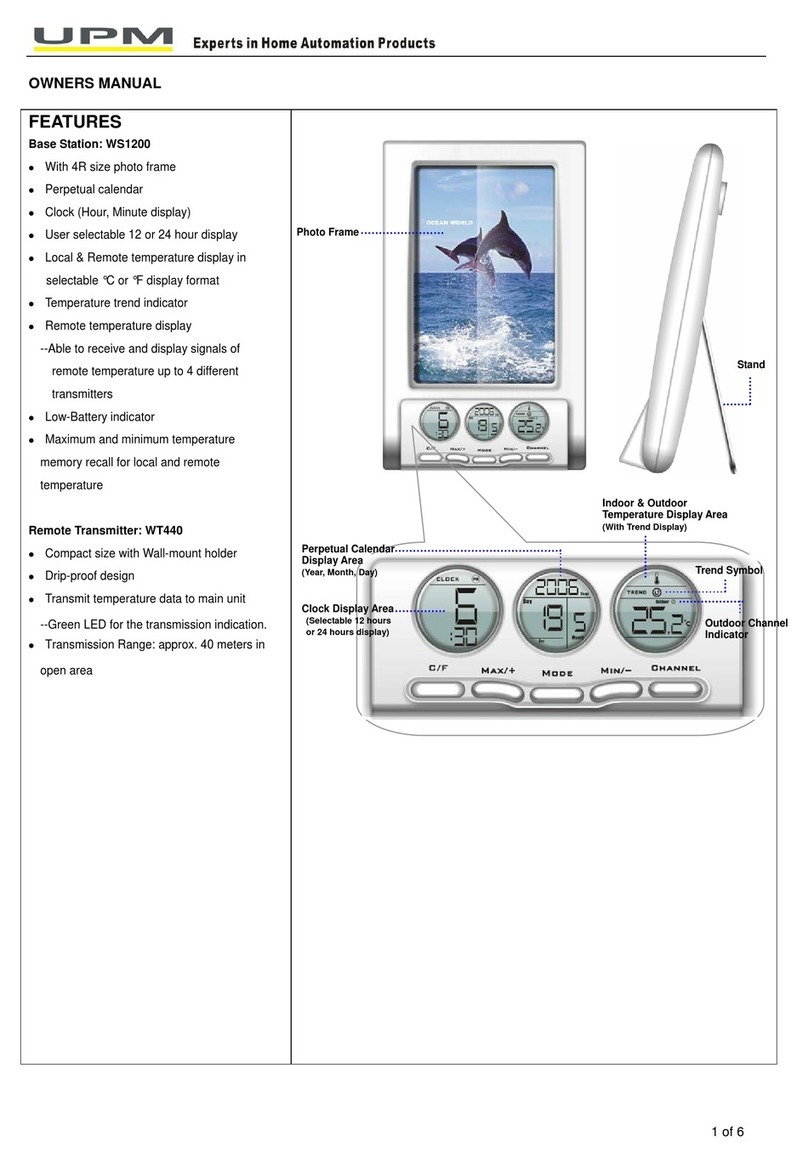
UPM WS1200 User manual

UPM

UPM WS1200 User manual

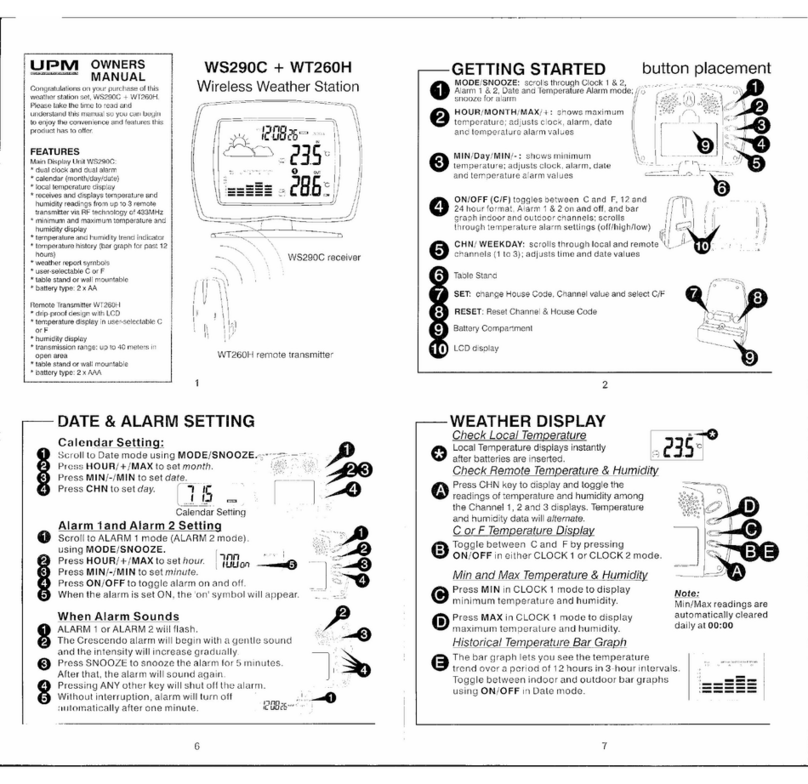
UPM WS290C User manual

UPM

UPM WS290C User manual

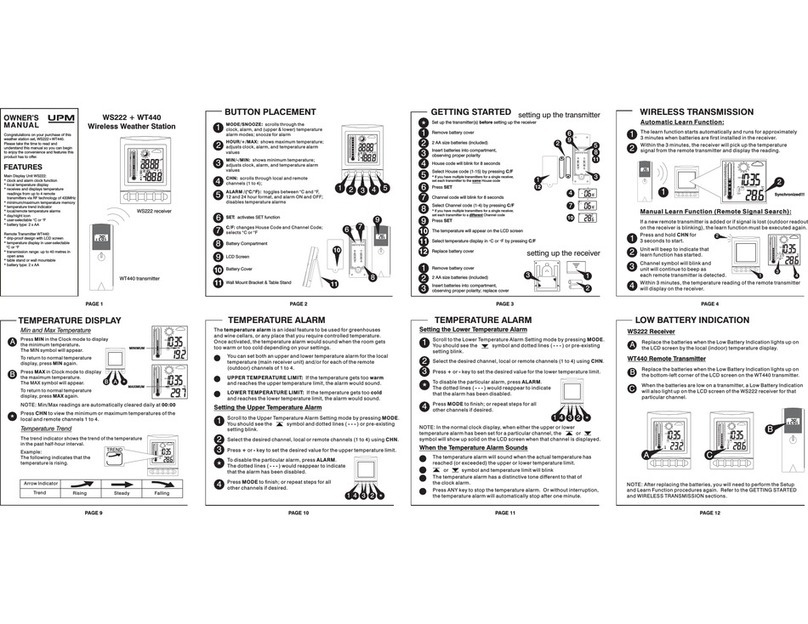
UPM WS222 User manual

UPM

UPM WS222 User manual

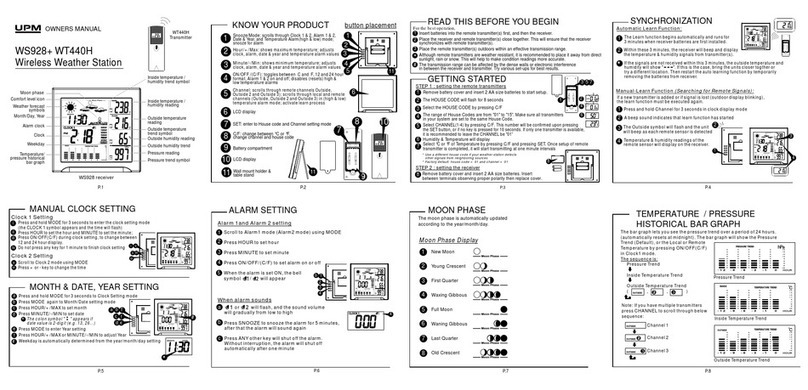
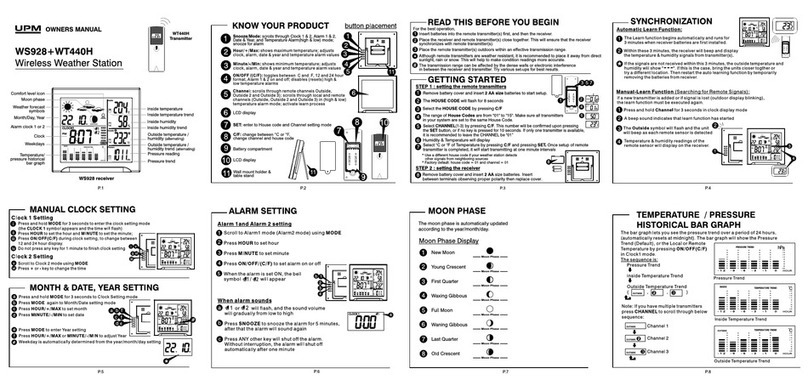
UPM WS928 User manual

UPM

UPM WS928 User manual

UPM WT260H User manual

UPM

UPM WT260H User manual

UPM WS928 User manual

UPM

UPM WS928 User manual

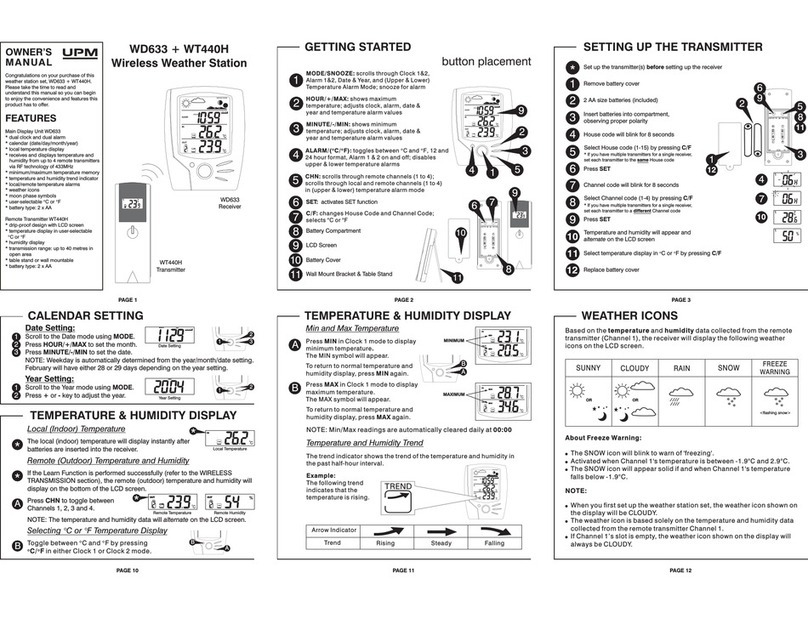
UPM WD633 User manual

UPM

UPM WD633 User manual

Popular Weather Station manuals by other brands

Bresser 7000016000000 instruction manual

Bresser

Bresser 7000016000000 instruction manual

Auriol AHFL 433 A1 operating instructions

Auriol

Auriol AHFL 433 A1 operating instructions

Hyundai WS 2202 instruction manual

Hyundai

Hyundai WS 2202 instruction manual

NexSens G2-HYDROMET quick start

NexSens

NexSens G2-HYDROMET quick start

IROX HBVR761 UV-X user manual

IROX

IROX HBVR761 UV-X user manual

La Crosse Technology C86371 instruction manual

La Crosse Technology

La Crosse Technology C86371 instruction manual

ADE WS 1711 operating instructions

ADE

ADE WS 1711 operating instructions

WAREMA EWFS Weather station eco Operating and installation instructions

WAREMA

WAREMA EWFS Weather station eco Operating and installation instructions

Auriol z29592 Operation and safety notes

Auriol

Auriol z29592 Operation and safety notes

Auriol 296289 Operation and safety notes

Auriol

Auriol 296289 Operation and safety notes

Hyundai WS 2266 instruction manual

Hyundai

Hyundai WS 2266 instruction manual

La Crosse Technology WS-2210 Operation manual

La Crosse Technology

La Crosse Technology WS-2210 Operation manual

La Crosse Technology WS-811561 manual 

La Crosse Technology

La Crosse Technology WS-811561 manual 

Ventus W177 owner's manual

Ventus

Ventus W177 owner's manual

National Geographic VA Colour RC instruction manual

National Geographic

National Geographic VA Colour RC instruction manual

Instant Transmission MA 10410 instruction manual

Instant Transmission

Instant Transmission MA 10410 instruction manual

Lutron Electronics PHB-318 Operation manual

Lutron Electronics

Lutron Electronics PHB-318 Operation manual

Oregon Scientific Alizé BAR266 user manual

Oregon Scientific

Oregon Scientific Alizé BAR266 user manual

manuals.online logo
manuals.online logoBrands
  • About & Mission
  • Contact us
  • Privacy Policy
  • Terms and Conditions

Copyright 2025 Manuals.Online. All Rights Reserved.

Wireless Weather Station
W S 2 6 3 5
R S N U AO W NE ’ MA L
2
TABLE OF CONTENTS
Introduction ................................................................................................3
Diagram reference......................................................................................5
Transmitter setup........................................................................................8
Interference ................................................................................................10
Set channel.................................................................................................11
Receiver setup............................................................................................12
Synchronization..........................................................................................13
Installation ..................................................................................................14
Clock and date setting ...............................................................................15
Alarm clock setting.....................................................................................17
Altitude setting............................................................................................18
Moon phases..............................................................................................19
Temperature and humidity display.............................................................20
Temperature and humidity trend................................................................21
Temperature alarm .....................................................................................22
Wind speed and direction ..........................................................................22
Rain gauge display.....................................................................................26
Atmospheric pressure display ...................................................................27
Atmospheric pressure trend.......................................................................28
Weather forecasting ...................................................................................29
Troubleshooting .........................................................................................31
FCC compliance.........................................................................................32
Specifications .............................................................................................33
Maintenance...............................................................................................34
Warranty .....................................................................................................34

INTRODUCTION
Congratulations on your purchase of this UPM Wireless Weather Station WS2635.
Please take the time to read and understand this manual, to enjoy the features
and convenience of this product.
What is a Weather Station?
A weather station is a device that measures the current weather conditions and
transmits these readings from outdoor sensors to an indoor receiver. Then, based
on these outdoor sensor readings, predicts the upcoming weather forecast for
the next 8-12 hours. The weather forecast is displayed on the receiver as weather
icons, such symbols of the sun, clouds, rain or snow.
Remote transmitters:
- Temperature transmitter (WT440H / Thermometer):
The outdoor temperature sensor transmits an updated wireless signal to the
receiver every minute. The current temperature is then displayed on the receiver,
in either Celsius or Fahrenheit. Additional temperature sensors may also be
placed other locations (such as your greenhouse or wine cellar) to monitor
temperature fluctuations in multiple locations. The receiver is compatible with up
to three remote temperature transmitters, but only one is included in this kit.
- Humidity transmitter (WT440H / Hygrometer):
The concentration of water vapor in the air, at the location of the transmitter, is
displayed as a relative humidity percentage ranging from 15% to 95%. The ideal
‘Comfort Zone’ for the human body ranges from 35 to 65% humidity, so long as
the temperature remains between 18° and 24°C.
3
INTRODUCTION
- Air Pressure (WS2635 / Barometer):
A barometric pressure sensor is located within the receiver unit itself. The
barometer monitors the atmospheric pressure, which is the amount of downward
force exerted by the weight of the air, and is measured in inches of mercury (Hg).
Air pressure fluctuations are an important factor in predicting changes in the
weather.
- Wind speed and direction gauge (WDS500 / Anemometer):
The wind speed and direction is measured by the anemometer sensor, and this
data is wirelessly transmitted to the receiver. The direction of the wind is
displayed on a digital compass and the speed is given in km/h or mph.
- Rain level gauge (RD700 / Pluviometer):
The rainfall is measured and recorded by the rain gauge; it can be displayed in
millimeters or in inches by the receiver. The rain gauge gathers precipitation until
its inner "tipping bucket" mechanism is full, then the bucket tips and the liquid is
released. Every minute, the rain gauge calculates the number of times the bucket
has tipped; then transmits this data to the receiver. The total accumulated rainfall
(for the last hour, the present day, or for the previous day) may be displayed.
4
DIAGRAM REFERENCE
Receiver layout - (refer to the diagram sheet)
See diagram A
1. MODE : to scroll through clock, alarm, altitude and temperature alarm
(high & low) setting modes.
2. HOUR/+ : to view the rainfall history; adjust clock, alarm, date, altitude, year
and temperature alarm values.
3. MINUTE/– : to view the rainfall & wind speed, adjust the clock, alarm,
date, altitude, year and temperature alarm values.
4. CHN : to scroll through - local or remote channels 1, 2 or 3 (in high & low
temperature alarm mode); to activate the learning procedure; to change the
weekday setting in alarm mode; to toggle between ºC and ºF temperature
display.
5. : to activate the backlight (once activated, the backlight on will stay on for
6 seconds.); to show Min and Max records; toggle between 12 and 24 hour
format, to turn the alarm on and off; to disable (reset) high & low temperature
alarms; to snooze the alarm; to set the altitude unit.
6. Wall-mount holder
7. Tilted stand
5
Receiver LCD display - (refer to the diagram sheet)
See diagram B
1. Rain fall records in mm/inches
2. Wind speed in km/h or mph
3. Wind direction
4. Animated weather forecast symbols
5. Clock (HH:MM)
6. Alarm on icon
7. Radio controlled clock icon and time zone selection map
8. Moon phase display
9. Weekday
10. Pressure historical graph
11. Month/Day
12. Pressure reading
13. Pressure trend
14. Outdoor temperature and humidity reading
15. Outdoor temperature trend
16. Indoor temperature and humidity reading
17. Indoor temperature trend
6
DIAGRAM REFERENCE
7
Temperature / Humidity remote sensor (WT440H)
See diagram C
1. SET: to enter house code and channel setting mode.
2. C/F: change between Cº or Fº temperature display,
to adjust the channel and house code
3. Remote channel number (1-3)
4. Alternating outdoor temperature/humidity display
Wind Gauge (Anemometer & Wind vane )
See diagram D
1. Wind vane
2. Wind gauge’s body and sensor
3. Battery compartment
4. Wind cups
5. Mounting pole
6. Wind gauge base
Rain gauge (Pluviometer)
See diagram E
1. Base
2. Sensor
3. Funnel
DIAGRAM REFERENCE
8
TRANSMITTER SETUP
Before following the steps below, make sure you have the following items:
- Compass (not included)
- 9 x AA batteries (included)
- 10 screws (included)
Setting the wind gauge
The wind gauge is a sensor that transmits the wind speed and the direction to
the receiver.
1. To install, (see diagram F)
2. There are 3 methods to mount the wind gauge (See diagram H).
If you are installing the shaft in a horizontal position, remove the cap first.
Note: 4 plugs are provided to screw the wind gauge’s plate to a
concrete or brick surface.
Note: Before mounting, you must use a compass to align the “N”marking on
the plate of the wind gauge so that it is facing north (see diagram I).
To see the North marking, you must temporarily remove the wind gauge fin.
This step is necessary to indicate the correct wind direction.
3. Mounting the wind gauge (see diagram I)
Note: Mount the wind gauge in an open space, as high as possible and
without any nearby walls or obstacles, in the direct flow of the wind.
- attatch the cups to the wind sensor body with the 3mm x 8mm screws.
- make sure the top of the wind gauge is stable and level.
- To enure the most accurate readings, make sure that the wind cup and the fin
are freely mobile.
9
- When the wind gauge's batteries are low, the following symbol will display on
the receiver, under the wind speed display:
Setting the rain gauge sensor
The rain gauge is an individual sensor that transmits rainfall to the receiver and
measures the total rainfall and precipitation history.
1. To insert batteries into the rain gauge(see diagram G)
2. To view possible locations to install the rain gauge. (See diagram H)
3. To fasten the rain gauge with 2 screws (see diagram J)
Note: The rain gauge gathers precipitation, until it's inner "tipping bucket"
mechanism is full, then the bucket tips and the liquid is released. So place
the unit in a location where the water can be safely released. To obtain
accurate precipitation readings, there should be no obstacles (walls, trees, etc...)
close to the rain gauge. When the rain gauge’s batteries are low, the following
indicator will display on the receiver under the rain fall display:
Setting the temperature / humidity remote sensor
1. Remove the detachable cover at the back of the unit.
2. Use a screwdriver to open the battery door, located at the back of the unit.
3. Insert 2 AA batteries according to the indicated polarity.
4. Close the battery compartment and re-insert the screw. The remote sensor
will now display the outdoor temperature and humidity alternatively.
5. To toggle between ºC/ºF temperature display, press the ºC/ºF key.
(Diagram C [2])
TRANSMITTER SETUP
10
INTERFERENCE
Interference occurs when radio waves or electronic signals are blocked or
interrupted by consumer electronic products. In the case of a weather station,
the signal from the transmitter to the receiver may be interrupted by a wireless
telephone, or other electronic equipment. Additionally, if your next door neighbor
is operating a similar weather station, your receiver might pick up a signal from
their temperature sensor by mistake. The solution to undesired interference is to
set your temperature sensor(s) on a specific frequency (or house code) which
ranges from 1-15. (This house code setting may be applied to the temperature/
humidity transmitter (WT440H) only, not to the wind or rain gauges in this kit.)
Setting the House Code
The house code is the frequency signal sent by the remote sensor to the
receiver. If the receiver experiences signal interference, you will need to set the
remote sensor to a different house code (default setting = 1).
After inserting the batteries, the house code will flash for 8 seconds. Select a
house code (1-15) by pressing ºC/ºF (Diagram C [2]) and then press SET
(Diagram C [1]). The remote sensors for each receiver must be set to the
same house code.