ShenZhen V-Sun Electronics Co., Ltd
2
Table of Contents
Chapter 1 Welcome to Use It ............................................................................................................3
1.1 About the Product................................................................................................................3
1.2 Safety Considerations..........................................................................................................3
1.2.1 Storage Considerations.............................................................................................3
1.2.2 Batteries Operating Instructions...............................................................................3
1.2.3 Whole System Operating Instructions......................................................................3
1.2.4 Charger Operating Instructions................................................................................4
1.2.5 Maintenance Considerations....................................................................................4
1.2.6 Network Service.......................................................................................................4
1.3 About GPS...........................................................................................................................4
1.3.1 GPS Definition.........................................................................................................4
1.3.2 About Signals...........................................................................................................5
1.3.3 About the Search System..........................................................................................5
1.4 Maintenance and Repair......................................................................................................5
Chapter 2 General Introduction.........................................................................................................6
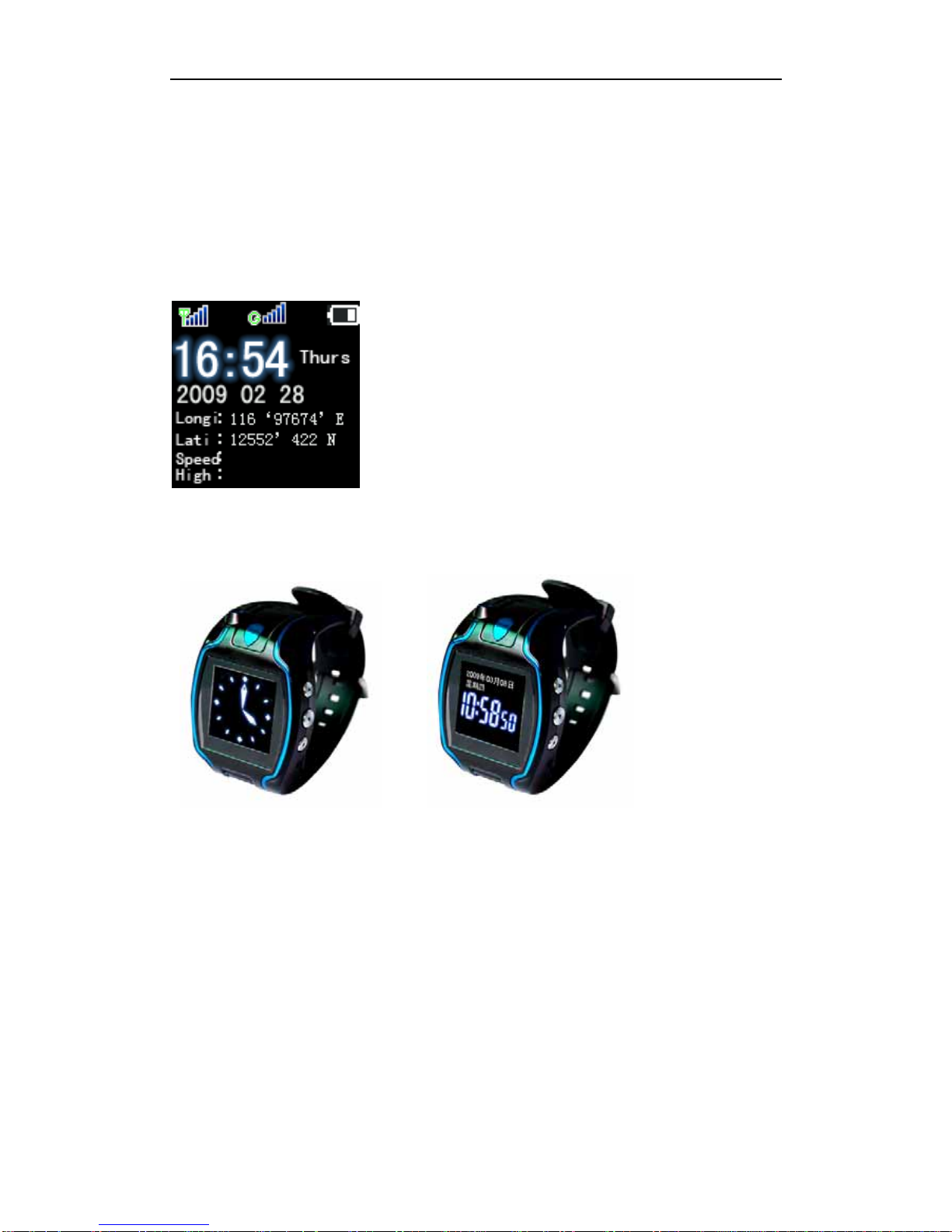
2.1 Appearance..................................................................................................................................6
2.2 Functions.............................................................................................................................6
2.3 Hardware.............................................................................................................................6
2.4 Appearance Introduction .....................................................................................................6
Chapter 3 Accessories.......................................................................................................................8
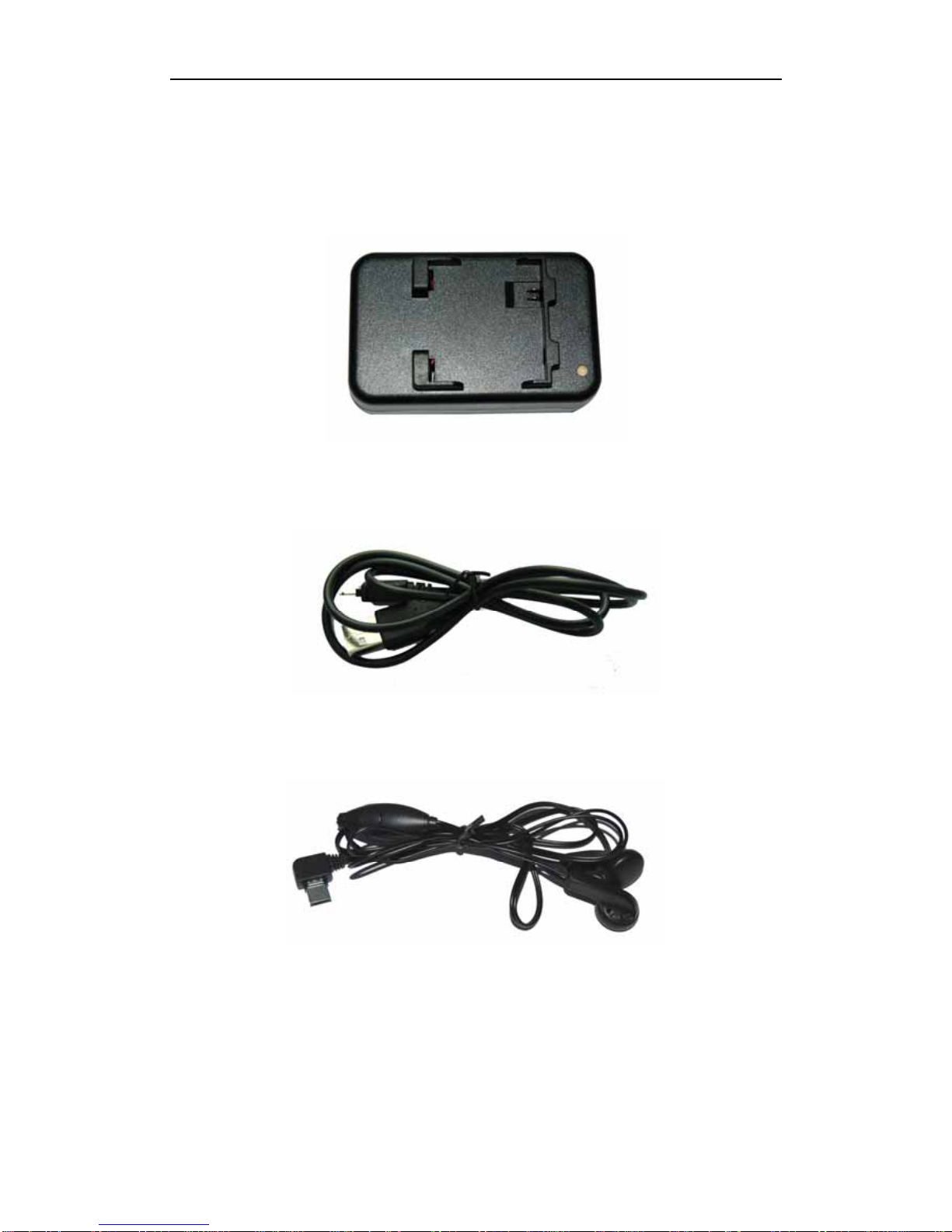
3.1 Desktop battery charger (1).................................................................................................8
3.2 Charger cable (1).................................................................................................................8
3.3 Earphone (1)........................................................................................................................8
3.4 Batteries (2).........................................................................................................................9
Chapter 4 Product Definition..........................................................................................................10
4.1 Interface Definition...........................................................................................................10
Chapter 5 Before use.......................................................................................................................11
5.1 Charging............................................................................................................................11
5.2 Buy the SIM Card .............................................................................................................11
5.3 Insert the SIM card............................................................................................................11
Chapter 6 How to use......................................................................................................................12
6.1 Keys and Jacks..................................................................................................................12
6.2 Operation...........................................................................................................................12
6.2.1 Turn On ..................................................................................................................12
6.2.2 Turn Off..................................................................................................................12
6.2.3 Interface Shift.........................................................................................................12
6.2.4 Emergency Alarm...................................................................................................12
6.2.5 Terminal Active Dial-up.........................................................................................13
6.2.6 Calling and Auto-answer........................................................................................13
6.2.7 point to point query……………………………………………………………….15