manuals.online logo
Brands
  1. Home
  2. •
  3. Brands
  4. •
  5. ViewZ
  6. •
  7. IP Camera
  8. •
  9. ViewZ VZ-FBC-1 User manual

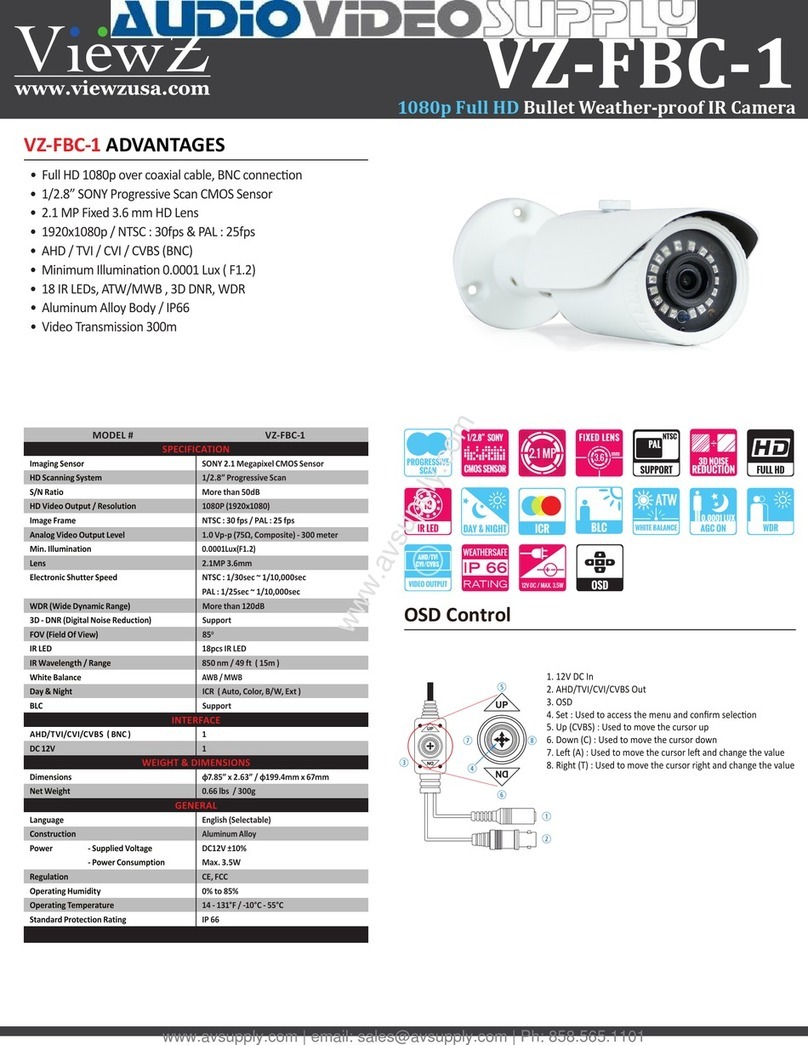
ViewZ VZ-FBC-1 User manual

Other ViewZ IP Camera manuals

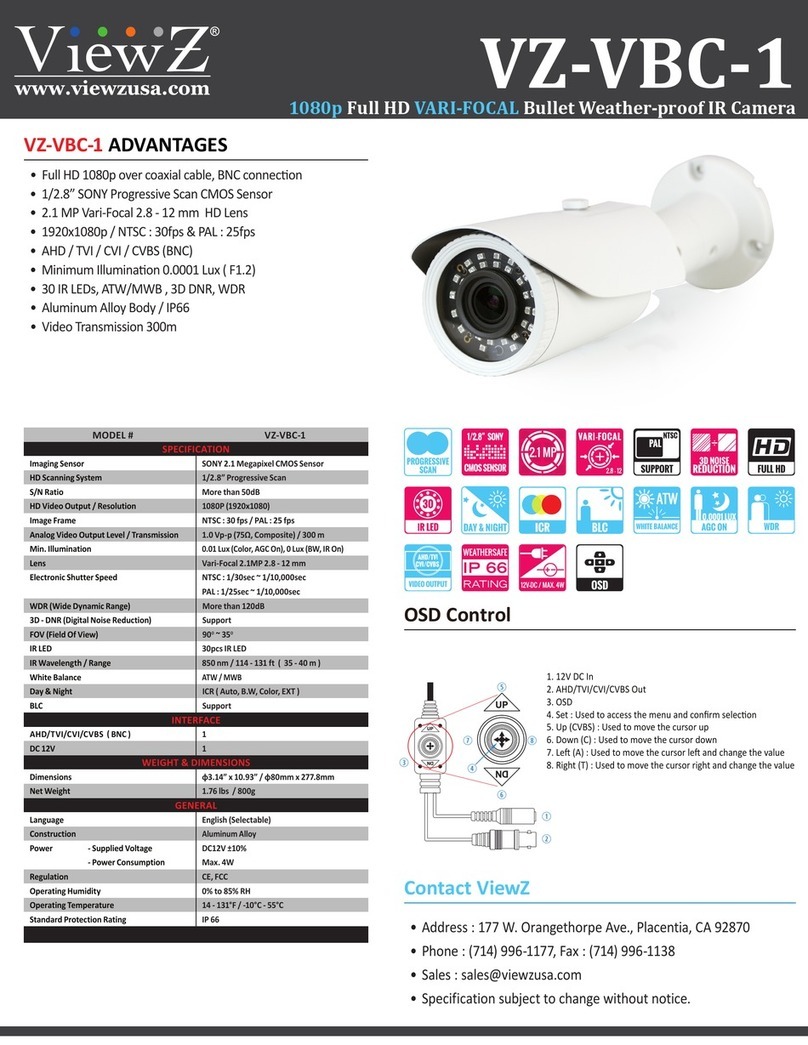
ViewZ VZ-VBC-1 User manual

ViewZ

ViewZ VZ-VBC-1 User manual

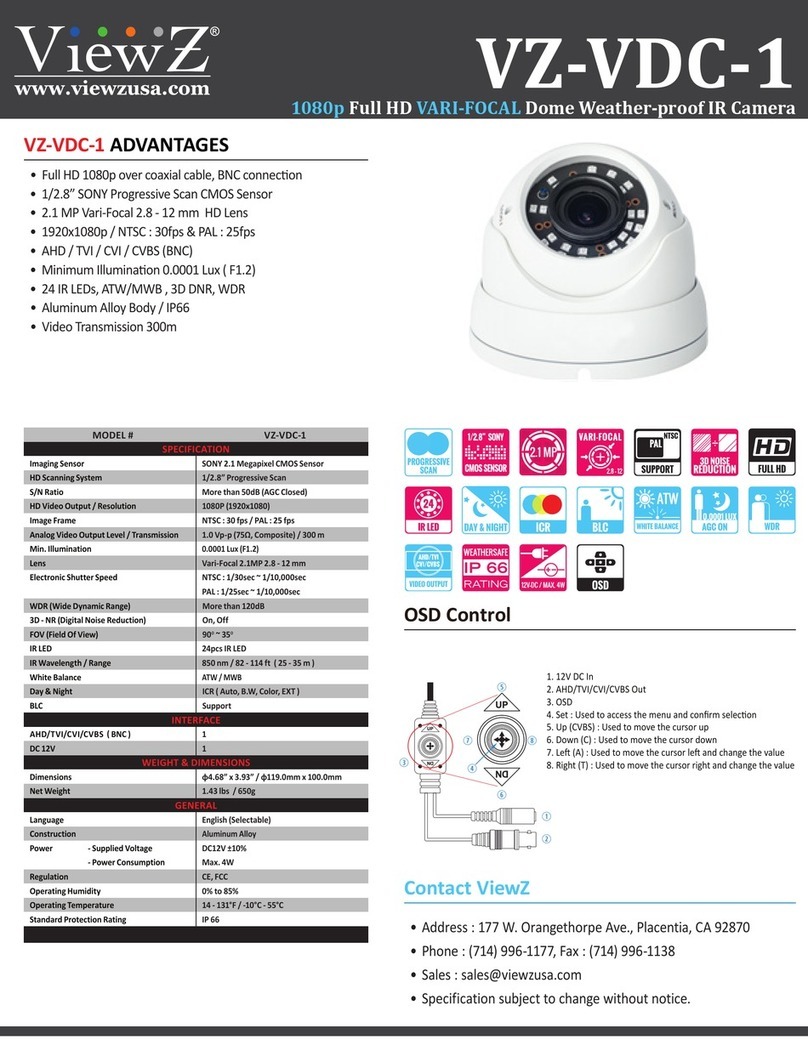
ViewZ VZ-VDC-1 User manual

ViewZ

ViewZ VZ-VDC-1 User manual

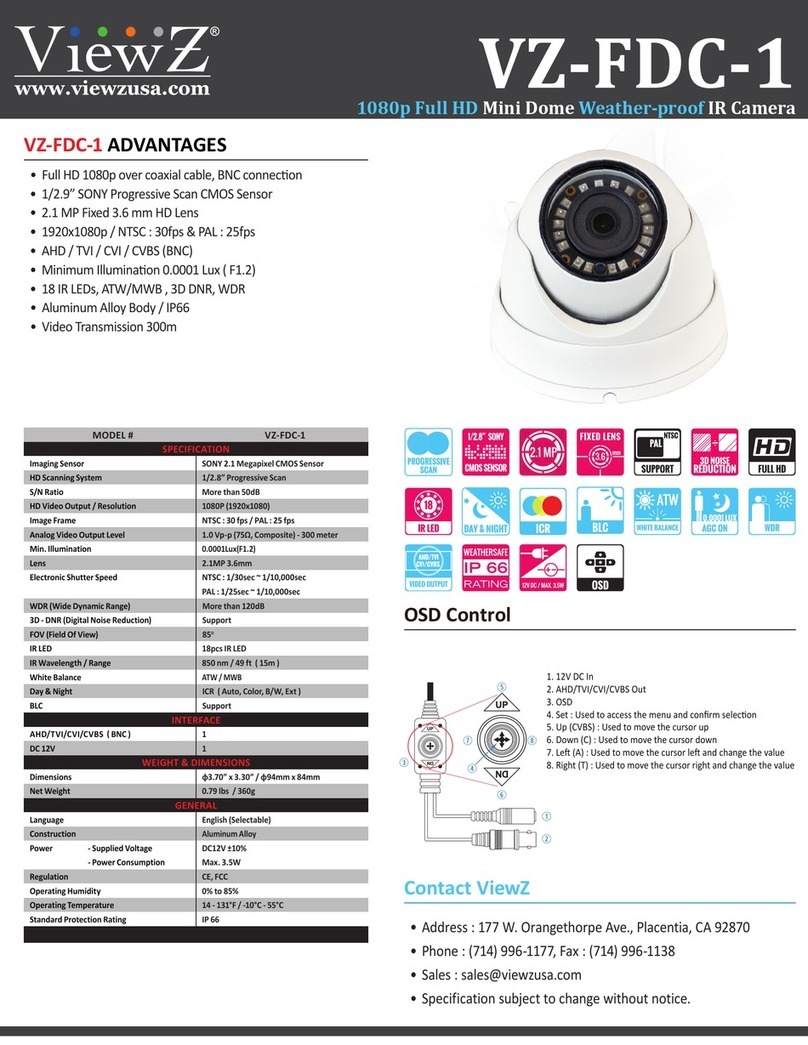
ViewZ VZ-FDC-1 User manual

ViewZ

ViewZ VZ-FDC-1 User manual

ViewZ VZ-FBC-1 User manual

ViewZ

ViewZ VZ-FBC-1 User manual

Popular IP Camera manuals by other brands

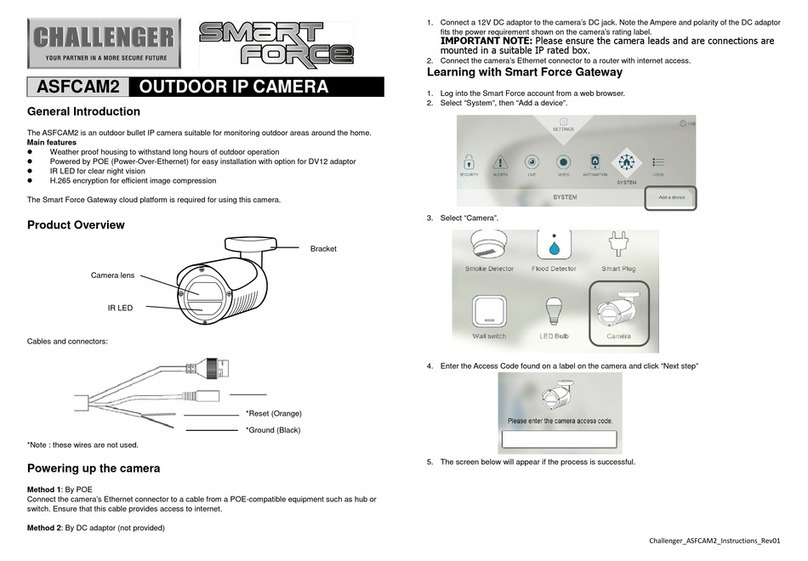
Challenger Smart Force ASFCAM2 quick start guide

Challenger

Challenger Smart Force ASFCAM2 quick start guide

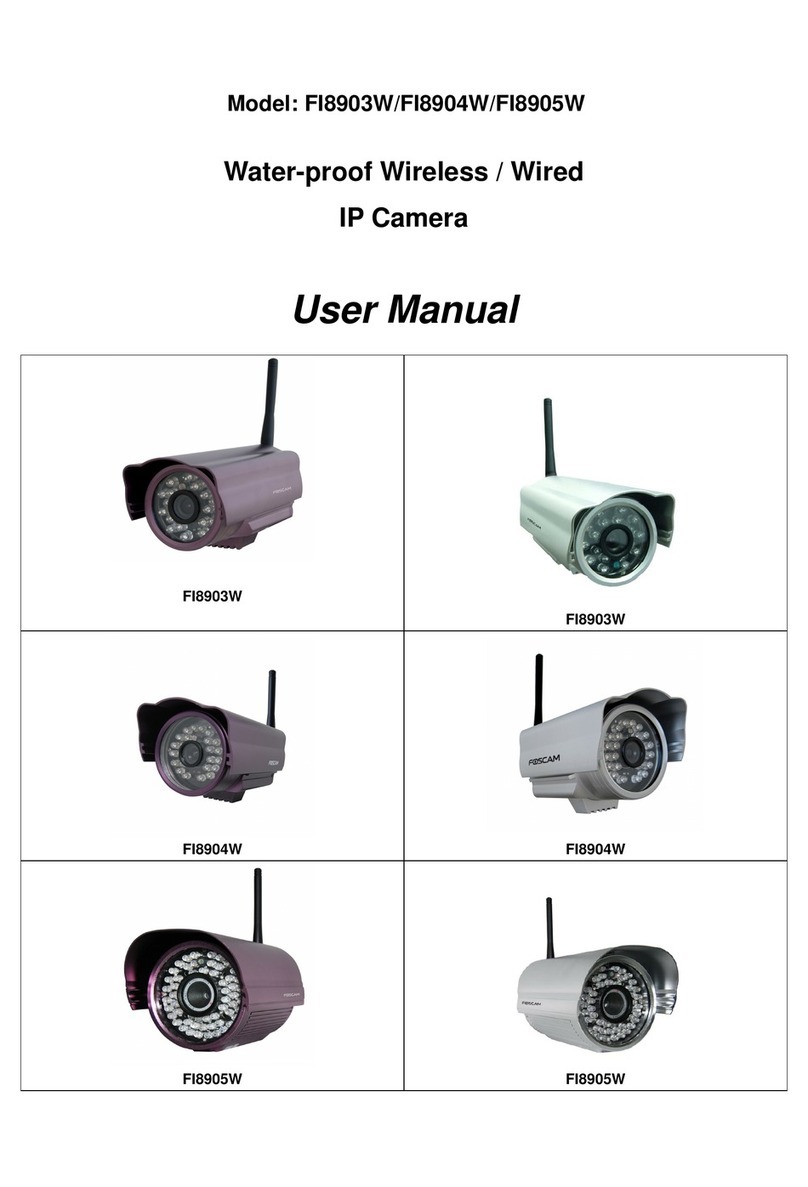
Foscam FI8903W user manual

Foscam

Foscam FI8903W user manual

BenQ DVY22 user manual

BenQ

BenQ DVY22 user manual

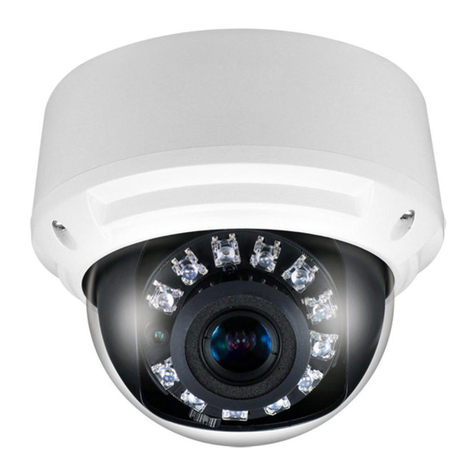
Avigilon H4A-BO1-IR installation guide

Avigilon

Avigilon H4A-BO1-IR installation guide

Digital Watchdog DWCA-C128-64 manual

Digital Watchdog

Digital Watchdog DWCA-C128-64 manual

Ganz ZN8 Series user manual

Ganz

Ganz ZN8 Series user manual

ShareTech AV1 user manual

ShareTech

ShareTech AV1 user manual

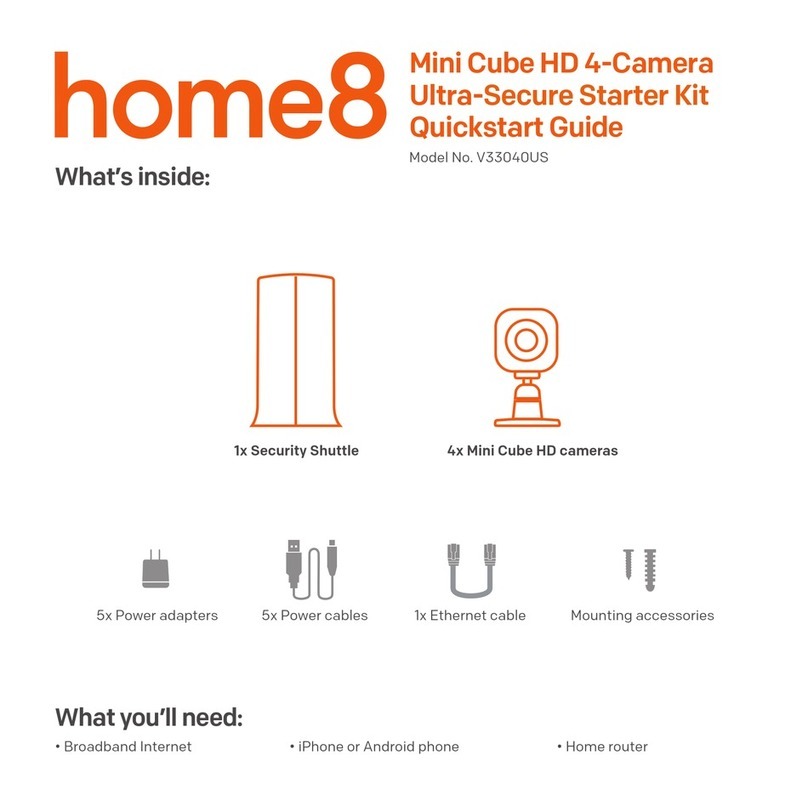
HOME8 V33040US quick start guide

HOME8

HOME8 V33040US quick start guide

Ezviz C6C quick start guide

Ezviz

Ezviz C6C quick start guide

Melchioni UCAM 2015 manual

Melchioni

Melchioni UCAM 2015 manual

Zxtech Tropox user manual

Zxtech

Zxtech Tropox user manual

Arecont Vision MegaBall AV3146DN-3310-D-LG installation manual

Arecont Vision

Arecont Vision MegaBall AV3146DN-3310-D-LG installation manual

Mitel 6800i Series Administrator's guide

Mitel

Mitel 6800i Series Administrator's guide

Vitek VTC-IR403-212NP quick start guide

Vitek

Vitek VTC-IR403-212NP quick start guide

THOMSON DSC - 323W user guide

THOMSON

THOMSON DSC - 323W user guide

ACTi TCM-5311 Hardware user manual

ACTi

ACTi TCM-5311 Hardware user manual

Eneo MCB-64A0003M0A Quick installation guide

Eneo

Eneo MCB-64A0003M0A Quick installation guide

deView electronics CBDNI36F instruction manual

deView electronics

deView electronics CBDNI36F instruction manual

manuals.online logo
manuals.online logoBrands
  • About & Mission
  • Contact us
  • Privacy Policy
  • Terms and Conditions

Copyright 2025 Manuals.Online. All Rights Reserved.

Imaging Sensor
MODEL #
SPECIFICATION
INTERFACE
SONY 2.1 Megapixel CMOS Sensor
VZ-FBC-1
More than 50dB
2.1MP 3.6mm
1

1/2.8” Progressive Scan

NTSC : 30 fps / PAL : 25 fps


AWB / MWB
18pcs IR LED


Aluminum Alloy

1

S/N Ratio
Analog Video Output Level
Lens

HD Scanning System
HD Video Output / Resolution
Image Frame
Min. Illumination
Electronic Shutter Speed
White Balance

Day & Night


IR LED
IR Wavelength / Range
Language
Construction
Regulation
DC 12V

0.66 lbs / 300g
14 - 131°F / -10°C - 55°C
0% to 85%
IP 66
DC12V ±10%
Max. 3.5W
Dimensions
Net Weight
Operating Temperature
Operating Humidity
Standard Protection Rating
Power - Supplied Voltage
- Power Consumption
GENERAL
WEIGHT & DIMENSIONS
Contact ViewZ
• Address : 177 W. Orangethorpe Ave., Placentia, CA 92870
• Phone : (714) 996-1177, Fax : (714) 996-1138
• Specification subject to change without notice.
• Sales : s[email protected]
• 2.1 MP Fixed 3.6 mm HD Lens
• 1/2.8” SONY Progressive Scan CMOS Sensor
• 1920x1080p / NTSC : 30fps & PAL : 25fps
VZ-FBC-1
OSD Control
1080p Full HD Bullet Weather-proof IR Camera
More than 120dB

Support
85
VZ-FBC-1 ADVANTAGES
• 
1. 12V DC In
2. AHD/TVI/CVI/CVBS Out
3. OSD

5. Up (CVBS) : Used to move the cursor up
6. Down (C) : Used to move the cursor down
7. 
8. Right (T) : Used to move the cursor right and change the value
r
t
y
q
w
e
iu
• 18 IR LEDs, ATW/MWB , 3D DNR, WDR
• AHD / TVI / CVI / CVBS (BNC)
• 
• Aluminum Alloy Body / IP66
• Video Transmission 300m
BLC Support
INSTALLATION
DIMENSIONS
Contact ViewZ
• Address : 177 W. Orangethorpe Ave., Placentia, CA 92870
• This device may not cause harmful interference
• This device must accept any interference received, including interference
that may cause undesired operation.
• Phone : (714) 996-1177, Fax : (714) 996-1138
• Specification subject to change without notice.
• Sales : s[email protected]
PRECAUTIONS
REGULATORY NOTICE
Do not use the camera if fumes, smoke or a strange odor is emitted from
the unit, or if it seems to not function correctly. Disconnect the power source
immediately and consult your supplier.
1. Remove visor from camera to aid simpler installation.
2. Use drill template as to guide to drill and attach camera to surface as
required. Holes on bracket are 120 degree apart, so three holes are
required.
3. Connect Power & BNC output, check device working.
4. Using the Allen ranch, you can set left-right up/down and lock into
place. The rear position rotation allows turning of angle turn anti-
clockwise to loosen.
5. Adjust zoom & focus using small flat blade. (Vari-focal model only)
6. Replace the sun visor if removed from step 1. Check IR LEDs are
working by covering the photocell of camera, the IR LEDs will give a
faint red glow. (Don’t look at IR LEDs for long periods of time. It can
damage your eyes)
Locking Screw
Rotation LockAllen Ranch
Drill Template
Wall Plugs S7 x 26mm 3pcs
Fitting Screws PA4 x 24mm 3pcs
DC 12V
BNC
Always follow the instructions in the installation guide when applying
power. Fire and equipment damage can occur if power is applied
incorrectly. For the correct power supply, refer to the specification sheet.
If installed close to a TV, radio transmitter, magnet, electric motor
transformer or audio speakers the magnetic field generated may interfere
with or distort the image.
Do not install or operate in small, unventilated areas. Heat build up can
significantly reduce the performance and operating life of the product and may
cause a fire.
Whether or not the camera is used outdoors, never point it toward the
sun. Use caution when operating the camera in the vicinity of spot lights or
other bright lights and light reflecting objects.
This device complies with part 15 of the FCC Rules.

To prevent damage, do not drop the camera or subject it to strong shock or
vibration.
Do not use the camera in extreme environments where high temperatures or
high humidity exists. Use the camera under conditions where temperatures are
between 14°F ~ 131°F (-10°C ~ 55°C), and humidity is below 80%.
VZ-FBC-1
1080p Full HD Bullet Weather-proof IR Camera
B
D
F
C
E
G
7.85” / 199.4mm
2.63” / 67mm
4.29” / 109.0mm