- 5 -
5
On a windows based computer you will be able to use ‘Hyperterminal’ (free with Windows). For PDA or
Pocket PC you can use several communication programs that can be downloaded from the internet like
‘ZTERM for Pocket PC’ (http://www.coolstf.com/ztermppc).
When you receive the unit, we recommend configuring the unit functions and setup using the Personal setup
configuration program. The WTGAT has many functions that will allow the unit to operate for different user
applications including security and continues tracking using SMS or GPRS.
VERY IMPORTANT:
Before you can start using the WTGAT the battery will need to be charged. The battery can be charged with
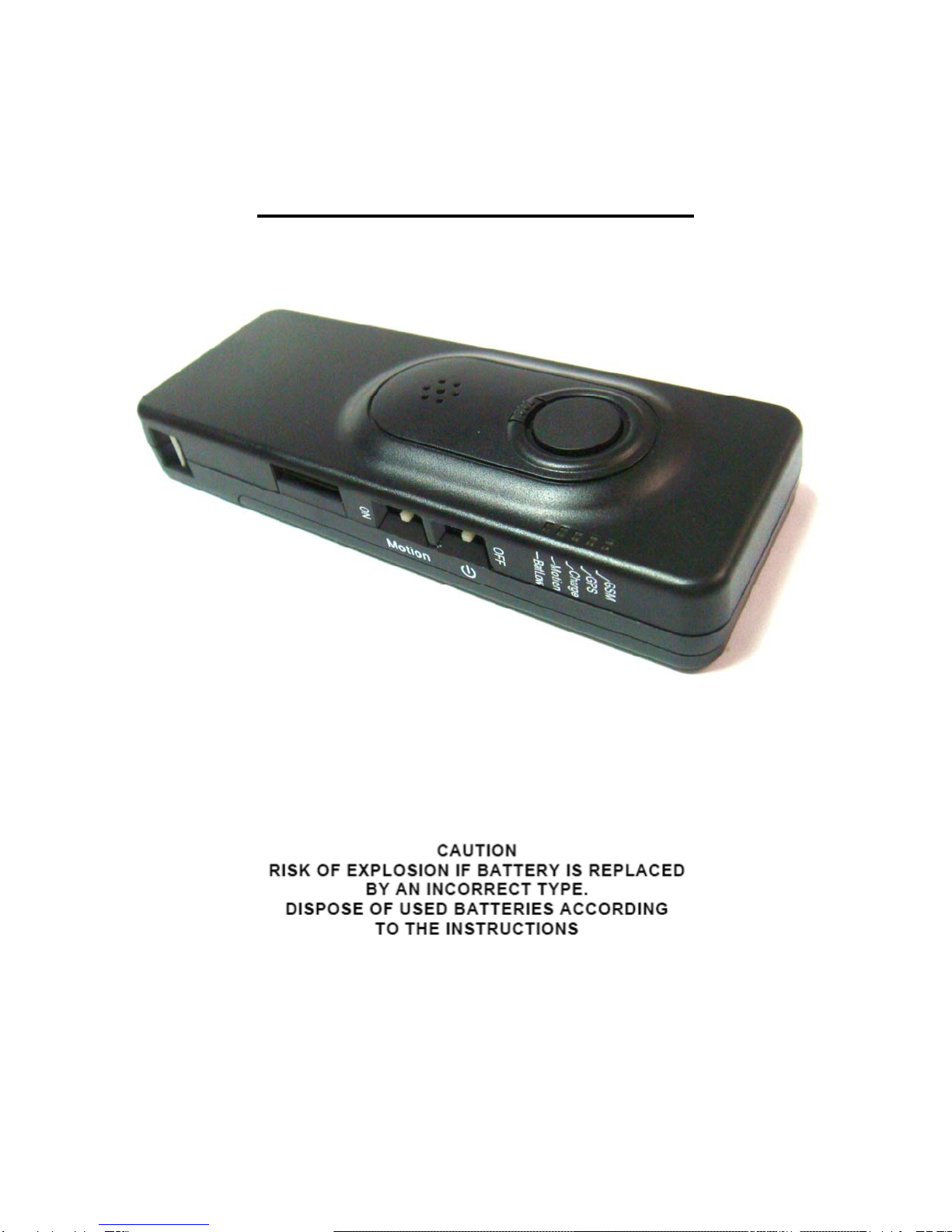
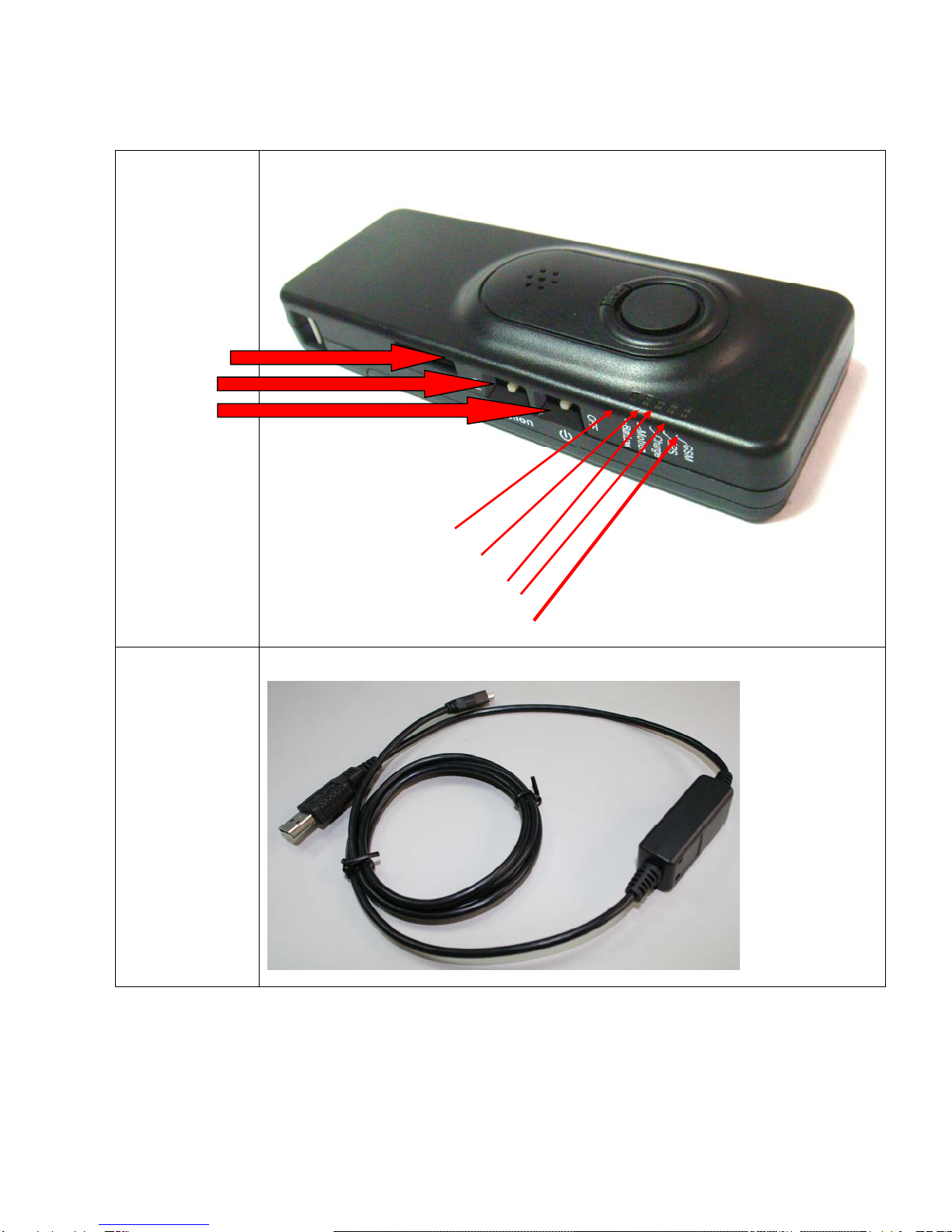
the unit powered on or off. The power on switch is located on the side off the unit.
Disconnect external battery charge or communication cable first before powering down the unit.
The build in battery charger automatic charges the battery whenever you connect to the battery charger.
When you power on the unit 3 leds will flash for about 1-2 seconds.
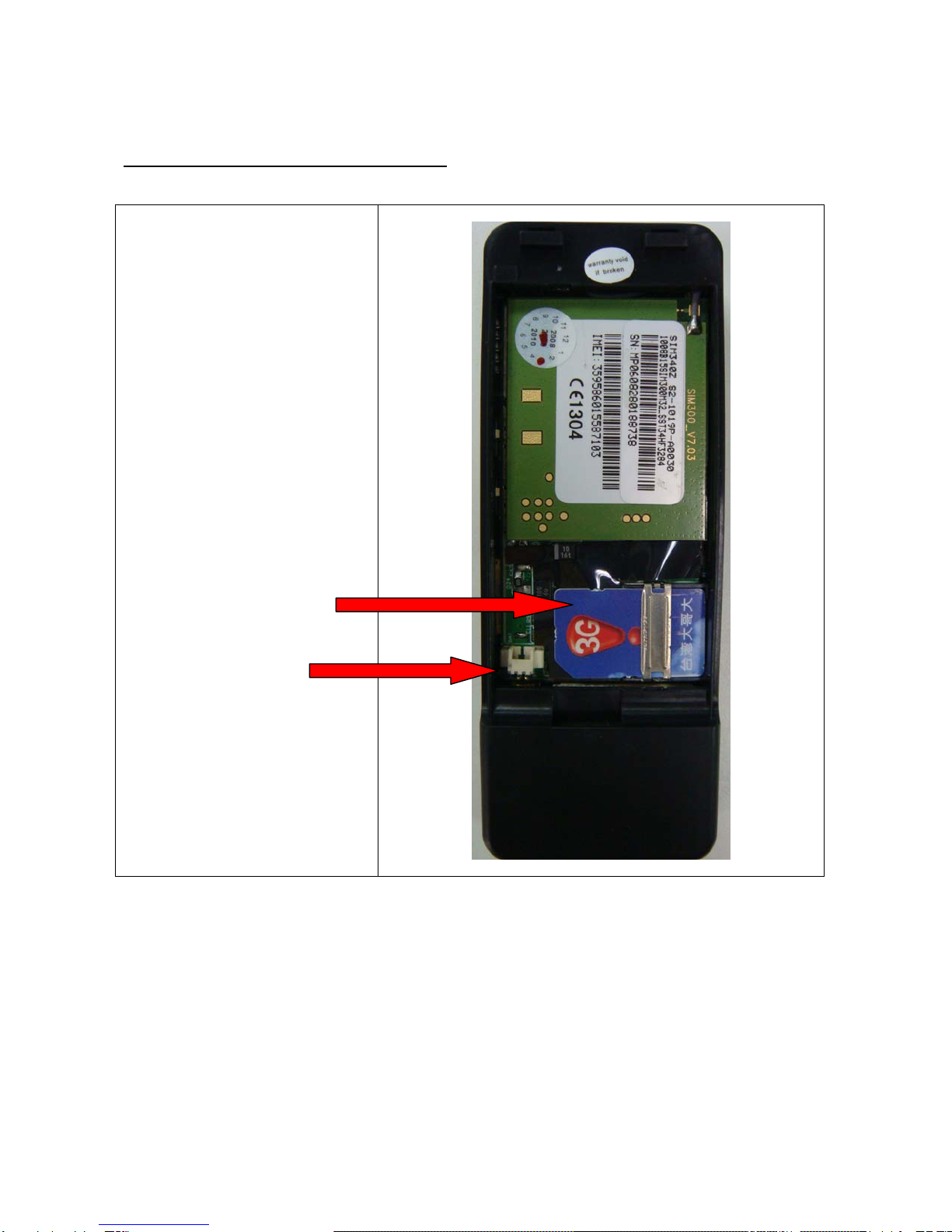
At startup the WTGAT will test memory, GPS module, GSM module and if sim card is installed.
The WTGAT cannot operate without sim card installed.
The 5 leds on the WTGAT have the following functions:
Yellow led
This is the GSM status led.
The LED will be OFF when there is NO GSM signal.
The LED will be ON if the GSM module OK and has GSM signal or is in sleep mode (except deep sleep
mode).
If blinking the GSM module is in test mode.
During diagnostic startup the GSM led will flash.
Green led
This is the GPS status led.
If off the GPS module is powered down.
If on then the GPS module has power, but non-valid GPS location.
If blinking the GPS module has power and valid GPS location.
Red led1
This is the Battery status led.
If off and charger is connected then battery is fully charged.
If on then battery is charging.
Blue led
This is the Park, Motion or status LED when Panic input is configured to pickup and hang up Voice call (Park
or Motion function can be configured using the configuration menu program).
If off the Park, Motion or 24H no movement detection is off.
If ON then Park, Motion or 24H no movement detection is on.
If flashing then Voice call active or Panic input activated.
Red led2
This is the low Battery status led.
If off then battery power OK.
If on then battery power is low.