manuals.online logo
Brands
  1. Home
  2. •
  3. Brands
  4. •
  5. Acroprint
  6. •
  7. Relay
  8. •
  9. Acroprint Signal and Access Relay Box User manual

Acroprint Signal and Access Relay Box User manual

This manual suits for next models

1

Popular Relay manuals by other brands

Woodward BU1-DC2 manual

Woodward

Woodward BU1-DC2 manual

ABB SSR32 product manual

ABB

ABB SSR32 product manual

Siemens SIRIUS 3UG4633 operating instructions

Siemens

Siemens SIRIUS 3UG4633 operating instructions

Siemens SIRIUS 3TK2824 A.20 Series Original operating instructions

Siemens

Siemens SIRIUS 3TK2824 A.20 Series Original operating instructions

Shelly Pro Series user manual

Shelly

Shelly Pro Series user manual

GE MVAX 11 Technical manual

GE

GE MVAX 11 Technical manual

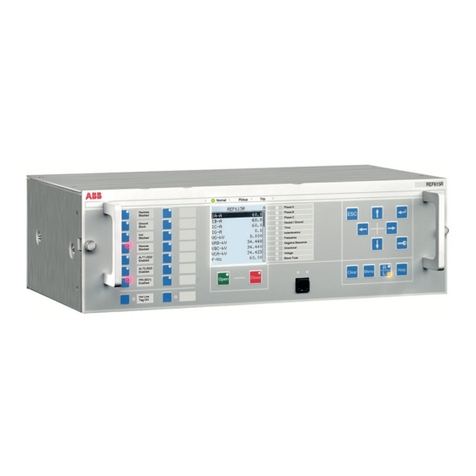
ABB RELION REF615R manual

ABB

ABB RELION REF615R manual

Kemo Electronic B197 quick guide

Kemo Electronic

Kemo Electronic B197 quick guide

Seg MRM3 manual

Seg

Seg MRM3 manual

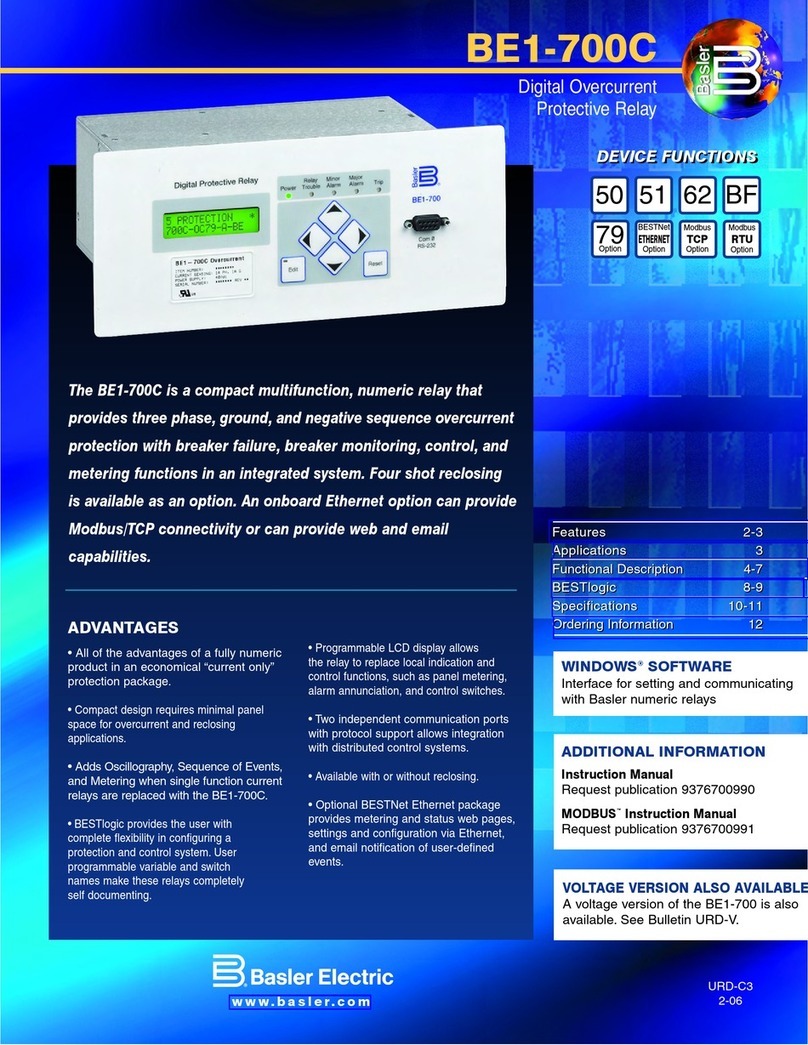
Basler BE1-700C manual

Basler

Basler BE1-700C manual

CD Automation REVEX 2PH 280A user manual

CD Automation

CD Automation REVEX 2PH 280A user manual

ABB SPAJ 142 C User manual and technical description

ABB

ABB SPAJ 142 C User manual and technical description

Ruelco 1S04 Operation manual

Ruelco

Ruelco 1S04 Operation manual

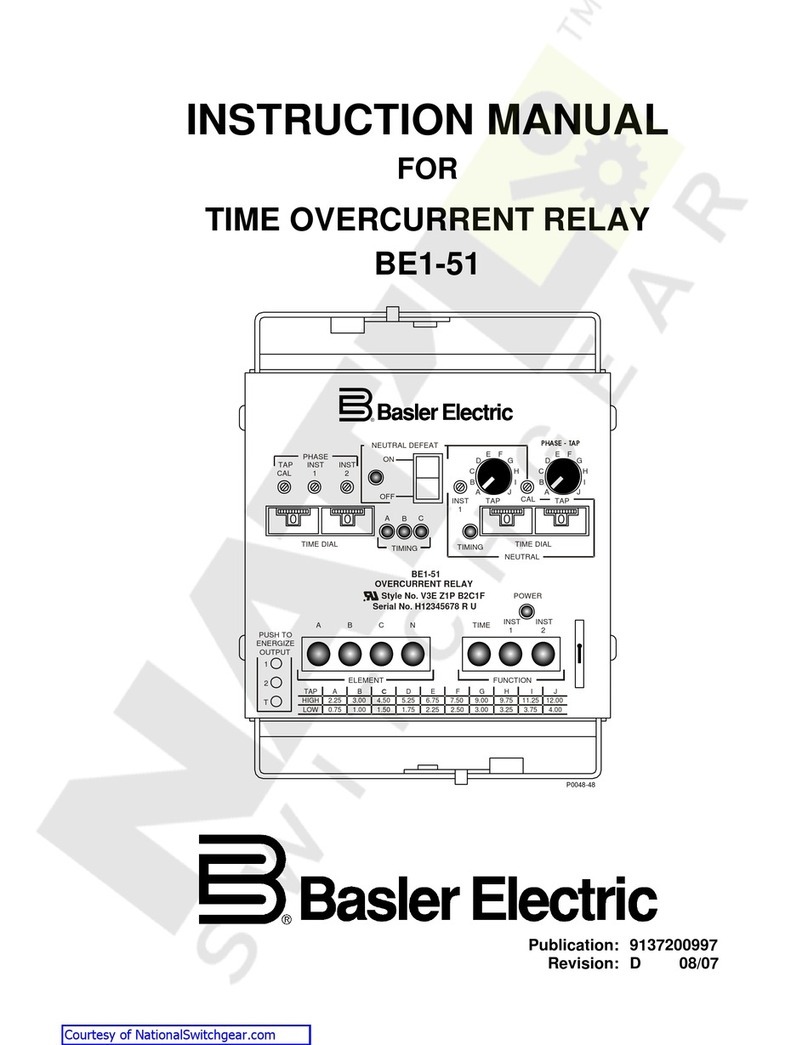
Basler V3E Z1P B2C1F instruction manual

Basler

Basler V3E Z1P B2C1F instruction manual

GE DGP instruction manual

GE

GE DGP instruction manual

Kyongbo Electronics GDR-D01 user manual

Kyongbo Electronics

Kyongbo Electronics GDR-D01 user manual

Eaton easyE4 series Application note

Eaton

Eaton easyE4 series Application note

Siemens BD2-AK03X/FS Series installation instructions

Siemens

Siemens BD2-AK03X/FS Series installation instructions

manuals.online logo
manuals.online logoBrands
  • About & Mission
  • Contact us
  • Privacy Policy
  • Terms and Conditions

Copyright 2025 Manuals.Online. All Rights Reserved.

R
Acroprint Relay Kit Instruction.
The Signal and Access Relay Box is designed for use with Acroprint's badge reading terminals. It has two independent types
of switching circuits, a switched AC power line circuit and a mechanical relay circuit. Either circuit may be used to control AC
powered bells, alarms, horns, or door access electric strikes. DC and all low voltage powered devices UST use the mechanical
relay contacts (an external power source is required).
For direct AC power line switched circuits use CON1:
- Direct switching means that the input voltage on CON5 is directly switched to CON1
- Connect the device to the CON1 terminal strip using AC OUT, NEUT and GND
connection points. Wires should be stripped ¼ inch.
- If you are using the badge terminal's Bell signal, slide the SW2 switch to side marked
BELL.
- If you are using the badge terminal's Access signal, slide the SW2 switch to side marked
ACCESS.
For mechanical dry contact relay switching use CON :
- Connect the device to the CON2 terminal strip using NO and CO connection points.
Wires should be stripped ¼ inch.
- If you are using the badge terminal's Bell signal, slide the SW1 switch to side marked
BELL.
- If you are using the badge terminal's Access signal, slide the SW1 switch to side marked
ACCESS.
Notes:
1. Existing External Card Readers can be connected to CON4
. SEE REVERSE SIDE FOR GRAPHICAL DEPICTION OF ELECTRICAL CONNECTIONS
Specifications:
Input Voltage: 120VAC/240VAC 50/60 Hz
Input Current: 2 Amps aximum
AC Output: 120VAC/240VAC 50/60 Hz
Relay Circuit: 5A at 250AC or 30VDC
Operating Temp. 0 to 50 degrees C
Humidity: 0 to 90% RH Non Condensing
Dimensions: 8 ¾" x 6" x 2"
WARNING:
Your installation must meet all National and Local electric codes. A licensed
electrician should perform installation.
p.t.o
06-0211-000
Rev.C

DOOR
CON1 CON
CON 3
CON 4
CON 5
RELAY
AC OUT
SW1
SW2
NC
CO
NO
K1
LINE
NEU
GND
BELL
ACCESS ACCESS
BELL
EXTERNAL
SLOT
READER
3/8"
3/4"
F1 2 A P 250V
DELAY
F2 5 A P 250V
DC
POWER
SUPPLY
ELECTRIC
STRIKE
12:00
HORN
GND
NEU
AC
OUT