AirPlay Direct
To Free Your Music before even connecting the S300 to a wireless
network, or if you don’t have a wireless router use the S300 in
AirPlay Direct mode to still be able to enjoy your music.
AirPlay Direct means you can stream from your compatible iOS
Device, PC or Mac straight to the S300 without the need for a
wireless network/ router. To Free Your Music and activate this
mode creating a wireless network solely between the S300 and
the iOS-device, follow the steps below:
1. Turn the S300 on from standby.
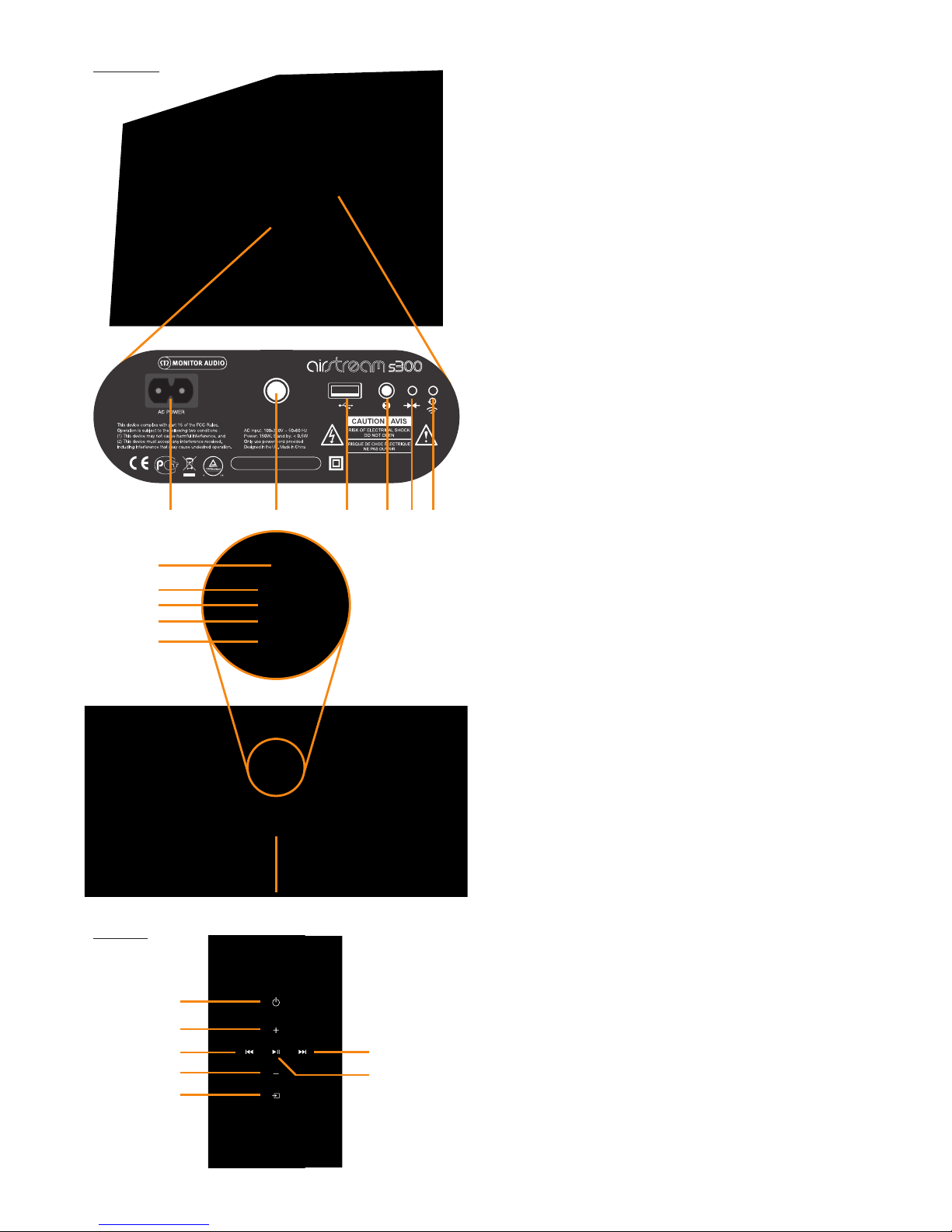
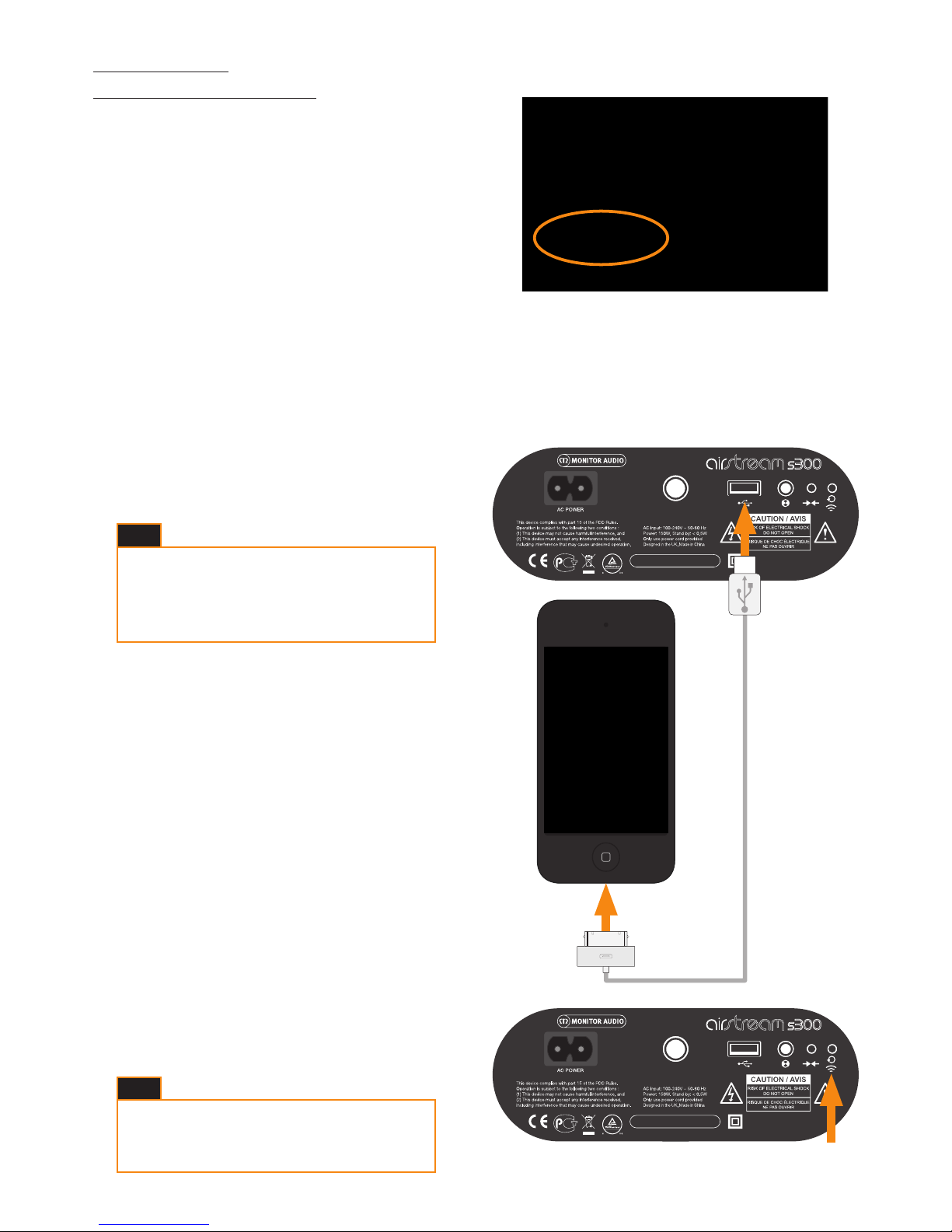
2. Press the AirPlay Direct button on the rear of the S300
(Button 5 on the illustration on page 3).
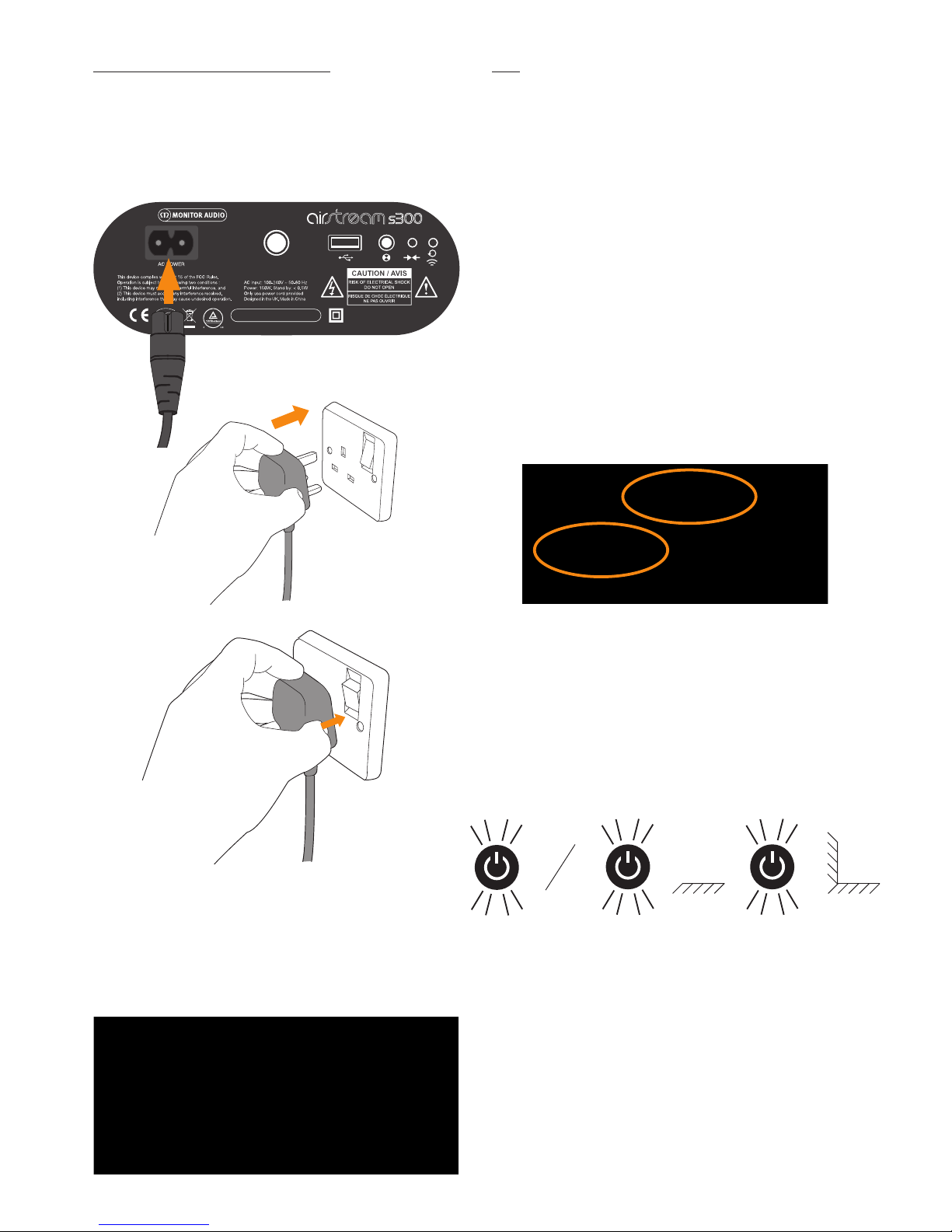
3. The LED on the front of the unit will momentarily ash purple
and then turn solid purple.
4. On the iOS-device, go to “Settings” and then “Wireless”. Within the
available wireless networks, there should be “Airstream S300...”.
Select “Airstream S300...” from the list then press the home button.
5. To play music using AirPlay Direct, please refer to page 11.
To use AirPlay Direct from a PC or Mac, please refer to page 9
for instruction on connecting to the S300.
AirPlay Direct to AirPlay
1. To exit from AirPlay Direct mode, press the AirPlay Direct
Button on the rear of the S300 (Button 5 on the illustration
on page 3).
2. The LED will then ash blue as it is trying to connect to a
wireless network. When connected it will turn solid blue. If
this hasn’t been set up yet, it will change from ash pattern
#2 to ash pattern #1. Refer to page 6 for instruction
on connecting it to the Wi-Fi network and to page 17 for
information on the ash patterns.
monitoraudio.com
Model : airstream s300
IC : 5928A-MA191819
FCC ID : O7VMA191819
monitoraudio.com
Model : airstream s300
IC : 5928A-MA191819
FCC ID : O7VMA191819
5
If the Airstream S300 isn’t one of the listed networks,
press the home button and try again. It sometimes
takes a few seconds for the network to become
visible.
HINT
It is possible to toggle between AirPlay direct and
conventional AirPlay simply by pressing the AirPlay
button on the rear of the S300.
It is possible to connect a Wi-Fi enabled PC or Mac to
the S300 via AirPlay Direct. You do this in the same
way as connecting an iOS device except you use the
PC/ Mac’s Wi-Fi network selection tool.
While in AirPlay Direct mode, cellular data will not
function. So, iMessage, emails and mobile internet
will not function simultaneously.
More than one device can be connected in AirPlay
Direct mode, but only one device can play music in
AirPlay Direct mode.
If a telephone call is received while in AirPlay Direct
mode, music will pause and restart when the call is
ended.
HINTS