manuals.online logo
Brands
  1. Home
  2. •
  3. Brands
  4. •
  5. Akyga
  6. •
  7. Batteries Charger
  8. •
  9. Akyga AK-CH-11 User manual

Akyga AK-CH-11 User manual

Other Akyga Batteries Charger manuals

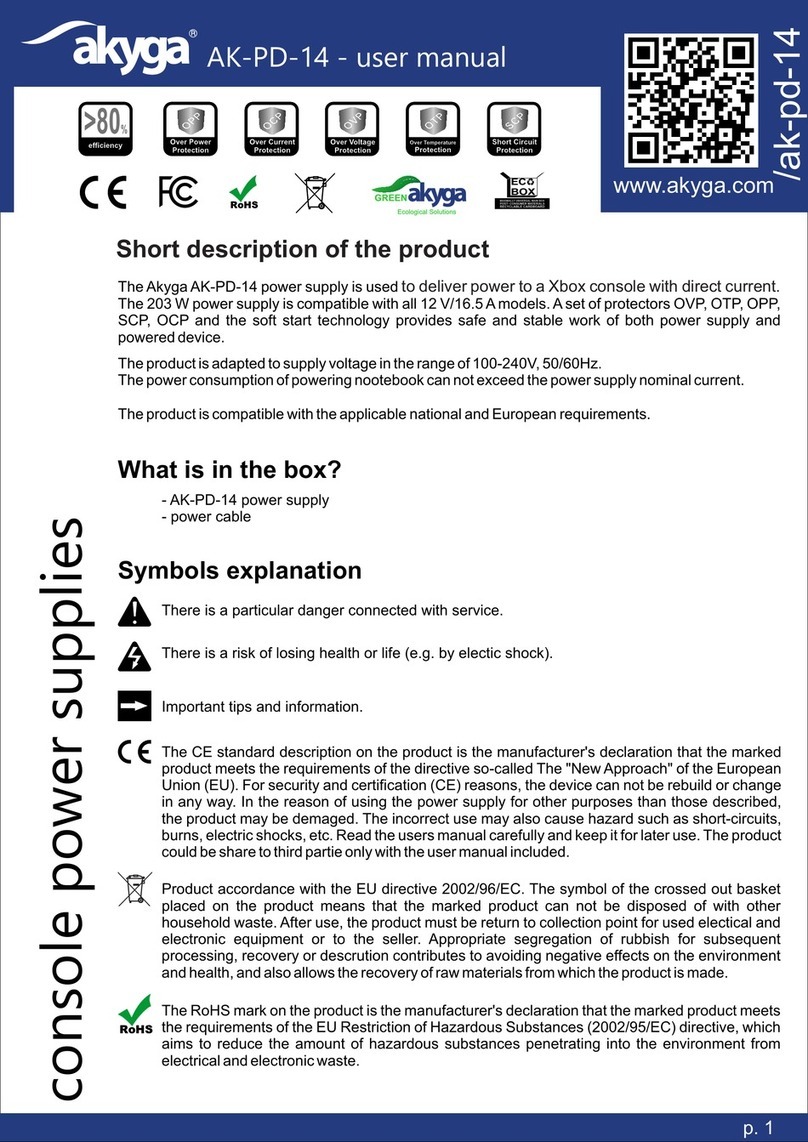
Akyga AK-PD-14 User manual

Akyga

Akyga AK-PD-14 User manual

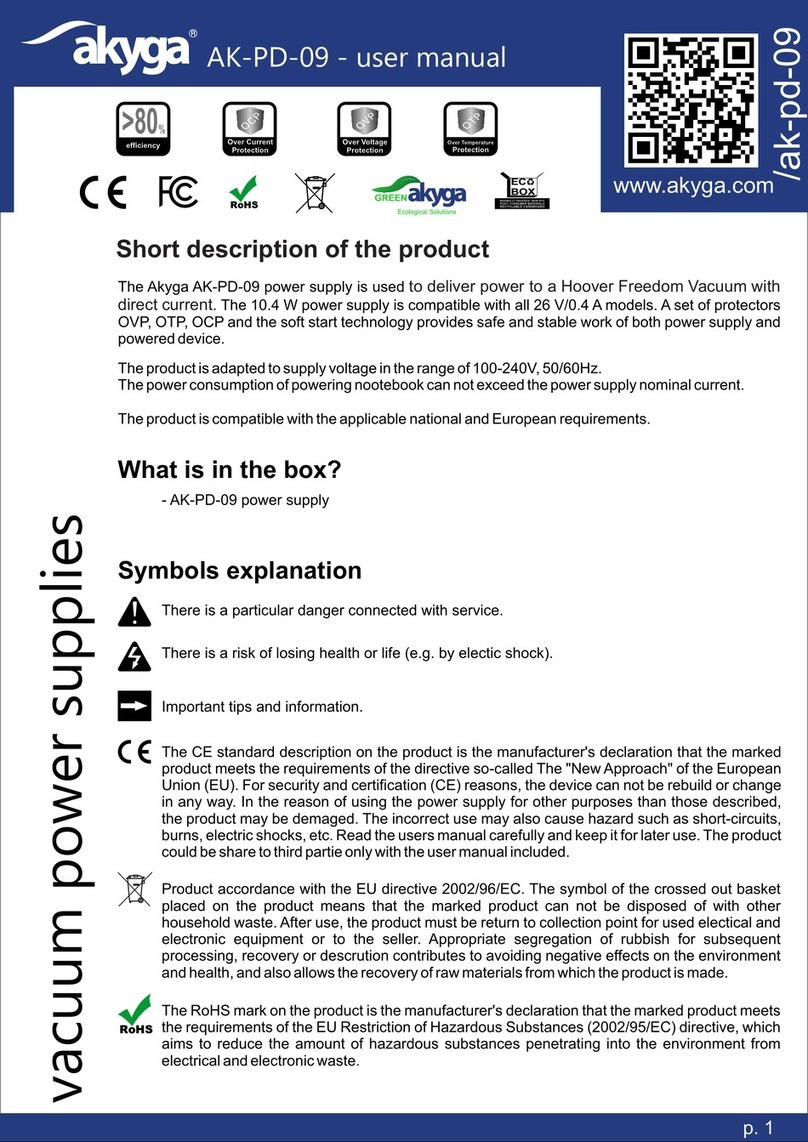
Akyga AK-PD-09 User manual

Akyga

Akyga AK-PD-09 User manual

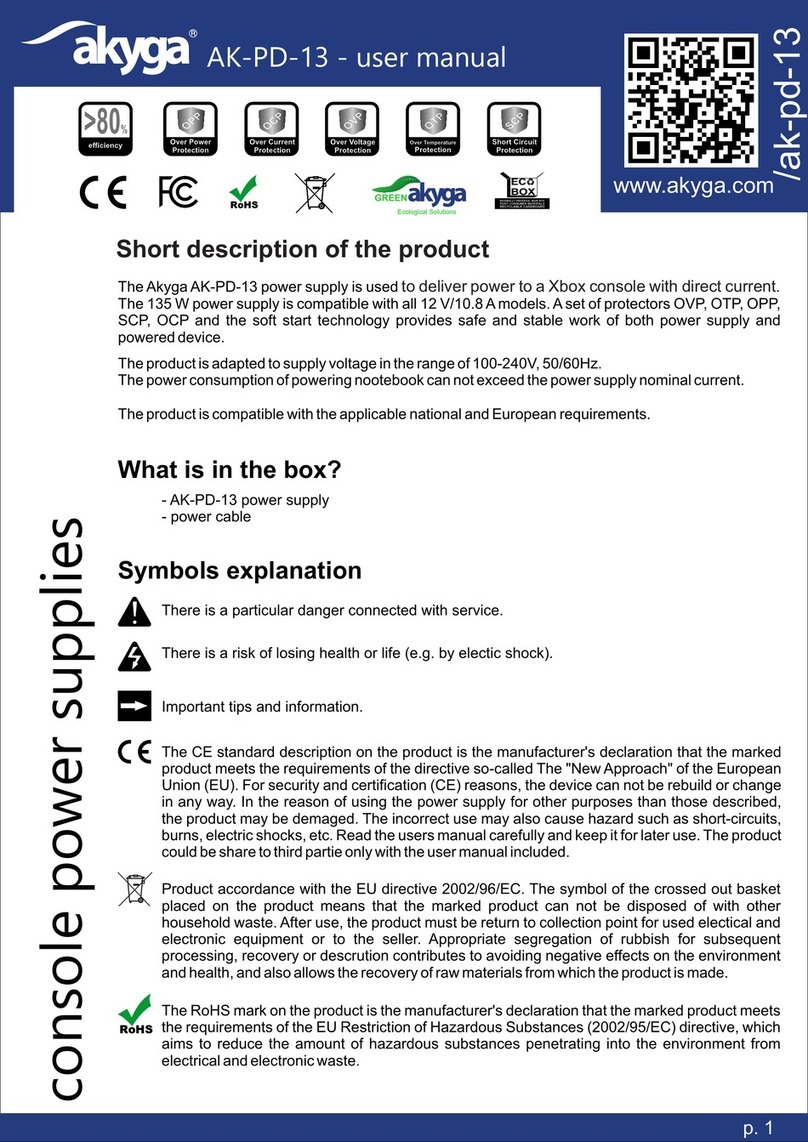
Akyga AK-PD-13 User manual

Akyga

Akyga AK-PD-13 User manual

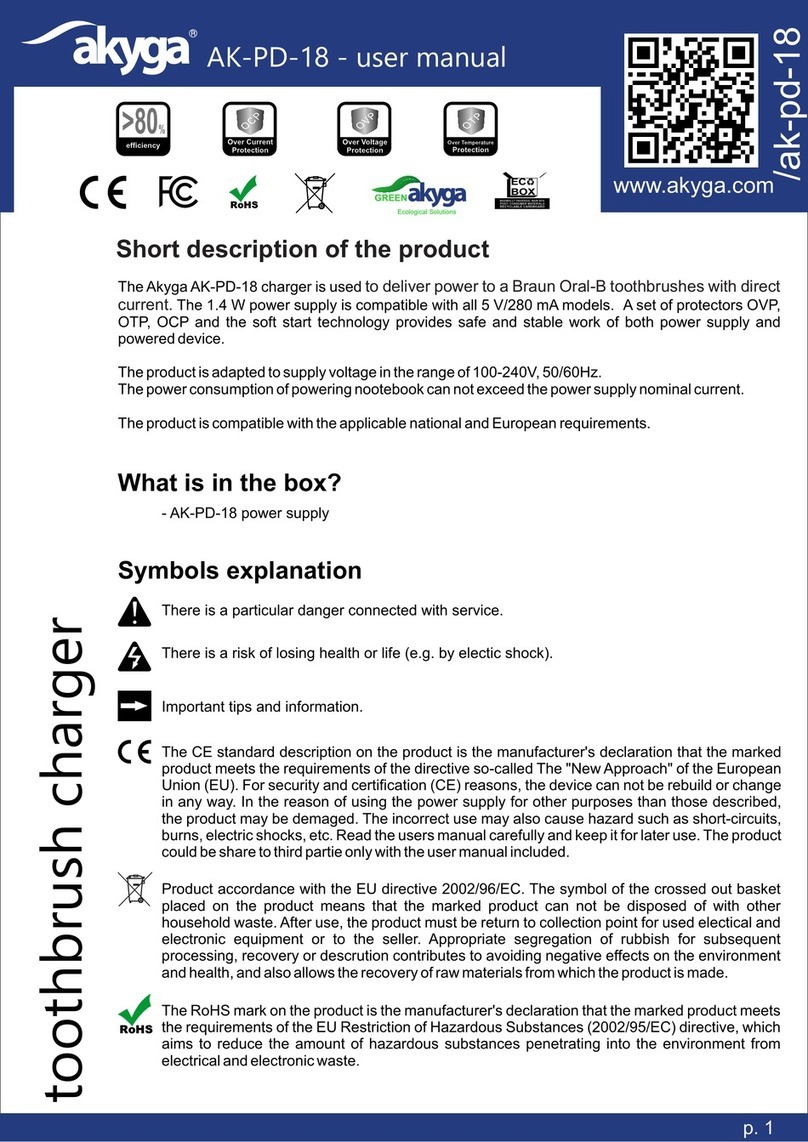
Akyga AK-PD-18 User manual

Akyga

Akyga AK-PD-18 User manual

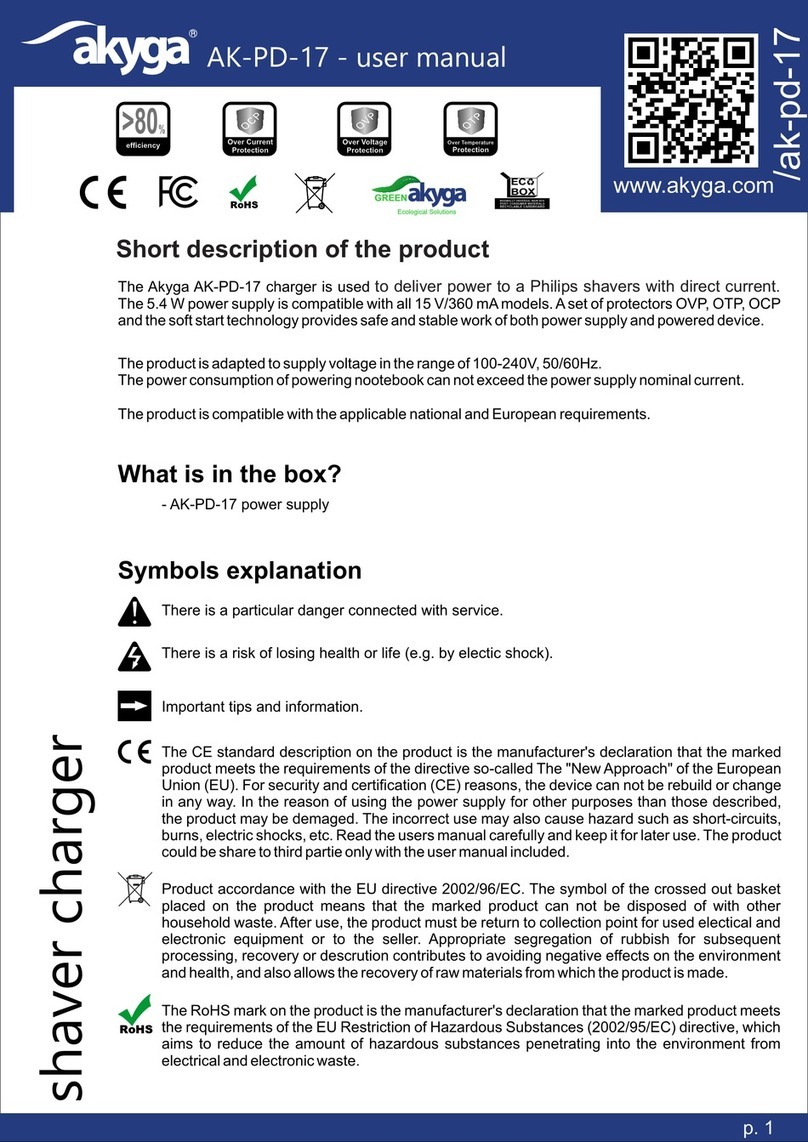
Akyga AK-PD-17 User manual

Akyga

Akyga AK-PD-17 User manual

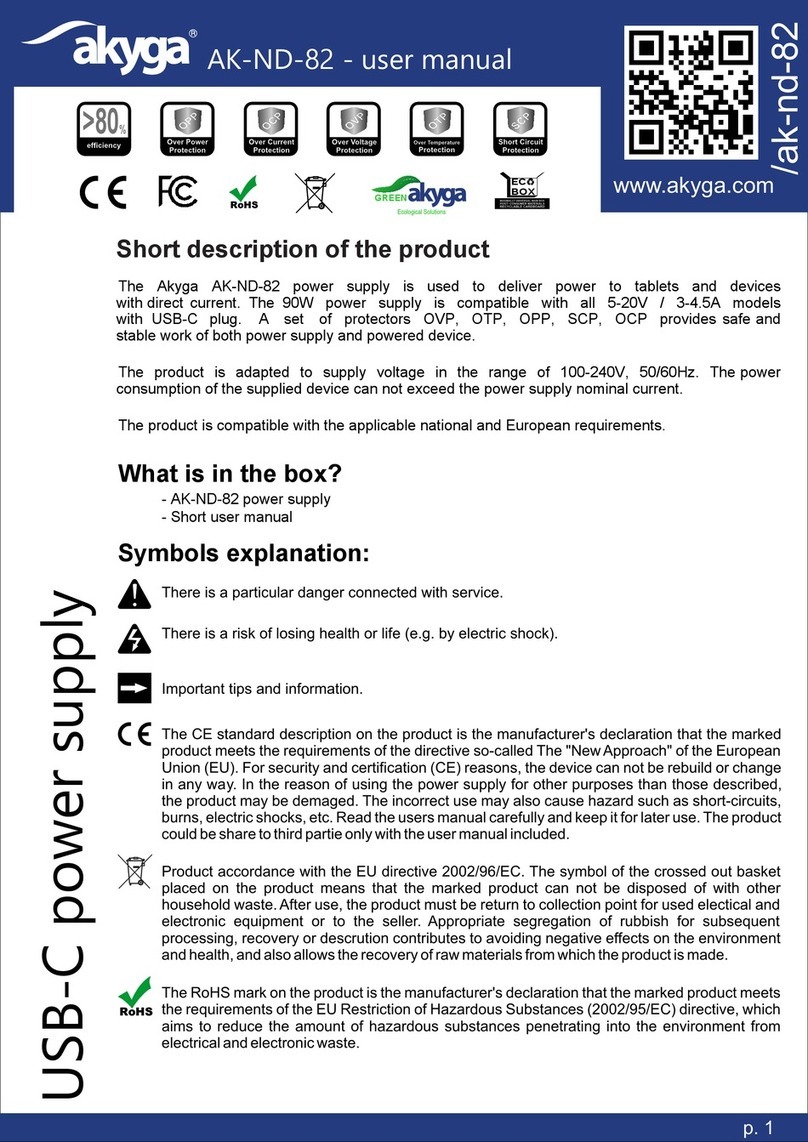
Akyga AK-ND-82 User manual

Akyga

Akyga AK-ND-82 User manual

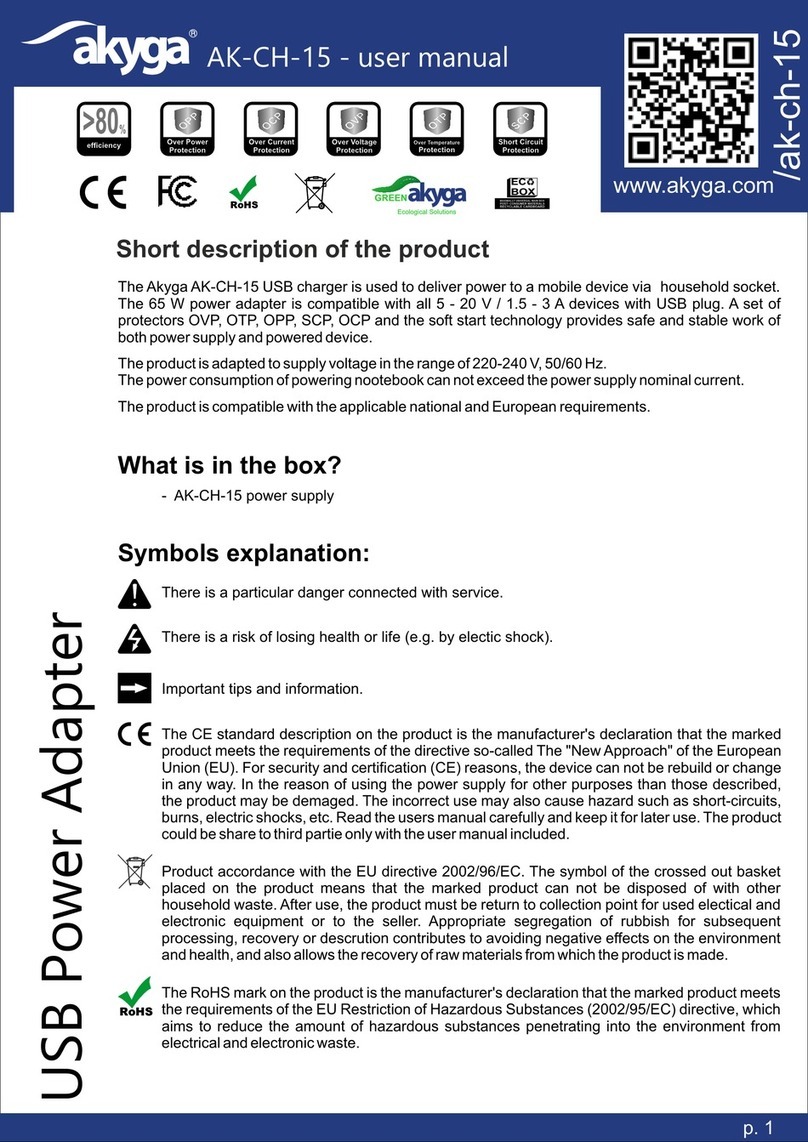
Akyga AK-CH-15 User manual

Akyga

Akyga AK-CH-15 User manual

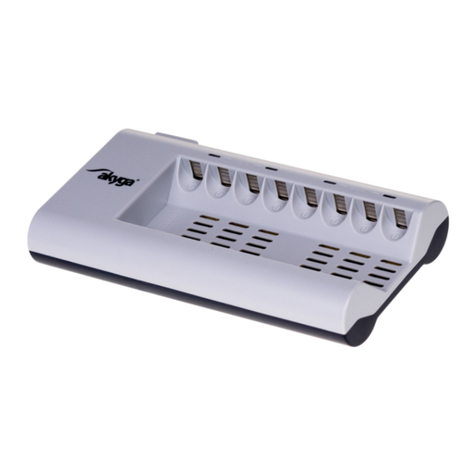
Akyga AK-BC-02 User manual

Akyga

Akyga AK-BC-02 User manual

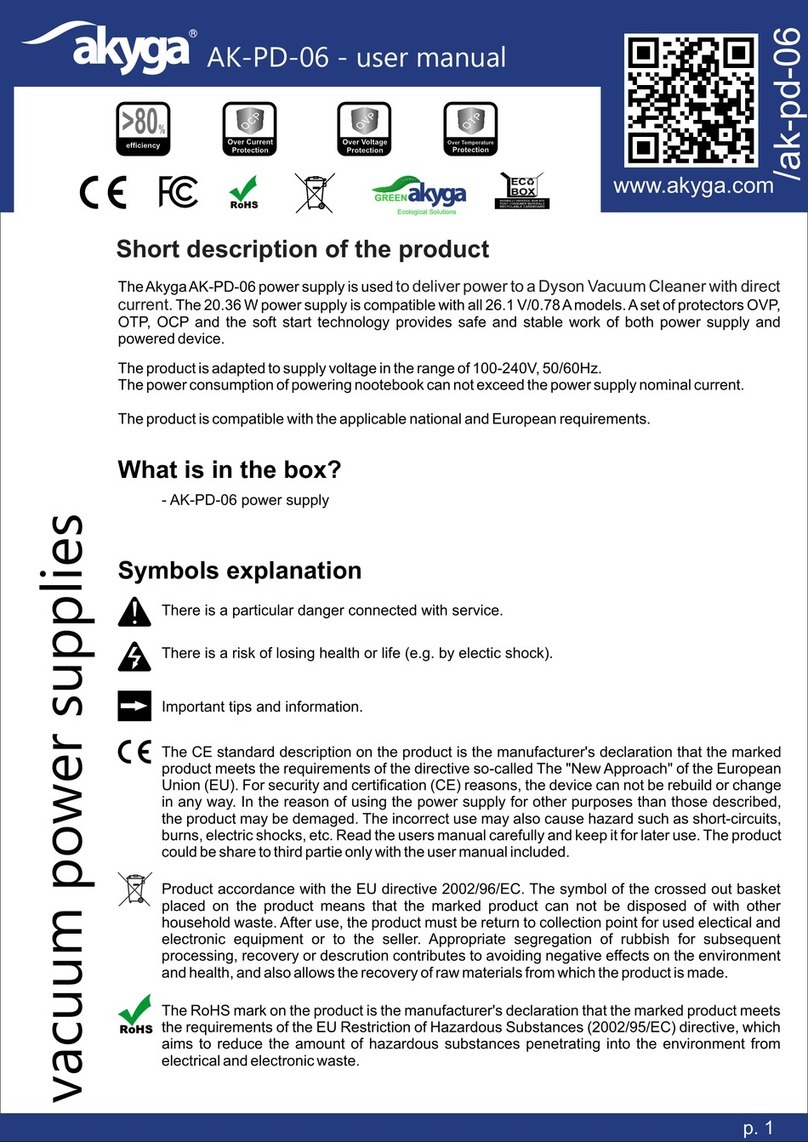
Akyga AK-PD-06 User manual

Akyga

Akyga AK-PD-06 User manual

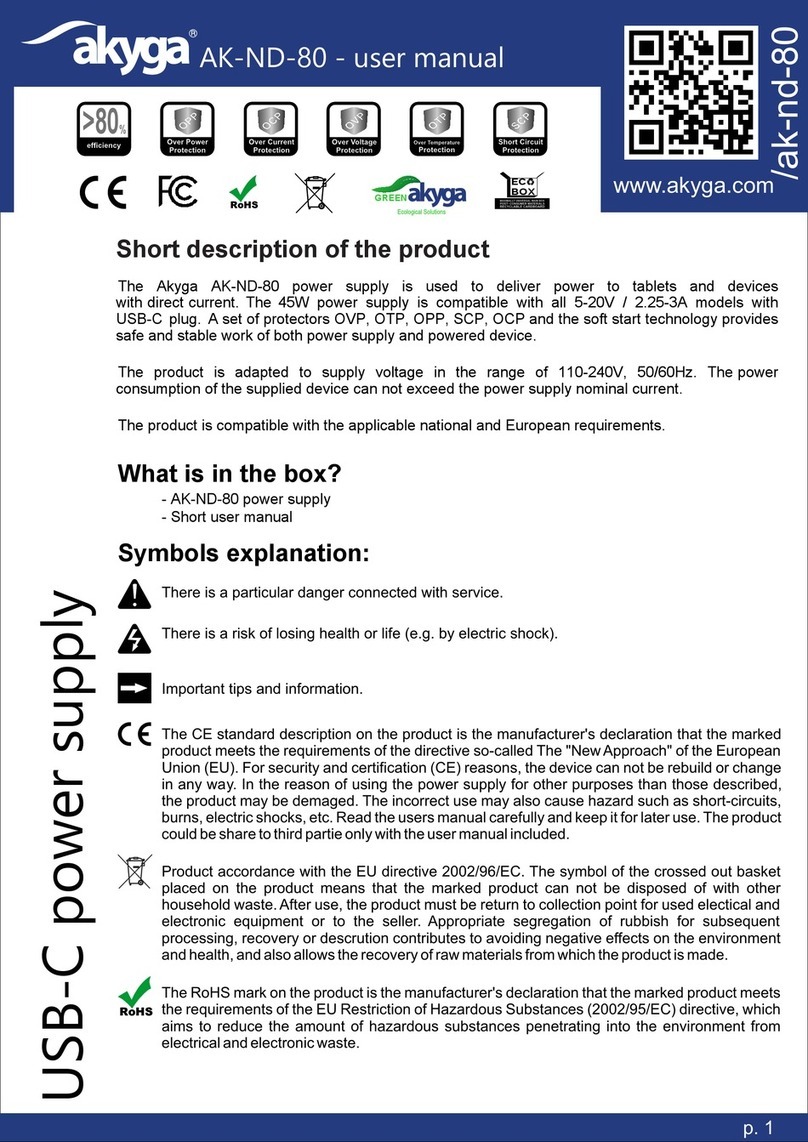
Akyga AK-ND-80 User manual

Akyga

Akyga AK-ND-80 User manual

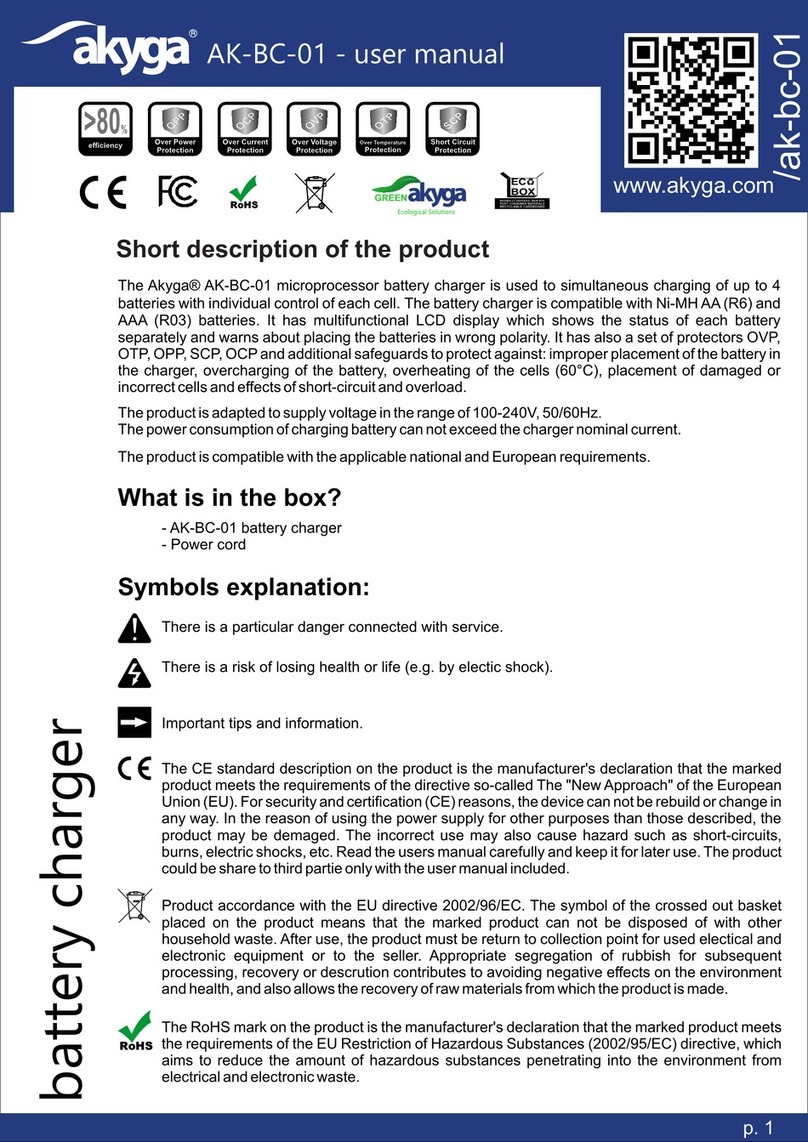
Akyga AK-BC-01 User manual

Akyga

Akyga AK-BC-01 User manual

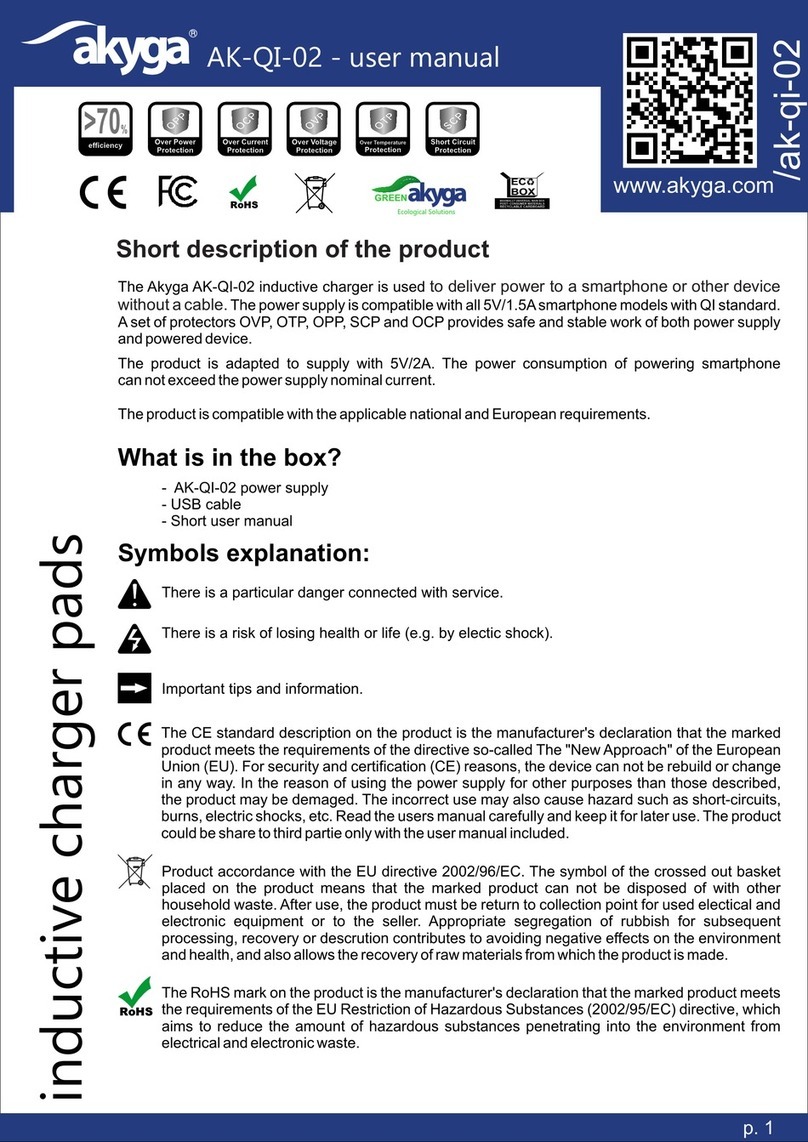
Akyga AK-QI-02 User manual

Akyga

Akyga AK-QI-02 User manual

Akyga AK-CH-13 User manual

Akyga

Akyga AK-CH-13 User manual

Akyga AK-QI-03 User manual

Akyga

Akyga AK-QI-03 User manual

Akyga AK-CH-03WH User manual

Akyga

Akyga AK-CH-03WH User manual

Akyga AK-PD-11 User manual

Akyga

Akyga AK-PD-11 User manual

Akyga AK-PD-12 User manual

Akyga

Akyga AK-PD-12 User manual

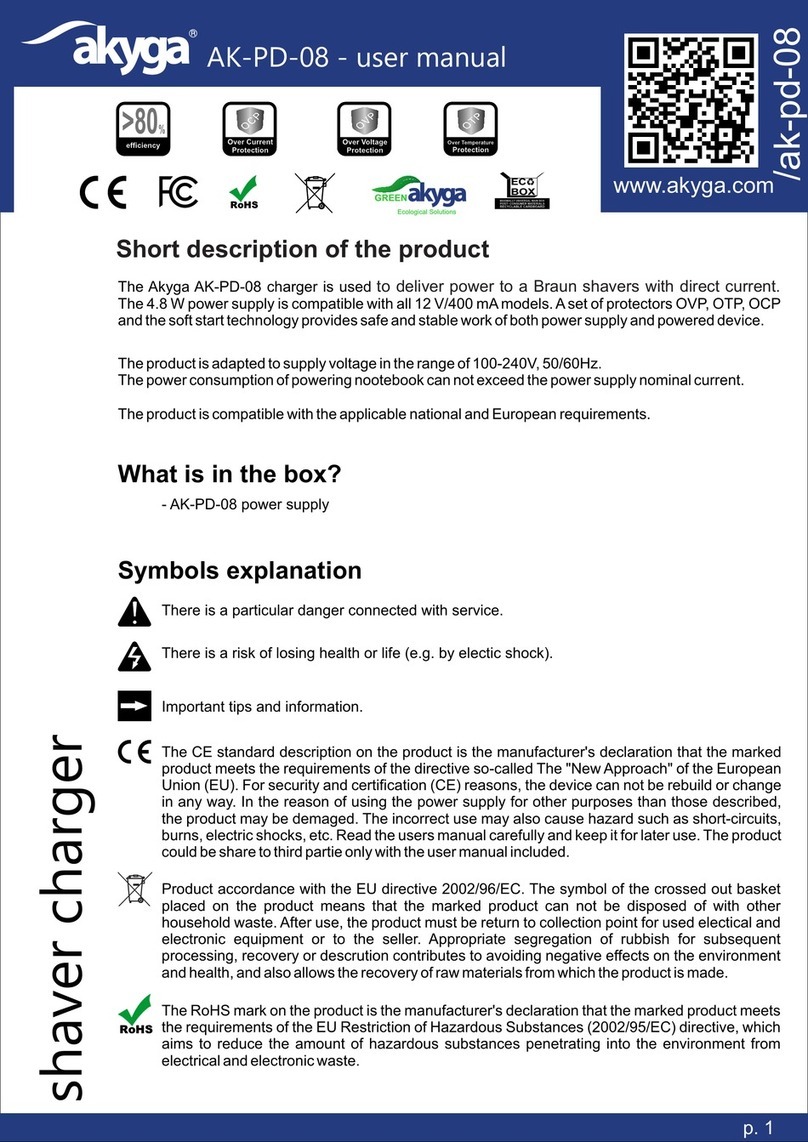
Akyga AK-PD-08 User manual

Akyga

Akyga AK-PD-08 User manual

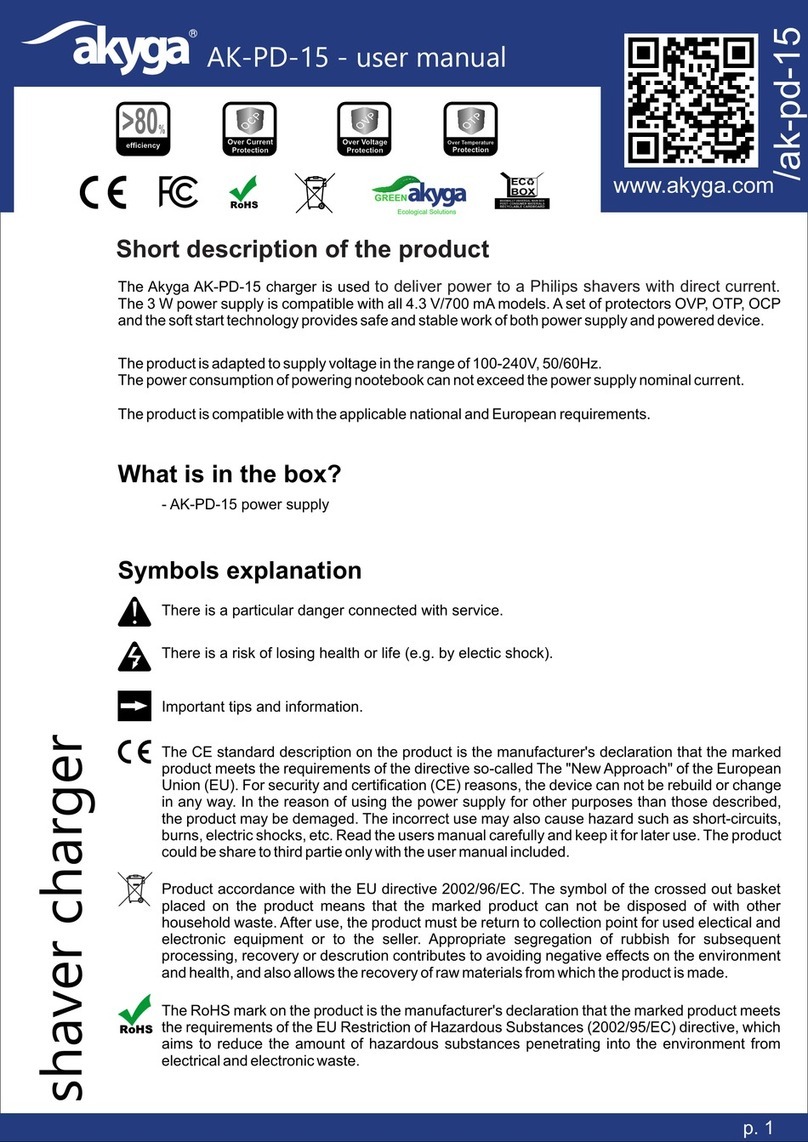
Akyga AK-PD-15 User manual

Akyga

Akyga AK-PD-15 User manual

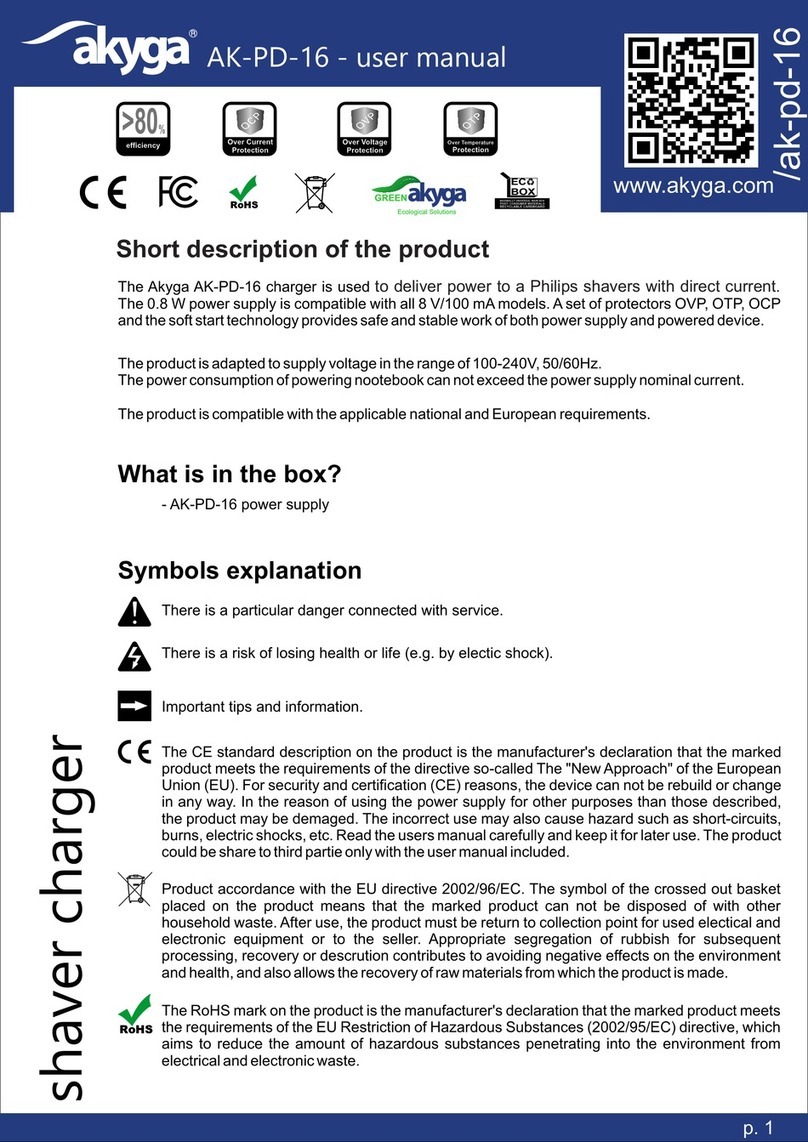
Akyga AK-PD-16 User manual

Akyga

Akyga AK-PD-16 User manual

Akyga AK-QI-01 User manual

Akyga

Akyga AK-QI-01 User manual

Akyga AK-CH-17 User manual

Akyga

Akyga AK-CH-17 User manual

Akyga AK-CH-06 User manual

Akyga

Akyga AK-CH-06 User manual

Popular Batteries Charger manuals by other brands

EVBox BusinessLine manual

EVBox

EVBox BusinessLine manual

Goobay 71808 user manual

Goobay

Goobay 71808 user manual

Kogan KACRDQIS4XA user manual

Kogan

Kogan KACRDQIS4XA user manual

Sealey WCB3 quick start guide

Sealey

Sealey WCB3 quick start guide

Vanner SP00143/181 owner's manual

Vanner

Vanner SP00143/181 owner's manual

KeyOuest KO037515 quick start guide

KeyOuest

KeyOuest KO037515 quick start guide

Enplus Silk Series user manual

Enplus

Enplus Silk Series user manual

Intermec SF51 user guide

Intermec

Intermec SF51 user guide

Colorovo PowerBox 6800 user guide

Colorovo

Colorovo PowerBox 6800 user guide

Smartech WBC-250 Operator's manual

Smartech

Smartech WBC-250 Operator's manual

PIXO C-USB instruction manual

PIXO

PIXO C-USB instruction manual

Gunson G4104 quick start guide

Gunson

Gunson G4104 quick start guide

Dometic NDS SCE320 Short Operating Manual

Dometic

Dometic NDS SCE320 Short Operating Manual

ABB HT572708 Operation manual

ABB

ABB HT572708 Operation manual

EVOline Square80 manual

EVOline

EVOline Square80 manual

Redarc SBC24025 Operating instructions and owner's manual

Redarc

Redarc SBC24025 Operating instructions and owner's manual

Absaar HV04 manual

Absaar

Absaar HV04 manual

DazeTechnology Cover Dazebox Home installation manual

DazeTechnology

DazeTechnology Cover Dazebox Home installation manual

manuals.online logo
manuals.online logoBrands
  • About & Mission
  • Contact us
  • Privacy Policy
  • Terms and Conditions

Copyright 2025 Manuals.Online. All Rights Reserved.

AK-CH-11 - user manual
/ak-ch-11
www.akyga.com
>80%
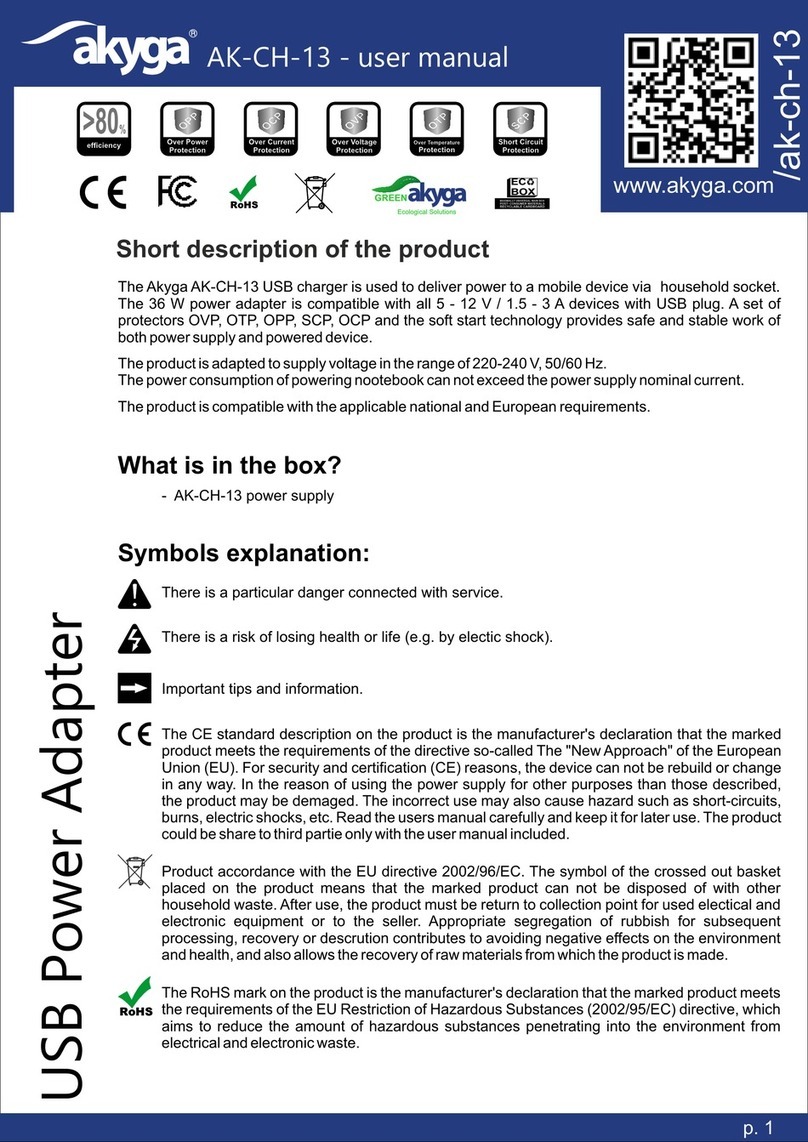
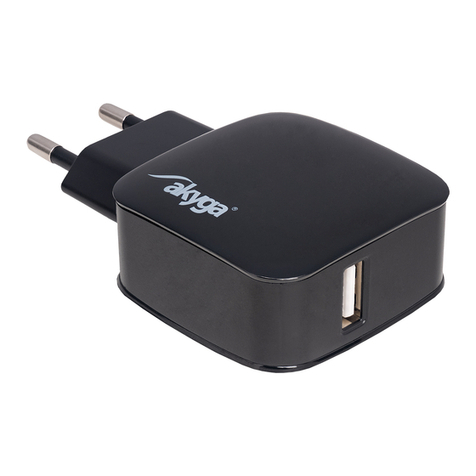
Short description of the productThe product is compatible with the applicable national and European requirements.What is in the box?- AK-CH-11 power supply- Short user manualSymbols explanation:There is a risk of losing health or life (e.g. by electic shock).There is a particular danger connected with service.Important tips and information.Product accordance with the EU directive 2002/96/EC. The symbol of the crossed out basket placed on the product means that the marked product can not be disposed of with other household waste. After use, the product must be return to collection point for used electical and electronic equipment or to the seller. Appropriate segregation of rubbish for subsequent processing, recovery or descrution contributes to avoiding negative effects on the environment and health, and also allows the recovery of raw materials from which the product is made.p. 1The CE standard description on the product is the manufacturer's declaration that the marked product meets the requirements of the directive so-called The "New Approach" of the European Union (EU). For security and certification (CE) reasons, the device can not be rebuild or change in any way. In the reason of using the power supply for other purposes than those described, the product may be demaged. The incorrect use may also cause hazard such as short-circuits, burns, electric shocks, etc. Read the users manual carefully and keep it for later use. The product could be share to third partie only with the user manual included.The Akyga AK-CH-11 USB charger is used to deliver power to a smartphone or other device via household socket. The 12W power adapter is compatible with all 5V/2.4A - 12V/1.25A devices with USB plug. A set of protectors OVP, OTP, OPP, SCP, OCP and the soft start technology provides safe and stable work of both power supply and powered device. The product is adapted to supply voltage in the range of 110-240V, 50/60Hz.The power consumption of powering nootebook can not exceed the power supply nominal current.
ECBOX
Ecological SolutionsGREEN
USB Power Adapter
The RoHS mark on the product is the manufacturer's declaration that the marked product meets the requirements of the EU Restriction of Hazardous Substances (2002/95/EC) directive, which aims to reduce the amount of hazardous substances penetrating into the environment from electrical and electronic waste.
AK-CH-11 - user manual p. 2Safety PrecautionsWARNING! Product heats up during operation. To reduce the risk of burns or overheating the power supply, do not place it in restricted ventilation area. Also, do not allow the working power supply to touch soft surface such as pillows, blankets or clothing. The power supply meets the limits on the surface temperatures available to the user, as defined in the International Standard for Safety of Information Technology Equipment (IEC 60950).Connecting smartphone or other device whose demanded power is greather than power of the power supply, can cause battery failure or even damage (burn) of power supply.An electrostatic discharge occurs when two object touch each other, for example, an electric charge that occurs when user touch metal door handle after walking on a carpet . Discharging electrostatic charges from fingers or other electrostatic conductors can damage electronic components. To avoid damaging the computer, abstain from touching electrical outlets, wires and electonic circuits. The user’s contact with electronic components should be kept to a minimum. The II protection class device. It provides protection against electric shock against direct and indirect contact, and thanks to the additional isolation it is not necessary to connect the device case with the protective earth conductor. The device is intended only for domestic use, indoors.The manufacturer of the product is not responsible for damage or insults caused in effect of disobey the safety instructions and informations contained in these user manual. źKeep the product and the packaging out of range of children and animals. The package includes a foil that child could choke while playing. źIt is forbidden to apply the mechanical load to the product - strong shocks, impacts, dropping or crushing may cause its damage.źThe product operation in adverse conditions is not allowed. Adverse conditions are primarily: exposure to direct sunlight, high or very low ambient temperatures, strong vibrations, high humidity, surrounds of gases, dusts or flammable and aggressive liquids.źIf the product has been damaged, does not work properly or has been stored for a long period of time in bad or unfavorable conditions, safe operation of the device is not possible. It is essential to stop using the product and to protect it against re-use for security purposes.źTake account of the user manual for other devices connected to the USB power adapter.źProduct and power cord should not be touched with moist or wet hands under no circumstances.źShort-circuiting the current connection is prohibited.źMake sure that the power cord is not crushed, bent, twisted, rubbed against sharp edges or mechanically loaded in any other way. Avoid thermal load of the cable - in particular keep away from heat sources (such as stoves, radiators, fireplaces).źPower cords should be laid in such a way as to eliminate the risk of stumbling or hooking over.źIts forbidden to modify the power cord. In the case of modifications, the cable may be damaged, causing threats to life, health and property.źConnection of power supply to electricity is made by plugging the power adapter to grounded electrical outlet.źBefore connecting the adapter to the mains socket, make sure that the voltage specified on the power supply matches voltage supplied to the household socket.
USB Power Adapter

AK-CH-11 - user manual p. 3źMains plug should be disconnect from power socket if the product is not in use for a long time.źWhen disconnecting the power cord from the socket and from the device, do not pull on the cord, but only on the part of the cable plug provided for this purpose.źIn case of any doubts regarding operation, safety or connection of the product, please contact the manufacturer or a qualified specialist for this purpose.źAll maintenance, adjustment and repair work on the product may only be carried out by a qualified person in a specialist facility.
Problem
Cause
Solution
A device connected to an electrical outlet via power supply does not worksmartphone or other
No mains voltage
źCheck the correct connection of the power supply to the mains socketźCheck the mains fuses
The power adapter is overloaded
źDisconnect the power adapter from the laptop, check the correctness of the current parameters
There is a suspicion of a product defect
źStop using and contact the seller
A smartphone or other device connected to an electrical outlet via power adapter does not charge the battery or displays a message about the non-genuine charger
The power adapter does not correspond to the current parameters
źDisconnect the power adapter from smartphone or other device and check if current parameters are correctźContact with seller
Removing the most common problems
USB Power Adapter
1.Connect power adapter to the electrical socket.2.Connect the power adapter to the USB cable.3.Connect the USB cable with the smartphone or other device.4.Turn on the device.Preparing the Power Supply for Use:Cleaning the power supplyźUse soft and antistatic cloth for cleaning the power supply.źDo not use abrasive or chemical cleaners.Disconect the power supply from the electrical socket and connected devices before cleaning.
AK-CH-11 - user manual p. 4Technical specficationProduct manufacturer:Ropla Computers sp. z o.o. ul. Wrocławska 1c 52-200 Suchy Dwór
USB Power Adapter
Product code:Supply voltage:Output voltage and amperage:Maximum power:Efficiency:OVP (over voltage protection):OCP (over current protection):OPP (overpower protection):OTP (over temperaturre protection):SCP (short circuit protection):Soft start:Power inlet:Output connector:Compilance with standards:EAN code:Connector polarity diagram:AK-CH-11110-240V , 50/60Hz5V/2.4A - 12V/1.25A12W>80%YesYesYesYesYesYesCEE 7/16 (Europlug)USBCE, FCC, RoHS5901720134325