Manual
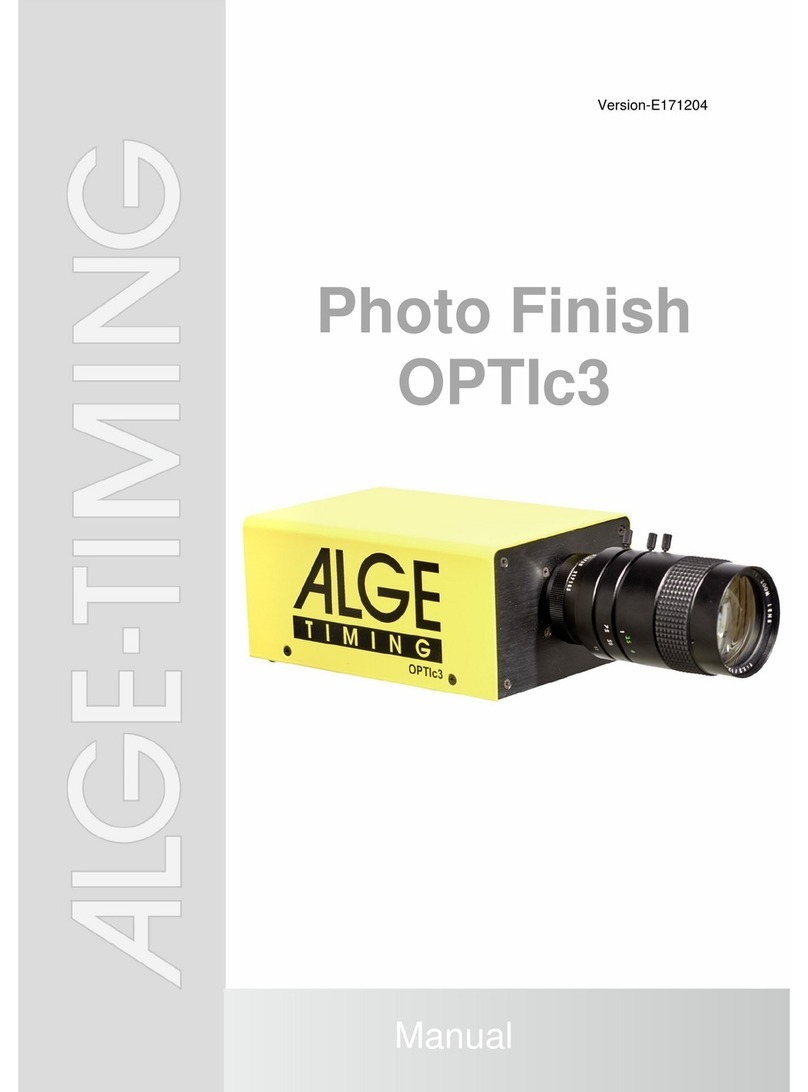
Photo Finish OPTIc3
-4-
Table of Contents
1Introduction.................................................................................................................. 8
1.1 OPTIc3 Models........................................................................................................................ 8
1.1.1 OPTIc3 – System Components ......................................................................................................... 8
1.1.2 OPTIc3-PRO – System Components ................................................................................................ 9
1.2 Requirements for PC (Desktop or Notebook).......................................................................... 9
1.3 Accessories ............................................................................................................................. 9
1.4 Function................................................................................................................................. 10
2Layout of the Software OPTIc3NET............................................................................11
3Select Language of OPTIc3.NET Software ................................................................12
4Connection of Camera................................................................................................13
4.1 Network connection............................................................................................................... 13
4.1.1 OPTIc3 IP Configurator ................................................................................................................... 13
4.2 Camera connected to Ethernet with POE+ Power Supply.................................................... 14
4.3 Camera connected via Ethernet with external supply........................................................... 14
4.4 Camera communication by Wi-Fi .......................................................................................... 15
4.5 Connection of two or more Cameras..................................................................................... 15
4.6 Power Supply of the OPTIc3................................................................................................. 15
5Camera Position..........................................................................................................16
5.1 Lens Angle............................................................................................................................. 17
5.2 Focusing the Camera............................................................................................................ 18
5.2.1 Adjustment of Focus (Aperture)....................................................................................................... 18
5.2.2 Scan Rate........................................................................................................................................ 18
5.3 Camera Alignment on Finish Line ......................................................................................... 20
5.4 Camera Adjustment from a Device with Wi-Fi....................................................................... 23
6Photo Finish for Different Sports...............................................................................24
6.1 Selection of Type of Sport..................................................................................................... 24
6.1.1 General............................................................................................................................................ 24
6.1.2 Track and Field with Anemometer................................................................................................... 24
6.1.3 Track and Field without Anemometer.............................................................................................. 24
6.1.4 Horse Race...................................................................................................................................... 24
6.1.5 Dog Race......................................................................................................................................... 25
6.1.6 Rowing / Canoe............................................................................................................................... 25
6.1.7 Cycling............................................................................................................................................. 25
6.2 Sports with Individual Starts.................................................................................................. 25
6.3 Track and Field (Athletics)..................................................................................................... 25
6.3.1 Zero Control for Track and Field (Start Control)............................................................................... 27
6.3.2 Evaluation for Track and Field......................................................................................................... 27
6.4 Horse Races.......................................................................................................................... 28
6.5 Dog Races............................................................................................................................. 28
6.6 Rowing or Canoe................................................................................................................... 28
6.7 Cycling Races........................................................................................................................ 28
7Setting the Camera......................................................................................................30
7.1 Camera Settings.................................................................................................................... 30
7.2 Remote Control Camera Adjustment ............................................................................ 31
7.3 Recording and Picture Adjustments ............................................................................... 32
7.4 WTN Radio Adjustments (OPTIc3-PRO) ...................................................................... 33
7.5 Voice Communication - VoIP (OPTIc3-PRO).............................................................. 33
7.6 Picture Quality Adjustments ......................................................................................... 34
7.7 Image Adjustment.................................................................................................................. 35
7.7.1 2-D Preview ................................................................................................................... 35
7.7.2 Image Adjustment with manual Lens............................................................................................... 37
7.7.3 Image Adjustment with a Motor Zoom Lens .................................................................................... 37
7.7.4 Brightness Adjustment..................................................................................................................... 38
7.7.5 eXtremLuX (L) (OPTIc3-PRO)......................................................................................................... 38
7.7.6 Scan Rate Doubling (OPTIc3-PRO) ................................................................................................ 39
7.8 Synchronization ........................................................................................................ 39
8Software OPTIc3.NET..................................................................................................41
8.1 Icon List ................................................................................................................................. 41