5
To avoid the problems that might occur with the service shops approved by Visual Fan Ltd. (because
Visual Fan reserves the right to stop the collaboration with any service shop which was previously
approved and mentioned in the waranty card on the date on which the product batch was sold on the
market), before taking a product to the service shop, please check the updated list of approved service
shps on Allview website at the section: “Support&Service – Approved service”.
For more product details visit www.allviewmobile.com. Do not cover the antenna with your hand or other
objects Failure to comply resulting in connectivity issues and rapid discharge of the battery.
All applications provided by third parties and installed in this device, may be modified and/or stopped at
any moment. Visual Fan Ltd will not be responsible in any way for modifications of the services or content
of these applications. Any request or question regarding third party applications may be addressed to
owners of these applications.
Device power on/off and standby
After inserting the SIM card, memory card and battery, start the phone by holding down the Power
button for 3 seconds. To power off, press and hold the same button and confirm. If you press the Power
button you will set phone in standby mode, to return shortly press the same button.
Unlocking, idle screen and applications menu
To unlock the screen when resuming from standby, slide your finger from the bottom to the top of the
screen. The main screen will be displayed
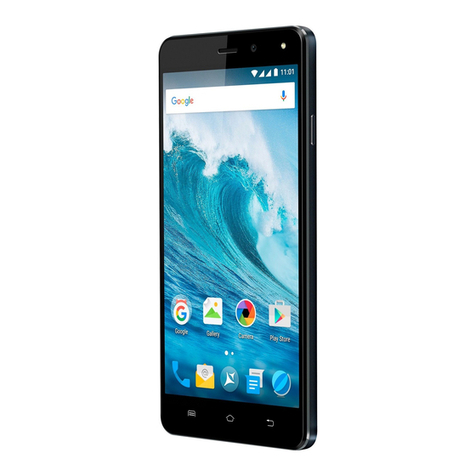
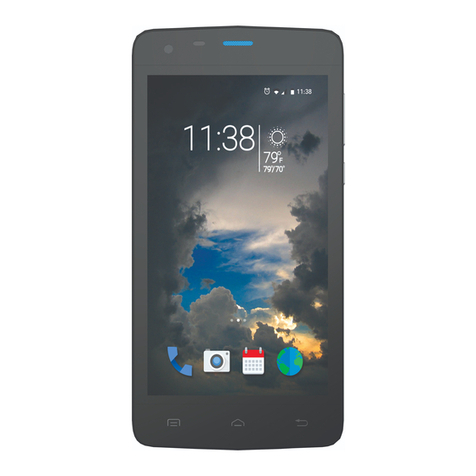
Home screen pages can be customized with shortcuts and widgets. At the top of the screen is placed
the notification bar that contains information about the mobile network signal, WiFi, Bluetooth, battery level,
time and events.