manuals.online logo
Brands
  1. Home
  2. •
  3. Brands
  4. •
  5. Alphacool
  6. •
  7. Freezer
  8. •
  9. Alphacool GPX Pro solo User manual

Alphacool GPX Pro solo User manual

Other Alphacool Freezer manuals

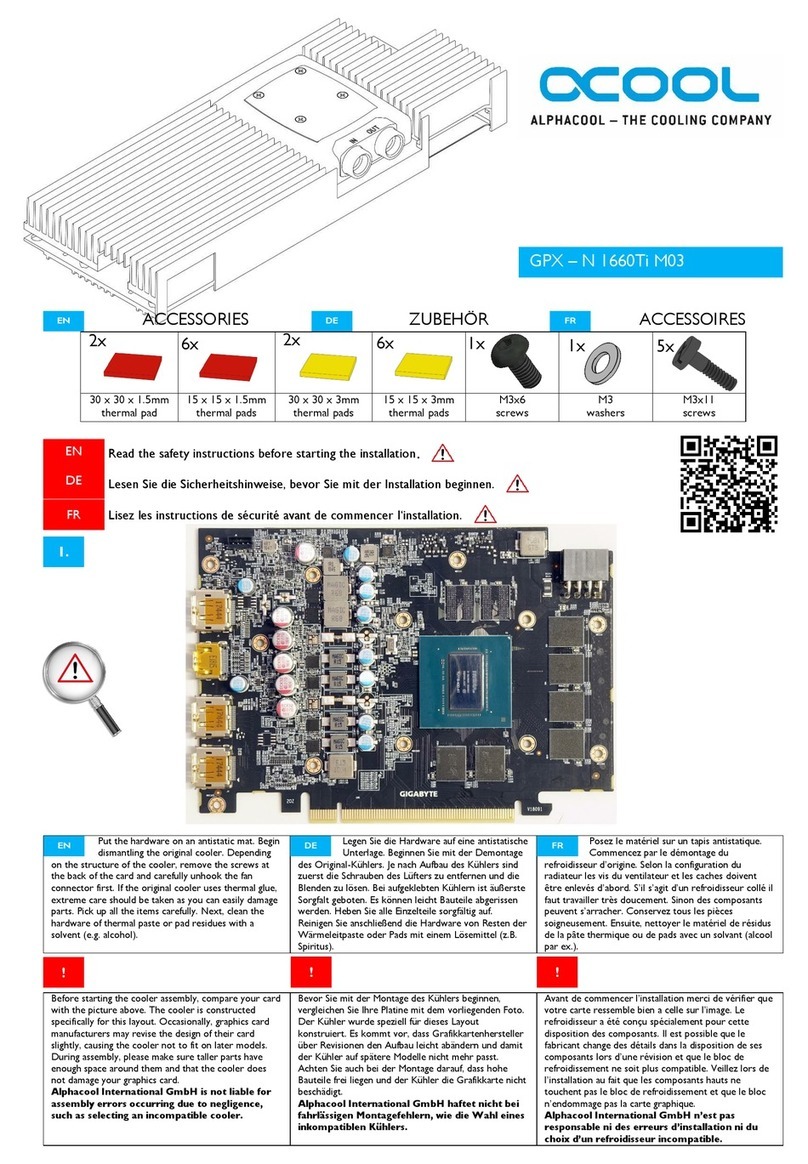
Alphacool N 1660Ti M03 User manual

Alphacool

Alphacool N 1660Ti M03 User manual

Alphacool HDX - 5 User manual

Alphacool

Alphacool HDX - 5 User manual

Alphacool HF 14 GPU ATI NVIDIA Smart Motion Universal Copper... User manual

Alphacool

Alphacool HF 14 GPU ATI NVIDIA Smart Motion Universal Copper... User manual

Alphacool EISBALL User manual

Alphacool

Alphacool EISBALL User manual

Popular Freezer manuals by other brands

LG freezer owner's manual

LG

LG freezer owner's manual

Whirlpool EH221FXRQ00 parts list

Whirlpool

Whirlpool EH221FXRQ00 parts list

Ryobi P3370 Operator's manual

Ryobi

Ryobi P3370 Operator's manual

Iceking IK2022WE Installation and operating manual

Iceking

Iceking IK2022WE Installation and operating manual

SEVERIN DT 8760 Instructions for use

SEVERIN

SEVERIN DT 8760 Instructions for use

mykin MCF146W quick start guide

mykin

mykin MCF146W quick start guide

Haier HCM070EA user manual

Haier

Haier HCM070EA user manual

Haier DW-86L486 After-sales Service Manual

Haier

Haier DW-86L486 After-sales Service Manual

DAEWOO ELECTRONICS DAEMA DFZ-685CG user manual

DAEWOO ELECTRONICS

DAEWOO ELECTRONICS DAEMA DFZ-685CG user manual

Siemens GU..D SERIES Instructions for use

Siemens

Siemens GU..D SERIES Instructions for use

Omcan FR-CN-0155 instruction manual

Omcan

Omcan FR-CN-0155 instruction manual

Electrolux ARCTIS G 8 60 50-6I user manual

Electrolux

Electrolux ARCTIS G 8 60 50-6I user manual

Frigidaire FV 1246 H Instruction book

Frigidaire

Frigidaire FV 1246 H Instruction book

Electrolux EUF2042AOX user manual

Electrolux

Electrolux EUF2042AOX user manual

Dometic CoolFreeze CFX95DZ operating manual

Dometic

Dometic CoolFreeze CFX95DZ operating manual

Electrolux EUF7000W1 user manual

Electrolux

Electrolux EUF7000W1 user manual

SAF PRESTOTIG 200AC/DC Installation and instruction manual

SAF

SAF PRESTOTIG 200AC/DC Installation and instruction manual

Zanussi ZFT11407WA user manual

Zanussi

Zanussi ZFT11407WA user manual

manuals.online logo
manuals.online logoBrands
  • About & Mission
  • Contact us
  • Privacy Policy
  • Terms and Conditions

Copyright 2025 Manuals.Online. All Rights Reserved.

GPX Pro - solo
Lieferumfang - Scope of delivery - Contenu de la livraison
thermal grease
4x M3 washers
4x M3 nuts
4x springs
GPU cooler +
mounting plate
backplate
thermal pad
3 mm
• Legen Sie die Hardware auf eine
antistatische Unterlage
• Demontieren Sie den Orignal-Kühler
→ Schrauben entfernen und
Blende lösen
→ Lüfter Anschluss abziehen
•Vorsicht bei aufgeklebten Kühlern
→ Bauteile können
abgerissen werden
• Reinigen Sie die Hardware von
Resten der Wärmeleitpaste bzw. der
Pads (→ Spiritus)
• Legen Sie die Hardware auf eine
• Put the hardware on an antistatic
mat
• Dismantle the original cooler
→ Remove the screws and
the cover
→ Unhook the fan
controller
• Be especially careful if the cooler is
fi xed with glue
→Parts can be damaged
• Clean the hardware of thermal paste
or pads (→ alcohol)
• Mettez le matériel sur un tapis
antistatique
• Démontez le refroidisseur d‘origine
→Desserrez les vis et la
couverture
→Débrancher le
connecteur du ventilateur
• Êtes très prudent si le refroidisseur
est fi xé avec glu
→Composants peuvent
être démolis
• Nettoyez le matériel de résidus de la
pâte thermique ou pads (→alcool)
• Tragen Sie einen etwa erbsengroßen
Tropfen Wärmeleitpaste auf die GPU
auf
• Mit Hilfe eines Plastikstreifens
verteilen Sie diese zu einer
gleichmäßigen, dünnen Schicht über
den gesamten Chip
• Beachten Sie auch die Übersicht zur
Abdruck Empfehlung
• Apply some thermal paste on the gpu
• With the help of a plastic strip spread
a thin evenly layer on the whole chip
• Note the graphic →impression
recommendation
• Appliquez un peu de la pâte
thermique sur le GPU
• Avec l‘aide d‘une bande de
matière plastique dispatchez une
couche uniforme de pâte thermique à
la puce entière
• Faites attention à la illustration
d‘impression

• Tragen Sie einen etwa erbsengroßen
• Appliquez un peu de la pâte
1. Grafi kkarte vorbereiten - Prepare graphics card - Préparation de la carte graphique
2.Wärmeleitpaste auftragen - Apply thermal grease - Appliquer de la graisse thermique


3. GPU Kühler aufsetzen - Place GPU cooler - Placer le refroidisseur du GPU
4. Wärmeleitpad platzieren - Place thermal pad - Placez le pad thermique
• Entfernen Sie die Schutzfolie auf dem
Kühlerboden
• Reinigen Sie die Kontaktflächen auf
der Bodenseite des Kühlers
→z.B. Spiritus
→Fläche muss frei von
Verunreinigungen sein
• Platzieren Sie den Kühler, wie
dargestellt auf der Grafikkarte
• Achten Sie auf einen guten Kontakt
mit der GPU.
• Entfernen Sie die Schutzfolie auf dem
• Remove the protective film on the
cooler base
• Clean the surface of the coolers
bottom plate
→e.g. alcohol
→ Surface must be free of
impurities
• Place the cooler on the graphics card
as shown
• Make sure the cooler is in well
contact with the GPU
• Retirez le film protecteur sur le sol
refroidisseur
• Nettoyez la surface de la plaque
inférieure du refroidisseur
→p.ex. alcool
→La surface doit être
exempte d‘impuretés
• Placez le refroidisseur sur la carte
graphique comme indiqué
• Assurez-vous que le refroidisseur est
bien en contact avec le GPU
• Drehen Sie die Grafikkarte
• Platzieren Sie dasWärmeleitpad, wie
dargestellt
• Drehen Sie die Grafikkarte
• Turn the graphics card
• Place the thermal Pad, as shown
• Tournez la carte graphique
• Placez le pad thermique, comme
illustré
Alphacool International GmbH
Marienberger Str. 1
38122 Braunschweig
Head Offi ce: +49 (0) 531 28874 - 0
Fax: +49 (0) 531 28874 - 0
E-Mail: [email protected]
General Manager: Fabian Noelte
WEEE-Reg.-Nr.: DE 54464644
Trade Register: Amtsgericht Braunschweig
HRB 202390
VAT.ID.Nr.: DE27058421
Tax number: 13/207/02047
5. Kühler verschrauben - Screw the cooler - Vissez le refroidisseur
•Verschrauben Sie die Backplate, wie
dargestellt
→ Unterlegscheiben
aufstecken
→ Backplate aufsetzen
→ Druckfedern aufschieben
→ mit Muttern fixieren
• Ziehen Sie die Muttern kreuzweise
mit einer Umdrehung an
• Ihre Hardware ist bereit für den
Einsatz
•Verschrauben Sie die Backplate, wie
• Mount the cooler from below as
shown
→ Put on the washers
→ Place backplate
→ Place the compression
springs
→ fix with nuts
• Tighten the nuts crosswise with one
revolution
•Your hardware is ready for use
•Vissez le refroidisseur d‘en bas,
comme le montre
→Mettez les rondelles
→ Placer la plaque arrière
→Placez les ressorts de
compression
→ Fixez avec des écrous
• Serrez les écrous en croix avec une
révolution
•Votre matériel est prêt à l‘emploi
washers
springs
nuts