manuals.online logo
Brands
  1. Home
  2. •
  3. Brands
  4. •
  5. Altec Lansing
  6. •
  7. Docking Speakers
  8. •
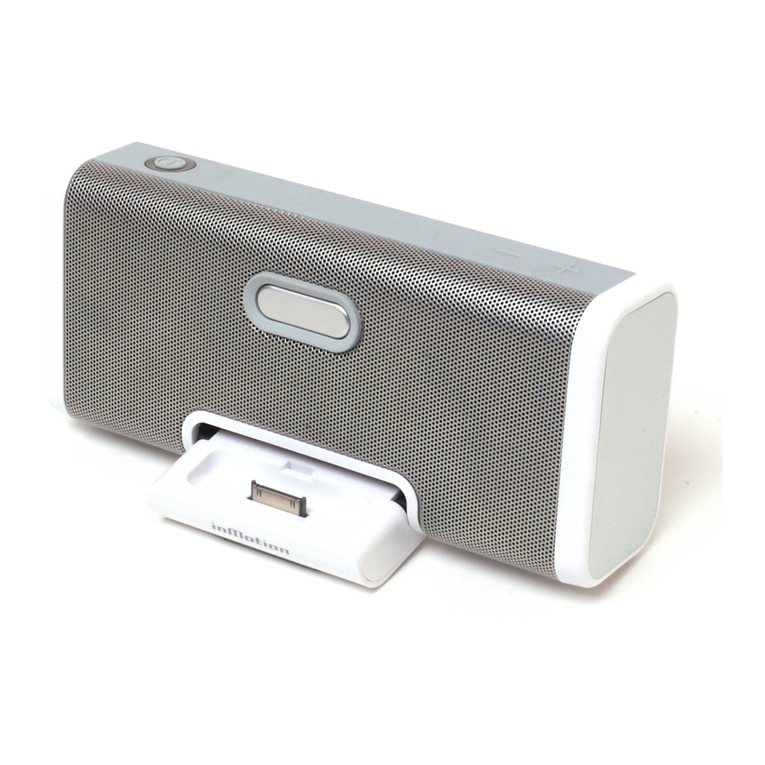
  9. Altec Lansing INMOTION MAX User manual

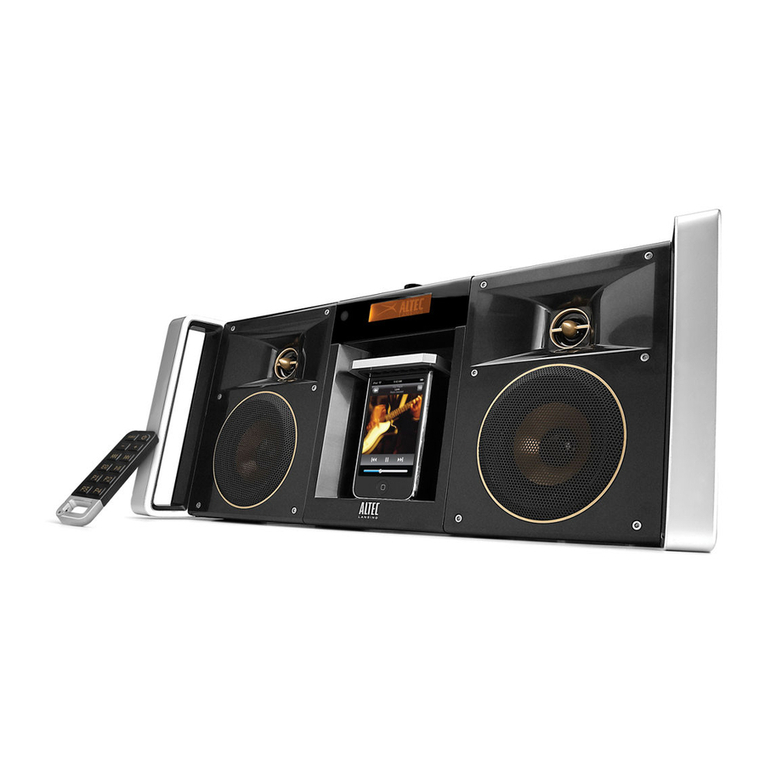
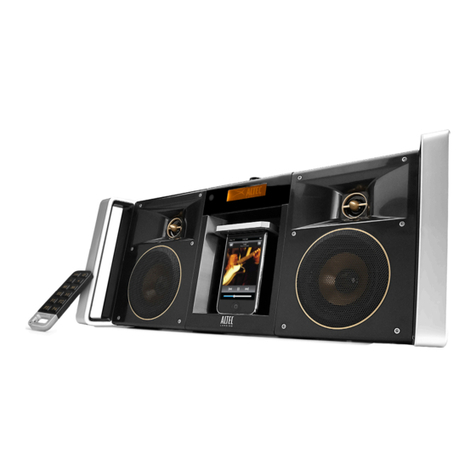
Altec Lansing INMOTION MAX User manual

Other manuals for INMOTION MAX

3

Other Altec Lansing Docking Speakers manuals

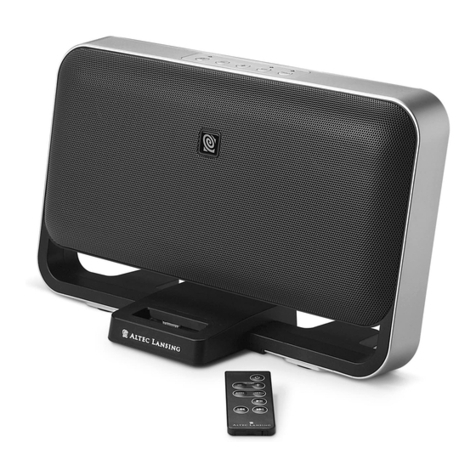
Altec Lansing INMOTION MAX User manual

Altec Lansing

Altec Lansing INMOTION MAX User manual

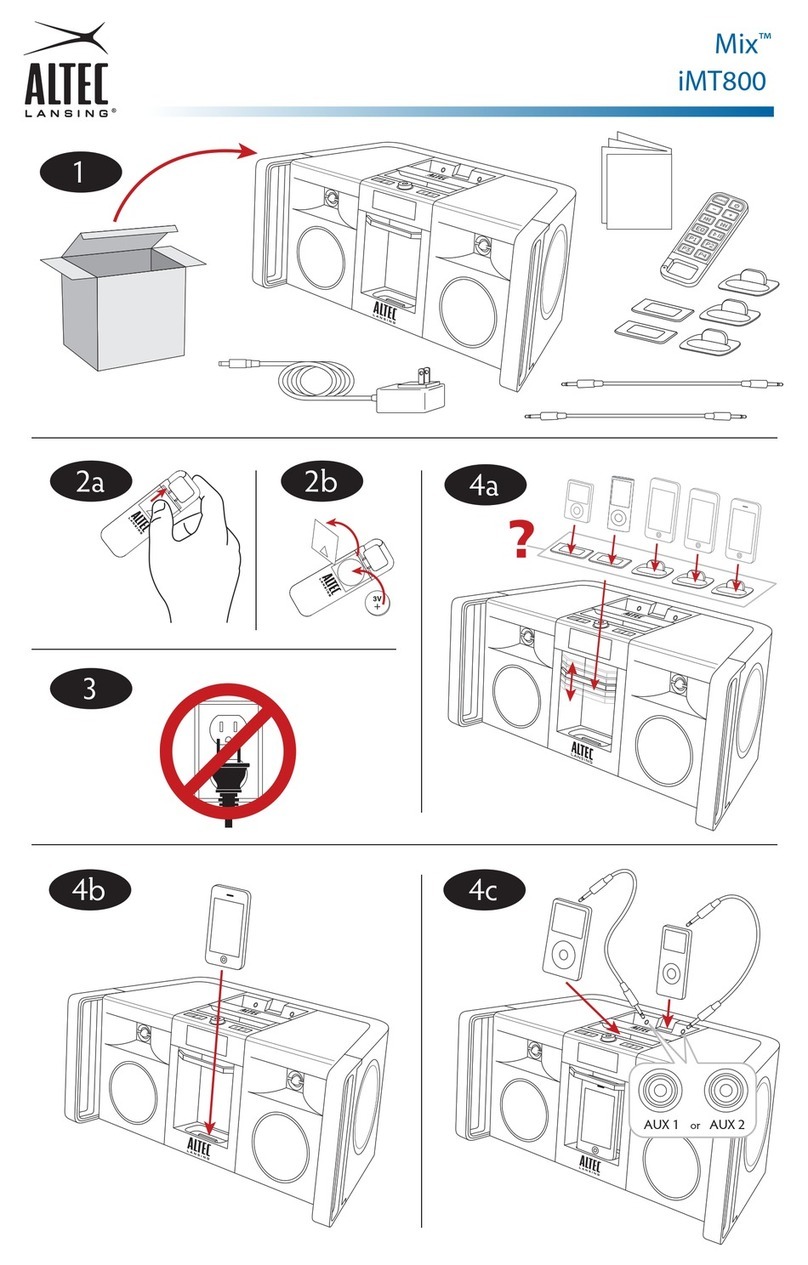
Altec Lansing IMT800 User manual

Altec Lansing

Altec Lansing IMT800 User manual

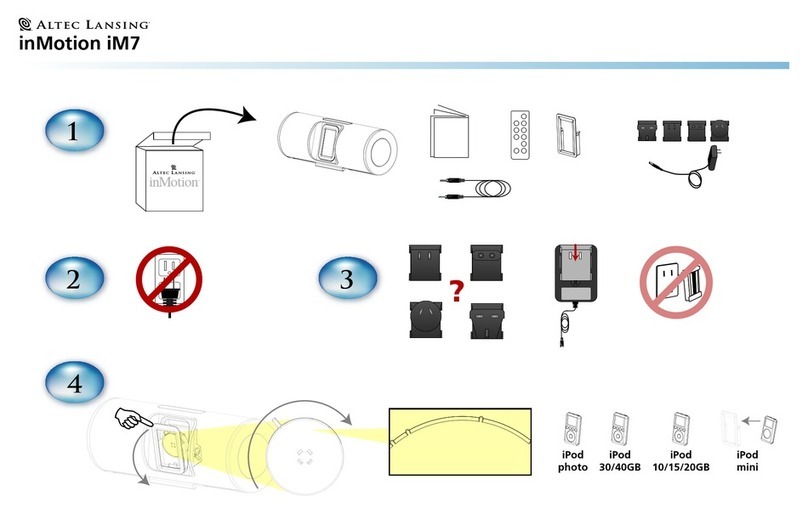
Altec Lansing inMotion iM7 User manual
Altec Lansing

Altec Lansing inMotion iM7 User manual

Altec Lansing INMOTION IM600 USB - SELL-SHEET User manual

Altec Lansing

Altec Lansing INMOTION IM600 USB - SELL-SHEET User manual

Altec Lansing inMotion iMmini Instruction Manual

Altec Lansing

Altec Lansing inMotion iMmini Instruction Manual

Altec Lansing inMotion IM414 Instruction Manual

Altec Lansing

Altec Lansing inMotion IM414 Instruction Manual

Altec Lansing INMOTION MAX User manual

Altec Lansing

Altec Lansing INMOTION MAX User manual

Altec Lansing INMOTION MAX User manual

Altec Lansing

Altec Lansing INMOTION MAX User manual

Altec Lansing inMotion iM413 User manual

Altec Lansing

Altec Lansing inMotion iM413 User manual

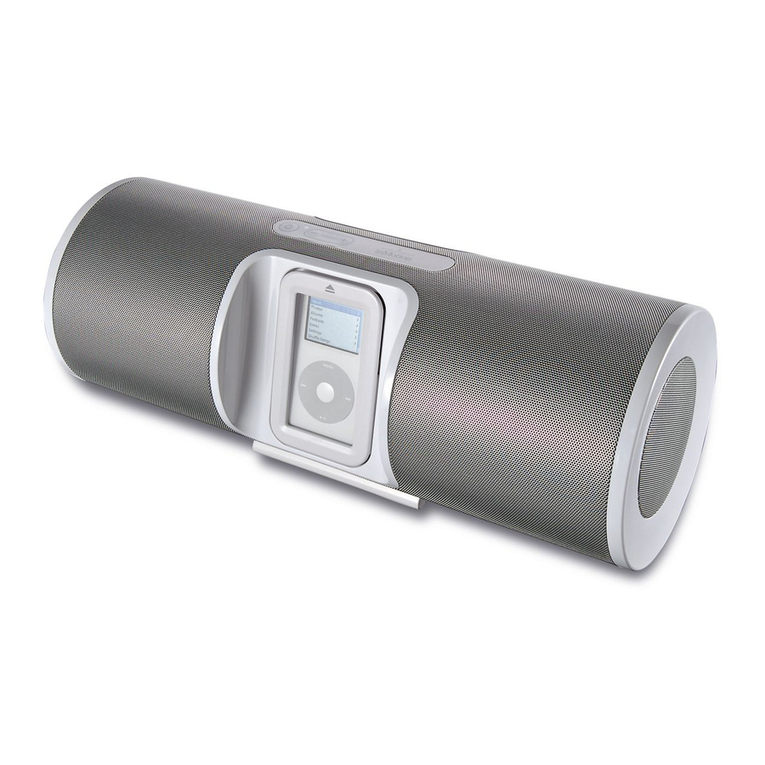
Altec Lansing inMotion iM7 Instruction Manual

Altec Lansing

Altec Lansing inMotion iM7 Instruction Manual

Altec Lansing inMotion iMX2 User manual

Altec Lansing

Altec Lansing inMotion iMX2 User manual

Altec Lansing inMotion IM500 Assembly instructions

Altec Lansing

Altec Lansing inMotion IM500 Assembly instructions

Altec Lansing M812 Operating and installation instructions

Altec Lansing

Altec Lansing M812 Operating and installation instructions

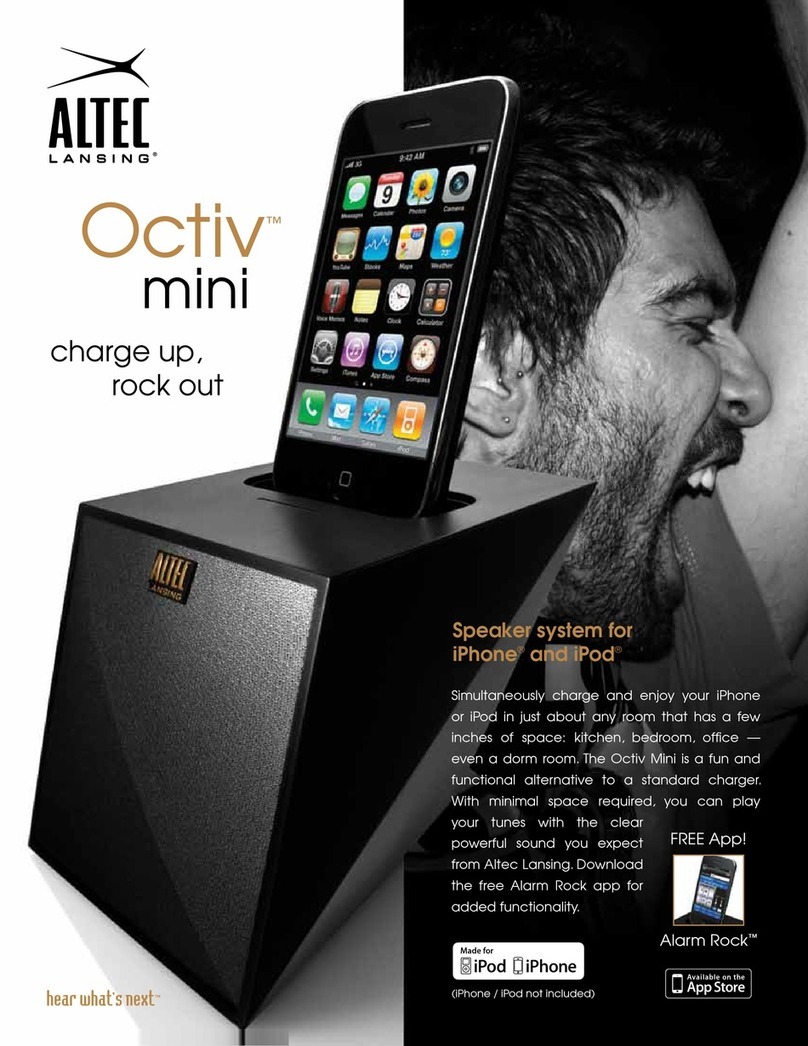
Altec Lansing OCTIV MINI User manual

Altec Lansing

Altec Lansing OCTIV MINI User manual

Altec Lansing Moondance HOME M302 User manual

Altec Lansing

Altec Lansing Moondance HOME M302 User manual

Altec Lansing inMotion IM5 User manual

Altec Lansing

Altec Lansing inMotion IM5 User manual

Altec Lansing inMotion IM9 User manual

Altec Lansing

Altec Lansing inMotion IM9 User manual

Altec Lansing inMotion iM3 User manual

Altec Lansing

Altec Lansing inMotion iM3 User manual

Altec Lansing inMotion iM7 User manual

Altec Lansing

Altec Lansing inMotion iM7 User manual

Altec Lansing inMotion iM11 User manual

Altec Lansing

Altec Lansing inMotion iM11 User manual

Altec Lansing inMotion IM310 User manual

Altec Lansing

Altec Lansing inMotion IM310 User manual

Altec Lansing inMotion IM500 User manual

Altec Lansing

Altec Lansing inMotion IM500 User manual

Altec Lansing inMotion IM9 User manual

Altec Lansing

Altec Lansing inMotion IM9 User manual

Altec Lansing Moondance Glow M402SR User manual

Altec Lansing

Altec Lansing Moondance Glow M402SR User manual

Popular Docking Speakers manuals by other brands

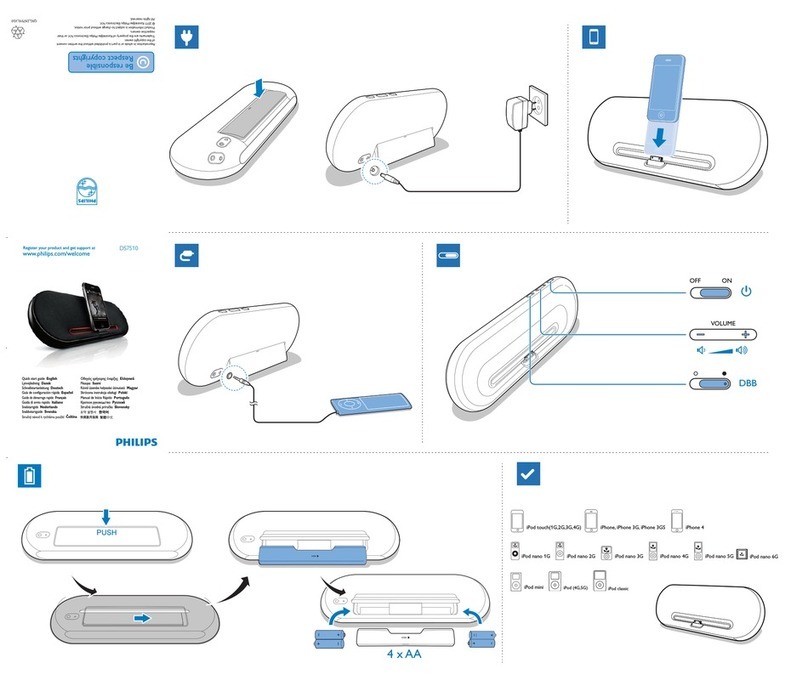
Philips DS7510/12 quick start guide

Philips

Philips DS7510/12 quick start guide

Philips AD305 user manual

Philips

Philips AD305 user manual

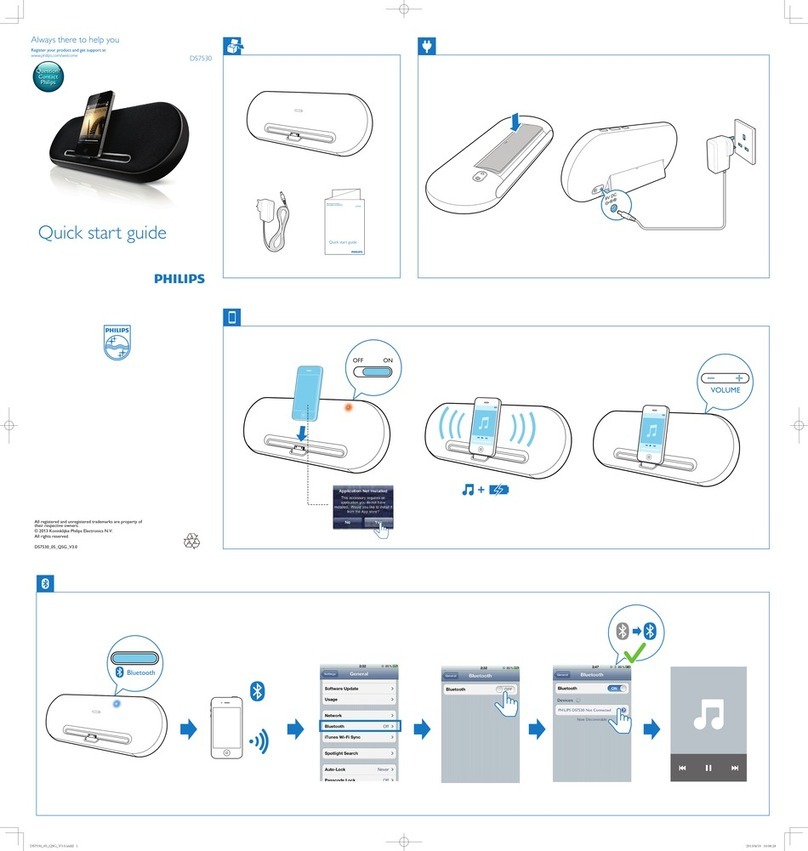
Philips DS7530 quick start guide

Philips

Philips DS7530 quick start guide

LG PA36 owner's manual

LG

LG PA36 owner's manual

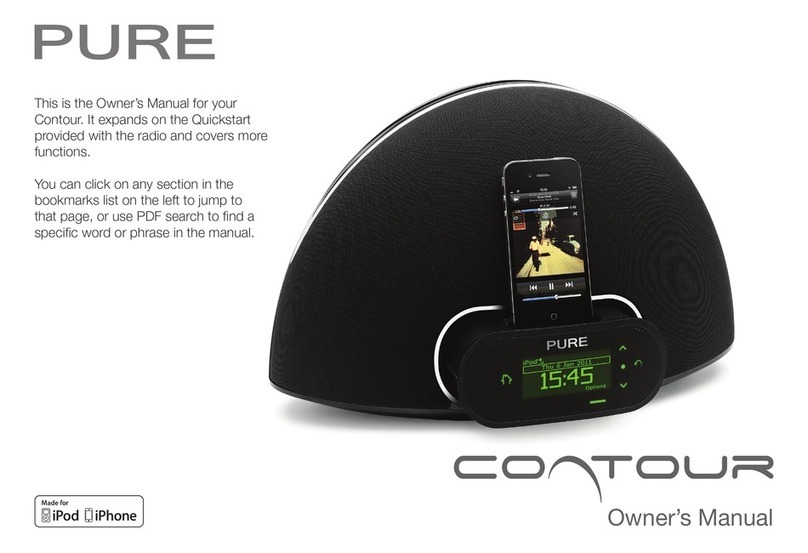
PURE Contour owner's manual

PURE

PURE Contour owner's manual

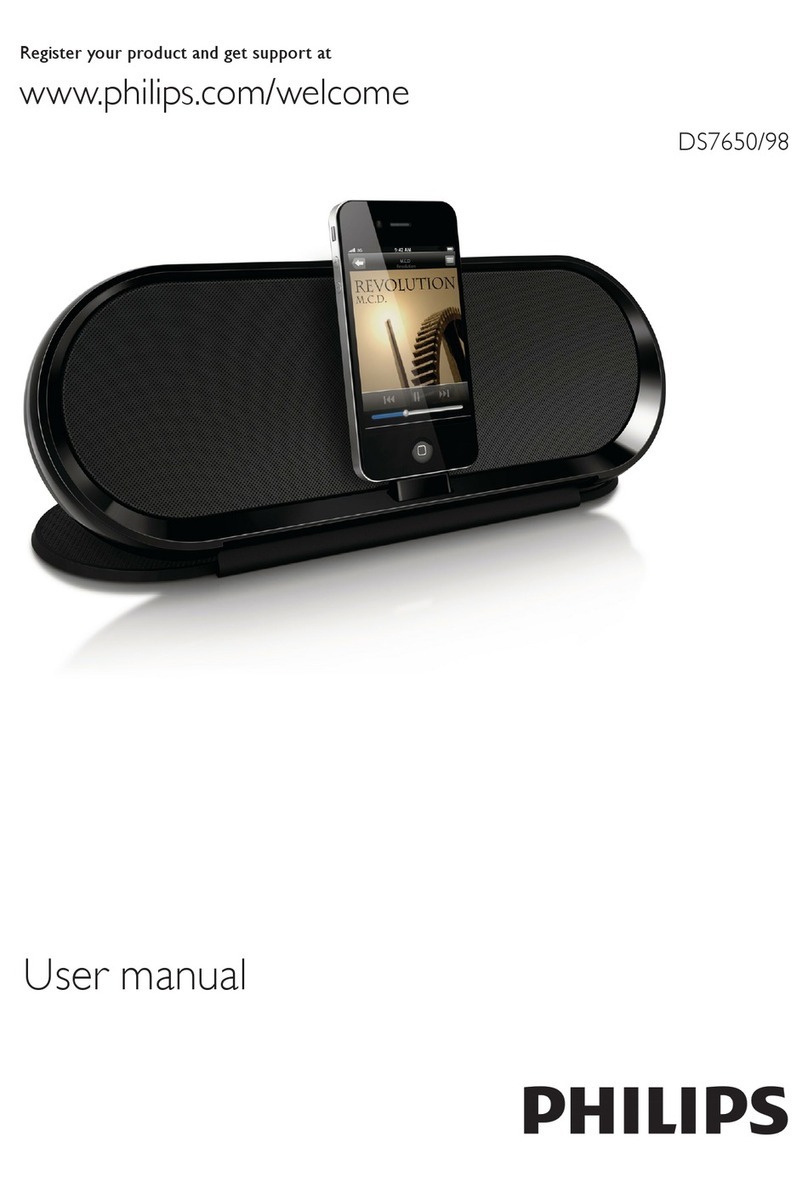
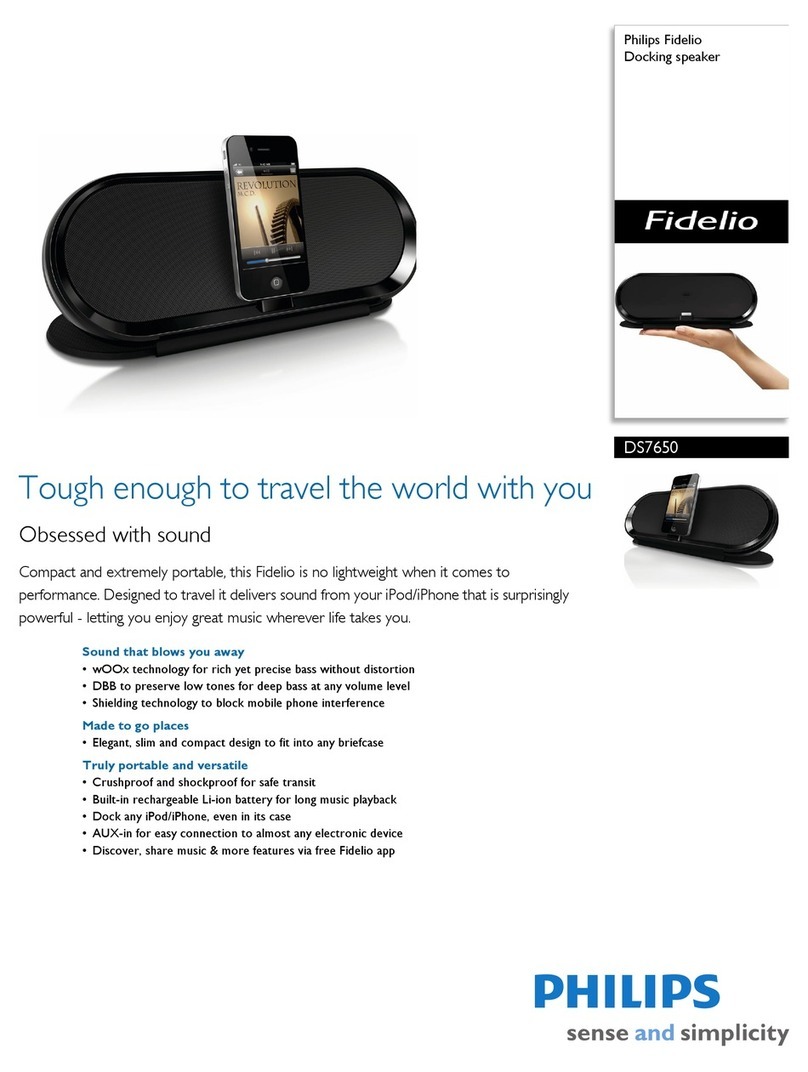
Philips DS7650/98 user manual

Philips

Philips DS7650/98 user manual

LG ND8520 owner's manual

LG

LG ND8520 owner's manual

Maxell BT3100 user manual

Maxell

Maxell BT3100 user manual

Boston i-DS3 plus user manual

Boston

Boston i-DS3 plus user manual

aqprox! APPSP06X user guide

aqprox!

aqprox! APPSP06X user guide

iLive ISD291B user guide

iLive

iLive ISD291B user guide

JBL on stager III WM owner's manual

JBL

JBL on stager III WM owner's manual

Philips Fidelio DS7650/37 Specifications

Philips

Philips Fidelio DS7650/37 Specifications

JAMO i200 FM manual

JAMO

JAMO i200 FM manual

AUVIO Auvio 40-294 quick start guide

AUVIO

AUVIO Auvio 40-294 quick start guide

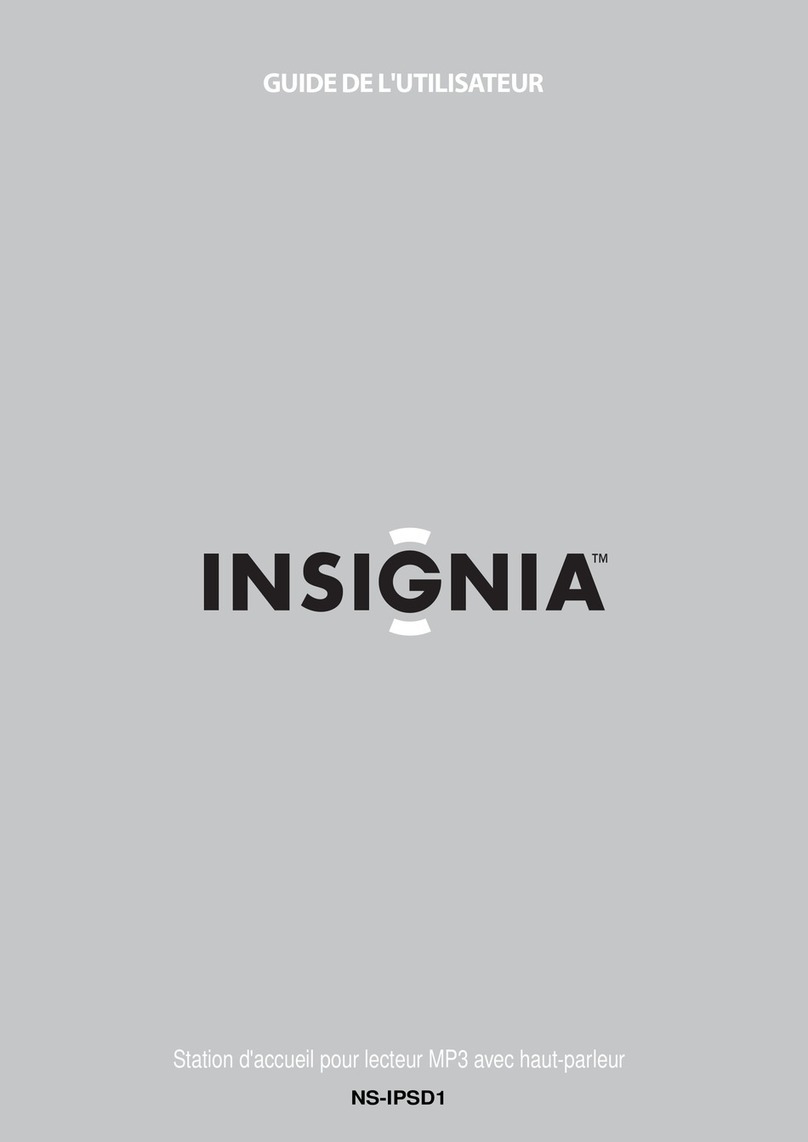
Insignia NS-IPSD1 Guide de l'utilisateur

Insignia

Insignia NS-IPSD1 Guide de l'utilisateur

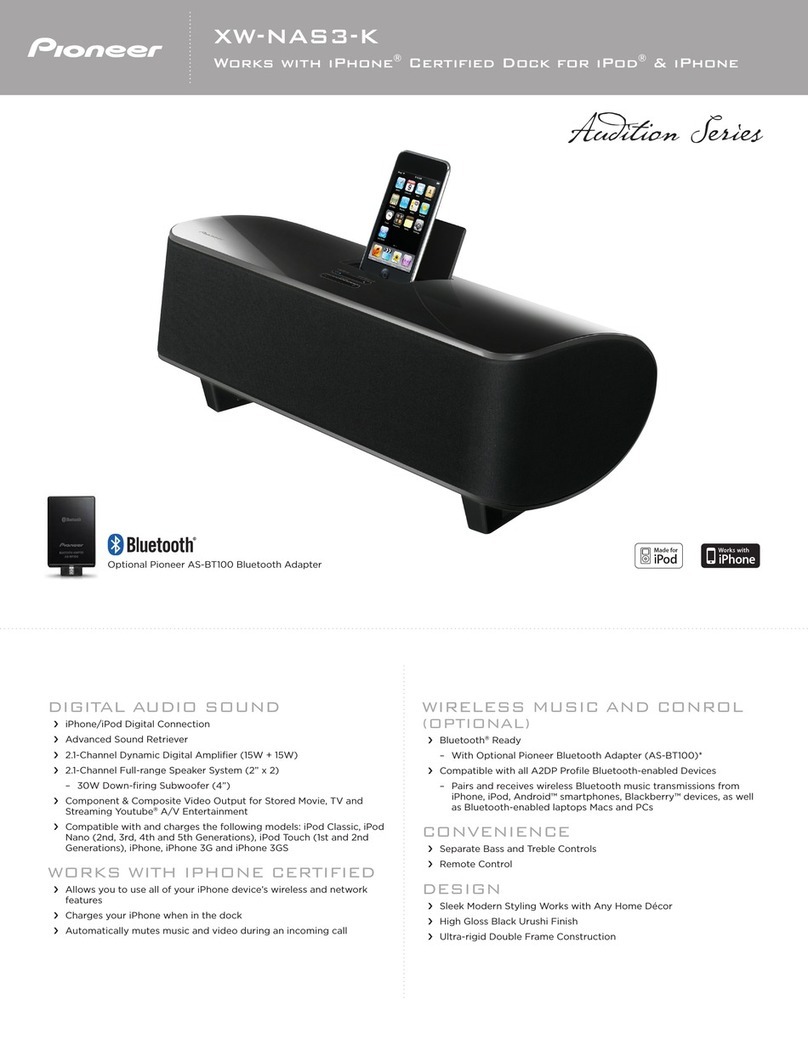
Pioneer XW-NAS3 brochure

Pioneer

Pioneer XW-NAS3 brochure

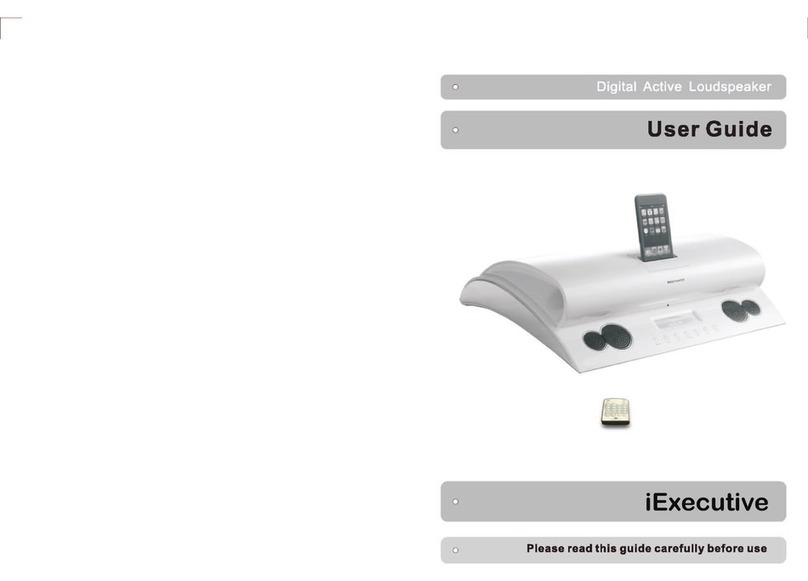
Amethyst A9 iExecutive user guide

Amethyst

Amethyst A9 iExecutive user guide

manuals.online logo
manuals.online logoBrands
  • About & Mission
  • Contact us
  • Privacy Policy
  • Terms and Conditions

Copyright 2025 Manuals.Online. All Rights Reserved.

Turn your iPhone
into a Portable
Sound System.
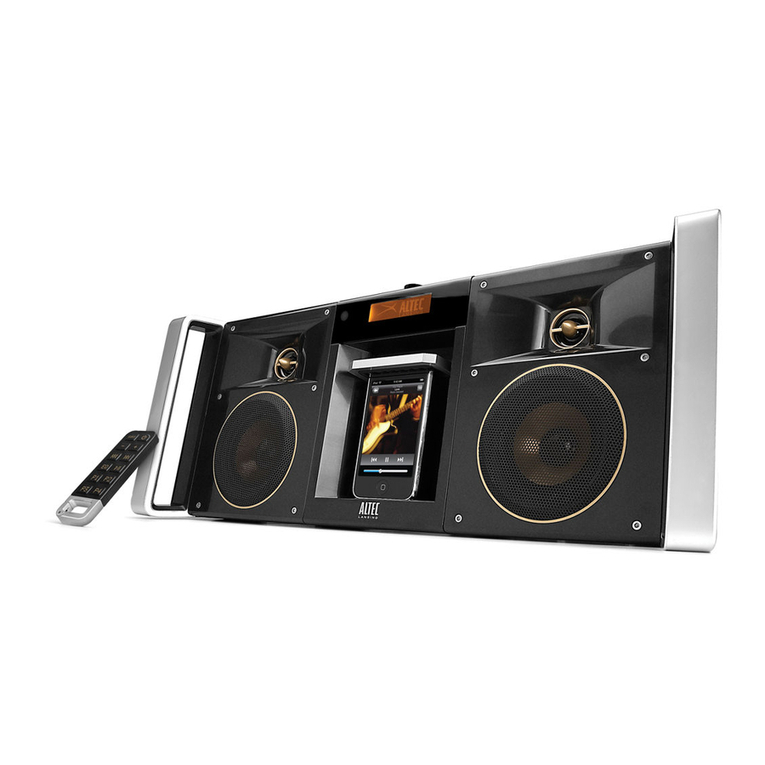
inMotion™Max
Premium Portable Stereo
for iPhone™ and iPod®
with rechargeable baery
Wander around the house, and take your music with you. Run it on baery
power or plug it in. Either way, the inMotion Max churns out lush sound from
your iPhone or iPod, or from the unit’s built-in FM radio. Twin, full-spectrum
speakers give you the accurate sound reproduction and warm acoustics you
crave. XDB technology supplies the deep bass without a subwoofer. And ESS
sound-widening technology expands the sound to t any room. What’s more,
when somebody calls your iPhone, the music pauses so you can take the call.
(iPhone / iPod not included)
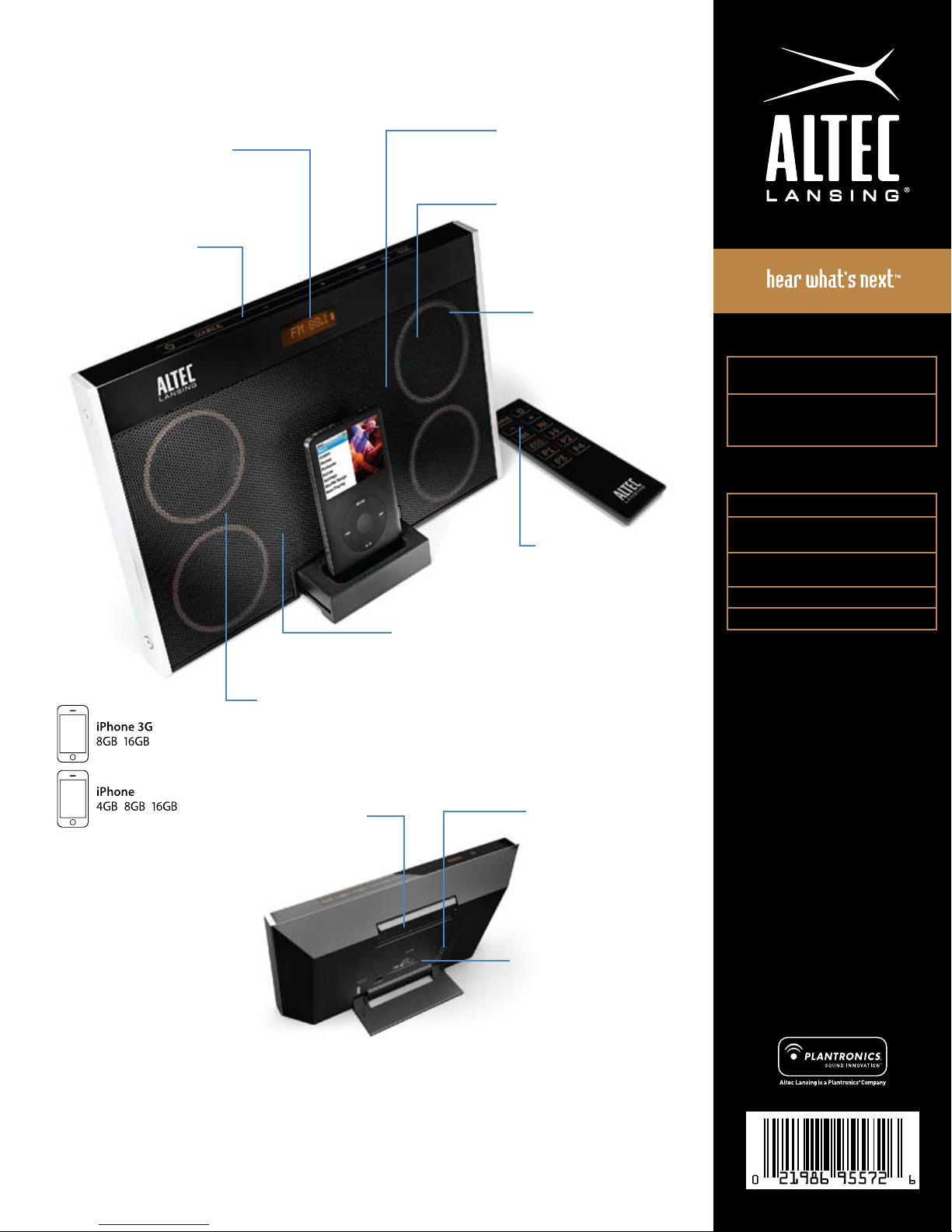
FM Radio with Amber LCD
Features 4 station presets and wire
antenna for superior reception. LCD
displays song and FM station data (RDS).
Powerful Bass
XdB bass-enhancement creates
deep bass without a subwoofer.
Crystal-clear Sound
Precision-matched speakers
deliver crisp, full-spectrum sound.
e ultra-sleek and portable inMotion Max delivers
your music with power, clarity and a remarkably wide
stereophonic soundstage.
Alarm Clock Function
Fully compatible with iPhone
and iPod models with alarm
and sleep timer features.
Expanded Sound Stage
Proprietary ESS technology widens the
stereo image to ll a room with sound.
Works with:
Made for:
iPod touch (2nd generation)
iPod touch (1st generation)
iPod classic
iPod with video
iPod nano (4th generation)
iPod nano (3rd generation)
iPod nano (2nd generation)
iPod nano (1st generation)
iPod with color display
iPod mini
iPod with Click Wheel
Package Contents
inMotion Max speaker system
Enhanced remote
FM radio antenna
Power adapter
Miscellaneous adapters
for iPhone and iPod
User guide and Quick
Connect Instructions
IMT702 E5554 R07
Remote Cubby
Handy storage for
the remote.
Auxiliary Input
Connects a second audio
source, including CD, DVD,
and other MP3 players
(cable not included).
Rechargeable Baery
e Li-ion baery provides
up to 3.5 hours of playing time.
Music Pause
Automatically pauses music when
a call is received on the iPhone.
Enhanced Remote
Controls speaker system
functions, FM radio, and
playlist and song navigation.
Interference Free
Unique design is immune to
mobile phone interference,
eliminating the need to
switch to airplane mode.
Specications
Two 2” (50 mm) full-range drivers +
two 2” (50 mm) passive radiators
Dimensions:
12.2” (W) x 2” (D) x 7.6” (H)
310mm (W) x 52mm (D) x 193mm (H)
Specications subject to change without notice. • “Made for iPod” means that an electronic accessory has been designed to connect
specically to iPod and has been certied by the developer to meet Apple performance standards. • “Works with iPhone” means that
an electronic accessory has been designed to connect specically to iPhone and has been certied by the developer to meet Apple
performance standards. • Apple is not responsible for the operation of this device or its compliance with safety and regulatory
standards. • Patents pending. • 1-year limited warranty (2 years in Europe; see inside for details.) • © 2008 Plantronics, Inc. All rights
reserved. • ALTEC, ALTEC LANSING, the Altec Lansing logo, the horn design, Altec Lansing Hear What’s Next, inMotion, XdB, ESS, and
iMT702 are trademarks or registered trademarks of Altec Lansing, a division of Plantronics, Inc. • Plantronics, the logo design and Sound
Innovation are trademarks or registered trademarks of Plantronics, Inc. • iPod is a trademark of Apple, Inc., registered in the U.S. and other
countries. • iPhone is a trademark of Apple Inc. • All other trademarks appearing herein are the property of their respective owners. •
Designed by Altec Lansing in the USA. Made in China.
Packaging Specications
Master Carton Quantity: 2
Master Carton Dimensions:
14.25” (W) x 12.75” (D) x 10.5” (H)
Display Carton Dimensions:
14.4” (W) x 6” (D) x 9.6” (H)
Master Carton Weight: 10 lbs.
Display Carton Weight: 4.5 lbs.
Headquarters
535 Rte. 6 & 209
Milford, PA 18337-0277
800-ALTEC-88 • 570-296-4434
Fax 570-296-6887