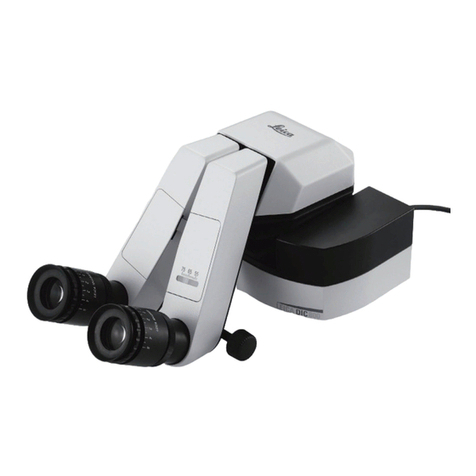
iBox Explorer22
Table of Contents
Table of Contents.........................................................................................................................................................2
Introduction..................................................................................................................................................................3
Safety Information........................................................................................................................................................4
Components.................................................................................................................................................................5
Specifications............................................................................................................................................................6
Darkroom Cabinet.....................................................................................................................................................6
Four Position Filter Tray............................................................................................................................................6
CCD Camera and Objectives....................................................................................................................................6
Magnification and Field of View.................................................................................................................................6
Viewer Window..........................................................................................................................................................6
Motorized Sample Platform.......................................................................................................................................6
Warming Plate...........................................................................................................................................................6
VisionWorksLS Software...........................................................................................................................................6
BioLite Xe MultiSpectral Source................................................................................................................................6
Installation....................................................................................................................................................................7
Installing the Software...............................................................................................................................................7
Registering the Software...........................................................................................................................................7
Installing the Hardware..............................................................................................................................................9
BioLite Xe MultiSpectral Light Source Setup...........................................................................................................10
Fiber Optic Cable Connection .................................................................................................................................11
Platform Stage/Warming Plate................................................................................................................................12
Additional iBox Explorer2Connections....................................................................................................................13
Loading Drivers.......................................................................................................................................................13
Operation....................................................................................................................................................................14
Preparing the System..............................................................................................................................................14
Preparing to Capture Images..................................................................................................................................15
Capturing Images....................................................................................................................................................18
Service Procedures....................................................................................................................................................19
Care and Cleaning ..................................................................................................................................................19
Return Procedure....................................................................................................................................................19
Troubleshooting.......................................................................................................................................................19
Replacement Parts and Accessories.......................................................................................................................20
Technical Support ...................................................................................................................................................21