manuals.online logo
Brands
  1. Home
  2. •
  3. Brands
  4. •
  5. Andres Industries
  6. •
  7. Tablet Accessories
  8. •
  9. Andres Industries aiShell mini User manual

Andres Industries aiShell mini User manual

This manual suits for next models

37

Other Andres Industries Tablet Accessories manuals

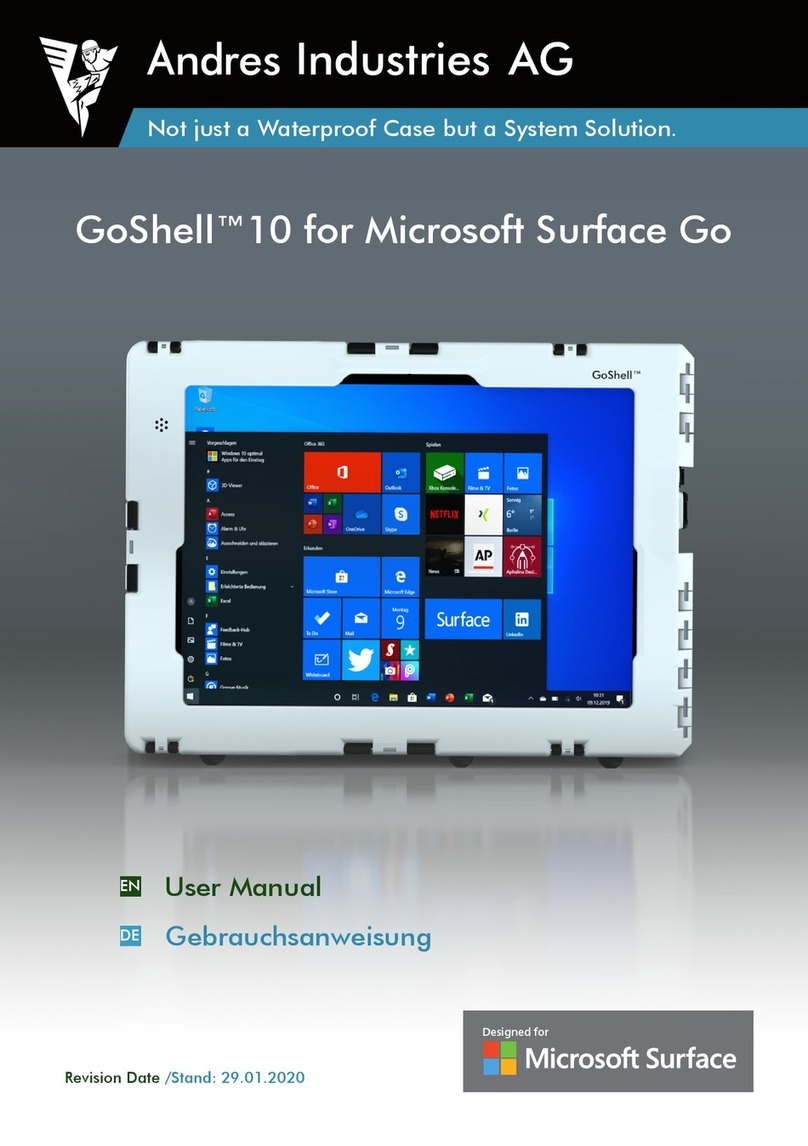
Andres Industries GoShell 10 User manual

Andres Industries

Andres Industries GoShell 10 User manual

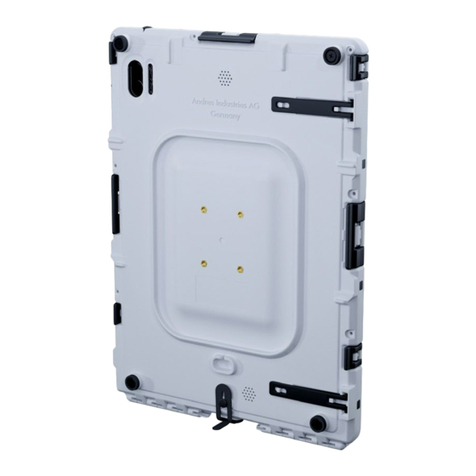
Andres Industries aiShell Air User manual

Andres Industries

Andres Industries aiShell Air User manual

Popular Tablet Accessories manuals by other brands

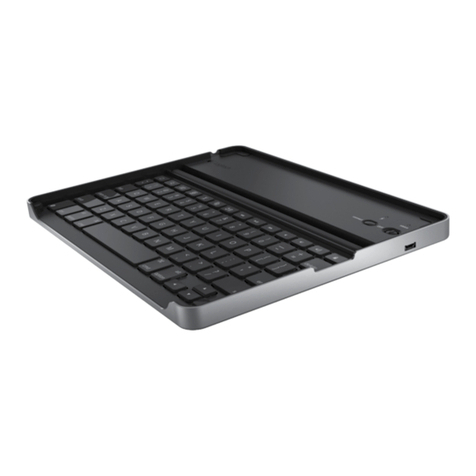
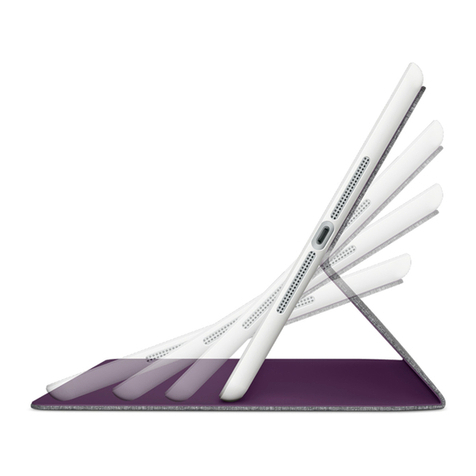
Logitech Logitech Keyboard Case user manual

Logitech

Logitech Logitech Keyboard Case user manual

Enabling Devices 4090 user guide

Enabling Devices

Enabling Devices 4090 user guide

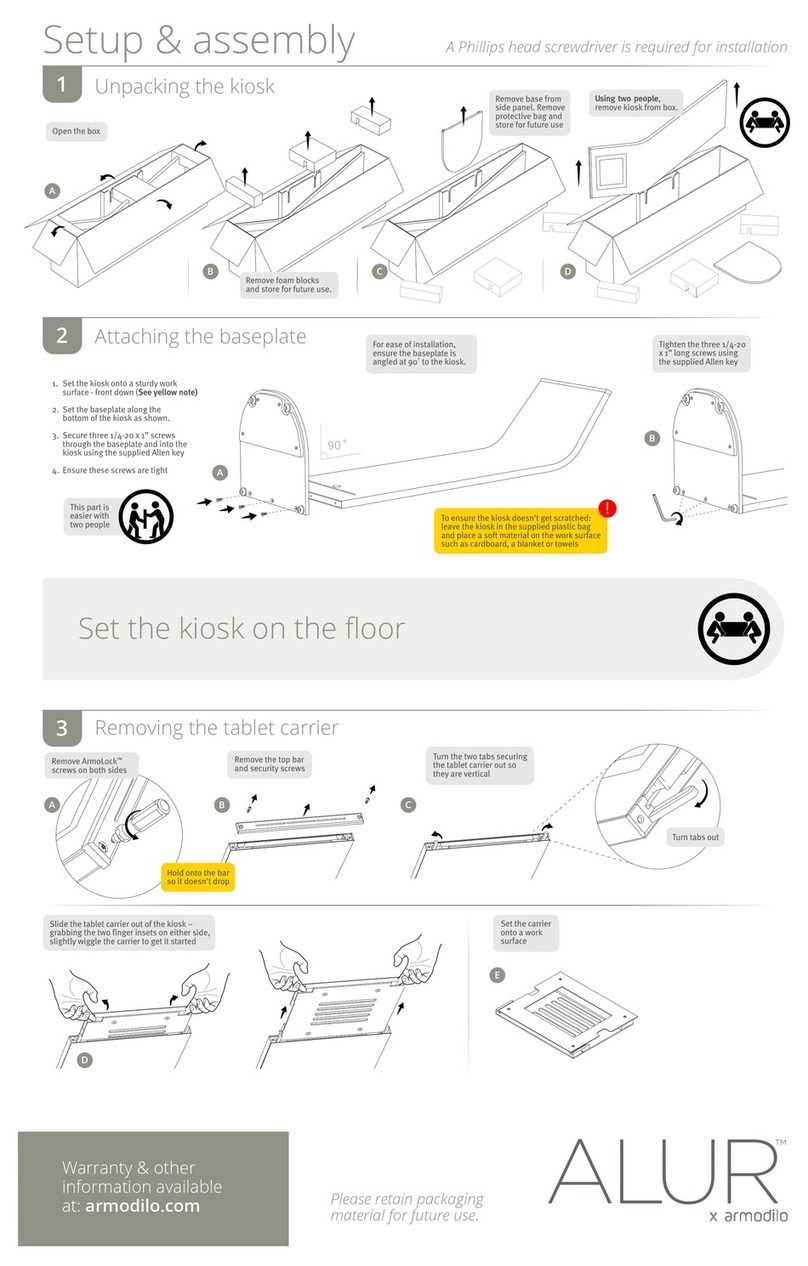
Armodilo ALUR Assembly instructions

Armodilo

Armodilo ALUR Assembly instructions

Thor’s Drone World Lifthor Mjolnir user manual

Thor’s Drone World

Thor’s Drone World Lifthor Mjolnir user manual

EARTO A1876 user manual

EARTO

EARTO A1876 user manual

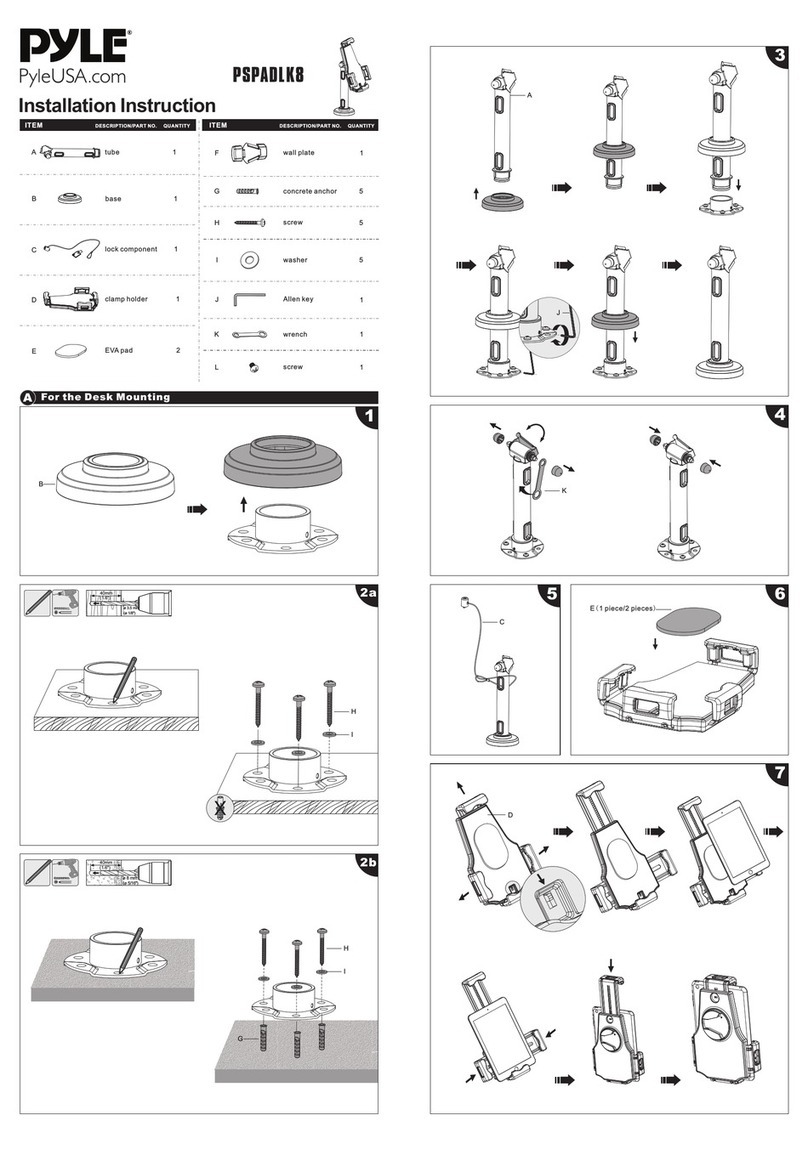
Pyle PSPADLK8 Installation instruction

Pyle

Pyle PSPADLK8 Installation instruction

MOB TUANUI user manual

MOB

MOB TUANUI user manual

Bretford PowerRack 10 manual

Bretford

Bretford PowerRack 10 manual

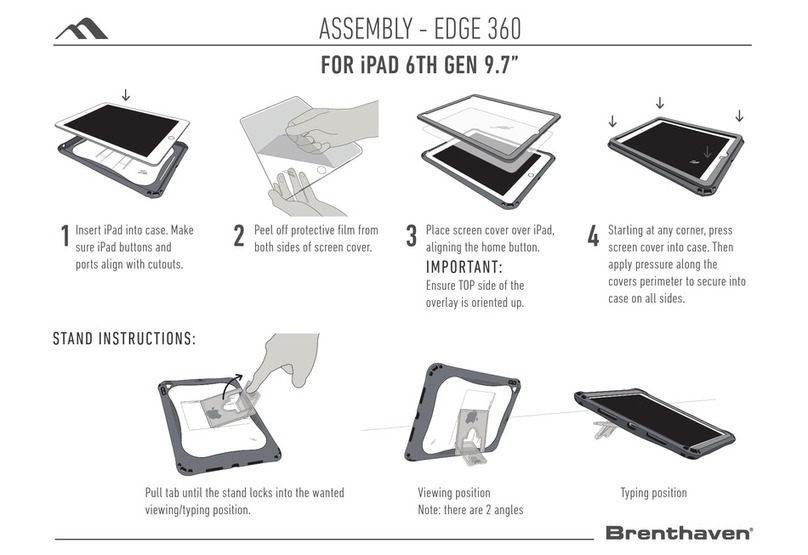
Brenthaven EDGE 360 manual

Brenthaven

Brenthaven EDGE 360 manual

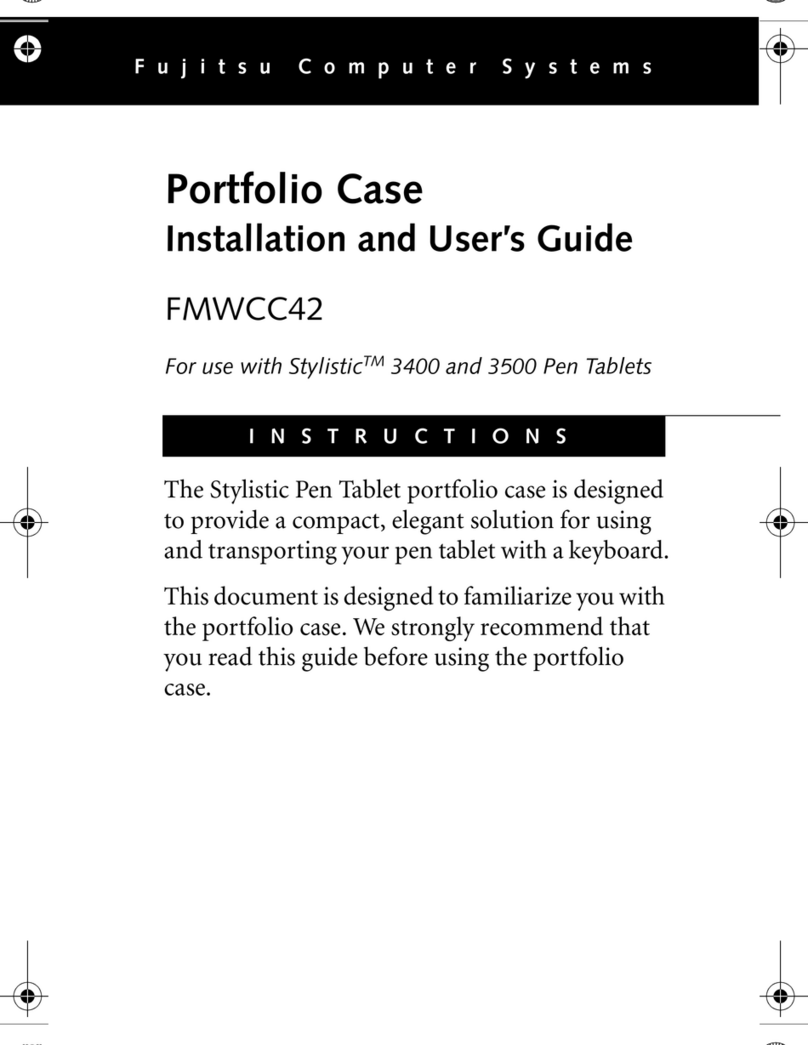
Fujitsu Stylistic 3400 Installation and user guide

Fujitsu

Fujitsu Stylistic 3400 Installation and user guide

Logitech Hinge Setup guide

Logitech

Logitech Hinge Setup guide

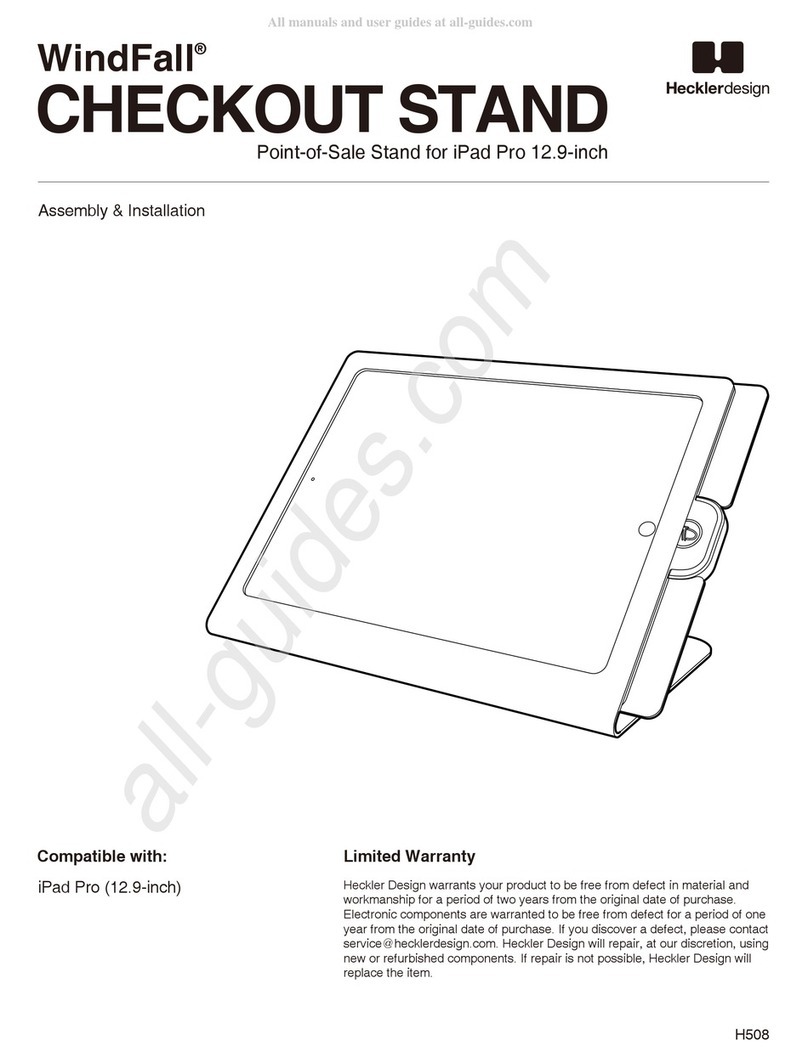
Heckler Design WindFall STAND Assembly & installation

Heckler Design

Heckler Design WindFall STAND Assembly & installation

APLIC 303183 user manual

APLIC

APLIC 303183 user manual

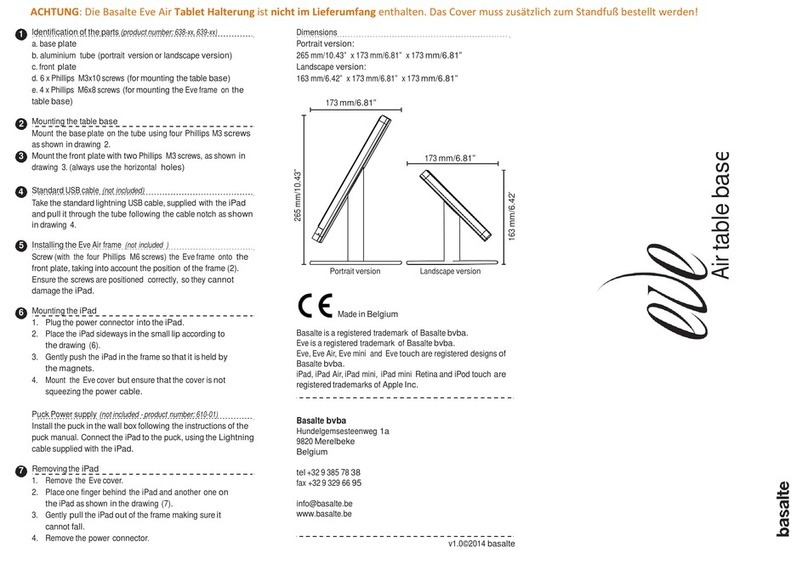
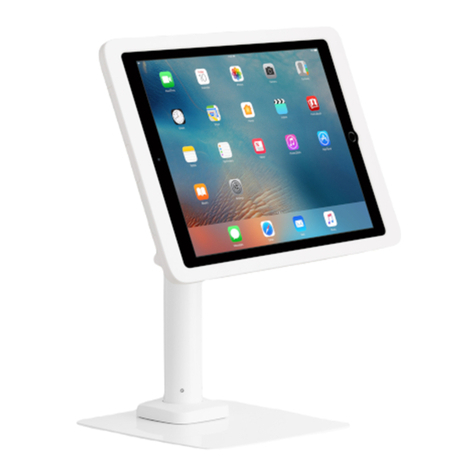
Basalte eve Air quick start guide

Basalte

Basalte eve Air quick start guide

lilitab P Pro Assembly instructions

lilitab

lilitab P Pro Assembly instructions

Heckler Design WindFall CHECKOUT STAND Assembly & installation

Heckler Design

Heckler Design WindFall CHECKOUT STAND Assembly & installation

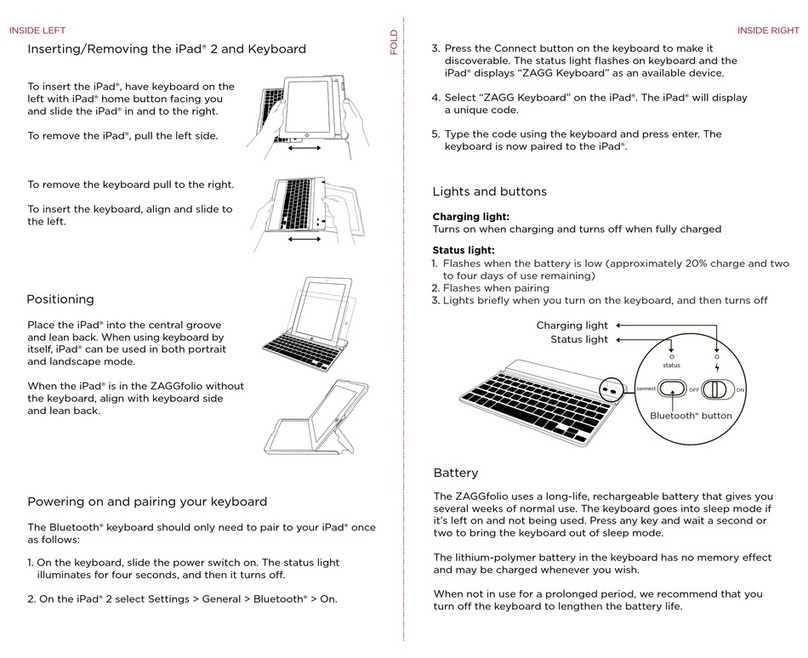
Zagg ZAGGfolio instruction manual

Zagg

Zagg ZAGGfolio instruction manual

Kensington KeyFolio Pro quick start guide

Kensington

Kensington KeyFolio Pro quick start guide

manuals.online logo
manuals.online logoBrands
  • About & Mission
  • Contact us
  • Privacy Policy
  • Terms and Conditions

Copyright 2025 Manuals.Online. All Rights Reserved.

aiShell™
Revision Date / Stand: 09.11.2020
User Manual
Gebrauchsanweisung
EN
DE
Not just a Waterproof Case but a System Solution.
2aiShell
THANK YOU – DANKE
We would like to thank you for the purchase of this protective case and your confidence in our products. We
hope to see you being satisfied using the aiShell protective case for apple iPads and that you continue to
choose products from Andres Industries AG in the future. Please send us your feedback on your experience
with our product, so we can consider it for product revisions and new developments. If you require special
accessories or special versions of this case for professional use, we can assist you as a competent partner.
Vielen Dank für den Kauf dieses Gehäuses und Ihr Vertrauen in unsere Produkte. Wir hoffen, Sie sind mit
dem aiShell Schutzgehäuse für Apple iPads zufrieden und Sie entscheiden sich auch bei zukünftigen Ge-
legenheiten für Produkte der Andres Industries AG. Wir freuen uns sehr, wenn Sie uns Ihre Erfahrungen
mitteilen, so dass wir sie bei Produktänderungen und Neuentwicklungen berücksichtigen können. Sollten
Sie für den professionellen Einsatz spezielles Zubehör oder Sonderversionen benötigen, stehen wir Ihnen
ebenso als kompetenter Partner zur Verfügung.
NOTE
It is important to follow the instructions in this manual exactly to assure application security. The aiShell
was developed to protect the tablet from water penetration and mechanical stresses, such as jolts or
shocks. It is not suitable for other devices. Please use only appropriate accessories from Andres Industries
AG. The use of other accessories may result in damage to the AiShell or even the apple iPad. You will find
the latest information on our constantly expanding range of accessories on our website.
HINWEIS
Für die Anwendungssicherheit ist es wichtig, die folgenden Hinweise genau zu befolgen:
Das aiShell wurde entwickelt, um das Tablet gegen eindringendes Wasser und mechanische Belastungen
wie Stöße und Schläge zu schützen. Es ist nicht für andere Geräte geeignet. Bitte verwenden Sie nur pas-
sendes Zubehör der Andres Industries AG. Die Verwendung von anderem Zubehör kann zu Schäden am
Gehäuse oder sogar am Apple iPad führen. Auf unserer Website finden Sie die aktuellsten Informationen
über die ständig erweiterte Zubehörpalette.
Verpackungsinhalt
variiert je nach aiShell
Package Content
varies depending on aiShell
3
aiShell
EN
EN
EN
DE
DE
DE

IMPORTANT! – BEFORE OUTDOOR USE
Before first use or if you have doubts about the impermeability after a fall or similar, check the watertight-
ness of the case by immersing it under water (max.10cm depth) before inserting apple iPad. For this test
please use the enclosed dummy made from cardboard.
After inserting the apple iPad, make sure that all latches are closed and that the two openings for system
connectors and headphones are also securely closed.
WARNING!
The product is not waterproof while standard headphones are in use.
WICHTIG! – VOR DEM EINSATZ IM OUTDOORBEREICH
Vor dem ersten Gebrauch oder wenn Sie nach einem Sturz o.ä. Zweifel an der Dichtigkeit haben,
überprüfen Sie diese indem Sie es – ohne das Apple iPad vorher einzulegen – unter Wasser halten
(max.10cm). Nutzen Sie hierzu den beigefügten Papp - Dummy, um die Dichtigkeit des aiShell zu testen.
Nach Einlegen des Apple iPad stellen Sie sicher, dass alle Verriegelungen verschlossen sind und auch die
beiden Öffnungen für Systemstecker und Kopfhörer sicher verschlossen sind.
WARNUNG!
Das Produkt ist während der Verwendung von kabelgebundenen Kopfhörern nicht wasserdicht.
4aiShell VERIFYING – ÜBERPRÜFEN
EN
DE
water- and dustproof, fully
submersible to 1m up to
0.5 hours according to DIN EN 60529
(IP68 also available on request)
resists 26 dops from 1.22m ac-
cording to US MIL-STD 810G
IP67
MIL
810
2
Open locking clips
Press lower edge of Tablet on pads
1
Öffnen Sie die Verschlussklammern auf jeder Seite
Drücken Sie die untere Kante des Tablet auf die Pads
With some aiShell™9.7 and aiShell™10 the attachment of additional pads is recommended. A
corresponding instruction and the pads are included in the package.
Bei einigen aiShell™9.7 und aiShell™10 ist das Anbringen von zusätzlichen Pads empfehlenswert.
Eine entsprechende Anleitung und die Pads liegen der Verpackung bei.
5
aiShell
INSERT – EINLEGEN
EN
EN
DE
DE
EN
DE
3
4
Make sure that the Apple iPad lies correctly in the aiShell
Tilt the Apple iPad into the bottom of the aiShell
Kippen Sie das Apple iPad in die untere Schale des aiShell
Stellen Sie sicher, dass das Apple iPad korrekt im aiShell liegt
6aiShell INSERT – EINLEGEN
EN
EN
DE
DE
After inserting the accessories, make sure that the aiShell is closed correctly
Achten Sie darauf, dass das aiShell nach Einsetzen des Zubehörs korrekt geschlossen ist
Pen Holder
Stifthalter
Blind Plugs
Blindstopfen
Rubber Feet
Gummifüße
Open the aiShell case and insert the optio-
nal accessoires as shown
Öffnen Sie das aiShell und setzen Sie das
Zubehör wie in der Grafik gezeigt ein
7
aiShell
ACCESSORIES WHEN INSERTING – ZUBEHÖR BEIM EINLEGEN
EN
EN
DE
DE
5
6
Lock all locking clips
Close the aiShell
Use plugs to achive waterproofness
If the case is closed and the plugs are plugged in, make sure that nothing is in-between case and
gasket. Otherwise the water tightness is not guaranteed.
Schließen Sie das aiShell
Verschließen Sie alle Verschlussklammern
Nutzen Sie die Stopfen, um die
Wasserdichtigkeit zu erreichen
Wenn das Gehäuse geschlossen und die Stopfen eingesteckt sind, achten Sie darauf, dass sich
nichts zwischen Gehäuse und Dichtung befindet, da sonst die Wasserdichtigkeit nicht gewährleistet
werden kann.
8aiShell INSERT – EINLEGEN
EN
EN
EN
EN
DE
DE
DE
DE
The Quicksnapper can be screwed directly onto a table or wall. Alternatively it can be attached to a
RAM mount. The aiShell can be quickly inserted and removed.
Der Quicksnapper kann direkt auf einen Tisch oder eine Wand geschraubt werden. Alternativ kann
er an einem RAM-Mount befestigt werden. Das aiShell kann schnell eingesetzt und entnommen
werden.
Quicksnapper:
Quicksnapper:
EN
DE
9
aiShell
OPTIONAL ACCESSOIRES – ZUBEHÖR
SICHERHEITSSCHRAUBEN
Das Gehäuse kann gegen unbefugtes Öffnen gesichert werden
TX 5-Schraubendreher erforderlich
SAFETY SCREWS
Case can be secured against unauthorized opening
TX 5 screwdriver needed
EN
DE
M4 Screw
M4-thread
Shell shoulderstrap: # 291015
Remove rubber feet
Mount special screw
Shell handstrap back: # 293007
The use of two hand straps makes the aiShell floatable.
Entfernen Sie die Gummifüße
Montieren Sie die Spezialschraube
Die Verwendung von zwei Handstraps machen das aiShell schwimmfähig.
Attachments
Befestigungen
10 aiShell OPTIONAL ACCESSOIRES – ZUBEHÖR
EN
EN
EN
EN
DE
DE
DE
DE