GeneralGuide
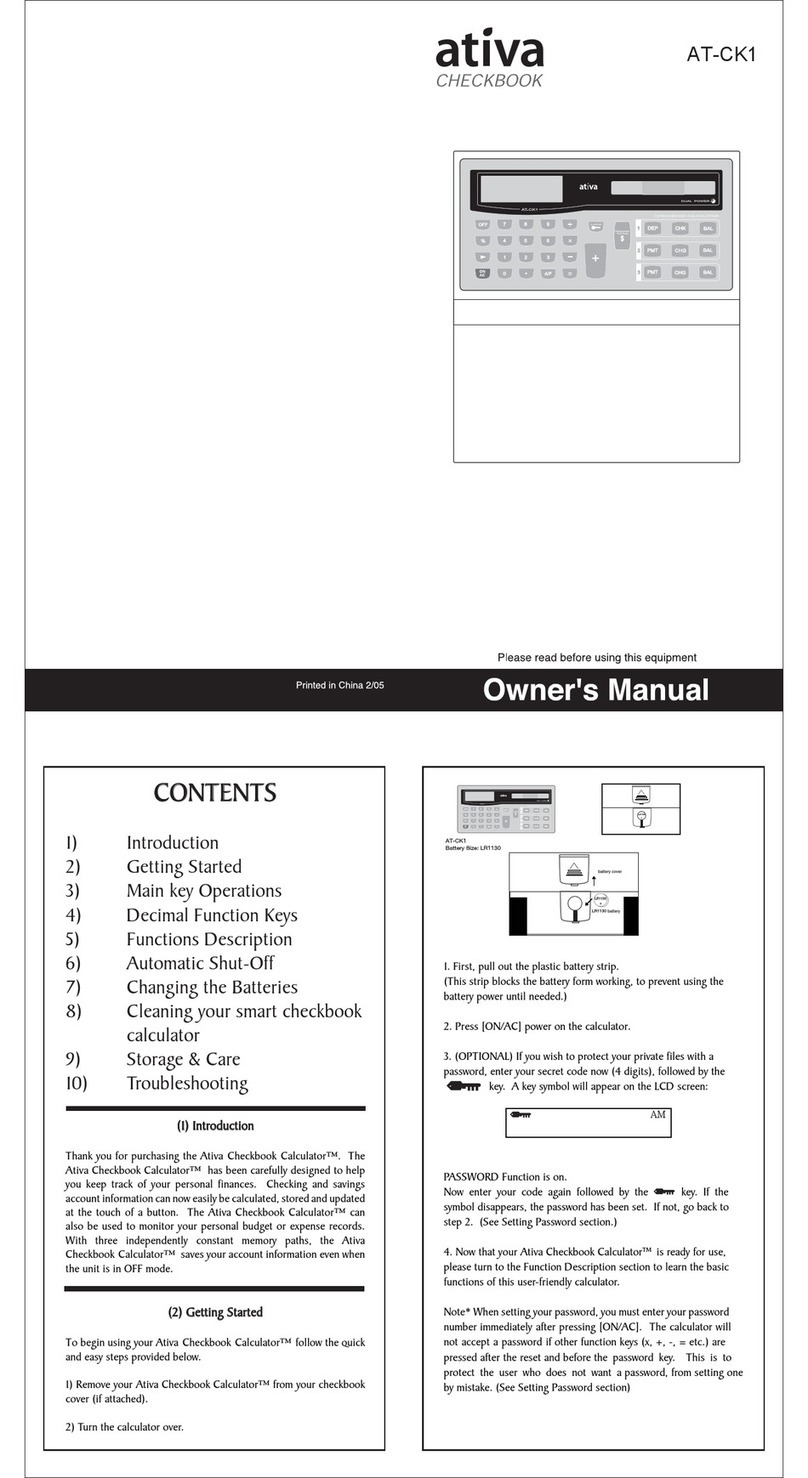
nTurnin g o n oroff
Toturnthe calculatoron,press [ON];Toturnthe calculatoroff,
press [2nd ][OFF ].
nBatteryreplacement
AT-36 isdualpowersystemwhichispowered byone alkaline bat-
tery(GP76A)and asolarcell.If the displaybecomesdimand difficult
toread (especiallywhen lighting isdim),the batteriesshouldbe
replaced assoon aspossible.
Toreplacebatteries:
1)Removethe screwsand the back cover.
2)Replacethe oldbatteriesand install newoneswithpolarity
incorrectdirections,then securethe screwsinplaceand
press [ON]toturnthe poweron.
nAutop o wer-off function
Thiscalculatorautomaticallyturnsitoff when notoperated forap-
proximately9~15 minutes.It can be reactivated bypressing [ON]
keyand the display,memory,settingsareretained.
nResetop eratio n
If the calculatorison butyou getunexpected results,press [2nd ]
[RESET]insequence.Amessage appearson the displaytoconfirm
whetheryou wanttoresetthe calculatorand clearmemorycontents.
RESET:NY
Movethe cursorto“Y”by[4], then press []toclearall variables,
programs,pending operations,statisticaldata,answers,all previ-
ousentries,and memory;Toabortthe resetoperation withoutclear-
ing the calculator,pleasechoose“N”.
If the calculatorislock and furtherkeyoperationsbecomes
impossible,pleasepress [0][DMS]atthe sametimetoreleasethe
condition.It will returnall settingstodefaultsettings.
nCo n trastadjustment
Pressing the [6]or[5]following [MODE]keycan makethe con-
trastofthe screen lighterordarker.Holding eitherkeydownwill
makethe displaybecomerespectivelylighterordarker.
nDisplay readout
The displaycomprisesthe entryline,the resultline,and indicators.
EntrylineAT-36 displays an entryofup to76 digits.Entriesbe-
ginon the left ;thosewithmorethan 11 digitsscroll to
the left. Press [4]or[3]tomovethe cursorthrough an
entry.Press [2nd ][3]or[2nd ][4]tomovethe cursor
immediatelytothe beginning orend ofthe entry.
ResultlineIt displays aresultofup to10 digits,aswell asadecimal,
anegativesign,a“x10 ”indicator,and a2-digitsposi-
tiveornegativeexponent. Resultsthatexceed the digit
limitaredisplayed inscientificnotation.
IndicatorsThe following indicatorsappearon the displaytoindi-
cateyou the currentstatusofthe calculator.
IndicatorMeanin g
MIndependentmemory
–Resultisnegative
2nd 2nd setoffunction keys isactive.
MODEMode selection isactive
MAINMainmode isactive
STATStatistics mode isactive
Base-nBase-nmode isactive
VLEVariablelinearequation mode isactive
QEQuadraticequation mode isactive
CPLXComplexnumbermode isactive
DEGRAD Anglemode :DEGrees,GRADs,orRADs
ENGSCIENGineering orSCIentificnotation.
TAB Numberofdecimalplacesdisplayed isfixed
HYP Hyperbolic-trigfunction will be calculated
BUSY Whilean operation isexecuting
ç è Therearedigitstothe left orrightofthe display
é êThereareearlierorlaterresultsthatcan be
displayed
Beforestarting calculation
nChanging amo d e
Pressing [MODE]can entermode menus.You can chooseone of
sixoperating modes,including “0)MAIN”,“1)STAT”,“2)Base-
n”,“3)CPLX”,“4)VLE”,“5)QE”.
Give“2)Base-n”asan example:
Method 1:Scroll through the menususing [3]or[4]until
“2)Base-n”isshown,then enterthe desired mode
bypressing [].
Method 2:Keyindirectlythe numberofthe mode,[2],toenterthe
desired mode immediately.
nSele c ting anitemfromdispla y men u s
Manyfunctionsand settingsareavailableon menus.Amenu isalist
ofoptionsdisplayed across the entryline.
Give“Pressing [DRG]keydisplays the menu forchoosing the
anglesetting underMAINmode ”asan example:
Method :Press [DRG]todisplaythe menu,and then movethe
cursor[3]or[4]toan itemyou want. Press []while
the itemisunderlined.
Formenu itemsfollowed byan argumentvalue,you can press
[]whilethe itemisunderlined orenterdirectlythe correspond-
ing argumentvalue.
nUsing “2n d ”k ey s
Toexecutethe functionsmarked inyellow,pleasepress [2nd ]and
then the corresponding key.When you press [2nd ], the “2nd ”indi-
catorshowninthe displayistotell you thatyou will be selecting the
second function ofthe nextkeyyou press.If you press [2nd ]by
mistake,simplypress [2nd ]againtoremovethe “2nd ”indicator.
nCursor
Pressing [3]or[4]keycan movethe cursortothe left orthe right.
Holddownanyofthosekeys tomovethe cursorathigh speed.
Pressing [5]or[6]can scroll the displayup ordownwhilethere
arepreviousentrieshidden the display.You can reuseoredita
previousentrywhen itison the entryline.
nMa k in g corr ectio n sd uring input
Todeleteacharacteratthe cursor,makethe characterunderlined
byusing [3]or[4]tomovethe cursor,and then press [DEL]to
deletethe character.
Toreplaceacharacter,makethe characterunderlined byusing [3]
or[4]tomovethe cursor,and then enteranewentrytoreplacethe
character.
Toinsertacharacter,movethe cursortothe position ofthe charac-
terwhereyou wanttoinsert, itwill be inserted inthe frontofthe
characterafterpressing [2nd ][INS]and entering anewcharacter.
(Note):The blinking cursor“3”meansthe calculatorisininsert
mode Onthe contrary,the blinking cursorisdisplayed as
“_”and itmeansthe calculatorisinoverwritemode.
Toclearall characters,clearall inputcharacterby[CL]key.
nReplay functio n
•Thisfunction storesthe latestoperation executed.Afterexecution
iscompleted,pressing [6]or[5]keywill displaythe operation
fromthe beginning orthe end.You can continuemoving the cursor
by[4]or[3]toeditit. Todeleteadigit, press [DEL]. (or,in
overwritemode,justtype overthe digit).See Example1.
•The replayfunction can keep inputdigitsup to254 charactersfor
AT-36.Afterexecution iscompleted orduring entering,you can
press either[5]or[6]todisplaypreviousinputstepsand edit
valuesorcommandsforsubsequentexecution.See Example2.
(Note):The replayfunctionisn’tcleared even when [CL]ispressed
orpoweristurned off, socontentscan be recalled even
after[CL]ispressed.However,replayfunction iscleared
when mode isswitched.
nErrorposition displa y function
•When amathematicallyillegalcalculation isperformed,errorpo-
sition displayfunction will tell you withthe cursorwherethe error
is.Press [4]or[3]tomovethe cursorand then giveitacorrect
entry.You can alsoclearan errorbypressing [CL]and then re-
entered the valuesand expression fromthe beginning.See Ex-
ample3.
nMemoryc a lculation
•Press [M+]toadd aresulttorunning memory.Press [2nd ]
[M–]tosubtractthe value fromrunning memory.Torecall the
value inrunning memory,press [MRC ]. Toclearrunning memory,
press [MRC ]twice.See Example4.
•The calculatorhasten memoryvariablesforrepeated use:A,B,C,
X,Y,M,X1,X2,
PROG1
and
PROG2
.You can storearealnumberin
variablesA,B,C,X,Y,M,X1,X2and twoexpressionsin
PROG1
and
PROG2
.See Example5.
*[P/VRCL]recallsall variables.
*[SAVE ]letsyou storevaluestovariables.
*[2nd ][RECALL ]recallsthe value ofvariable.
*[2nd ][CL-VAR]clearsall variablesexcept
PROG1,PROG2
.
*[2nd ][CL-PROG ]clearsthe contentsof
PROG1,PROG2
.
(Note):Besidespressing [SAVE ]keytostoreavalue,you can
alsoassign valuestomemoryvariableMby[M+]or
[2nd ][M–]. However,anything currentlystored invari-
ableMwill be deleted and replaced itwiththe newlyas-
signedvalue.
nOrderofo p eration s
Eachcalculation isperformed inthe following orderofprecedence
:
1)Expression inside parentheses.
2)Coordinatestransformation,and Type Bfunctionswhichare
required pressing the function keybeforeentering,for
example,sin,cos,tan,sin–1,cos–1,tan –1,sinh,cosh,tanh,
sinh –1,cosh–1,tanh –1,log,ln,10 X,eX,,NEG,NOT,X
’(),Y’().
3)Type Afunctionswhicharerequired entering valuesbefore
pressing the function key,forexample,x2,°′′′,!, x–1,%,r,
g.
4)Exponentiation (∧),x
5)Fractions
6)Abbreviated multiplication formatinfrontofvariables,π,
RANDM,RANDMI.
7) ( –)
8)Abbreviated multiplication formatinfrontofType Bfunctions
,Alog2,etc.
9)nPr,nCr
10)x,
11)+,–
12)AND,NAND
13)OR,XOR,XNOR
14)Conversion (Ab/c
34
d/e,F
34
D,4DMS)
•When functionswiththe samepriorityareused inseries,
execution isperformed fromrighttoleft.
eXln120→eX{ln(120 )}
otherwise,execution isfromleft toright.
•Compound functionsareexecuted fromrighttoleft.
•Anything contained withinparenthesesreceivesthe high-
estpriority.
nAccuracy an d Capac ity
Outputdigits:Upto10 digits.
Calculating digits:Upto24 digits
Ingeneral,everyreasonablecalculation isdisplayed up to10 digits
mantissa,or10-digitsmantissaplus2-digitsexponentup to10 ±99.
Numbersused asinputmustbe withinthe range ofthe given function
asfollow:
FunctionsInputrange
sinx,cosx,tanxDeg:|x|<4.5x10 10 deg
Rad:|x|<2.5x10 8πrad
Grad:|x|<5x10 10 grad
however,fortan x
Deg:|x|≠90 (2n+1)
Rad:|x|≠(2n+1)
Grad:|x|≠100 (2n+1)(nisan integer)
sin-1x,cos-1x | x|≤1
tan -1x | x|<1x10 100
sinh x,coshx | x|≤230.2585092
tanhx | x|<1x10 100
sinh -1x | x|<5x10 99
cosh-1x1≤x<5x10 99
tanh -1x | x|<1
log x,lnx1x10 -99 ≤x<1x10 100
10 x-1x10 100 <x<100
ex-1x10 100 <x≤230.2585092
0≤x<1x10 100
x2|x|<1x10 50
x–1|x|<1x10 100,X≠0
x!0≤x≤69 ,xisan integer.
P(x,y)22 yx +<1x10 100
R(r,θ)0≤r<1x10 100
Deg:|θ|<4.5x10 10 deg
Rad:|θ|<2.5x10 8πrad
Grad:|θ|<5x10 10 grad,however,fortan x
Deg:|θ|≠90 (2n+1)
Rad:|θ|≠(2n+1)
Grad:|θ|≠100 (2n+1)(nisan integer)
4DMS|DD |,MM,SS.SS <1x10 100,
0≤MM,SS.SS ,|x|< 10 100
xyx>0:–1x10 100 <ylog x<100
x=0:y>0
x<0:y=n,1/(2n+1),nisan integer.
but-1x10 100 <log |x|<100
y>0:x≠0,–1x10 100 <log y<100
y=0:x>0
y<0:x=2n+1,I/n,nisan integer.(n≠0)
but–1x10 100 <log |y|<100
nPr,nCr0≤r≤n,n<10 100,n,rareintegers.
STAT|x|<1x10 100,|y|<1x10 100
1-VAR:n≤40,2-VAR:n≤40
FREQ.=n,0≤n<10100 :nisan integerin1-
VARmode.
_ _
σx,σy,x,y,a,b,r:n≠0
Sx,Sy:n≠0,1
Base-nDEC:–2147483648 ≤x≤2147483647
BIN:
10000000000000000000000000000000
≤x≤1111111111111111111111111111111111
(fornegative)
0≤x≤0111111111111111111111111111111111
(forzero,positive)
OCT:
20000000000 ≤x≤37777777777
(fornegative)
0≤x≤17777777777 (forzeroorpositive)
HEX :
80000000 ≤x≤FFFFFFFF(fornegative)
0≤x≤7FFFFFFF (forzeroorpositive)
nEr r orconditions
Errormessage will appearon the displayand furthercalculation be-
comesimpossiblewhen anyofthe following conditionsoccur.
DOMAINEr
(1)When specifying an argumenttoafunction
outside the validrange.
(2)
FREQ
value (in1-VARstats)<0ornon-integer.
(3)When USLvalue <LSLvalue
DIVIDEBYO
You attempted todivide by0.
OVERFLOWEr
Whenresultoffunction calculationsexceedsthe
range specified.
STATEr
When inMAIN,CPLX,VLE,orQEmode,press [DATA]
or[STATVAR].
SYNTAXEr
(1)Inputerrorsaremade.
(2)When improperargumentsareused in
commandsorfunctionsthatrequirearguments.
NOSOL
Thereisno solution orinfinitetothe simultaneous
MULTISOLS
equation underVLEmode.
NOREALSOL
Thereisno realsolution toquadraticequation under
QEmode.
LENGTHEr
Anentryexceeds84 digitsafterimplied
multiplication withauto-correction.
OUTOFSPEC
You inputanegativeCPUorCPLvalue ,where
σ−
=3xUSL
CPU ,σ
−
=3LSLx
CPL
Toreleasethe aboveerrors,pleasepress [CL]key.
Mode0-MAIN
nArithmeticcalculation
•Arithmeticoperationsareperformed bypressing the keys inthe
samesequenceasinthe expression.See Example6.
•Fornegativevalues,press [(–)]beforeentering the value.See
Example7.
•Formixed arithmeticoperations,multiplication and division are
given priorityoveraddition and subtraction.See Example8.
•Resultsgreaterthan 1010 orless than 10 –9aredisplayed inexpo-
nentialform.See Example9.
nDispla y formats
•Decimalplacesformatsareselected bypressing [2nd ][TAB ]to
displaythe menu.Tosetdecimalplaceston(F0123456789 ),
enteranvalue directlyorpress []keywhilethe itemis
underlined.(The defaultsetting isfloating pointnotation Fand the
nvalue is•).See Example10.
•Even ifthe numberofdecimalplacesisspecified,internalcalcu-
lation foramantissaisperformed up to24 digits,and the display
value isstored in10 digits.Toround off thosevaluestothe speci-
fied numberofdecimalplaces,press [2nd ][RND ]. See Example
11~12.
MAINé
74–8÷766.
Indicator
Entryline Resultline
Indicator
empowering technology
AT-36
For Ativa
™
tech support:
1-877-777-HELP (1-877-777-4357)
www.ativaproducts.com
Scientific Calculator
Owner’s Manual
2-LINE DISPLAY
Calculatrice Scientifique
Manuel de Propriétaires
EXPOSITION À 2 LIGNES
Calculadora Científica
Manual de Dueños
2 DESPLIEGUE DE LÍNEA
Care
Avoid dropping the calculator and otherwise subjecting it
to severe impact.
Never bend or twist the calculator.
Never try to take the calculator apart.
Wipe the calculator with a sofe, dry cloth to clean it.
•
•
•
•
Power Supply
The dual power system of this calculator uses a solar
cell, in addition to one button cell (LR44 or A76 or L1154)
battery (battery included). Note that a dead battery can
leak and damage the calculator if left in the battery
compartment for long periods. Battery Contains Mercury.
Do not Put in Trash. Recycle or Manages as Hazardous
Waste. Do not dispose of batteries in fire, batteries may
explode or leak.
Printed in china HDD019S1E08 XXX